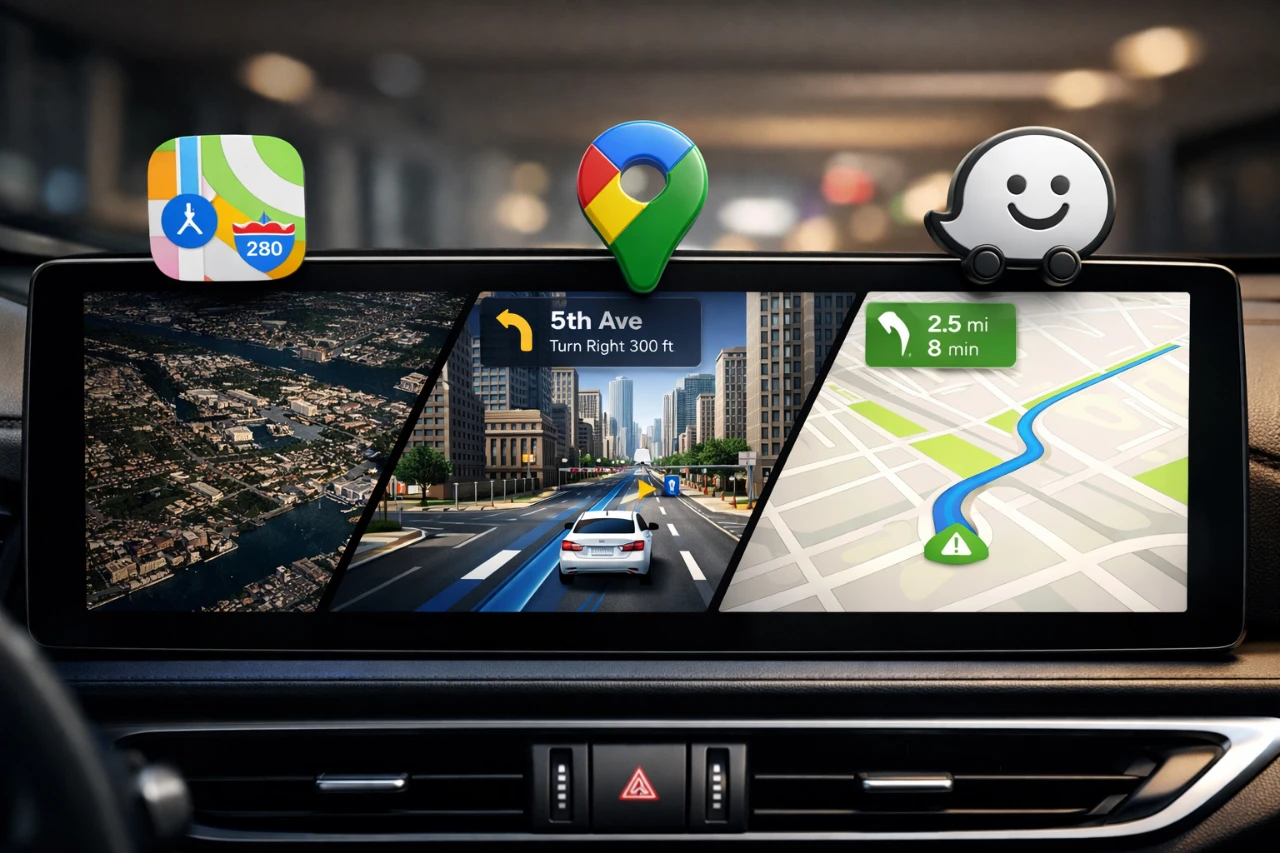
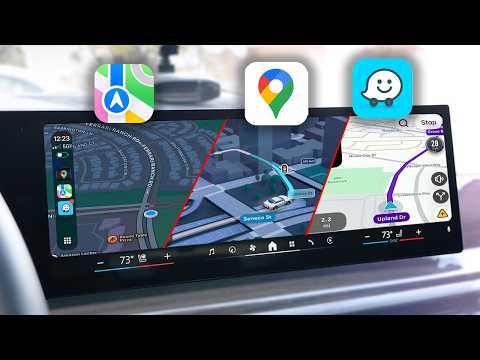
Selecting the right navigation app for CarPlay is essential for a smoother and more efficient driving experience. With Google Maps, Apple Maps and Waze leading the market, each app offers unique features tailored to different driving preferences. Recent updates, particularly to Google Maps, have heightened the competition, making it more important than ever to evaluate these apps based on their usability, functionality, and customization options. Here’s a detailed comparison to help you determine which app aligns best with your driving habits and needs. The video below from HotShotTek gives us more details on the best
Google Maps: Packed with Features for Every Journey
Google Maps remains a powerhouse in navigation, offering a wide array of features that cater to diverse driving scenarios. Its latest updates have introduced advanced 3D mapping, providing highly detailed visuals of buildings, intersections, and landmarks. These enhancements make navigating complex urban environments more intuitive and safer, with features like lane indicators, crosswalk marking,s and clearly labeled street names.
For trip planning, the “Ask Maps” feature delivers personalized route suggestions, including recommended stops and nearby attractions. Offline maps ensure uninterrupted navigation even in areas with poor connectivity, while real-time traffic updates and incident reporting keep you informed of current road conditions. Additional features, such as gas price displays and customizable vehicle avatars, further enhance the app’s utility. Whether you’re embarking on a long road trip or managing your daily commute, Google Maps offers a comprehensive set of tools to meet your needs.
Apple Maps: Seamless Integration and Simplicity
Apple Maps has significantly improved in recent years, focusing on user-friendly design and seamless integration within the Apple ecosystem. Its intuitive interface supports smooth pinch-and-zoom gestures and double-tap zooming, making navigation straightforward. Siri integration allows for hands-free operation, allowing you to request directions, share your estimated time of arrival (ETA), or receive landmark-based guidance through voice commands. This minimizes distractions and enhances safety while driving.
One standout feature is the parked car indicator, which helps you locate your vehicle after disconnecting from CarPlay. Apple Maps also supports offline navigation, making sure reliability in areas with limited connectivity. While it may not offer the detailed 3D visuals found in Google Maps, its less aggressive auto-zoom and customizable Siri voice options make it a practical choice for everyday use. For drivers who value simplicity and integration, Apple Maps delivers a reliable and straightforward experience.
Waze: Real-Time Updates from the Community
Waze takes a unique approach to navigation by using its community of users to provide real-time updates. Drivers actively contribute reports on traffic conditions, road hazards and incidents, making sure you stay informed about potential delays or dangers. The app’s interface is simple and user-friendly, displaying clear street names and offering quick access to bookmarks for frequently visited locations.
A constant speedometer display helps you monitor your speed and avoid fines, adding a layer of utility to your journey. However, Waze does have some limitations, such as the absence of offline maps and advanced 3D visuals. Customization options are also relatively limited, though the app occasionally offers celebrity voice navigation for a touch of fun. For drivers who prioritize real-time, community-driven insights, Waze is an excellent choice.
Choosing the Best Navigation App for Your Needs
Each navigation app has its own strengths, making the best choice dependent on your specific preferences and driving habits. Here’s a quick breakdown to help you decide:
- Google Maps: Ideal for drivers who value advanced features, detailed 3D visuals and extensive customization. It’s particularly well-suited for long road trips or navigating busy urban areas.
- Apple Maps: A great option for those who prioritize seamless integration with the Apple ecosystem, hands-free convenience and a straightforward interface for everyday driving.
- Waze: Best for drivers who rely on real-time, community-driven updates and prefer a no-frills approach to navigation.
Ultimately, the right navigation app depends on what matters most to you, whether it’s innovative features, simplicity, or real-time insights. By understanding the strengths of each app, you can confidently choose the one that enhances your CarPlay experience and makes every journey more enjoyable.
Here is a selection of other guides from our extensive library of content you may find of interest on CarPlay navigation apps.
- Google Maps vs Waze vs Apple Maps: Which is Best for CarPlay?
- Enhance Your Commute with the Best Apple CarPlay Apps of 2025
Source & Image Credit: HotshotTek
Disclosure: Some of our articles include affiliate links. If you buy something through one of these links, Geeky Gadgets may earn an affiliate commission. Learn about our Disclosure Policy.
