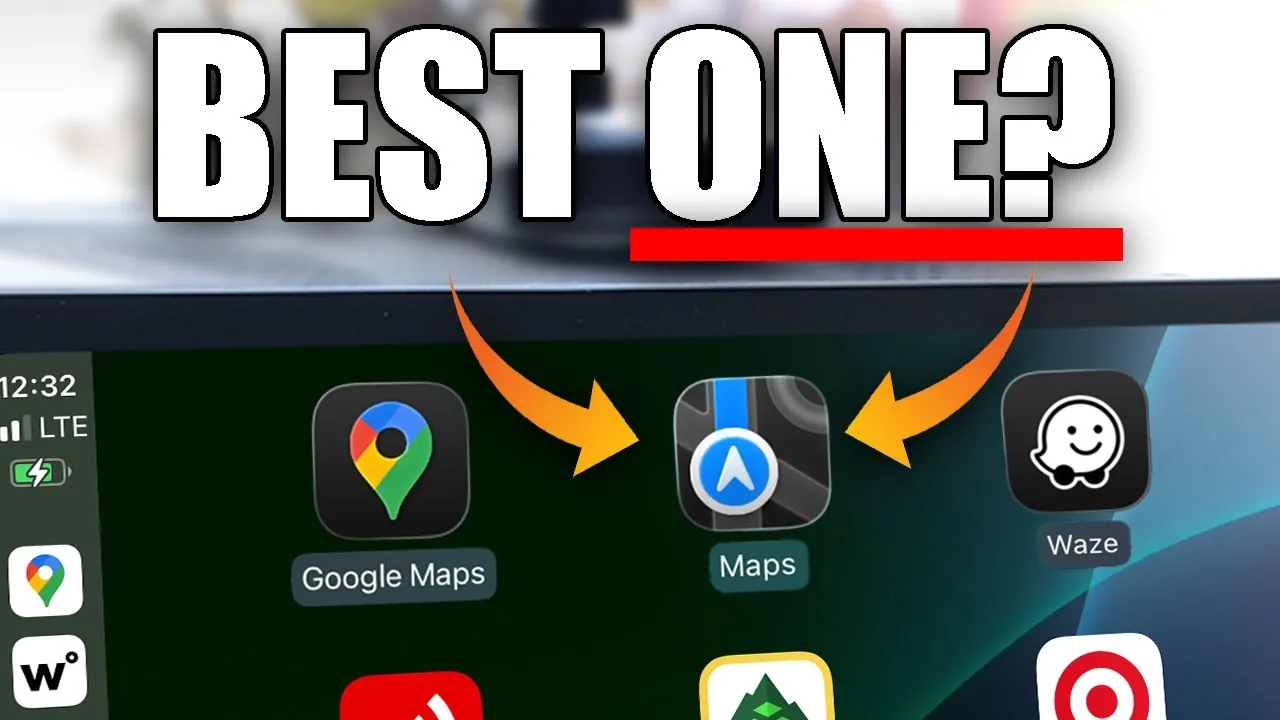
When using Apple CarPlay for navigation, three major apps dominate the landscape: Apple Maps, Google Maps, and Waze. Each app caters to different driving needs, offering unique features and capabilities. Understanding their strengths and limitations can help you determine which app aligns best with your driving habits and preferences. The video below from HotshotTek explores their navigation features, customization options, and usability to help you make an informed choice.
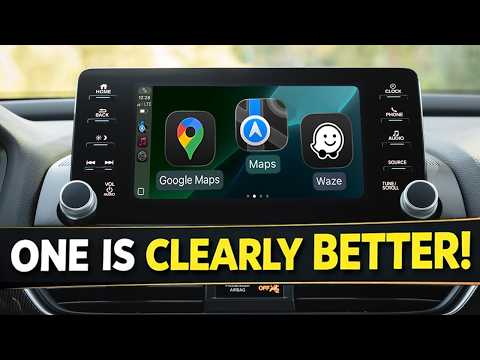
Apple Maps: Seamless Integration with a Focus on Simplicity
Apple Maps is designed for users who value simplicity and seamless integration within the Apple ecosystem. Its intuitive interface and adaptive features make it a reliable choice for drivers who prioritize ease of use. One of its standout features is adaptive zoom, which automatically adjusts the map’s scale based on your driving speed, making sure you always have the right level of detail. Additionally, the app allows you to share your estimated time of arrival (ETA) with contacts, keeping them informed of your journey in real time.
Other notable features include:
- 3D building views that enhance spatial awareness and improve navigation in urban areas.
- Automatic marking of your parked vehicle’s location when disconnected from CarPlay, helping you locate your car effortlessly.
- Gesture controls, such as pinch-to-zoom and double-tap navigation, for easy map interaction.
Despite its strengths, Apple Maps has some limitations. It lacks a satellite view and a built-in speedometer display, which some drivers may find essential. Additionally, its customization options for navigation voice and interface are minimal, which might not appeal to users seeking a more personalized experience. While it excels in simplicity and integration, it may not meet the needs of those looking for advanced features or extensive customization.
Google Maps: A Data-Rich and Versatile Option
Google Maps is renowned for its extensive database and versatility, making it a top choice for drivers who value detailed information and comprehensive navigation tools. Beyond basic navigation, it offers insights into locations, such as gas prices, business hours, and user reviews, making it a valuable resource for both driving and exploration. One of its most practical features is the ability to download offline maps, allowing you to navigate seamlessly even in areas with poor or no connectivity.
Key features include:
- Satellite view, providing a realistic perspective of your surroundings for better orientation.
- Customizable vehicle avatars add a touch of personalization to your navigation experience.
- Detailed location data, including reviews, photos, and operating hours, to help you make informed decisions.
However, Google Maps is not without its drawbacks. In certain situations, such as navigating complex areas like parking lots, it may suggest inefficient routes, which can be frustrating. Additionally, its interface can feel cluttered, particularly for users who prefer a cleaner and more straightforward design. Despite these shortcomings, its robust features, offline functionality, and wealth of information make it an excellent choice for drivers who prioritize versatility and data-rich navigation.
Waze: Real-Time Alerts with a Community-Driven Approach
Waze stands out for its community-driven model, offering real-time updates on traffic, road hazards, and speed traps. This makes it an ideal choice for drivers who rely on up-to-the-minute information to optimize their routes. The app’s interface is simple and user-friendly, with customizable voice options—including celebrity voices—that add a fun and engaging element to navigation.
Highlights of Waze include:
- Real-time traffic and hazard reports contributed by other users, making sure you stay informed about road conditions.
- Customizable voice navigation allows you to personalize your driving experience.
- A straightforward interface designed for ease of use, even during busy commutes.
Despite its strengths, Waze has some notable limitations. It does not support offline maps, which can be a significant drawback in areas with limited connectivity. Additionally, it lacks features like gas price tracking, advanced zoom gestures, and 3D building views, which are available in other apps. While its focus on real-time alerts is unmatched, these omissions may deter users seeking a more feature-rich navigation tool. Nevertheless, Waze remains a top choice for drivers who prioritize live updates and a community-driven approach.
Choosing the Best Navigation App for Your Needs
Selecting the right navigation app for CarPlay ultimately depends on your driving preferences and priorities. Each app offers distinct advantages tailored to different needs:
- Apple Maps: Best for users who value seamless integration with the Apple ecosystem and a straightforward, no-frills user experience. It’s ideal for drivers who prioritize simplicity and ease of use over advanced features.
- Google Maps: A versatile option for those who need a data-rich app with offline capabilities. It’s perfect for drivers who want detailed location information, comprehensive navigation tools, and the ability to explore beyond basic routes.
- Waze: The go-to app for real-time, community-driven updates. It’s an excellent choice for drivers who rely on live traffic alerts and enjoy a more interactive and engaging navigation experience.
Ultimately, the best app for you depends on your specific needs and driving habits. Whether you prioritize integration, data-rich features, or real-time updates, each app offers unique benefits to enhance your CarPlay navigation experience. Carefully evaluate your preferences to choose the app that aligns best with your requirements and enhances your time on the road.
Take a look at other insightful guides from our broad collection that might capture your interest in Apple Maps vs Google Maps vs Waze.
- How to Use Apple CarPlay Maps for Pro-Level Navigation
- Apple CarPlay iOS 18.5: Full Breakdown
- Google Maps Update Adds Waze Reports For Both iOS And Android
- Enhance Your Commute with the Best Apple CarPlay Apps of 2025
- Apple CarPlay Updates in iOS 26 Beta 7: What You Need to Know
Source & Image Credit: HotshotTek
Disclosure: Some of our articles include affiliate links. If you buy something through one of these links, Geeky Gadgets may earn an affiliate commission. Learn about our Disclosure Policy.
