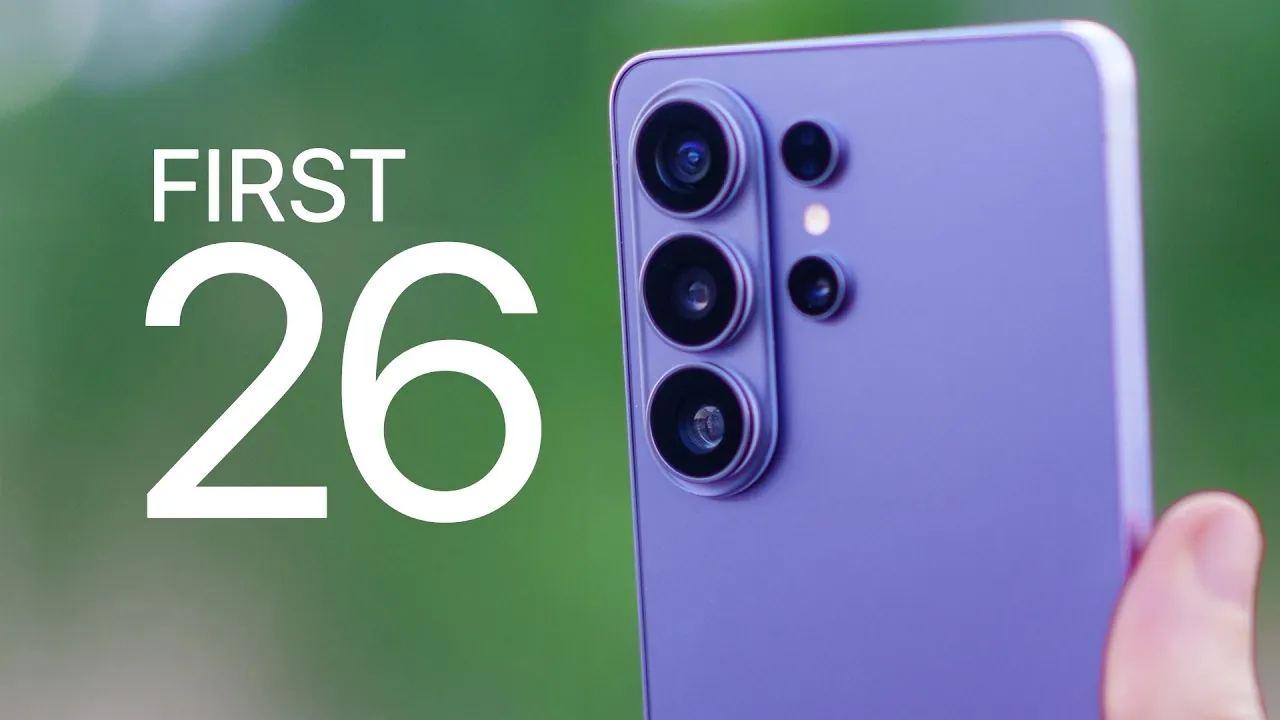
The Samsung Galaxy S26 Ultra is a powerhouse of innovation, offering a range of features designed to enhance your smartphone experience. Whether your focus is on privacy, performance, or personalization, this guide provides 26 essential tips to help you unlock the full potential of your device. From configuring privacy settings to exploring advanced camera tools, these steps will ensure you make the most of your Galaxy S26 Ultra. The video below from Brandon Butch giuves us more details on what to do to get the most out of your new Galaxy S26 Ultra.
1. Set Up Privacy Display Technology
The Galaxy S26 Ultra introduces Privacy Display, a feature that ensures your screen content remains visible only to you. This is particularly useful in public spaces or during sensitive tasks.
- Enable Privacy Display for specific apps, PIN input and notifications to prevent unauthorized viewing.
- Activate the highest privacy mode for maximum security, though it may slightly reduce display clarity.
This feature enhances your privacy without compromising usability.
2. Enhance Audio Quality
The Galaxy S26 Ultra offers advanced audio features to deliver a superior listening experience:
- Use Audio Eraser to minimize background noise in streaming apps like YouTube and Netflix.
- Activate Voice Focus for clearer call quality, even in noisy environments.
These tools ensure uninterrupted communication and immersive entertainment.
3. Optimize Display Settings
Maximize the potential of the Galaxy S26 Ultra’s stunning display by fine-tuning its settings:
- Enable QHD+ resolution for sharper visuals and enhanced clarity.
- Activate ProScaler technology to dynamically optimize content for the best viewing experience.
- Adjust adaptive brightness, dark mode and screen timeout to suit your preferences and conserve battery life.
- Configure navigation gestures and touch sensitivity for smoother interactions.
These adjustments ensure a visually pleasing and user-friendly experience.
4. Explore Advanced Camera Features
The Galaxy S26 Ultra’s camera system is designed for both casual users and photography enthusiasts:
- Switch between 50MP and 200MP resolutions to capture highly detailed photos.
- Enable RAW format and high-bitrate video recording for professional-grade editing.
- Use Horizon Lock to stabilize videos and maintain a level frame.
- Experiment with features like dual recording, night mode and document scanning for added versatility.
These tools allow you to capture stunning visuals in any setting.
5. Use AI and Smart Features
The Galaxy S26 Ultra integrates AI tools to enhance convenience and privacy:
- Enable Now Nudge for contextual suggestions while messaging or browsing.
- Take advantage of on-device data processing to keep your information secure and private.
- Allow Galaxy AI to adapt to your habits and preferences over time, offering personalized assistance.
These features streamline your daily tasks and improve overall usability.
6. Customize Your Device
Personalization is key to making the Galaxy S26 Ultra uniquely yours:
- Modify the home screen layout, app grid size and lock screen shortcuts to suit your workflow.
- Choose wallpapers, themes and widgets that reflect your style and preferences.
- Adjust the control panel for quick access to frequently used features.
These options allow you to tailor the device to your needs and aesthetic.
7. Optimize Performance
Keep your Galaxy S26 Ultra running smoothly with these performance tips:
- Enable Light performance mode to balance power and battery life effectively.
- Reduce animation scales through developer options for faster navigation and responsiveness.
- Monitor Device Care settings to block apps with excessive ads and maintain optimal functionality.
These steps ensure consistent performance and a seamless user experience.
8. Maximize S Pen Features
The S Pen enhances productivity and creativity on the Galaxy S26 Ultra:
- Use it for note-taking, creating GIFs and annotating screenshots.
- Try partial screen recording to capture only the relevant portion of your display.
This versatile tool adds a new dimension to how you interact with your device.
9. Fine-Tune Sound Quality
Enhance your audio experience with these sound settings:
- Enable Dolby Atmos for immersive, theater-like sound quality.
- Customize the equalizer settings to match your listening preferences.
- Use the Adapt Sound feature to tailor audio output based on your hearing profile.
These adjustments ensure a personalized and high-quality audio experience.
10. Automate with Modes and Routines
Simplify your daily activities by automating settings with Modes and Routines:
- Create profiles for scenarios like sleep, work, or exercise to streamline your day.
- Set up actions such as allowing Do Not Disturb, activating grayscale mode, or customizing sound profiles for each routine.
This feature saves time and ensures your device adapts to your lifestyle.
11. Additional Tips for a Better Experience
Here are a few more ways to enhance your Galaxy S26 Ultra experience:
- Adjust notification categories to control app alerts more effectively and reduce distractions.
- Enable call screening and spam detection to avoid unwanted interruptions.
- Use the document scanning tool to create PDFs directly from your device, streamlining your workflow.
These tips add convenience and efficiency to your daily use.
Unlock the Full Potential of Your Galaxy S26 Ultra
The Galaxy S26 Ultra is a feature-rich device that offers endless possibilities for customization, performance and convenience. By following these 26 tips, you can unlock its full potential and tailor it to your needs. From privacy and AI tools to advanced camera features and performance optimizations, this guide ensures you get the most out of your smartphone from day one. Dive in and start exploring everything your Galaxy S26 Ultra has to offer!
Discover other guides from our vast content that could be of interest on Galaxy S26 Ultra.
- Samsung Galaxy S26 Ultra Design Leaks and Camera Upgrades
- Samsung Galaxy S26 Ultra: Pros, Cons, and Key Features
- Samsung Galaxy S26 Ultra Launch Date, Features, and Innovation
- Samsung Galaxy S26 Ultra: 2nm Chip, 60W Charging & Design
- Why the Samsung Galaxy S26 Ultra Redefines Smartphones
- Samsung Galaxy S26 Ultra Features and Upgrades Explained
Source & Image Credit: Brandon Butch
Disclosure: Some of our articles include affiliate links. If you buy something through one of these links, Geeky Gadgets may earn an affiliate commission. Learn about our Disclosure Policy.
