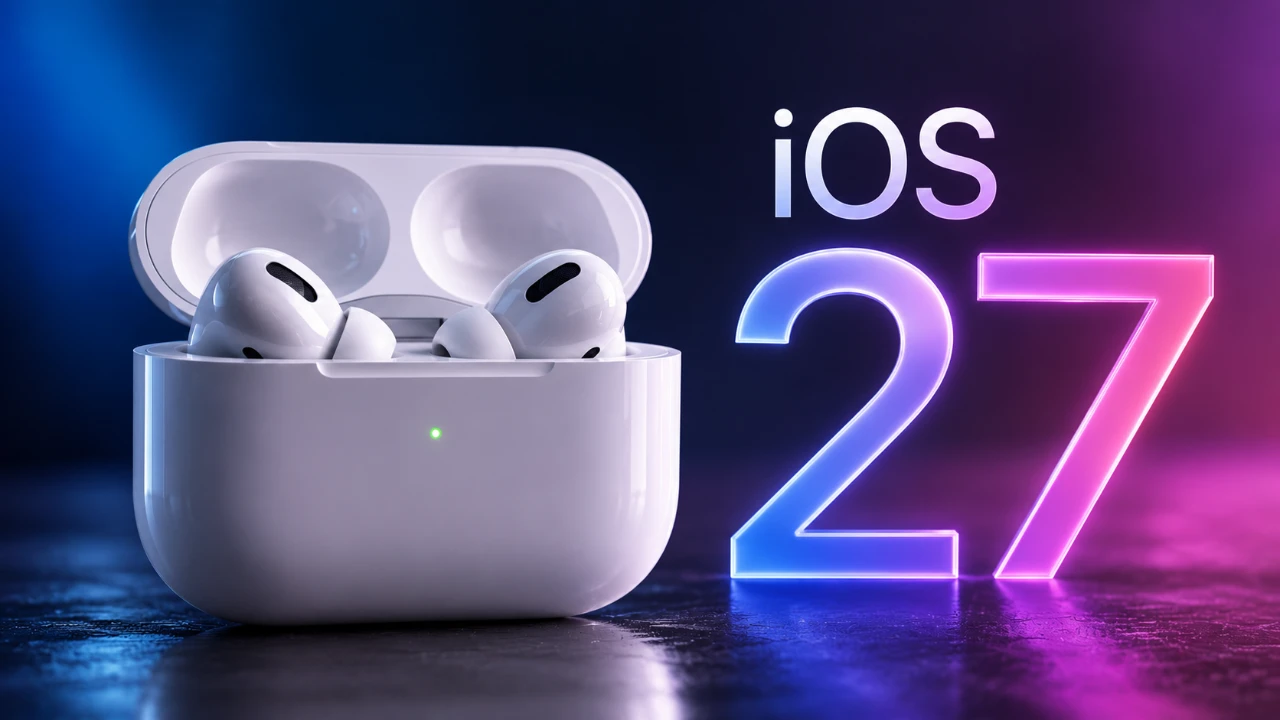
Apple has officially released iOS 27 Beta 4, bringing a series of updates that aim to refine usability, enhance functionality, and resolve system glitches. This latest beta version focuses on delivering a more seamless and personalized experience across the Apple ecosystem. From improved AirPods controls to subtle design adjustments, the update introduces meaningful changes that enhance daily interactions with your device. Below is an in-depth look at the most notable updates in a new video from HotshotTek.

Enhanced AirPods Functionality
One of the standout features in iOS 27 Beta 4 is the significant upgrade to AirPods controls. A new adaptive mode slider has been added to the Control Center, allowing you to quickly adjust settings such as transparency and noise cancellation. This streamlined interface simplifies the process of switching between modes, giving you greater control over your audio experience. Additionally, the updated design for mode switching ensures smoother navigation, making it easier to tailor sound settings to your environment. These enhancements reflect Apple’s commitment to improving the usability of its audio devices.
Refined Lock Screen Features
The lock screen has undergone subtle yet impactful changes aimed at improving its overall appearance and functionality. All icons are now standardized in white, making sure a consistent look across both light and dark modes. Apple has also addressed bugs related to wallpaper and notification displays, resulting in a more cohesive and polished lock screen experience. These updates not only enhance visual consistency but also improve the reliability of key lock screen features.
Spotlight Search and Siri Updates
Spotlight search has been fine-tuned with minor but meaningful improvements. Some users have reported the addition of a new splash screen, while the microphone icon now features a circular outline for better visibility. These changes are designed to make the search tool more intuitive and user-friendly, making sure faster access to information.
Siri has also received updates, with expanded voice options now available. You can choose from a wider range of accents, including South African, Irish, Indian, British and Australian, allowing for greater personalization. While some features remain labeled as “coming soon,” this update highlights Apple’s focus on inclusivity and customization, giving you more ways to tailor Siri to your preferences.
Keyboard and Find My App Improvements
The keyboard has been subtly redesigned with adjusted spacing, particularly noticeable in apps like Health. This change enhances typing accuracy and comfort, making interactions with your device more seamless. The improved spacing ensures a smoother typing experience, especially during extended use.
The Find My app has also received visual updates, including a refreshed splash screen and a dark mode effect for device icons. These enhancements improve the app’s aesthetics while maintaining its core functionality, making it easier to locate your devices in any lighting condition. The updates ensure that the app remains both visually appealing and practical.
Control Center and System Stability Enhancements
Control Center has seen several refinements aimed at improving usability. Cellular reception status displays are now more accurate, providing reliable information at a glance. Additionally, the liquid glass animation for volume controls has been polished, offering a smoother and more visually appealing user experience. These updates enhance the overall functionality and aesthetics of the Control Center.
System stability has also been a key focus in this beta release. A variety of bugs have been addressed, including issues with notification pages and wallpaper fade effects. Reception display inaccuracies have been resolved, making sure that your device provides consistent and accurate information. These fixes contribute to a more stable and reliable operating system.
CarPlay and Other Updates
CarPlay has received updates aimed at improving its functionality and reliability. While specific details about these changes remain limited, they are designed to enhance the overall in-car experience. These updates ensure smoother integration with your vehicle, making CarPlay more dependable for navigation, communication and entertainment.
In addition to these updates, minor tweaks and optimizations have been made across the system. These changes, though subtle, collectively contribute to a more refined and user-friendly experience.
What This Update Means for Users
iOS 27 Beta 4 introduces a range of refinements that focus on usability, personalization and system stability. From the enhanced AirPods controls to the redesigned keyboard spacing, these updates reflect Apple’s ongoing efforts to improve the user experience. Whether you’re exploring the updated lock screen features, enjoying the polished Control Center animations, or customizing Siri’s voice, this beta ensures a more seamless and intuitive interaction with your device. These changes, while incremental, demonstrate Apple’s dedication to creating a cohesive and reliable ecosystem for its users.
Unlock more potential in iOS 27 beta updates by reading previous articles we have written.
- iOS 27 Public Beta is Released: Full Installation Walkthrough
- Access the iOS 27 AirPods Update 9A5314b Public Beta Now
- Apple Releases iOS 27 Beta 3 with Practical Upgrades
- First Look at the Upcoming iOS 27 Beta 4 Update Preview
- How to Get the Official iOS 27 Update on Your iPhone Today
Source & Image Credit: HotshotTek
Disclosure: Some of our articles include affiliate links. If you buy something through one of these links, Geeky Gadgets may earn an affiliate commission. Learn about our Disclosure Policy.
