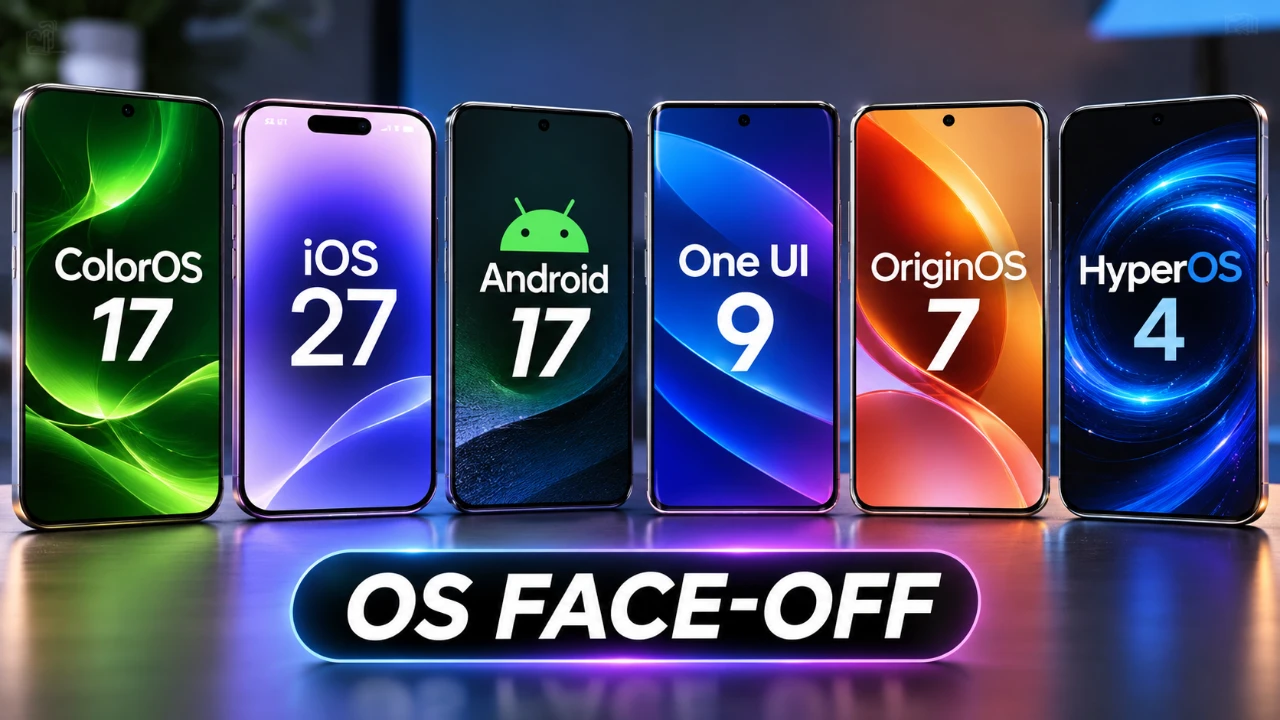
Smartphone operating systems have evolved significantly, offering diverse features to meet the needs of a wide range of users. This comprehensive comparison examines six leading platforms—HyperOS 4, ColorOS 17, iOS 27, Android 17, One UI 9, and OriginOS 7—focusing on design, multitasking, AI capabilities, and customization. By exploring their strengths and limitations, you can determine which OS best fits your workflow. The video below from Techmo gives us more details.
TL;DR Key Takeaways :
- Design & Aesthetics: HyperOS 4, ColorOS 17, and OriginOS 7 lean into reflective “Liquid Glass” interfaces, while One UI 9 and Android 17 prioritize clean functionality.
- Multitasking Powerhouses: HyperOS, ColorOS, and OriginOS lead the pack with native split-screen gestures, whereas iOS 27 and Pixel Android still lack split-screen support.
- AI & Processing: iOS 27 and Android 17 leverage robust cloud-based AI models for tools like Magic Eraser, while OriginOS favors local privacy processing.
- Customization Gap: Android-based skins offer deep widget stacking and floating windows, whereas Apple maintains a tightly controlled, uniform layout.

Design and User Interface
The design and usability of an operating system are central to its appeal, shaping how users interact with their devices. HyperOS 4, ColorOS 17 and OriginOS 7 adopt a “Liquid Glass” aesthetic, emphasizing smooth, reflective visuals that resemble the polished design of iOS 27. These systems prioritize a visually engaging interface, appealing to users who value aesthetics.
In contrast, One UI 9 and Android 17 focus on clarity and functionality, maintaining clean designs that prioritize usability over visual embellishments. This approach caters to users who prefer straightforward interfaces that enhance productivity.
- Quick Settings Navigation: Most systems provide easy access to essential tools with a single swipe. However, Android 17 on Pixel devices requires two swipes, which can feel less intuitive for some users.
- Multitasking: Split-screen multitasking is a standout feature in HyperOS 4, ColorOS 17 and OriginOS 7, offering flexibility for power users. iOS 27 and Pixel Android 17, however, lack this functionality, limiting multitasking options.
Customization Options
Customization is a defining strength of Android-based systems, allowing users to personalize their devices extensively. Here’s how the operating systems compare in this area:
- Android-Based Systems: ColorOS 17, One UI 9 and OriginOS 7 excel in widget customization, offering features like stacking and floating widgets. HyperOS 4 also provides robust options for users who enjoy tailoring their interface to their preferences.
- iOS 27: Apple’s OS takes a more restrictive approach, offering limited widget customization and no floating widgets. While this simplicity appeals to users who prefer a clean and consistent interface, it may frustrate those seeking greater control over their device’s appearance.
For users who prioritize personalization, Android-based systems clearly lead the way, offering tools to create a unique and tailored experience.
Multitasking and Recent Apps
The ability to run multiple apps simultaneously is a critical feature for multitasking enthusiasts. Each operating system approaches this functionality differently:
- Best for Multitasking: HyperOS 4, ColorOS 17 and OriginOS 7 stand out with intuitive split-screen multitasking and drag-and-drop gestures, making them ideal for productivity-focused users.
- Moderate Options: One UI 9 and Android 17 support split-screen functionality, but the process involves more steps, which can make it less seamless compared to the leaders in this category.
- Limited Multitasking: iOS 27 does not support split-screen multitasking, which may disappoint users accustomed to the flexibility offered by Android-based systems.
For users who rely heavily on multitasking, Android-based systems provide a more versatile and efficient experience.
Media Playback Features
Media playback is an integral part of the user experience and each OS offers unique approaches to enhance this functionality:
- Dynamic Media Controls: HyperOS 4, ColorOS 17 and OriginOS 7 integrate features similar to Apple’s “Dynamic Island,” offering interactive media controls that enhance engagement.
- Polished Experience: iOS 27 incorporates media playback seamlessly into its Dynamic Island, delivering a refined and cohesive interface for media enthusiasts.
- Minimalist Approach: Pixel Android 17 opts for simplicity, with unobtrusive media controls that align with its clean design philosophy.
Whether you prioritize dynamic features or a minimalist design, each OS offers distinct options to suit different preferences.
AI-Powered Tools
Artificial intelligence has become a cornerstone of modern operating systems, enhancing features like photo editing, productivity tools and more. Here’s how the systems compare in using AI:
- Advanced AI Features: iOS 27 and Android 17 use cloud-based AI models to deliver superior results in tools like Magic Eraser, which can remove unwanted elements from photos with impressive accuracy.
- Local Processing: OriginOS 7 emphasizes local AI processing, prioritizing privacy but potentially limiting performance compared to cloud-based solutions.
For users who value innovative AI capabilities, iOS 27 and Android 17 offer the most advanced tools, while OriginOS 7 appeals to those with privacy concerns.
Accessibility and Settings
Accessibility features ensure that operating systems are usable by a wide range of individuals, including those with specific needs. Here’s how the systems perform in this area:
- User-Friendly Accessibility: Android-based systems (excluding Pixel devices) excel in making features like auto-brightness adjustments and other settings easily accessible.
- Deeper Navigation Required: iOS 27 and Pixel Android 17 require users to navigate deeper into settings to access similar features. While this approach keeps the interface clean, it can create barriers for users seeking quick adjustments.
Accessibility remains a key consideration, with Android-based systems offering more intuitive solutions for users who need quick and easy access to essential settings.
Animations and Visual Effects
Animations and visual effects contribute to the overall user experience, adding polish and responsiveness to the interface. Here’s how the systems compare:
- Engaging Animations: HyperOS 4, ColorOS 17 and OriginOS 7 emphasize visually dynamic animations, such as ripple effects for fingerprint unlocking, creating a more engaging interface.
- Minimalist Design: Pixel Android 17 focuses on simplicity, avoiding excessive animations to maintain a clean and efficient design.
- Polished Transitions: iOS 27 ensures smooth and cohesive transitions, balancing visual appeal with usability to deliver a refined experience.
Each system offers a unique approach to animations, catering to different user preferences for visual effects and responsiveness.
Making the Right Choice
Each operating system provides a distinct blend of design, functionality and features, catering to a variety of user preferences:
- Customization and Multitasking: HyperOS 4, ColorOS 17 and OriginOS 7 excel in offering robust customization options and multitasking capabilities, making them ideal for power users.
- Polished Design: iOS 27 stands out for its seamless and refined user experience, particularly in media playback and smooth transitions.
- Balanced Simplicity: Android 17 and One UI 9 strike a middle ground, offering a combination of functionality and simplicity that appeals to a broad audience.
By understanding the strengths and limitations of each system, you can make an informed decision about which OS best suits your needs, whether you prioritize customization, multitasking, or accessibility.
Here is a selection of other guides from our extensive library of content you may find of interest on Android.
- Droid Deck Brings SteamOS to Android Phones Without a Root
- Install Armada OS on Android Handhelds to Create a Steam Deck in Under 5 Minutes
- iOS 27 Lets You Watch YouTube on Apple CarPlay: How It Works
- Turn Your Phone Into a Steam Deck: The Ultimate Mobile Gaming Setup
- Apple Isn’t Done with CarPlay: What Just Changed in iOS 27 Beta 8
- How to play Skyrim locally on your Android phone
Source: Techmo
Disclosure: Some of our articles include affiliate links. If you buy something through one of these links, Geeky Gadgets may earn an affiliate commission. Learn about our Disclosure Policy.
