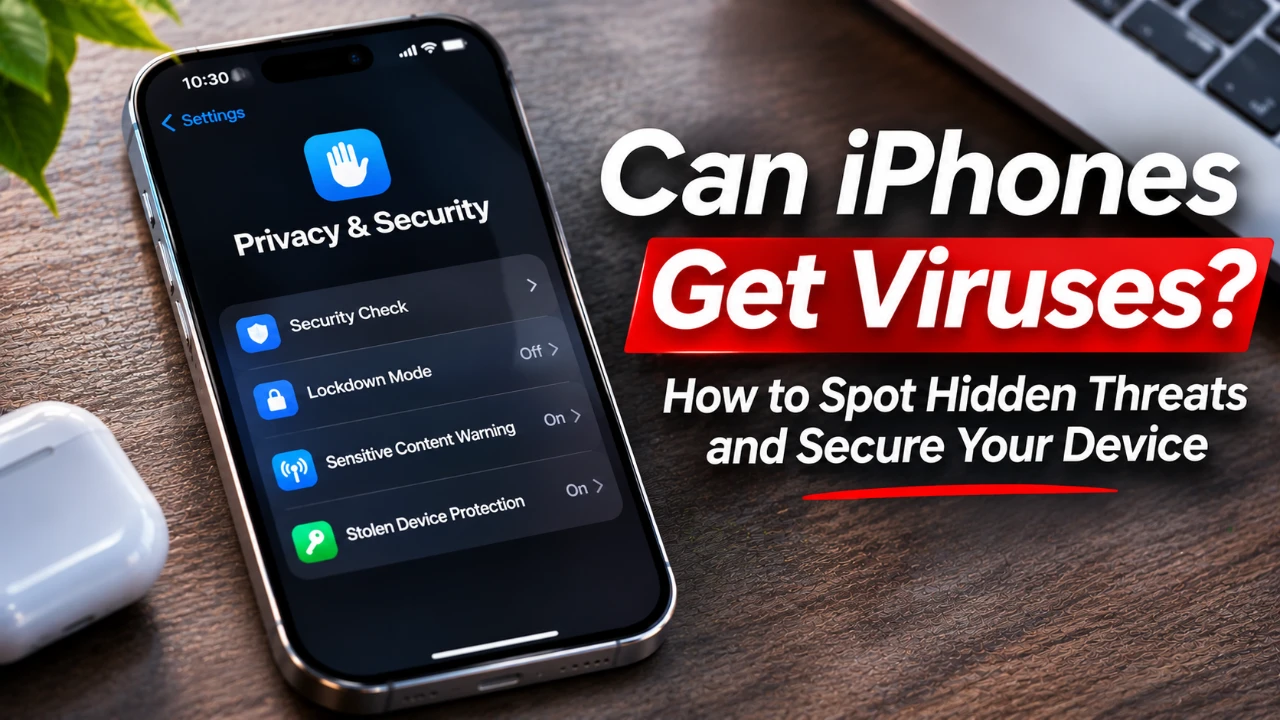
iPhones are widely recognized for their robust security features, but they are not entirely immune to threats. Despite Apple’s stringent security measures, vulnerabilities can arise through phishing scams, malicious calendar links, unsafe public charging practices, or unverified third-party prompts. Understanding these risks and knowing how to resolve them is essential for keeping your device secure. The video iReviews gives us more details.
TL;DR Key Takeaways :
- Common Attack Vectors: While traditional viruses are rare on iOS, users frequently face phishing pop-ups, calendar invite spam, and malicious web links.
- Immediate Troubleshooting: If your phone misbehaves, inspect battery usage for rogue apps, remove unauthorized calendar subscriptions, or factory reset if necessary.
- Preventive Best Practices: Always keep your software updated, enable two-factor authentication for your Apple ID, and avoid public USB charging ports to prevent “juice jacking”.
- Ecosystem Vigilance: Stick strictly to the official App Store to bypass unverified third-party software risks.

Why iPhone Security Matters
Apple’s iOS is designed with security as a top priority, offering a closed ecosystem where apps undergo rigorous vetting before being made available on the App Store. This reduces the need for traditional antivirus software. However, no system is entirely foolproof. Many threats exploit user behavior rather than technical vulnerabilities, making it crucial for you to remain vigilant. By understanding the importance of iPhone security, you can take proactive steps to safeguard your personal data and ensure a secure user experience.
Common Security Threats to Your iPhone
Recognizing the types of threats your iPhone may encounter is the first step in protecting it. Below are the most common risks:
- Phishing Scams: These scams often involve fake alerts or pop-ups claiming your iPhone is infected. They aim to trick you into sharing sensitive information, such as your Apple ID or passwords. Avoid entering personal details into suspicious prompts or websites.
- Malicious Links: Harmful links sent via email, iMessage, or other platforms can lead to websites designed to steal your data. Only click on links from trusted sources and verify URLs before proceeding.
- Calendar Spam: Unwanted events may appear in your calendar, often added through phishing links. These events can clutter your calendar and pose a security risk. Removing the suspicious calendar is essential to stop these events.
- Third-Party Apps: Apps downloaded from outside the App Store bypass Apple’s security checks, increasing the risk of malware. Stick to trusted sources like the App Store for app downloads.
- Unsafe Charging Practices: Using public charging stations or unknown chargers can expose your iPhone to “juice jacking,” a method hackers use to access your data. Always use your own charger or trusted charging stations to avoid this risk.
How to Identify and Fix Security Issues
If you suspect your iPhone has been compromised, taking immediate action is crucial. Follow these steps to identify and resolve potential security issues:
- Inspect Installed Apps: Navigate to Settings > Battery to review app usage. Apps consuming excessive power without a clear reason may be malicious. Delete any suspicious apps to prevent further harm.
- Remove Calendar Spam: Open the Calendar app, locate the suspicious calendar, and unsubscribe from it. This will stop unwanted events from appearing in your schedule.
- Restore Your Device: If your iPhone continues to behave abnormally, consider restoring it to factory settings. Before doing so, back up your data to avoid losing important information. This step can eliminate persistent issues caused by malware or corrupted files.
Preventive Measures to Keep Your iPhone Secure
Prevention is the most effective way to protect your iPhone from security threats. By adopting the following practices, you can significantly reduce the risk of compromising your device:
- Enable Two-Factor Authentication: Protect your Apple ID by allowing two-factor authentication. This adds an extra layer of security by requiring a verification code in addition to your password.
- Keep Software Updated: Regularly update your iPhone’s software to ensure you have the latest security patches and features. Updates often address vulnerabilities that could be exploited by attackers.
- Download Apps from Trusted Sources: Only install apps from the App Store to avoid malicious software. Third-party apps from unverified sources can bypass Apple’s security measures and pose significant risks.
- Be Wary of Links: Avoid clicking on links from unknown senders and always verify URLs before entering personal information. Phishing attempts often rely on deceptive links to steal your data.
- Practice Safe Charging: Use your own charger or trusted charging stations to prevent unauthorized access to your device. Public charging stations can sometimes be compromised, exposing your iPhone to potential threats.
By staying informed and adopting these preventive measures, you can enhance your iPhone’s security and protect your personal data from potential threats. Regular vigilance and proactive steps are key to maintaining a secure and seamless user experience.
Uncover more insights about the iPhone in previous articles we have written.
- Apple May Keep the iPhone 18’S Best New Feature Exclusive to the Pro Max
- iPhone Air 2 Leaks: Apple Reportedly Solves the Biggest Battery Flaw
- Why the iPhone Air 2 Might Actually Be Worth Buying This Time
- Early iPhone 18 Reports Point to Major Unconfirmed Shifts
- iPhone Air 2 Leak: Apple Finally Fixes the Camera and Battery
- iPhone Air 2 Leaks Reveal a Second Camera, 2nm Chip, and Spring 2027 Release
Source & Image Credit: iReviews
Disclosure: Some of our articles include affiliate links. If you buy something through one of these links, Geeky Gadgets may earn an affiliate commission. Learn about our Disclosure Policy.
