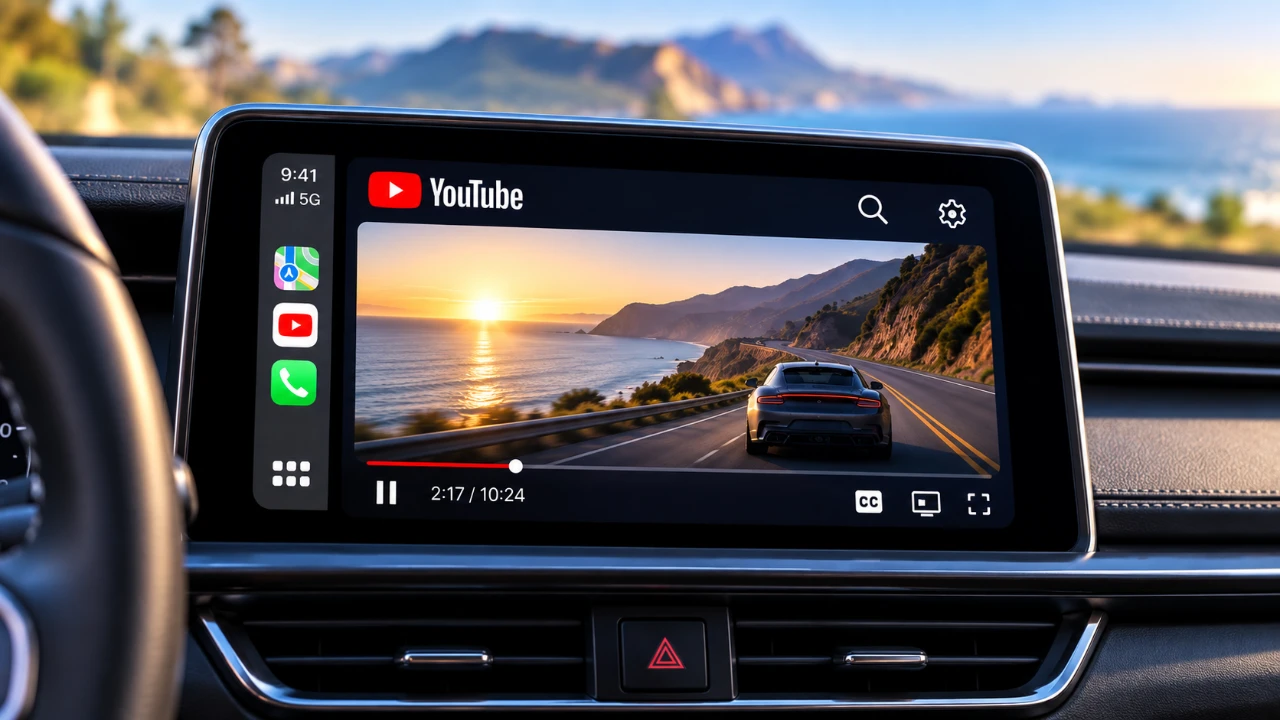
Apple’s latest software updates—specifically iOS 27.2 and 27.3—have introduced a major change: video streaming on CarPlay, including YouTube access, is no longer supported. Designed to prioritize driver safety, this update restricts video playback even when parked, leaving users to weigh the choice between updating or sticking with iOS 27.0.1. Here is a breakdown of what you need to know.
- CarPlay Restrictions: iOS 27.2 and 27.3 officially block video streaming apps like YouTube to reduce driver distractions.
- How to Keep It: Users must stay on iOS 27.0.1 or earlier to retain native video streaming capabilities, as updates cannot be rolled back.
- Third-Party Workarounds: Apps like Card TV, Carcreen, or screen mirroring tools offer alternatives, though they carry privacy and compatibility risks.
- Hardware Alternatives: Some users look to USB dongles or hardware workarounds, though Apple frequently closes software loopholes.

What’s Changing with iOS Updates?
The release of iOS 27.2 and 27.3 brings stricter restrictions to CarPlay, effectively blocking video streaming apps like YouTube. This decision aligns with Apple’s commitment to road safety, aiming to reduce distractions for drivers. However, the change also impacts users who use CarPlay for entertainment while parked, limiting its overall utility.
For those still on iOS 27.0.1 or earlier, video streaming remains functional. However, once you update to the latest iOS, there is no way to revert to an older version. This makes it crucial to weigh the benefits of updating, such as improved security and new features, against the loss of video functionality on CarPlay.
Exploring Third-Party Video Streaming Options
If you are unwilling to give up video streaming on CarPlay, third-party apps may provide alternative solutions. Some popular options include:
- Card TV and Carcreen: These apps offer video playback through integrated web browsers, allowing access to platforms like YouTube and other streaming services.
- Screen Mirroring: Certain apps support screen mirroring, allowing you to project content from your iPhone onto your car’s display. This is particularly useful for offline video playback, such as downloaded movies or personal media files.
While these solutions can restore some functionality, they come with notable limitations. Many third-party apps require USB compatibility or specific car features to work seamlessly. Additionally, the quality and reliability of these apps can vary, and they may not fully replicate the native CarPlay experience. Users should also be cautious of potential compatibility issues and performance inconsistencies.
Safety and Privacy Considerations
Apple’s restrictions are rooted in safety concerns, as video playback while driving poses significant risks. By enforcing these changes, Apple aims to ensure drivers remain focused on the road. However, this blanket restriction also affects users who only use video streaming while parked, reducing CarPlay’s overall versatility.
Third-party solutions, while helpful, introduce their own challenges. Many require you to log in with personal accounts, raising potential privacy concerns. Sharing login credentials with third-party developers could expose your data to misuse. Additionally, these apps may not adhere to Apple’s strict security standards, potentially creating vulnerabilities. Users should carefully evaluate the trade-offs between convenience and security when considering third-party options.
What’s Next for CarPlay Video Streaming?
Apple has not indicated whether video streaming capabilities will return to CarPlay in the future. Given the company’s focus on safety and compliance with regulatory standards, these restrictions are likely to remain in place for the foreseeable future. For now, users seeking video playback on CarPlay must rely on third-party apps or hardware solutions, such as USB dongles. However, these options may not be permanent, as Apple frequently updates its software to close loopholes and enforce its policies.
What Should You Do?
To retain video streaming functionality on CarPlay, avoid updating your iPhone beyond iOS 27.0.1. If you have already updated, consider the following alternatives:
- Explore third-party apps like Card TV or Carcreen, but remain mindful of their limitations and potential privacy risks.
- Investigate hardware solutions, such as USB dongles, though their compatibility depends on your car’s system and software.
Staying informed about Apple’s updates and exploring alternative solutions will help you navigate these changes effectively. While the loss of YouTube and other video streaming options on CarPlay is inconvenient, understanding your options ensures you can make the best decisions for your specific needs. By carefully evaluating the trade-offs, you can adapt to these changes while maintaining as much functionality as possible.
Below are more guides on iOS 27.2 from our extensive range of articles.
- What’s Coming Next? Inside the New Tweaks Hitting iOS 27.2 Beta 3
- Apple Just Released iOS 27.2 Beta 3: All the New Changes
- The Best Features Coming to Your iPhone in iOS 27.2
- iOS 27.2 Beta 3 Is Here: What’s New, Changed, and Fixed
- Inside iOS 27.2 Beta 4: Surprising UI Tweaks and Last-Minute Changes
- New Features You Didn’t Know Were Coming in iOS 27.2
Source & Image Credit: HotshotTek
Disclosure: Some of our articles include affiliate links. If you buy something through one of these links, Geeky Gadgets may earn an affiliate commission. Learn about our Disclosure Policy.
