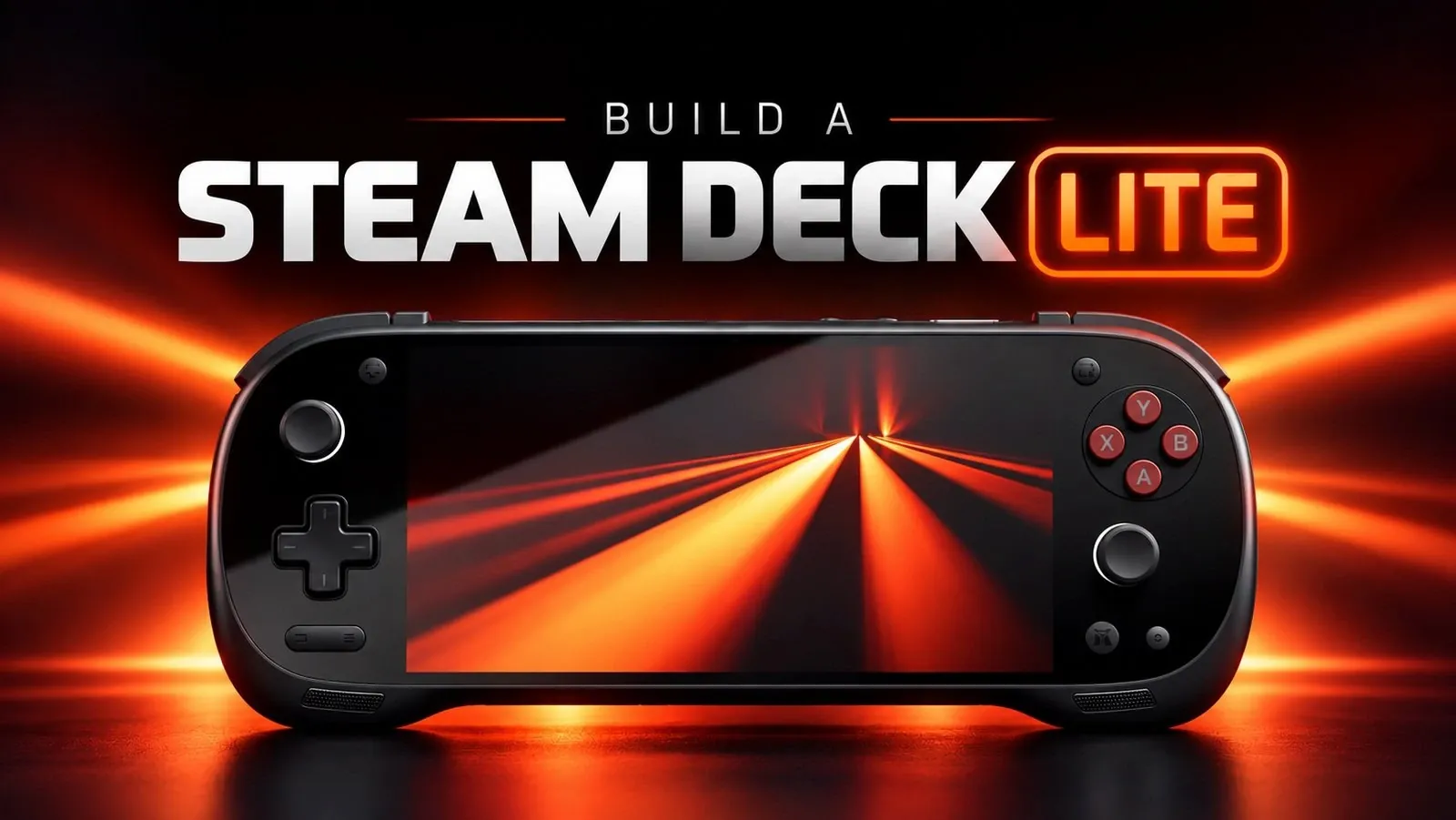
Converting the KONKR Pocket FIT into a “Steam Deck Lite” provides a practical approach to creating a portable gaming device that balances compact design with functionality. As explained by NerdNest, this process involves installing Armada OS, a Linux-based operating system tailored for handheld gaming. This OS delivers a Steam OS-like interface, extensive customization options and seamless access to your Steam library, all optimized for the Snapdragon G3 Gen3 SOC. A critical step includes backing up the device’s original system and transferring the new OS to internal storage to ensure stability during setup.
Explore key aspects of this process, such as configuring Decky Loader for plugins to enhance performance and adjusting power settings to extend battery life. Learn how to assess game compatibility, including specific success rates for indie titles and address common technical challenges like input issues or system crashes. This breakdown provides the steps and insights needed to refine your gaming setup.
Understanding the KONKR Pocket FIT
TL;DR Key Takeaways :
- The KONKR Pocket FIT, powered by the Snapdragon G3 Gen3 SOC, can be transformed into a “Steam Deck Lite” by installing the Linux-based Armada OS, offering a portable and customizable gaming experience.
- Armada OS provides features like a Steam OS-like interface, advanced customization tools, power management, fan curve adjustments, controller emulation and Android app integration, enhancing the device’s gaming capabilities.
- Performance testing showed a 75% success rate with indie games, with titles like Hades and Sonic Mania running smoothly, though some games required troubleshooting or were incompatible.
- Challenges such as audio issues and game compatibility can be addressed with the support of Armada OS’s active community, making the setup accessible even for less experienced users.
- This setup is ideal for gamers who prioritize portability and enjoy indie or less resource-intensive games, but it is not a replacement for a full-sized Steam Deck for AAA or graphically demanding titles.
The KONKR Pocket FIT is a compact handheld gaming device powered by the Snapdragon G3 Gen3 SOC. Its small size and lightweight design make it an ideal travel companion, offering a more portable alternative to larger systems like the Steam Deck. By installing Armada OS, a Linux-based operating system optimized for ARM64 architecture, you can unlock the device’s full potential. Armada OS is specifically designed for handheld gaming, providing features such as a Steam OS-like interface, advanced customization tools and seamless access to your Steam library. This combination transforms the KONKR Pocket FIT into a versatile gaming platform that caters to both casual and dedicated gamers.
Step-by-Step Guide to Installing Armada OS
Installing Armada OS on the KONKR Pocket FIT is a straightforward process that requires careful preparation. Follow these steps to ensure a smooth installation:
- Prepare an SD Card: Use a tool like Rufus to flash the Armada OS image onto an SD card. This step is simple and ensures you have the necessary files ready for installation.
- Back Up the Original System: Before proceeding, create a backup of the device’s original Android system. This precaution protects your pre-installed software and allows you to restore the device to its factory settings if needed.
- Install Armada OS: Once the SD card is prepared, transfer Armada OS to the device’s internal storage. Installing the OS internally improves performance, offering faster load times and smoother gameplay compared to running it directly from the SD card.

Here are additional guides from our expansive article library that you may find useful on Steam Deck.
- Valve Confirms Steam Deck 2 with Unreal Engine 5 Support
- Steam Deck 2 Could Feature AMD Gainsboro Chip with Zen 6 and RDNA 5
- FidelityFX Super Resolution 4 Debuts on Steam Deck Soon
- Android Handhelds Become Viable Budget Steam Deck Alternatives
- Leaked Steam Deck 2 Focuses on Massive Performance Upgrades: AMD Zen 6 CPU
- Heroic Game Launcher Enables Xbox Game Pass Titles on SteamOS
- New Steam Deck 2 Chip Could Outperform the AMD Z3 Extreme
- Valve Sees 82% Drop in Steam Deck Sales Amid Price Hikes
- Steam Deck Alternative: Legion Go S Packs Ryzen Z2 Go for $550 on Used Market
- Install Lossless Scaling 2.0 on Steam Deck via Decky Loader
Features That Enhance Your Gaming Experience
Armada OS introduces a range of features designed to optimize the KONKR Pocket FIT for gaming. These include:
- Steam OS-Like Interface: Access your Steam library and settings with ease, creating a familiar and user-friendly experience.
- Decky Loader Plugin Manager: Customize your device with advanced tools and plugins for enhanced functionality.
- Power Management Tools: Adjust power profiles to extend battery life and optimize performance based on your needs.
- Fan Curve Adjustments: Control hardware performance by customizing fan speeds and lighting settings.
- Controller Emulation: Enjoy seamless gameplay across a wide variety of titles with built-in controller emulation support.
- Android App Integration: Access additional apps and features through the Armada Store, expanding the device’s capabilities beyond gaming.
These features make Armada OS a powerful tool for transforming the KONKR Pocket FIT into a highly customizable and portable gaming device.
Performance Insights and Game Compatibility
When running Armada OS, the KONKR Pocket FIT demonstrates impressive performance with many indie games. During testing, titles such as Animal Well, Silk Song, Hades, Sonic Mania, and Zeno Tilt ran smoothly, showcasing the device’s ability to handle less resource-intensive games. However, not all games were compatible and some required troubleshooting to function correctly. Notable challenges included:
- Shovel Knight Dig: Controller inputs were unresponsive, requiring adjustments to settings.
- Iron Meat: Crashes occurred during input customization, limiting gameplay.
- Sektori: The game failed to launch entirely, highlighting compatibility limitations.
Overall, the device achieved a 75% success rate with tested games. While most indie titles performed well, some required specific Proton versions or manual configuration to resolve issues. This highlights the importance of patience and troubleshooting when using a custom setup.
Overcoming Challenges with Community Support
As with any custom configuration, challenges are inevitable. For example, initial audio issues were reported but quickly resolved through Armada OS’s active Discord support community. Additionally, some games required manual adjustments, such as tweaking settings or selecting specific compatibility layers. The availability of a dedicated community and troubleshooting resources is a significant advantage, offering guidance and solutions for common issues. This support network ensures that even less experienced users can successfully navigate the setup process.
Is This Setup Right for You?
The KONKR Pocket FIT, powered by Armada OS, is an excellent choice for gamers who value portability and enjoy indie games or less resource-intensive titles. Its compact design and customizable features make it ideal for travel or casual gaming sessions. However, it’s important to recognize the limitations of this setup. It is not designed to replace a full-sized Steam Deck for AAA gaming or graphically demanding titles. Instead, it serves as a lightweight, affordable alternative for those who prioritize convenience and flexibility.
This setup is particularly well-suited for tech-savvy individuals who enjoy tinkering with hardware and software. If you’re willing to invest time in troubleshooting and customization, the KONKR Pocket FIT can deliver a rewarding and highly personalized gaming experience.
Unlocking the Potential of the KONKR Pocket FIT
Repurposing the KONKR Pocket FIT into a “Steam Deck Lite” using Armada OS is a practical and engaging project for gamers seeking a portable and versatile gaming solution. By following the steps outlined in this guide, you can transform a compact handheld device into a powerful gaming platform that combines the best of Linux-based customization with the convenience of portability. While there are some challenges to overcome, the benefits of this setup make it a compelling option for indie game enthusiasts and those who value a travel-friendly gaming experience.
Media Credit: NerdNest
Disclosure: Some of our articles include affiliate links. If you buy something through one of these links, Geeky Gadgets may earn an affiliate commission. Learn about our Disclosure Policy.
