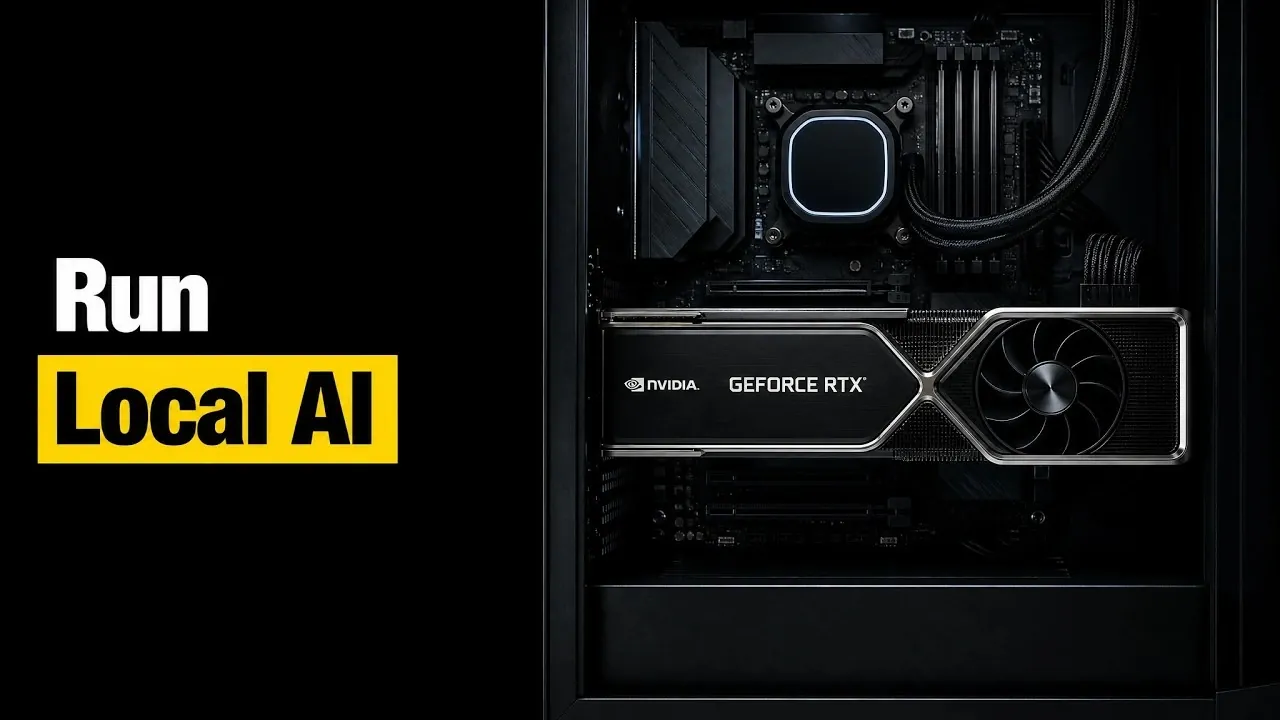
Free, locally-hosted AI models are making advanced artificial intelligence more accessible than ever, offering capabilities that once required cloud-based systems. These models, such as GPT OSS 20B and Gemma 3, can operate efficiently on standard hardware setups, with some requiring as little as 16GB of memory. Larger models like GLM 5, on the other hand, demand server-grade GPUs with up to 1.5TB of memory, showcasing the range of options available for different needs. As highlighted by The Stack, these models not only enable offline functionality but also provide users with greater control over customization and deployment.
Explore how these models cater to diverse applications, from coding and reasoning to multimodal tasks and gain insight into how to align their requirements with your hardware setup. You’ll also learn about the role of open licensing in fostering customization, with examples like Inkling Small and GLM 5 offering flexibility for tailored solutions. Whether you’re working on personal projects or enterprise applications, this overview provides a detailed look at how to harness the potential of local AI models effectively.
Why Local AI Models Are Becoming Widely Accessible
TL;DR Key Takeaways :
- Free, locally-hosted AI models are transforming AI accessibility by allowing advanced functionalities like logic, reasoning and multimodal processing to run offline on personal or server-grade hardware.
- Hardware requirements for these models vary widely, with some models like GPT OSS 20B running on standard laptops with 16GB RAM, while others like GLM 5 require up to 1.5TB of memory and server-grade GPUs.
- Open source development and permissive licensing (e.g., Apache 2.0, MIT) allow users to self-host, customize and integrate AI models into tailored applications, fostering innovation and flexibility.
- Choosing the right model depends on specific use cases, hardware resources and scalability needs, with options ranging from lightweight models like Gemma 3 to high-performance models like Llama 4 Scout.
- Local AI models are providing widespread access to AI by eliminating reliance on cloud-based systems, offering greater control, cost efficiency and adaptability for developers, researchers and organizations.
The accessibility of local AI models has significantly improved, with some requiring as little as 16GB of memory, making them suitable for standard laptops and desktops. For example, GPT OSS 20B (OpenAI) is a versatile model that operates efficiently on modest hardware configurations. Conversely, larger models like GLM 5 (Z.ai) demand up to 1.5TB of memory, necessitating server-grade GPUs or advanced desktop setups. This broad spectrum of hardware requirements ensures that users can select a model tailored to their specific capabilities, allowing access to advanced AI without the need for cloud-based solutions.
The availability of these models has also been bolstered by advancements in open source development and permissive licensing. This combination has made it easier than ever to experiment with and deploy AI locally, whether for personal projects, research, or enterprise applications.
Performance and Features: Tailored Solutions for Diverse Needs
Local AI models offer a wide range of performance levels and specialized features, catering to various use cases. Below are some notable examples of these models and their unique strengths:
- Qwen3-235B A22B (Alibaba): Known for its ability to handle both general conversations and complex tasks, though it requires substantial hardware resources.
- GLM 5 (Z.ai): A highly customizable and powerful model, ideal for advanced applications but demanding significant memory and GPU capabilities.
- Mistral Small 4: Offers strong logic, coding and reasoning capabilities, requiring moderate memory for optimal performance.
- Inkling Small: Utilizes a sparse architecture to achieve competitive performance with fewer active parameters, making it resource-efficient.
- DeepSeek V4 Flash: Specializes in coding tasks, balancing speed and size for high-end desktops equipped with 128GB of memory.
- Llama 4 Scout (Meta): A multimodal model with a 10-million-token context window, designed for large-scale and complex tasks.
- Gemma 3 (Google): Lightweight and versatile, capable of running efficiently on standard gaming GPUs without compromising performance.
- Phi 4 Reasoning (Microsoft): Optimized for logic and reasoning tasks, using curated training data to deliver efficient results.
- GPT OSS 120B (OpenAI): Designed for advanced tasks, capable of running on a single 80GB GPU, making it suitable for high-performance applications.
These models demonstrate the diversity of local AI capabilities, allowing users to select solutions that align with their specific needs, whether for general-purpose tasks, coding, or complex reasoning.

Gain further expertise in running local AI models by checking out these recommendations.
- How DeepSeek Fits a 284B Parameter AI Model on a Single Laptop
- Why Local AI is Becoming Essential as Cloud Models Face New Restrictions
- Why Nvidia’s New 748GB Desktop is Replacing Enterprise Cloud AI Subscriptions
- Meta AI Releases Muse Glimmer 30B for 24GB VRAM Systems
- Apple Silicon AI Performance: Local Al on Apple Silicon Uses 7X Less RAM
- New AMD’s $1,500 Strix Halo PC Runs 120B AI Models Locally
- Ollama Runs 32B Local AI Models on a $599 Mac via Quantization for Free
- Build A Local Private AI Rig on a Budget : Learn Which GPUs Run AI Most Effectively
- Skip Subscriptions, Set up Fast Local AI for Coding, Study and Brainstorming
- Using MacBook clusters to run large AI models locally
Hardware Considerations: Aligning Models with Your Setup
To run local AI models effectively, it is essential to match the model’s requirements with your hardware setup. Memory bandwidth and capacity are critical factors that influence performance. Smaller models, such as Gemma 3 and Phi 4 Reasoning, are well-suited for gaming GPUs, offering a balance between accessibility and functionality. On the other hand, larger models like GLM 5 or Qwen3-235B require server-grade GPUs with higher memory capacities to function optimally.
When planning your setup, consider the following key factors:
- Memory Requirements: Ensure your system has sufficient RAM or VRAM to handle the model’s demands.
- GPU Compatibility: Verify that your GPU supports the necessary compute capabilities for the chosen model.
- Cooling and Power: High-performance models may generate significant heat and require robust cooling solutions and power supplies.
By carefully aligning your hardware with the model’s specifications, you can maximize performance while avoiding potential bottlenecks or inefficiencies.
Open Licensing: Unlocking Customization and Flexibility
One of the most compelling advantages of free, locally-hosted AI models is their open licensing. Many of these models are released under permissive licenses such as Apache 2.0 or MIT, granting users the freedom to self-host, modify and integrate them into custom applications. This flexibility is particularly valuable for developers and researchers seeking to tailor AI solutions to specific requirements.
Models like GLM 5 and Inkling Small are especially noted for their adaptability, offering extensive customization options that enable users to fine-tune performance or integrate unique features. This open approach fosters innovation and collaboration, allowing users to push the boundaries of what is possible with AI.
Choosing the Right Model for Your Needs
Selecting the ideal AI model depends on your objectives and available resources. For users with limited hardware, smaller models like GPT OSS 20B or Gemma 3 provide practical entry points without sacrificing functionality. For more demanding applications, investing in server-grade GPUs to run models like Llama 4 Scout or GLM 5 can unlock advanced capabilities.
When choosing a model, consider the following:
- Use Case: Identify whether your primary focus is coding, logic, multimodal tasks, or general-purpose AI.
- Hardware Resources: Match the model’s requirements with your system’s capabilities to ensure smooth operation.
- Scalability: Evaluate whether the model can adapt to future needs or integrate with other tools and workflows.
By aligning your goals with the model’s features and requirements, you can make an informed decision that maximizes the value of your AI deployment.
The Expanding Role of Local AI Models
Free, locally-hosted AI models are providing widespread access to access to artificial intelligence, offering a powerful combination of performance, flexibility and control. Whether you are a developer, researcher, or enthusiast, these models provide an opportunity to explore and use AI capabilities offline, free from the constraints of cloud-based systems. As hardware continues to advance, the potential for these models to scale and adapt will only grow, solidifying their role as indispensable tools in the evolving AI landscape.
Media Credit: The Stack
Disclosure: Some of our articles include affiliate links. If you buy something through one of these links, Geeky Gadgets may earn an affiliate commission. Learn about our Disclosure Policy.
