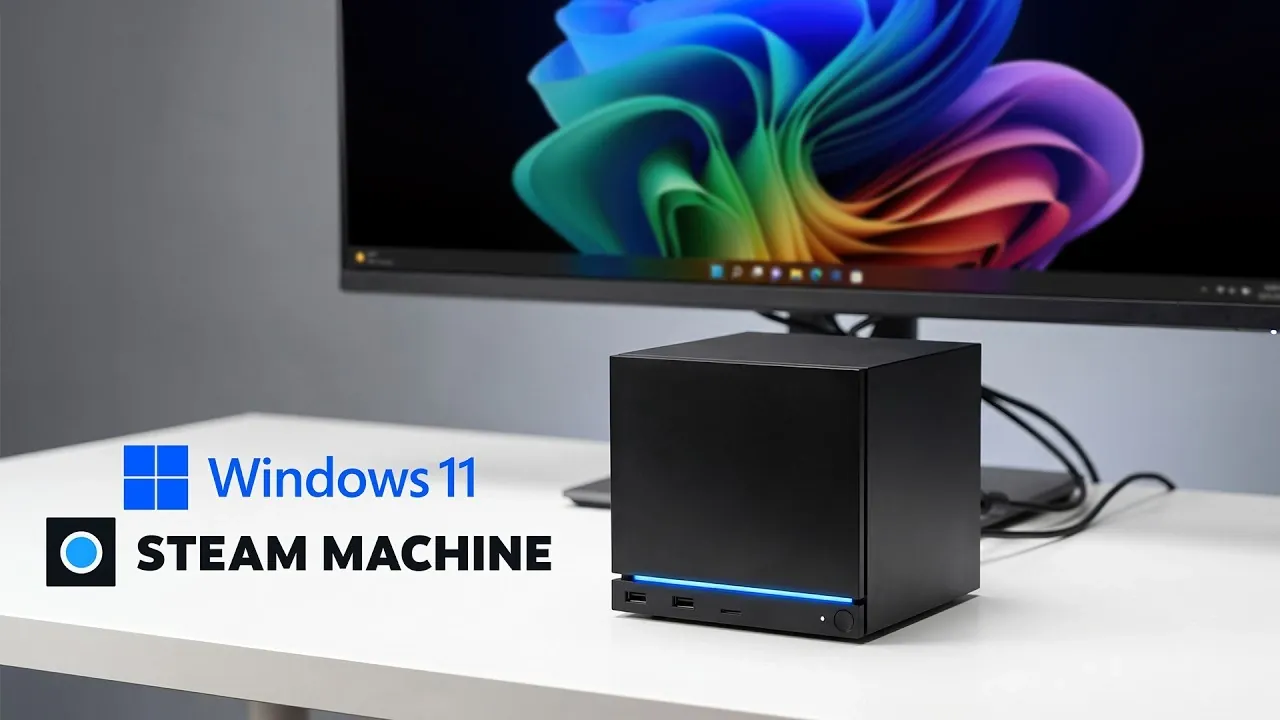
Valve’s latest Steam Machine, featuring a custom AMD processor and Radeon RX 7600 mobile GPU, is built to run Steam OS for a streamlined gaming experience. However, ETA Prime demonstrates an alternative by installing Windows 11 on the device, using Valve’s official drivers to maintain compatibility with essential hardware like Wi-Fi and Bluetooth. To test the system’s potential, the device was upgraded to 64GB of RAM running at 5600 MT/s, creating a robust environment for evaluating gaming and productivity performance.
Dive into the step-by-step process of installing Windows 11 on the Steam Machine, including BIOS adjustments and driver integration. Gain insight into performance benchmarks such as Geekbench 6 and 3DMark Time Spy, comparing how Windows 11 and Steam OS handle multitasking and gaming workloads. Discover how popular games like Cyberpunk 2077 perform under each operating system, along with the advantages of setting up a dual-boot configuration for added versatility.
A Solid Foundation for Gaming and Beyond
TL;DR Key Takeaways :
- The Steam Machine is a compact gaming console powered by a custom AMD processor and Radeon RX 7600 mobile GPU, offering strong performance for gaming, productivity and resource-intensive tasks.
- Valve provides official drivers for installing Windows 11 on the Steam Machine, allowing broader software compatibility and access to non-Steam games and productivity tools.
- Performance benchmarks show Windows 11 slightly outperforms Steam OS in multitasking and graphically demanding scenarios, while Steam OS excels in gaming efficiency and simplicity.
- Gaming tests reveal Windows 11 performs better at 4K resolutions, while Steam OS delivers consistent frame rates at 1440p, with performance varying by game and resolution.
- A dual-boot setup with Steam OS and Windows 11 offers flexibility, allowing users to switch between a streamlined gaming experience and a versatile multi-purpose environment based on their needs.
Hardware Overview
The Steam Machine is powered by a custom AMD processor featuring 6 cores and 12 threads, delivering strong multitasking capabilities. Paired with a Radeon RX 7600 mobile GPU equipped with 8GB of VRAM, the device is well-suited for modern gaming and demanding applications. The base configuration includes 16GB of RAM, but for this analysis, the memory was upgraded to 64GB running at 5600 MT/s, making sure optimal performance. This robust hardware foundation positions the Steam Machine as a versatile device capable of handling gaming, productivity and resource-intensive tasks like video editing or 3D rendering.
By combining compact design with powerful components, the Steam Machine strikes a balance between portability and performance, making it an attractive option for gamers and tech enthusiasts alike.
Installing Windows 11: Expanding the Steam Machine’s Capabilities
Installing Windows 11 on the Steam Machine is a straightforward process, thanks to Valve’s official drivers for critical components such as Wi-Fi, Bluetooth and the GPU. These drivers ensure that all hardware features function as intended, providing a seamless experience. Once installed, Windows 11 runs smoothly, offering users access to a wider range of software, including non-Steam games, productivity tools and creative applications.
The installation process involves creating a bootable USB drive with the Windows 11 installation files, followed by configuring the Steam Machine’s BIOS to boot from the USB. After installation, the official drivers can be downloaded directly from Valve’s website, making sure full compatibility. This ease of installation makes Windows 11 a viable option for users seeking to expand the functionality of their Steam Machine without compromising its core capabilities.

Take a look at other insightful guides from our broad collection that might capture your interest in Steam Machine.
- Why Valve is Releasing 4 Different Steam Machine Variants
- Valve’s 2026 Steam Machine is Almost Here
- Inside Valve’s Unusual Rollout Plan for the Steam Machine
- Why Valve’s New Steam Machine Could Outperform the PS5 in Your Living Room
- Why the Upcoming Valve Steam Machine Might Be Sold at a Loss
- Valve Confirms Summer 2026 Release Window for Steam Machine and Steam Frame
- How Valve Finally Solved the Steam Machine’s Biggest Performance Bottleneck
- What Valve’s Leaked June 2026 Steam Machine Details Mean for Your Living Room
- Leaked Geekbench Scores Reveal the True Power of the $750 Steam Machine
- Valve Explains Why We Got a New Steam Controller but No Steam Machine
Performance Benchmarks: Comparing Windows 11 and Steam OS
To evaluate the performance of Windows 11 on the Steam Machine, a series of synthetic and gaming benchmarks were conducted. These tests highlight how each operating system utilizes the device’s hardware and provide insights into their respective strengths.
- Geekbench 6: Windows 11 demonstrates a 3.3% improvement in single-core performance and a 22.1% gain in multi-core performance compared to Steam OS, showcasing its efficiency in handling multitasking and complex workloads.
- Cinebench R24: The Steam Machine’s CPU outperforms the AMD Ryzen 5 5600X in single-core tasks, reflecting its strong performance in applications that rely on single-threaded processing. However, it falls slightly behind in multi-core workloads.
- 3DMark Time Spy: The Steam Machine achieves scores comparable to similarly configured custom-built PCs, emphasizing its gaming and graphical capabilities under both operating systems.
These benchmarks reveal that while Windows 11 offers slight advantages in certain areas, Steam OS remains competitive, particularly for gaming-focused tasks.
Gaming Benchmarks: Real-World Performance Insights
Gaming performance on the Steam Machine varies depending on the operating system and resolution. Real-world tests were conducted across a range of popular titles to assess how each OS handles different gaming scenarios.
- Cyberpunk 2077: Windows 11 provides smoother gameplay at 4K resolutions, using its broader driver support and optimizations. Steam OS, however, demonstrates better efficiency at 1440p, delivering consistent frame rates.
- Horizon Zero Dawn: Both operating systems deliver comparable performance, with playable frame rates across all tested resolutions.
- Forza Horizon 6: Windows 11 offers a slight edge in graphical fidelity and stability, particularly at higher resolutions.
- Crimson Desert, Mortal Kombat 1 and Red Dead Redemption 2: Performance varies by game, with some titles favoring Windows 11’s optimizations and others benefiting from Steam OS’s streamlined architecture.
These results highlight the nuanced differences between the two operating systems, with Windows 11 excelling in graphically demanding scenarios and Steam OS maintaining its edge in efficiency and simplicity.
Real-World Gaming and Everyday Use
In practical gaming scenarios, the Steam Machine performs admirably under both operating systems. Most modern titles run smoothly at 1080p and 1440p, with minimal differences in performance. At 4K, Windows 11’s broader driver support and optimizations provide a noticeable advantage, particularly in graphically intensive games.
Beyond gaming, Windows 11 enhances the Steam Machine’s versatility by allowing access to a wide range of productivity and creative software. This makes it a suitable choice for users who require a multi-purpose device capable of handling both gaming and professional tasks.
Dual-Boot Setup: Combining Flexibility and Focus
For users seeking the best of both worlds, a dual-boot setup with Steam OS and Windows 11 is a practical solution. Steam OS excels in delivering a streamlined, gaming-focused experience with seamless integration into the Steam ecosystem. Its lightweight design and gaming optimizations make it the preferred choice for dedicated gamers.
On the other hand, Windows 11 offers unparalleled flexibility, supporting a vast array of software and non-Steam games. A dual-boot configuration allows users to switch between operating systems based on their needs, providing a balance between simplicity and versatility. However, it’s worth noting that setting up and maintaining a dual-boot system requires additional effort and storage space, which may not appeal to all users.
Choosing the Right Operating System for Your Needs
Installing Windows 11 on the Steam Machine unlocks additional functionality, making it an appealing option for users who require broader software compatibility or a multi-purpose device. Its performance advantages at higher resolutions and support for non-Steam applications enhance the Steam Machine’s versatility.
However, Steam OS remains the ideal choice for most gamers, offering a streamlined, gaming-centric experience that takes full advantage of the hardware’s capabilities. Its simplicity, efficiency and seamless integration with the Steam ecosystem make it the preferred operating system for users focused primarily on gaming.
Ultimately, the choice between Windows 11 and Steam OS depends on your specific needs and priorities. Whether you value the flexibility of Windows 11 or the optimized gaming experience of Steam OS, the Steam Machine provides a solid foundation for both.
Media Credit: ETA PRIME
Disclosure: Some of our articles include affiliate links. If you buy something through one of these links, Geeky Gadgets may earn an affiliate commission. Learn about our Disclosure Policy.
