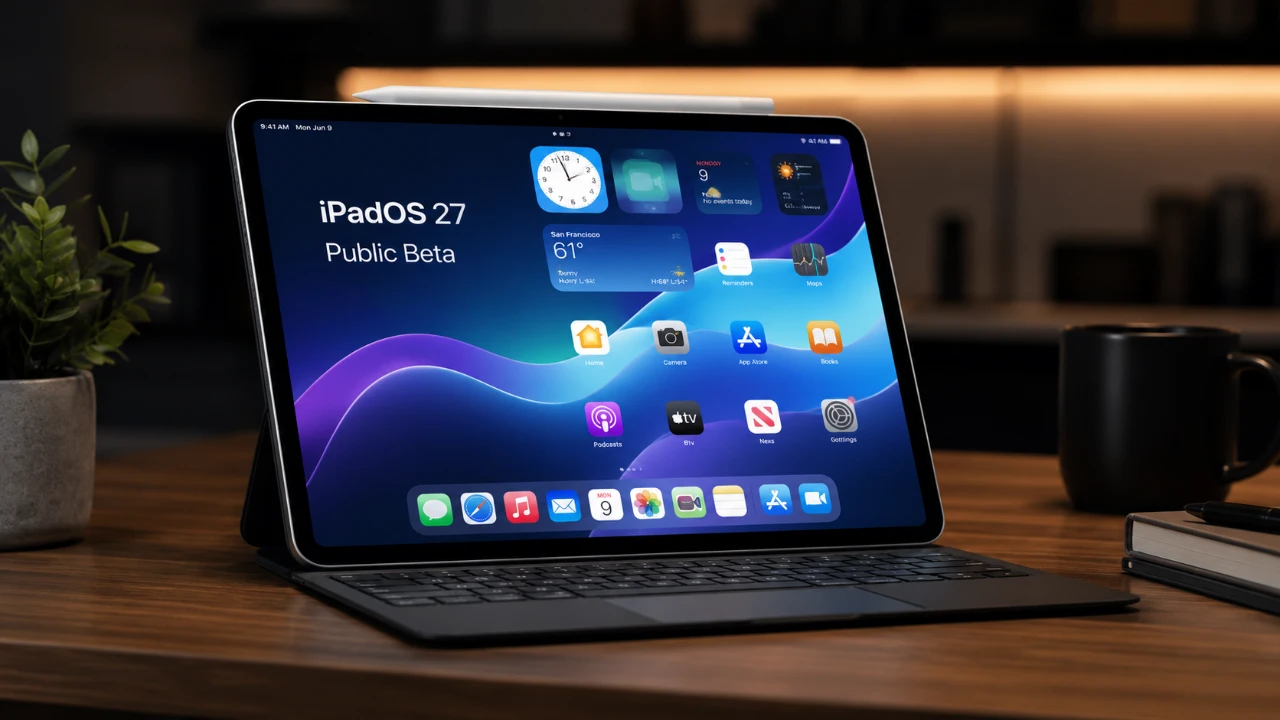
Apple has introduced the iPadOS 27 public beta, a comprehensive update designed to enhance the functionality and versatility of its iPad lineup. This latest iteration focuses on customization, performance improvements, and AI-driven tools, aiming to provide a more intuitive and personalized user experience. Whether you use your iPad for casual browsing, creative projects, or professional tasks, iPadOS 27 offers features tailored to meet diverse needs. The video below from 9 to 5 Mac gives us a look at the new iPadOS 27 Public Beta.

Supported Devices: Compatibility and Advanced Features
The iPadOS 27 update is compatible with a wide range of iPads, making sure accessibility for many users. However, certain advanced features, such as Siri AI enhancements and Apple Intelligence tools, are exclusive to newer models equipped with more powerful hardware. Below is the list of supported devices:
- iPad 9th generation or newer
- iPad Mini 6th generation or newer
- iPad Air 4th generation or newer
- iPad Pro (2018 and newer)
For advanced capabilities like Siri AI and contextual intelligence, you’ll need an M1 iPad Pro or newer, an M1 iPad Air or newer, or the iPad Mini A17 Pro. Users with older devices can still enjoy many of the core updates, but the full potential of iPadOS 27 is unlocked on the latest hardware.
Key Features: Innovations in iPadOS 27
The iPadOS 27 update introduces a host of new features designed to improve usability, enhance performance, and expand customization options. These updates aim to make the iPad a more powerful and versatile tool for all users.
Enhanced Home Screen and UI Customization
Personalization is a central theme in iPadOS 27, with new tools that allow you to customize your device’s interface like never before. Features include a paintbrush tool for widget design, undo/redo layout options, and full-screen widgets for greater functionality. Additionally, 11 new native widgets and a liquid glass slider for transparency adjustments provide even more ways to tailor your iPad experience.
Performance and Multitasking Improvements
Performance enhancements are a key focus of iPadOS 27. Users can expect faster app launches, smoother animations, and improved multitasking capabilities. A new persistent menu bar has been introduced, streamlining navigation and making it easier to switch between tasks. These updates are particularly beneficial for professionals who rely on their iPads for productivity.
Safari Upgrades for Better Browsing
Safari receives significant updates in iPadOS 27, including an automatic tab grouping feature that organizes tabs based on your browsing habits. This feature is especially useful for users managing multiple projects or research tasks, making sure a more efficient and organized browsing experience.
Photos App: AI-Powered Editing Tools
The Photos app now includes AI-driven tools for editing, such as cleaning up images, reframing, and extending photo backgrounds. These features make photo editing more accessible, even for users with minimal experience, while offering precision and creativity for advanced users.
Resizable iPhone Apps for Seamless Integration
iPadOS 27 bridges the gap between iPhone and iPad apps by introducing resizable iPhone apps. This feature ensures a more cohesive experience across Apple devices, allowing users to enjoy their favorite apps in a format optimized for the iPad’s larger screen.
Apple Pencil Enhancements
Apple Pencil users will appreciate the new drawing app within the Messages app, which provides a creative outlet for sketches, notes, and illustrations. This addition highlights Apple’s commitment to making the iPad a versatile tool for both productivity and creativity.
Advanced Siri AI: Smarter and More Context-Aware
Siri receives a major upgrade in iPadOS 27, with new features that make it more intelligent, proactive, and capable of understanding your needs. These enhancements aim to streamline interactions and improve productivity.
Contextual Awareness for Personalized Assistance
Siri can now perform tasks based on your personal context. For instance, it can share photos, manage group chats, or analyze on-screen content to suggest relevant actions. This level of contextual awareness makes Siri a more effective assistant for both personal and professional use.
Natural Language Shortcuts
Creating shortcuts is now easier with natural language processing. You can use plain language to automate tasks, such as adjusting app layouts when connecting a keyboard or setting up specific workflows. This feature saves time and simplifies complex processes.
Visual Intelligence for Enhanced Productivity
Siri’s visual intelligence allows it to analyze screenshots and provide actionable insights. This capability is particularly useful for research, troubleshooting, and collaboration, allowing users to extract more value from their visual content.
Centralized Siri App
The new Siri app consolidates all your Siri interactions in one place, making it easier to manage tasks, review suggestions, and customize settings. This centralized approach enhances usability and ensures a seamless experience across devices.
Sidecar and External Display Enhancements
For users who rely on external displays, iPadOS 27 introduces several improvements to enhance productivity and interactivity. Sidecar now supports full touch sensitivity, allowing for a more interactive experience when using your iPad as a secondary display. Additionally, the Control Center is now accessible on external monitors, providing greater convenience and control over your device’s settings.
Additional Updates and Features
iPadOS 27 also includes several smaller updates that enhance the overall user experience:
- The revamped Weather app offers more detailed and accurate weather data, making it easier to plan your day.
- News+ Audio is now available on iPad, expanding your options for consuming news through audio content.
These updates, while smaller in scale, contribute to the overall polish and functionality of iPadOS 27, making sure a well-rounded experience for users.
A Comprehensive Update for iPad Users
iPadOS 27 represents a significant advancement in Apple’s tablet ecosystem. By focusing on customization, performance, and AI-driven features, Apple has created an update that caters to a wide range of users, from casual consumers to professionals. The enhanced Siri AI capabilities, in particular, highlight the potential of artificial intelligence to transform productivity and personalization. If you own a compatible iPad, exploring iPadOS 27 is highly recommended, as it offers a glimpse into the future of tablet computing.
Learn more about iPadOS 27 updates with other articles and guides we have written below.
- Has Apple Turned the iPad Into a True Mac Replacement with iPadOS 27?
- The iPadOS 27 Features You Won’t Find on iPhone
Source & Image Credit: 9to5Mac
Disclosure: Some of our articles include affiliate links. If you buy something through one of these links, Geeky Gadgets may earn an affiliate commission. Learn about our Disclosure Policy.
