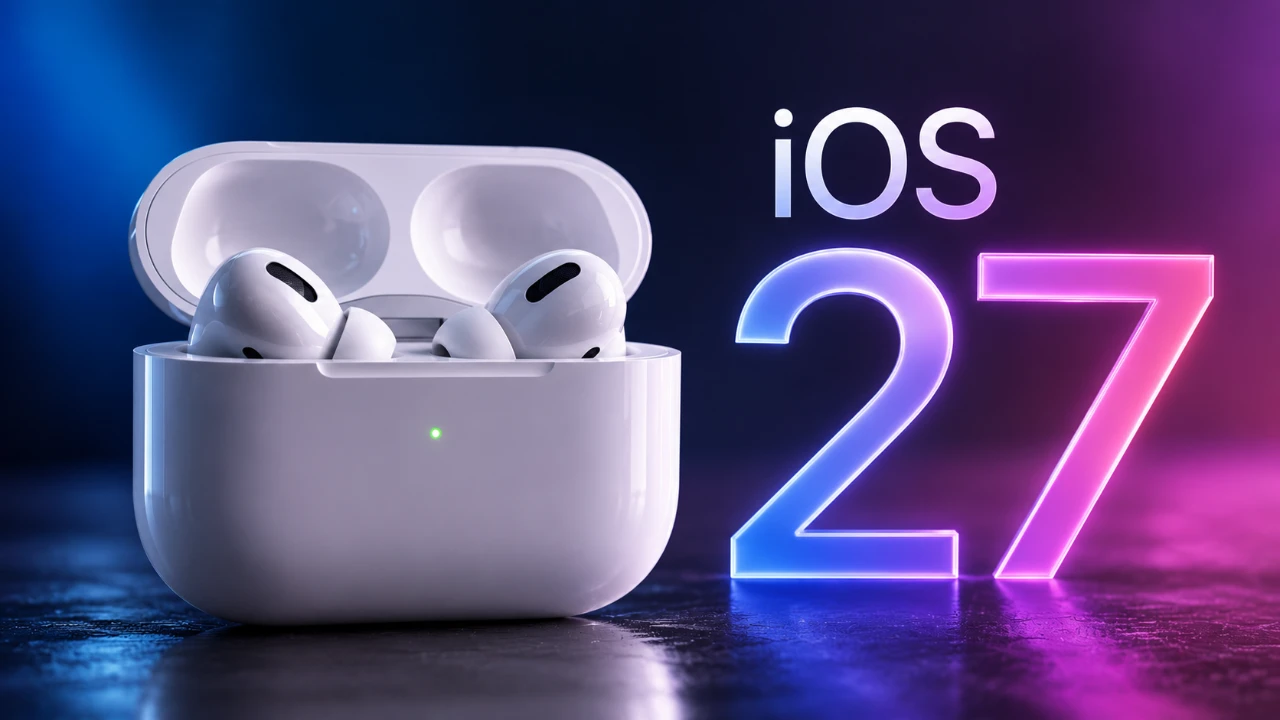
The release of iOS 27 public beta brings a host of updates for AirPods, focusing on improved usability, deeper customization, and seamless integration across Apple’s ecosystem. Whether you’re an audiophile or a casual listener, these enhancements are designed to elevate your audio experience. Below is a detailed look at the most notable changes and features introduced in this update in a new video from Hotshottek.

Streamlined AirPods Settings
Managing your AirPods settings has never been easier, thanks to a redesigned and consolidated menu structure in iOS 27. All AirPods-related options, including noise cancellation, transparency mode and accessibility tools, are now grouped into a single, intuitive menu. This change eliminates the need to navigate through multiple settings pages, saving time and effort.
For users who rely on accessibility features, these options are now more prominently displayed, making sure quicker access and easier customization. Whether you’re adjusting sound settings or allowing features like Live Listen, the new layout simplifies the process, making it more user-friendly for everyone.
Advanced EQ Settings for Personalized Audio
Audio customization takes a significant leap forward with the introduction of advanced equalizer (EQ) settings. These new options are available for AirPods Pro (2nd and 3rd generation), AirPods 4, AirPods 4 with Active Noise Cancellation (ANC), and AirPods Max 2 equipped with the H2 chip. With iOS 27, you can now create a custom audio profile tailored to your listening preferences.
Although only one custom profile can be saved at a time, this feature allows you to fine-tune audio settings to match your favorite genres or specific sound preferences. For those who prefer default settings, Apple has optimized them to deliver balanced sound across a variety of music styles, making sure a satisfying listening experience whether you prioritize bass, treble, or vocal clarity.
Beta Firmware Updates: Unlocking New Features
The iOS 27 public beta introduces the ability to manually enable beta firmware updates for AirPods. This feature allows users to access experimental functionalities still in development. To enable beta firmware updates, you’ll need to opt in via your iPhone, share diagnostic data preferences and ensure your AirPods are charging during the installation process.
While this option provides early access to innovative features, it’s worth noting that beta firmware updates may come with occasional stability issues. This makes them better suited for users who are eager to explore new capabilities rather than those who prioritize a consistently stable experience.
Enhanced Listening Modes
Listening modes in iOS 27 have been upgraded to offer greater flexibility and control. A new “Adapt” mode slider allows you to fine-tune the balance between noise cancellation and transparency mode, giving you the ability to adjust how much ambient sound you hear in real time. This feature is particularly useful in dynamic environments where audio needs can change quickly.
Additionally, an “Off” mode has been introduced, which disables adaptive features like noise cancellation and transparency mode entirely. This mode is ideal for conserving battery life during long listening sessions or when adaptive features are not required.
Improved Device Integration
Switching between Apple devices has become faster and more seamless with iOS 27. Whether you’re transitioning from your iPhone to your iPad or using multiple devices simultaneously, the connection process is now smoother and more reliable. This improvement enhances the overall user experience, particularly for those who frequently use their AirPods across different devices.
For fitness enthusiasts, AirPods Pro 3 now support GymKit integration. This feature allows you to sync workout data with compatible gym equipment and the Apple Fitness app, creating a more cohesive fitness tracking experience. By bridging the gap between your AirPods and your exercise routine, this update ensures that your devices work together to support your health and fitness goals.
Additional Features to Explore
The iOS 27 public beta also introduces several smaller yet impactful updates that enhance the overall AirPods experience:
- Head Gesture Controls: Manage playback and calls using subtle head movements, offering a hands-free way to interact with your AirPods.
- Media Playback Automation: Media playback now pauses automatically when your iPhone goes to sleep, making sure you never miss important content.
- Streamlined Navigation: Improved navigation options make it easier to access and manage AirPods settings and features directly from your device.
Why These Updates Matter
The updates introduced in the iOS 27 public beta reflect Apple’s commitment to enhancing the AirPods experience through greater customization, improved integration and user-friendly design. From advanced EQ settings that allow for personalized audio profiles to enhanced listening modes and seamless device transitions, these features cater to a wide range of user needs. Whether you’re fine-tuning your sound preferences, exploring new ways to interact with your AirPods, or integrating them into your fitness routine, iOS 27 ensures a more personalized and seamless experience.
Below are more guides on iOS 27 Public Beta from our extensive range of articles.
- The Difference Between the iOS 27 Public and Developer Betas
- Should You Install iOS 27 Beta 3 or Wait for the Public Beta?
- How to Safely Move from iOS 27 Developer Beta to Public Beta
- Is iOS 27 Beta 4 the Update Public Testers Have Been Waiting For?
- iOS 27 Public Beta Checklist: Things to Do Before You Download
Source & Image Credit: HotshotTek
Disclosure: Some of our articles include affiliate links. If you buy something through one of these links, Geeky Gadgets may earn an affiliate commission. Learn about our Disclosure Policy.
