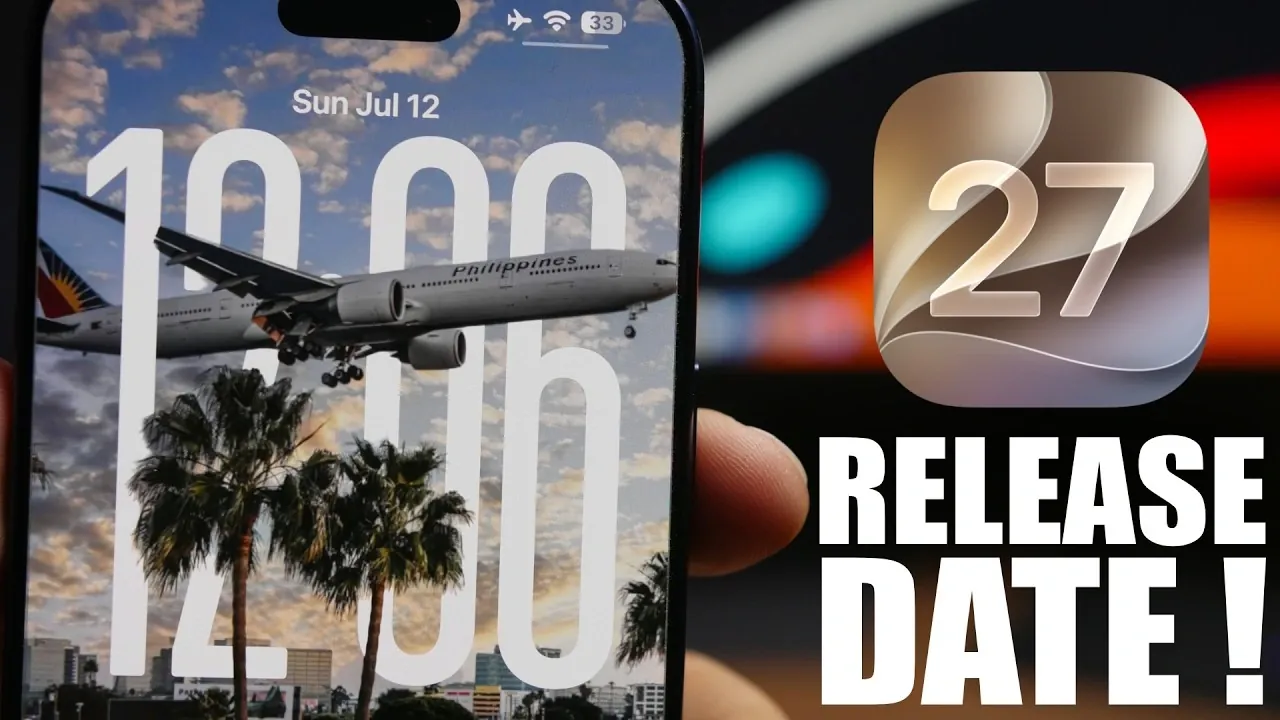
Apple has officially confirmed that iOS 27 will be available for download on September 14th, following its established tradition of releasing major software updates shortly after unveiling new iPhone models. This update emphasizes performance improvements, battery efficiency, and subtle design refinements, offering a meaningful upgrade for both new and existing iOS users. The video below from iReviews gives us more details.

Key Dates to Remember
The rollout of iOS 27 aligns with Apple’s predictable annual schedule for product launches. Below is a detailed timeline of the key dates to keep in mind:
- September 8th: Apple’s annual iPhone event, where the latest iPhone models will be unveiled.
- September 11th: Pre-orders for the new iPhones open to customers worldwide.
- September 14th: iOS 27 officially becomes available for download across compatible devices.
- September 18th: The new iPhones begin shipping to customers who pre-ordered.
This timeline ensures that iOS 27 is ready to support the latest iPhone models while also being accessible to users of compatible older devices.
Device Compatibility
If your device currently runs iOS 26, you’ll be able to upgrade to iOS 27. However, Apple continues to phase out support for older hardware, meaning some older iPads and iPhones may no longer be compatible. This strategy allows Apple to focus on optimizing the software for newer devices, making sure that supported models deliver the best possible performance.
Devices expected to support iOS 27 include:
- iPhone 13 series and newer models
- iPad Pro models (2018 and later)
- iPad Air (4th generation and newer)
- iPad Mini (6th generation and newer)
If your device is on this list, you can look forward to enjoying the full range of features and improvements offered by iOS 27.
What’s New in iOS 27?
iOS 27 introduces a variety of updates designed to enhance your device’s performance, usability, and efficiency. These improvements focus on delivering a smoother and more reliable user experience. Below are some of the most notable changes:
- Performance Boost: Faster app launches and smoother multitasking make your device feel more responsive, even under heavy usage.
- Battery Life Enhancements: Advanced power management algorithms extend battery life, making sure your device lasts longer throughout the day.
- System Stability: Bug fixes and refined processes reduce crashes and glitches, providing a more reliable and seamless experience.
These updates are designed to improve the overall functionality of your device, making everyday tasks faster and more efficient.
AI-Powered Features
One of the standout additions in iOS 27 is the deeper integration of AI-powered capabilities. These features aim to make your device smarter and more intuitive, helping you complete tasks with greater ease. Key AI-driven enhancements include:
- Smarter Suggestions: Apps like Messages and Photos now offer more accurate and context-aware suggestions, saving you time and effort.
- Enhanced Siri Functionality: Siri has been upgraded with improved natural language processing, allowing it to understand and respond to commands more effectively.
- Personalized Automation: AI learns your habits and preferences over time, automating routine tasks such as setting reminders or adjusting device settings.
These features demonstrate Apple’s commitment to using AI to enhance the user experience without overwhelming users with unnecessary complexity.
Subtle Design Updates
While iOS 27 doesn’t introduce a dramatic visual overhaul, it does include subtle design refinements that contribute to a more polished and modern look. These updates include:
- Updated home screen icons with a cleaner and more cohesive design.
- Smoother animations for transitions and interactions, creating a more fluid experience.
- Minor interface adjustments that improve usability without altering the familiar iOS aesthetic.
These changes ensure that iOS 27 feels fresh and modern while maintaining the intuitive design that users have come to expect.
A Focused and Practical Update
iOS 27 takes a measured approach to software updates, prioritizing behind-the-scenes improvements over flashy new features. By focusing on performance, efficiency, and usability, Apple delivers an operating system that enhances the user experience without disrupting it. This approach ensures that both new and existing devices benefit from a stable and optimized platform.
Whether you’re upgrading to the latest iPhone or continuing to use your current device, iOS 27 offers practical enhancements that make everyday tasks faster, easier and more enjoyable. With its release on September 14th, this update underscores Apple’s ongoing commitment to refining its mobile operating system to meet the needs of its users.
Here is a selection of other guides from our extensive library of content you may find of interest on iOS 27.
- Apple’s iOS 27 Beta 3 Is Just Days Away: Here’s When It Drops
- iOS 27 Leaks Reveal the End of an Era: Apple’s New Priorities Confirmed
- iOS 27 Beta 2 Changes: What Apple Is Modifying to Improve Performance
- Should You Install iOS 27 Beta 3 or Wait for the Public Beta?
- iOS 27 Could Be Apple’s ‘Snow Leopard’ Moment—Focusing on One Huge Change
- The Difference Between the iOS 27 Public and Developer Betas
Source & Image Credit: iReviews
Disclosure: Some of our articles include affiliate links. If you buy something through one of these links, Geeky Gadgets may earn an affiliate commission. Learn about our Disclosure Policy.
