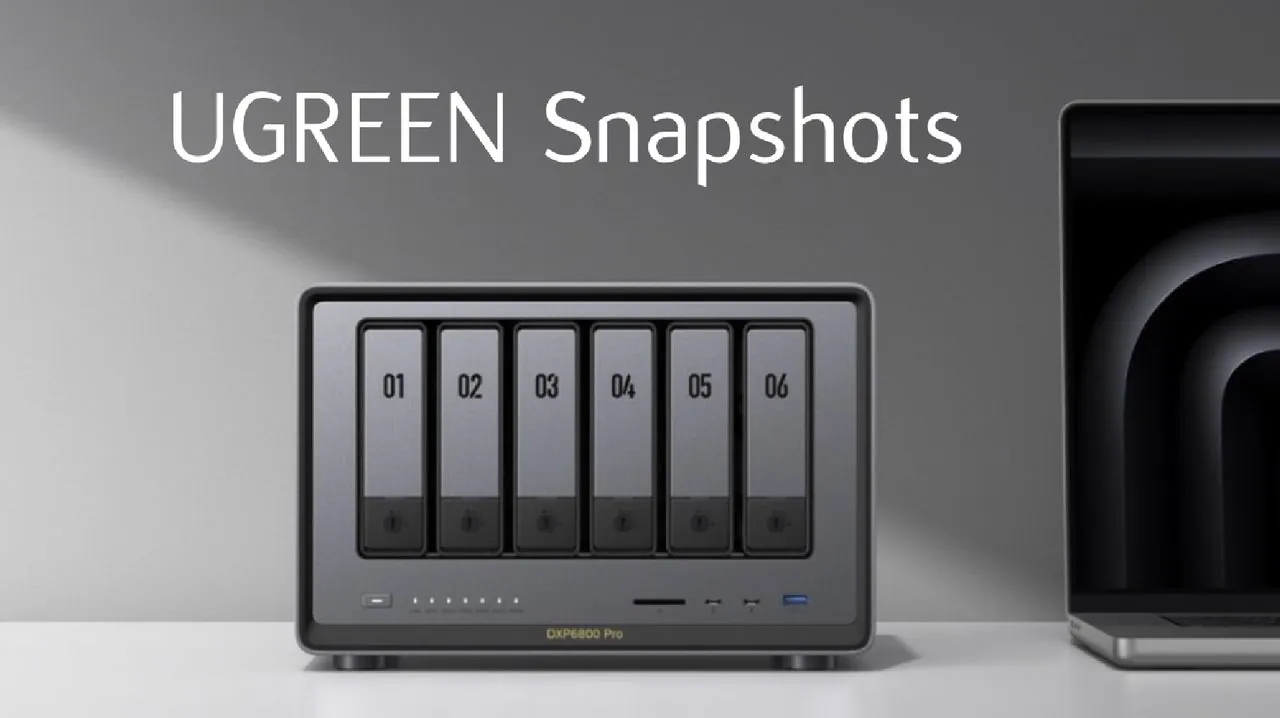
Have you ever accidentally deleted an important file, only to realize moments later that it’s gone for good? Or perhaps you’ve been struck by a ransomware attack, watching helplessly as your data becomes encrypted and inaccessible. These scenarios are every user’s nightmare, but UGREEN has just introduced a innovative solution: snapshots. This long-awaited feature is more than just a technical upgrade—it’s a lifeline for anyone serious about protecting their data. By allowing you to restore files or entire folders to a previous state almost instantly, snapshots provide a powerful safeguard against accidental deletions, file corruption, and even malicious threats. If you’ve been waiting for a smarter, faster way to secure your data, this is it.
In this overview, SpaceRex explores how UGREEN’s snapshot technology works, why it’s a must-have for modern data management, and how you can set it up to maximize its benefits. You’ll discover how snapshots differ from traditional backups, using file pointers and advanced file systems like BTRFS to deliver unparalleled efficiency and reliability. Whether you’re looking to protect critical work documents, family photos, or sensitive business data, snapshots offer a seamless way to ensure your files are always recoverable. Ready to transform the way you think about data protection? Let’s uncover the potential of this new feature.
UGREEN NAS Snapshot Feature
TL;DR Key Takeaways :
- UGREEN has introduced a snapshot feature for its NAS systems, exclusively supported on the BTRFS file system, to enhance data protection and recovery against threats like accidental deletions, ransomware, and file corruption.
- Snapshots are efficient, point-in-time representations of data that use file pointers instead of duplicating data, making sure minimal storage overhead and quick recovery options.
- Users can configure snapshots through the UGREEN NAS app center, allowing scheduled snapshots and retention policies to balance data protection with storage efficiency.
- Restoration options include “Rollback” for full folder recovery and “Clone and Copy” for selective file recovery, offering flexibility in addressing various recovery scenarios.
- Best practices include allowing snapshots for critical folders, scheduling snapshots strategically, and avoiding locked snapshots to ensure seamless data management and recovery.
Understanding Snapshots and Their Importance
Snapshots are point-in-time representations of your data, allowing you to revert files or folders to an earlier state almost instantly. Unlike traditional backups, snapshots do not duplicate data. Instead, they rely on file pointers to preserve the state of your files, making them both highly efficient and storage-friendly.
This feature is particularly valuable in mitigating risks such as:
- Accidental deletions that could otherwise result in permanent data loss.
- Software errors that may corrupt files or disrupt workflows.
- Malicious threats like ransomware, which can encrypt or destroy data.
While snapshots are not a replacement for full backups, they serve as an additional layer of protection. Built on advanced file systems like BTRFS and ZFS, snapshots use a copy-on-write mechanism to ensure data integrity. This approach prevents overwriting existing data during modifications, safeguarding your files against corruption and making sure reliable recovery options.
Setting Up Snapshots on UGREEN NAS Systems
To enable snapshots on your UGREEN NAS system, your storage must be formatted with the BTRFS file system. The setup process is straightforward and can be completed in a few steps:
- Access the UGREEN NAS app center from your device.
- Download and install the dedicated snapshot application.
- Configure snapshot schedules based on your specific data management needs.
Once installed, you can customize snapshot plans to align with your storage requirements. This ensures that your most critical data is consistently protected, offering peace of mind in the face of potential data threats.
How to Use UGREEN NAS Snapshot Backups

Advance your skills in NAS systems by reading more of our detailed content.
- TerraMaster F2-223 & F4-223 NAS with TRAID
- UGREEN vs Synology : Which NAS System is Right for You?
- SSD vs HDD NAS storage compared which is best?
- 3D Printed NAS storage system with HDD dampening
- How to build a NAS storage system using a mini PC
- QNAP QTS 5.0.1 NAS operating system released
- How to build a NAS from scratch using UnRAID OS
- How to build a $100 NAS storage server in 2024
- Raspberry Pi 4 NAS Setup: Affordable Storage Made Easy
- Build a Petabyte NAS: How to Store 1 Million GB at Home
Optimizing Snapshot Configurations
To maximize the benefits of snapshots, consider implementing the following configuration guidelines:
- Schedule hourly snapshots for high-priority folders during active hours, such as between 6 a.m. and midnight.
- Set a retention period of 30 days to balance data protection with storage efficiency.
These settings can be adjusted based on your storage capacity and usage patterns. For instance, folders already using versioning systems, such as macOS Time Machine backups, may not require additional snapshots.
Retention policies play a critical role in managing storage space effectively. While snapshots themselves do not consume extra space, they prevent deleted data from being reclaimed until the snapshot expires. Thoughtful planning of retention policies ensures a balance between robust data protection and efficient storage utilization.
Restoration Options for Flexible Data Recovery
Snapshots offer two primary methods for restoring data, providing flexibility to address a variety of recovery scenarios:
- Rollback: Instantly restore an entire folder to a previous state. This method is ideal for situations involving widespread corruption or compromise, such as ransomware attacks.
- Clone and Copy: Create a temporary clone of a snapshot to selectively recover specific files or folders. This approach is particularly useful when only partial restoration is required.
These options ensure that users can efficiently recover data, whether they need to restore a single file or an entire directory, minimizing downtime and disruption.
How Snapshots Work: Technical Insights
The efficiency of snapshots lies in the copy-on-write mechanism employed by advanced file systems like BTRFS. When a file is modified, the system writes the changes to a new location rather than overwriting the original data. This ensures that snapshots remain intact and unaltered, even in the event of unexpected disruptions such as crashes or power failures.
By preserving file pointers instead of duplicating data, snapshots minimize storage overhead while maintaining data integrity. This design makes them an indispensable tool for modern data management, offering a reliable and efficient solution for protecting valuable information.
Best Practices for Effective Snapshot Usage
To fully use the benefits of snapshots, follow these best practices:
- Enable snapshots for all critical folders, especially those containing high-value or frequently updated data.
- Take manual snapshots before performing potentially risky operations, such as running scripts or installing updates.
- Avoid locking snapshots unless absolutely necessary, as locked snapshots require manual deletion and can complicate storage management.
Adhering to these practices ensures that your data remains secure and easily recoverable, even in challenging situations. Proper planning and execution of snapshot strategies can significantly enhance the resilience of your storage system.
Addressing Limitations and Potential Enhancements
While snapshots are a powerful feature, there are areas where their implementation on UGREEN NAS systems could be improved. For example:
- A more intuitive interface for browsing and restoring snapshots would enhance user experience.
- Advanced retention policy options could provide greater flexibility in managing storage space effectively.
- Enhanced snapshot management tools would streamline the overall process, making it more accessible for users of all technical skill levels.
By addressing these limitations, UGREEN could further solidify snapshots as an indispensable feature for modern data protection and recovery.
Snapshots: A Cornerstone of Data Resilience
Snapshots are an essential feature for users of UGREEN NAS systems, offering a robust solution for data protection and recovery. By allowing snapshots and configuring them thoughtfully, you can safeguard your files against loss and restore them quickly when needed. Whether recovering an entire folder or a single file, snapshots provide the efficiency and reliability required for modern data management. With proper implementation and adherence to best practices, snapshots can significantly enhance the resilience of your storage system, making sure peace of mind in the face of potential data threats.
Media Credit: SpaceRex
Disclosure: Some of our articles include affiliate links. If you buy something through one of these links, Geeky Gadgets may earn an affiliate commission. Learn about our Disclosure Policy.
