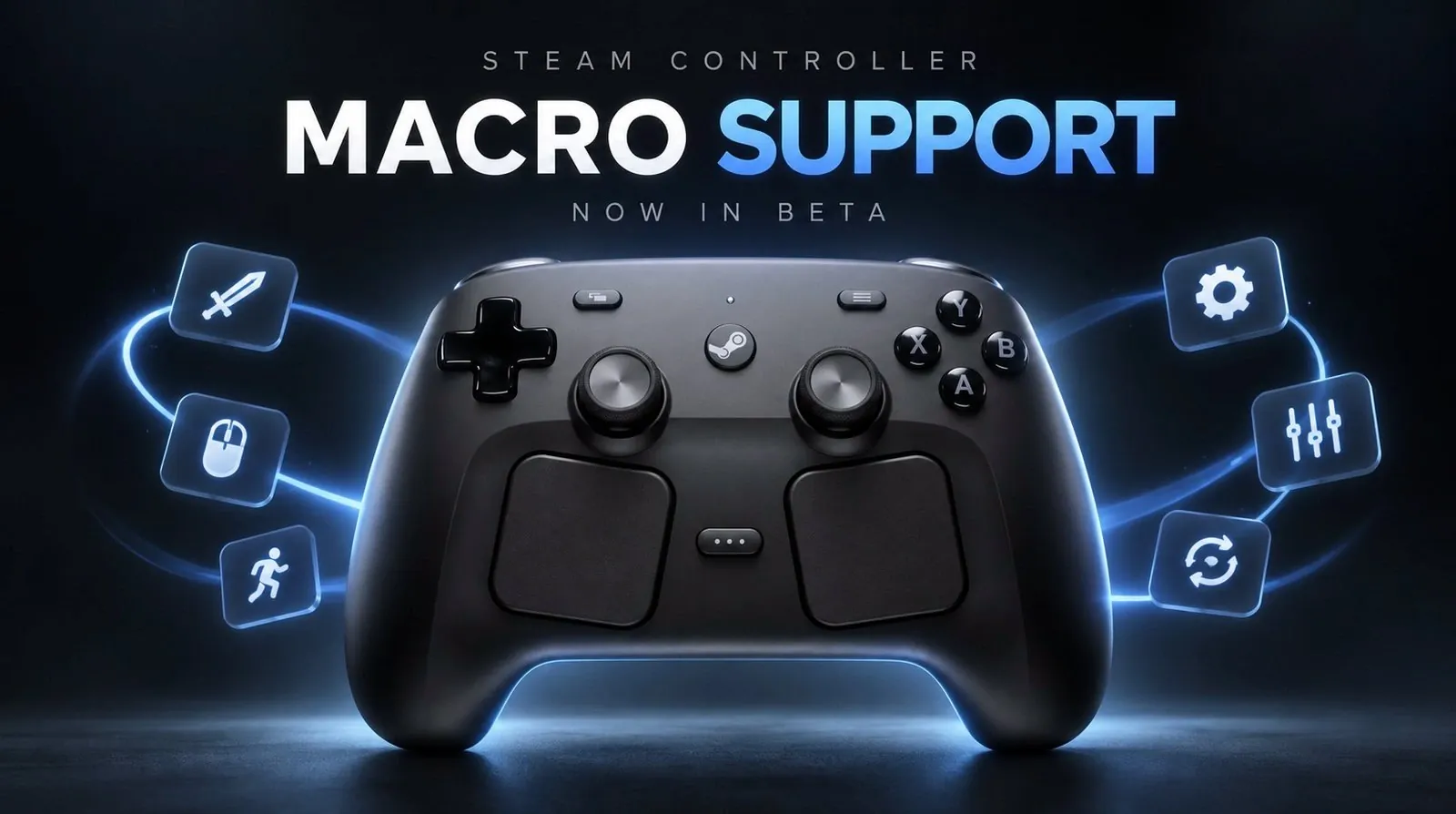
Valve has introduced a beta macro feature for the Steam Controller, allowing players to execute multiple commands with a single button press. This functionality is particularly useful in genres like fighting games and real-time strategy, where precise inputs and quick reactions are essential. As outlined by NerdNest, the feature includes customizable input sequences and adjustable timing, allowing players to tailor macros to their specific gameplay needs. However, it also presents limitations, such as difficulties in games that rely on position-sensitive mechanics or require exact timing.
Explore how to configure macros within the Steam Controller settings, including adjusting timing and rearranging command sequences for better performance. Learn about practical uses, such as automating repetitive actions in strategy games or simplifying complex combos in competitive play. Additionally, gain insight into how this feature can enhance accessibility for players with physical challenges, broadening its potential applications.
What Are Macros and How Do They Work?
TL;DR Key Takeaways :
- Valve has introduced a beta macro feature for the Steam Controller, allowing users to execute multiple commands with a single button press, enhancing gameplay efficiency and precision.
- Macros are customizable, allowing players to tailor input sequences for specific gameplay needs, particularly in genres like fighting games, RTS and simulations.
- The setup process is user-friendly, with visual feedback to guide players in creating and refining macros, though some trial and error may be required for optimal results.
- Limitations include position-dependent execution and challenges with precision in games with dynamic mechanics or strict timing requirements, which may require additional adjustments.
- Despite being in beta, the feature has been positively received, with potential applications in simplifying combos, improving accessibility and automating repetitive tasks, while Valve continues to refine it based on user feedback.
Macros are programmable sequences of inputs that can be executed with a single command, streamlining intricate gameplay mechanics. This feature is particularly useful in genres like fighting games, real-time strategy (RTS) titles and simulations, where rapid and precise combinations are often required to succeed. Key aspects of the macro system include:
- Customizable Input Sequences: Players can tailor the timing and order of commands to suit specific gameplay needs.
- Enhanced Efficiency: Execute complex attack combos or sequences with minimal effort, reducing the risk of input errors.
- Flexibility Across Scenarios: Fine-tune macros to adapt to different in-game situations, making sure optimal performance.
For instance, in a fighting game, you can program a macro to perform a series of attacks with precise timing, making sure consistency during competitive matches. Similarly, RTS players can use macros to automate resource management or unit deployment, saving valuable time during intense gameplay.
How to Set Up Macros
Setting up macros on the Steam Controller is designed to be intuitive, even for those new to the concept. The process is accessible through the Steam Controller settings menu and provides visual feedback to guide users through customization. Steps to configure macros:
- Open the Steam Controller settings and navigate to the “Edit Multi-Button Timing” option.
- Add individual commands to your macro, adjust their timing and reorder them as necessary.
- Use the interface’s visual feedback to monitor the sequence and ensure the timing aligns with your gameplay needs.
This straightforward setup process encourages experimentation, allowing players to refine their macros over time. However, achieving the desired results may involve some trial and error, especially for newcomers unfamiliar with configuring input sequences.

Become an expert in Steam Controller with the help of our in-depth articles and helpful guides.
- Steam Controller Gains HID Drivers for Non-Steam Games
- 13 Hidden Steam Controller Features You Probably Missed
- $60 Steam Controller 2 is Packing Features PC Gamers Have Been Waiting For
- Why Custom Steam Controller Layouts Beat Community Templates
- Hidden Steam Controller Settings Most Gamers Miss
- Steam Controller’s Capacitive Grips Will Change How You Play
- SteamOS Beta Update Fixes CPU Degradation and Wi-Fi Bugs
- Steam Controller 2026 is So Close to Being the Perfect Gamepad
- New Valve Steam Controller Tested by Gamers Nexus : Here’s What They Found
Limitations to Consider
While the macro feature offers significant benefits, it is not without its challenges. Certain limitations may affect its usability in specific contexts, particularly in games with dynamic mechanics or strict timing requirements.
- Position-Dependent Execution: In some games, such as fighting titles, macros may only function effectively if your character is in a specific position on the screen. This limitation may necessitate creating multiple macros for different scenarios, which can be time-intensive.
- Precision Challenges: Games with highly sensitive input timing may make it difficult to fine-tune macros, potentially leading to frustration during the setup process.
These constraints highlight the importance of careful planning and adjustment when using macros. Players should consider the unique mechanics of each game to maximize the feature’s effectiveness.
Practical Applications of Macros
The macro feature has a wide range of practical applications, making it a versatile tool for gamers across various genres. By simplifying complex inputs and automating repetitive tasks, macros can enhance both casual and competitive gameplay experiences. Common use cases include:
- Simplifying Combos: Execute intricate moves or attack sequences in fighting games with a single button press, improving consistency and reducing input errors.
- Improving Accessibility: Assist players with physical disabilities or those who struggle with complex controls by reducing the number of inputs required for specific actions.
- Automating Repetitive Tasks: Streamline resource management, unit deployment, or other repetitive actions in strategy games and simulations.
These examples demonstrate how macros can cater to a diverse range of players, from those seeking convenience to competitive gamers aiming for precision and efficiency.
Challenges and Early Feedback
As a beta feature, the macro system is still in its early stages of development. Some users have reported bugs and usability issues that may affect its reliability in certain games. Additionally, the effectiveness of macros depends heavily on the design and mechanics of individual games. Titles with unpredictable elements or dynamic gameplay may limit the practicality of pre-programmed inputs.
Despite these challenges, the gaming community has responded positively to the feature. Many players have praised Valve’s user-friendly interface for macro creation, which encourages experimentation and customization. Suggestions from users include expanding the feature to improve accessibility for players with disabilities and refining the system to enhance precision and reliability.
Looking Ahead
Valve’s introduction of the macro feature for the Steam Controller represents a significant advancement in gaming customization and accessibility. By allowing players to execute complex input sequences with a single button press, Valve has addressed a long-standing request from its community. This update opens up new possibilities for enhancing gameplay, whether by simplifying controls for casual players or providing competitive gamers with a tool for greater precision.
However, the feature’s current limitations, such as position-dependent execution and its beta status, highlight areas for improvement. As Valve continues to refine the system based on user feedback, the macro feature has the potential to become an indispensable tool for gamers seeking greater control and convenience.
For players looking to elevate their gaming experience, this update offers a glimpse into the future of controller customization. Whether you’re automating repetitive tasks, improving accessibility, or mastering intricate combos, the macro feature provides a powerful tool to enhance your gameplay on the Steam Controller.
Media Credit: NerdNest
Disclosure: Some of our articles include affiliate links. If you buy something through one of these links, Geeky Gadgets may earn an affiliate commission. Learn about our Disclosure Policy.
