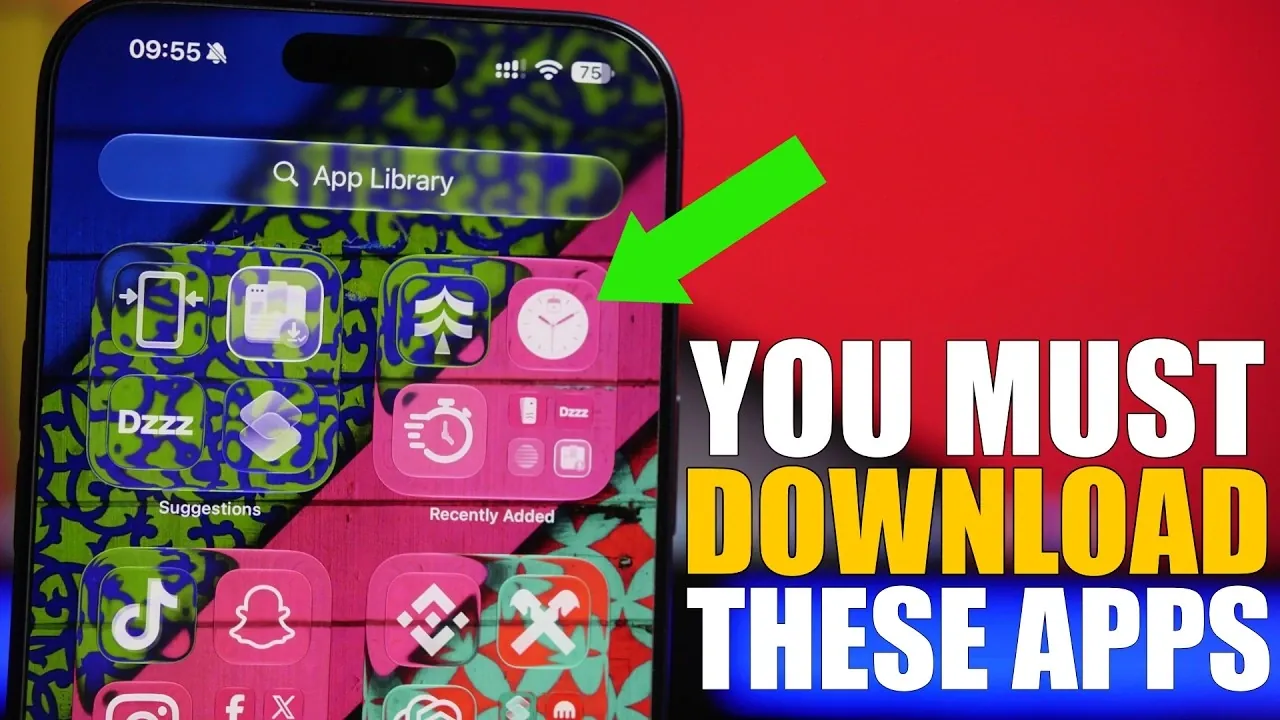
Your iPhone is more than just a communication device, it’s a powerful tool that can streamline your daily tasks, enhance productivity and inspire creativity. With the right apps, you can unlock its full potential without spending any money. Below, we delve into eight free apps that can transform the way you use your iPhone, each offering unique features to suit a variety of needs.
- Productivity & Utilities: Discover handy tools like Date Alarm for calendar tracking, Dizzy for file conversions, and Live Timer for lock-screen efficiency.
- Gamified Fitness: Turn daily walks into engaging virtual adventures and earn milestones using the Through step-tracking app.
- Creative Customization: Design aesthetic device wallpapers with Still Paper and format clean tutorials using Enlay screenshots.
- Offline Freedom: Save full internet articles locally for seamless travel browsing using Page Cacher.

Date Alarm: Stay Organized and On Time
Effective time management is essential and Date Alarm ensures you never miss an important moment. This advanced alarm clock app allows you to set alarms for specific dates or recurring schedules, making it a versatile tool for both personal and professional use.
Key features include:
- A world clock for managing multiple time zones effortlessly.
- A stopwatch and timer for added functionality.
For example, you can schedule reminders for international meetings, making sure you’re always punctual despite time zone differences. Date Alarm is a comprehensive tool designed to keep your day running smoothly and efficiently.
Through: Turn Physical Activity into a Virtual Adventure
Through is a step-tracking app that goes beyond counting steps. It transforms your physical activity into a rewarding experience by mapping your progress on virtual trails. As you walk, jog, or hike, you earn badges for reaching milestones, making fitness both engaging and motivating.
Whether you’re commuting to work or exploring nature on the weekends, Through gamifies your fitness journey, encouraging you to stay active while enjoying a sense of adventure. It’s an excellent choice for anyone looking to combine health goals with a touch of fun.
Dizzy: Your All-in-One Media Solution
Dizzy is a versatile media converter that simplifies a wide range of tasks. From compressing large files to converting videos into MP3s, this app is a one-stop solution for managing your media needs. It also includes features like merging files and generating QR codes, making it a highly practical tool.
Examples of what you can do:
- Compress large PDF files for easier sharing and storage.
- Extract audio from videos to create MP3 files for offline listening.
Dizzy’s multifunctionality makes it an essential app for both personal and professional use, saving you time and effort while handling complex tasks with ease.
Pelleros: Streamline Your Web Searches
Pelleros revolutionizes the way you search the web by aggregating results from multiple search engines like Google and DuckDuckGo into a single interface. This eliminates the need to toggle between platforms, saving you time and making sure you access the most relevant information.
Whether you’re conducting research, comparing prices, or exploring new topics, Pelleros simplifies the search process. Its ability to consolidate results makes it an invaluable tool for anyone who values efficiency and thoroughness in their online searches.
Still Paper: Design Custom Wallpapers Effortlessly
Still Paper allows you to personalize your iPhone’s wallpaper with ease. The app offers options for creating gradient designs, patterns and text-based backgrounds, allowing you to craft wallpapers that reflect your unique style.
For example:
- Create a motivational quote on a gradient background to inspire you every time you unlock your phone.
- Design a minimalist pattern for a sleek and modern aesthetic.
Still Paper makes it simple to customize your device, adding a personal touch that enhances your daily experience.
Enlay: Share Screenshots with Professional Flair
Enlay improves the way you share screenshots by allowing you to customize them with device mockups, annotations and backgrounds. Whether you’re sharing a conversation, a design, or a tutorial, this app ensures your screenshots are visually appealing and easy to understand.
This tool is particularly useful for professionals such as designers, educators and marketers who need to present information clearly. Enlay’s features make it a small yet impactful app for effective communication.
Live Timer: Simplify Time Management
Live Timer makes managing your time more convenient by integrating directly with your lock screen. You can set and monitor timers in real-time without unlocking your phone, making it ideal for multitasking.
Use cases include:
- Tracking cooking times while preparing meals.
- Timing workouts or managing project tasks without interruptions.
Its seamless functionality ensures that you stay on schedule, making Live Timer an indispensable tool for managing your daily activities.
Page Cacher: Access Web Content Anytime
Page Cacher is a must-have app for moments when you’re offline but need access to web content. It saves full web pages for offline viewing, complete with a browser-like interface for easy navigation.
Whether you’re traveling, studying, or in an area with poor connectivity, Page Cacher ensures you can access important information whenever you need it. It’s particularly useful for students, researchers and frequent travelers who rely on consistent access to online resources.
Enhance Your iPhone Experience
These eight free iPhone apps demonstrate how technology can enrich your daily life. From improving time management and staying active to personalizing your device and accessing offline content, each app offers unique features that make your iPhone more versatile and valuable. By incorporating these tools into your routine, you can boost productivity, creativity and convenience, all without spending a penny.
Discover other guides from our vast content that could be of interest on iPhone apps.
- 8 Essential Apps to Level Up Your iPhone Experience This Spring
- The Only iPhone Apps Worth Downloading This Month
- 15 FREE iPhone Apps You’ll Actually Use
- 8 Incredibly Useful iPhone Apps That Are Actually Worth Downloading
- 14 iPhone Apps That Will Blow Your Mind!
- Best iPhone Video Editing Apps: The Ultimate Guide (2025)
Source & Image Credit: iReviews
Disclosure: Some of our articles include affiliate links. If you buy something through one of these links, Geeky Gadgets may earn an affiliate commission. Learn about our Disclosure Policy.
