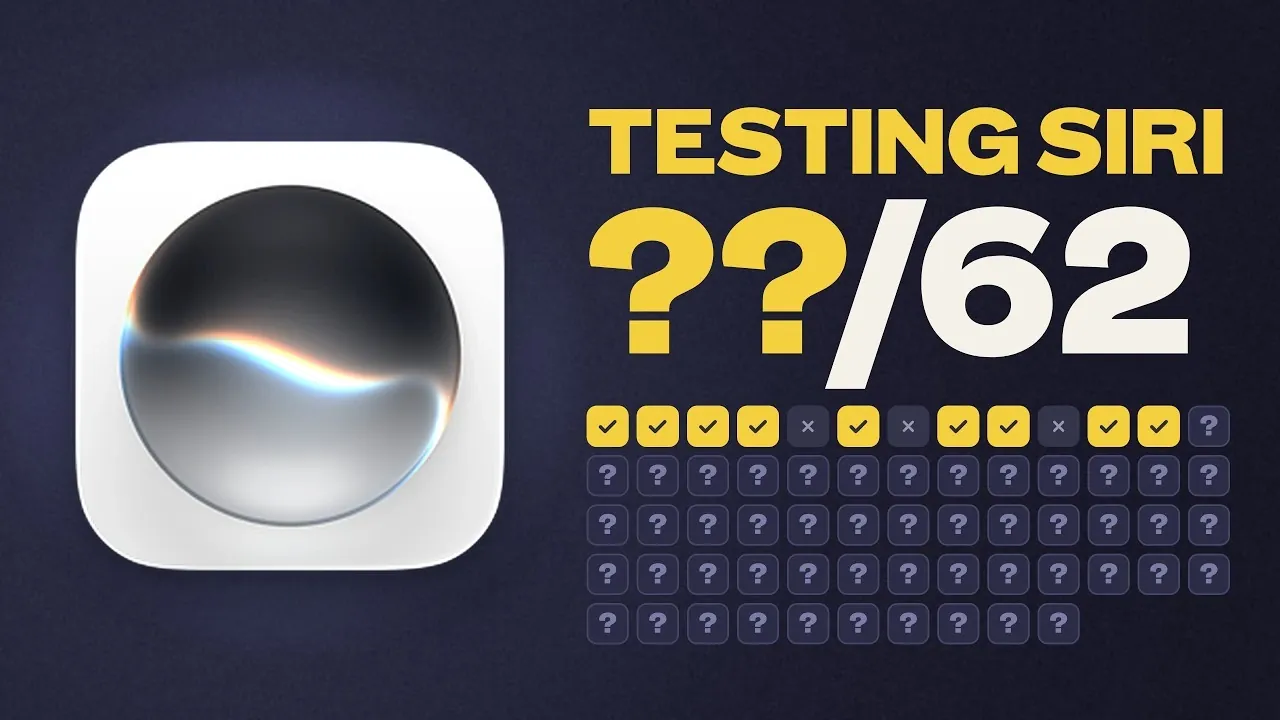
Apple’s macOS 27.2 update introduced a revamped version of Siri and Peter Akkies tested its capabilities through 62 specific tasks. The evaluation highlighted notable strengths, such as handling basic commands like setting reminders and checking the weather, as well as integrating effectively with native apps like Calendar and Notes for task management. However, Siri struggled with more advanced tasks, such as organizing files or interacting with third-party apps like Things and Flighty, revealing clear limitations in its functionality.
Gain insight into how Siri performs in practical scenarios, including its ability to handle everyday commands and its challenges with non-Apple applications. Discover how it uses personal context to tailor responses and where it encounters difficulties with ambiguous or complex workflows. This breakdown provides a detailed look at Siri’s current capabilities on macOS.
Strengths: Reliable for Everyday Tasks
- Siri in macOS 27.2 excels at handling basic commands and integrates seamlessly with Apple’s native apps, making it highly effective for routine tasks like setting reminders, checking the weather and managing emails or calendars.
- Its ability to use personal context, such as accessing messages and emails, enhances productivity by delivering tailored responses and automating workflows within Apple’s ecosystem.
- Siri struggles with complex tasks, ambiguous queries and advanced operations, often resulting in inconsistent or incomplete outcomes, which limits its utility for more sophisticated use cases.
- Third-party app compatibility remains a significant weakness, with only partial support for popular apps like Things and Flighty, reducing its effectiveness for users relying on non-Apple applications.
- The macOS 27.2 update introduced incremental improvements, such as recalling past conversations for context-aware interactions, but Siri still lags behind competitors like ChatGPT and Claude in versatility and sophistication.
Siri excels in managing straightforward commands, making it a reliable assistant for routine activities. Tasks such as setting reminders, adjusting system settings, or checking the weather are handled with ease. Its seamless integration with Apple’s native apps—including Mail, Notes, Calendar and Reminders, stands out as a key advantage. For example, you can ask Siri to retrieve emails, schedule events, or create detailed notes, all through simple voice commands.
Another significant strength is Siri’s ability to use personal context to enhance productivity. By accessing your text messages, emails and other personal data, Siri delivers tailored responses. For instance, you can say, “Remind me to reply to John’s email at 3 PM,” and Siri combines contextual awareness with task automation to streamline your workflow. This feature is particularly useful for users who rely heavily on Apple’s ecosystem for personal and professional organization.
Weaknesses: Struggles with Complexity and Third-Party Apps
Despite its strengths, Siri faces notable challenges when interacting with third-party apps. Popular tools like Things, Flighty and Fantastical are only partially supported. While Siri can open these apps, it often fails to execute specific commands, such as creating a task in Things or retrieving flight details from Flighty. This limitation significantly reduces its utility for users who depend on non-Apple applications for their daily tasks.
Siri also struggles with complex or ambiguous queries, which often result in inconsistent or incomplete outcomes. For example, tasks like organizing folders, compressing files, or analyzing spreadsheet data frequently lead to errors or require manual intervention. Additionally, Siri’s inability to clarify vague requests can disrupt workflows, leaving users frustrated.
Reliability issues further compound these weaknesses. Siri occasionally fails to access or act on data stored in apps or files, creating interruptions in productivity. Moreover, usage limits during extended sessions can hinder users, especially when no prior warning is provided. These shortcomings highlight the need for more robust functionality and improved error handling.

Advance your skills in Siri AI by reading more of our detailed content.
- Just Got Siri AI? the Most Useful Things You Can Ask It Today
- iOS 27: Apple’s Massive Siri AI Upgrade Finally Delivers
- Everything Siri AI Can Do in iOS 27 (and How to Get It Working Right Now)
- How to Get Siri AI: Step-by-Step Setup Guide
- tvOS 27.2 RC Brings Siri AI to the Apple TV 4K
- Siri AI Just Became a Real Personal Assistant, Here’s What It Can Do
- HomePod Mini 2 Could Finally Launch with Siri AI Support
- Just Installed iOS 27? Here Are the Features You Should Test First
- The Top macOS 27 Features Changing Your Mac
- Should You Update to iOS 27 on Day One?
What’s New in macOS 27.2?
The macOS 27.2 update introduced several incremental improvements to Siri’s functionality. One notable enhancement is its ability to recall past conversations, allowing more context-aware interactions. For instance, if you ask Siri to “remind me about the meeting we discussed earlier,” it can now reference previous exchanges to provide a relevant response. This feature represents a step forward in making Siri more intuitive and user-friendly.
Additionally, there were minor improvements in third-party app integration. Siri demonstrated slightly better compatibility with apps like Flighty, though the progress remains limited. These updates reflect Apple’s ongoing efforts to refine Siri’s capabilities, but the assistant still lags behind competitors like ChatGPT and Claude in terms of versatility and sophistication.
While these updates are promising, they do not address Siri’s core limitations in handling complex tasks or supporting a broader range of third-party applications. The enhancements are incremental rather than fantastic, leaving significant room for further development.
Performance Overview: Strengths and Shortcomings
Out of the 62 tasks tested, Siri successfully completed 34, showcasing its reliability for basic commands and Apple ecosystem-centric operations. These results highlight its strengths in areas such as task automation, native app integration and personal context awareness. For users who prioritize simplicity and seamless integration within Apple’s ecosystem, Siri remains a valuable tool.
However, its struggles with advanced functionalities and third-party app support significantly impacted its overall performance. Tasks requiring complex problem-solving, multi-step operations, or integration with non-Apple applications often resulted in failures or inconsistent outcomes. These shortcomings underscore the need for substantial improvements to make Siri a more comprehensive and versatile AI assistant.
For now, Siri is best suited for users who rely heavily on Apple’s ecosystem and require a straightforward, voice-activated assistant for everyday tasks. While it performs well in these areas, its limitations prevent it from competing effectively with more advanced AI solutions available on the market.
The Path Forward for Siri
Siri on macOS demonstrates potential, particularly for users deeply embedded in Apple’s ecosystem. Its ability to handle basic tasks efficiently and integrate seamlessly with native apps makes it a practical tool for everyday use. However, its limitations in third-party app support, complex query handling and advanced functionalities highlight the need for significant enhancements.
To remain competitive with alternatives like ChatGPT or Claude, Siri must address these gaps and deliver a more robust user experience. Improvements in third-party app compatibility, advanced task execution and error handling are essential for Siri to evolve into a truly comprehensive AI assistant. Until then, it remains a useful but imperfect tool, ideal for users who prioritize simplicity and integration over versatility.
Media Credit: Peter Akkies
Disclosure: Some of our articles include affiliate links. If you buy something through one of these links, Geeky Gadgets may earn an affiliate commission. Learn about our Disclosure Policy.
