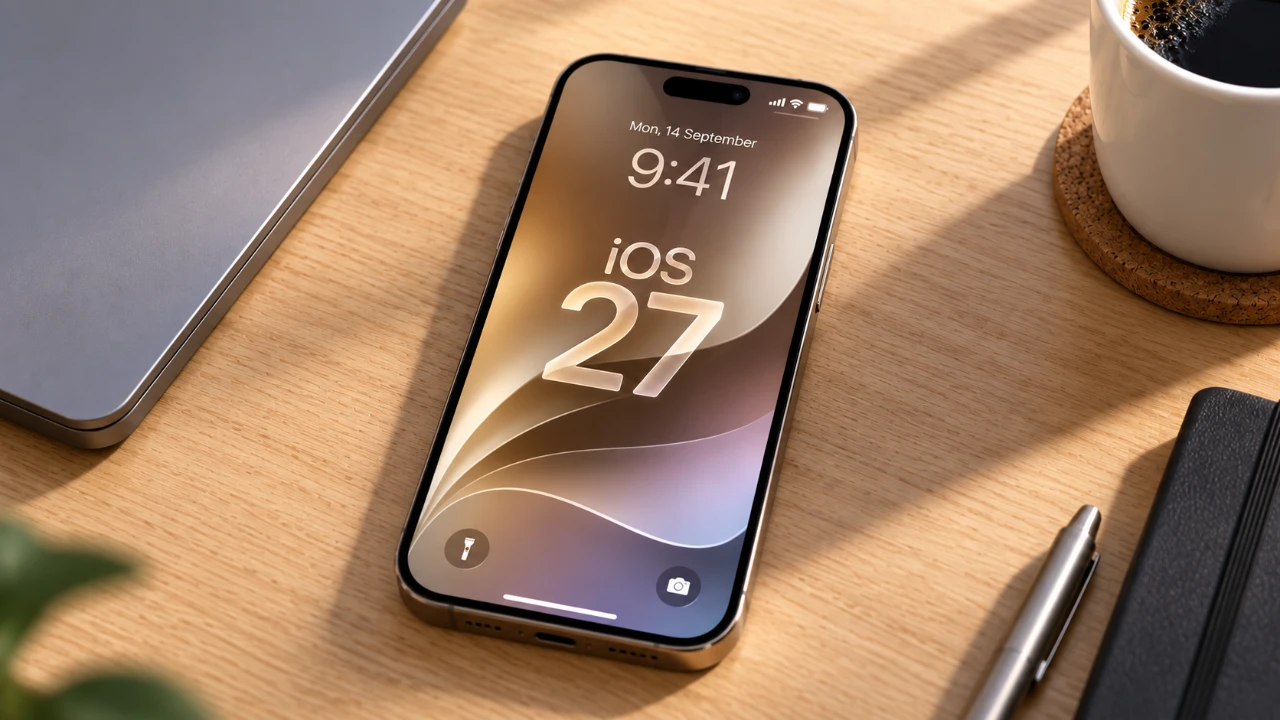
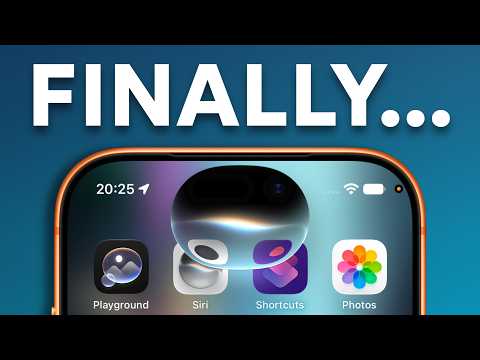
Apple’s Siri AI, introduced in beta with iOS 27, signifies a major advancement in personal assistant technology. Designed to enhance conversational abilities, improve contextual understanding, and integrate seamlessly with apps, this iteration aims to deliver a more intuitive and personalized user experience. Using innovative artificial intelligence and device-specific features, Siri AI is crafted to simplify daily interactions and tasks, making it a valuable tool for iPhone users. While still in its beta phase, it showcases Apple’s commitment to pushing the boundaries of AI-driven assistance. The video below from Proper Honest Tech gives us a look at the new Siri AI in iOS 27.
Key Features of Siri AI
Siri AI in iOS 27 introduces several innovative features that redefine usability and functionality. These include:
- Enhanced Conversations: Siri can now manage complex, multi-layered queries and retain context for follow-up questions, allowing more natural and efficient interactions.
- Visual Intelligence: By integrating with the device’s camera, Siri can recognize objects, extract actionable information, and answer questions about your surroundings.
- On-Screen Awareness: Siri interacts with visible content on your device, such as updating contact details or creating calendar events directly from an email or message.
- Personalized Assistance: Siri uses personal data stored on your device to deliver tailored recommendations and reminders based on your schedule and preferences.
- Cross-App Functionality: Siri works seamlessly across multiple apps, including third-party ones, to streamline workflows and automate tasks.
- Text Assistance: Tools like proofreading, tone adjustment, and summarization make Siri a valuable companion for text-heavy tasks.
These features collectively aim to make Siri a more versatile, proactive, and indispensable assistant in your daily life.
Enhanced Conversational Abilities
One of the standout improvements in Siri AI is its ability to maintain contextual awareness during conversations. This means you can ask a series of related questions without needing to repeat the subject. For instance, if you inquire about a movie and later ask about its director or cast, Siri will understand the connection and provide relevant answers. This feature is particularly useful for tasks like trip planning, event research, or product comparisons, where multiple layers of information are often required. By allowing smoother, more intuitive interactions, Siri AI transforms the way users engage with their devices.
Visual Intelligence: Bridging the Physical and Digital Worlds
Siri AI’s integration with your device’s camera introduces a range of visual intelligence capabilities that enhance its practicality. These include:
- Quick Actions: Automatically extract actionable details, such as adding event information from a poster to your calendar or saving contact details from a business card.
- Questioning Mode: Point your camera at an object or scene and ask Siri questions, such as identifying a plant, determining if it’s pet-safe, or finding similar items online.
- Visual Search: Identify objects in your camera view and locate related products or information, simplifying shopping, research, or learning tasks.
By allowing Siri to interact with the physical world, these features make it a more practical and versatile tool for everyday use, bridging the gap between digital and real-world interactions.
On-Screen Awareness for Smarter Assistance
Siri AI’s on-screen awareness allows it to intelligently interact with the content displayed on your device. For example, if you’re reading an email containing a new phone number, Siri can update the contact information directly without requiring manual input. Similarly, you can use Siri to send photos, create reminders, or perform other actions based on visible content. This feature reduces the need for repetitive tasks and enhances productivity by streamlining interactions with your device.
Personalized Context Integration
By using personal data stored on your device, Siri AI delivers highly customized assistance tailored to your unique preferences and routines. It can retrieve booking details from emails, locate specific messages, or remind you of upcoming appointments. For instance, Siri might suggest leaving early for a meeting based on current traffic conditions or remind you to purchase a gift for an upcoming birthday. This level of personalization ensures that Siri anticipates your needs, making it a more proactive and reliable assistant.
Cross-App Actions for Seamless Workflows
Siri AI’s ability to work across multiple apps, including third-party ones, enhances its flexibility and utility. You can automate tasks such as:
- Creating to-do lists in external productivity apps.
- Generating navigation routes using non-default map applications.
- Setting reminders that sync with your preferred task manager.
This cross-app functionality bridges gaps between tools, allowing smoother workflows and boosting productivity. Whether you’re managing work tasks or personal errands, Siri AI simplifies the process by integrating seamlessly with the apps you rely on most.
Text Assistance for Improved Communication
For users who frequently work with text, Siri AI offers a suite of tools to refine and enhance written communication. These include:
- Proofreading: Identify and correct grammar or spelling errors in your text.
- Rewriting: Adjust the tone or structure of your writing to suit different audiences or contexts.
- Summarization: Condense lengthy content into concise summaries for easier comprehension.
Additionally, a dedicated app allows you to revisit past interactions, making it easier to track and manage tasks. These features make Siri AI a valuable companion for professionals, students, and anyone who frequently engages in text-heavy activities.
Requirements and Availability
Siri AI is compatible with iOS 27 and is available on the iPhone 15 Pro, iPhone 15 Pro Max, and iPhone 16 models. However, its availability is region-specific, with certain features restricted in areas like the European Union due to regulatory considerations. Currently, the beta version is offered exclusively in English, and users must join a waitlist to access it. As a beta product, Siri AI may occasionally exhibit inconsistencies and is not yet a replacement for specialized AI tools like ChatGPT or Claude.
Limitations and Future Potential
While Siri AI represents a significant leap forward, it is still in its early stages of development. Some features may not perform as expected, and it is not designed for highly specialized or technical tasks. However, its integration into Apple’s ecosystem and focus on practical, everyday use make it a promising tool for simplifying daily life. As development progresses, future updates could further enhance its capabilities, reliability, and scope, potentially making it an indispensable feature for iPhone users.
Siri AI in iOS 27 offers a glimpse into the future of AI-powered personal assistance, blending advanced technology with practical applications to create a more seamless and intuitive user experience.
Enhance your knowledge of Siri AI by exploring a selection of articles and guides on the subject.
- iOS 27: Apple’s Massive Siri AI Upgrade Finally Delivers
- Siri AI Offers Advanced Capabilities Beyond Basic Usage
- Apple’s New Advanced Siri AI: Is Your iPhone on the Compatible List?
- Siri AI vs. ChatGPT vs. Claude: Can Apple’s Deep OS Integration Beat Raw Brainpower?
- Does Apple’s New iOS 27 ‘Siri AI’ Live Up to the Hype?
Source: Proper Honest Tech
Disclosure: Some of our articles include affiliate links. If you buy something through one of these links, Geeky Gadgets may earn an affiliate commission. Learn about our Disclosure Policy.
