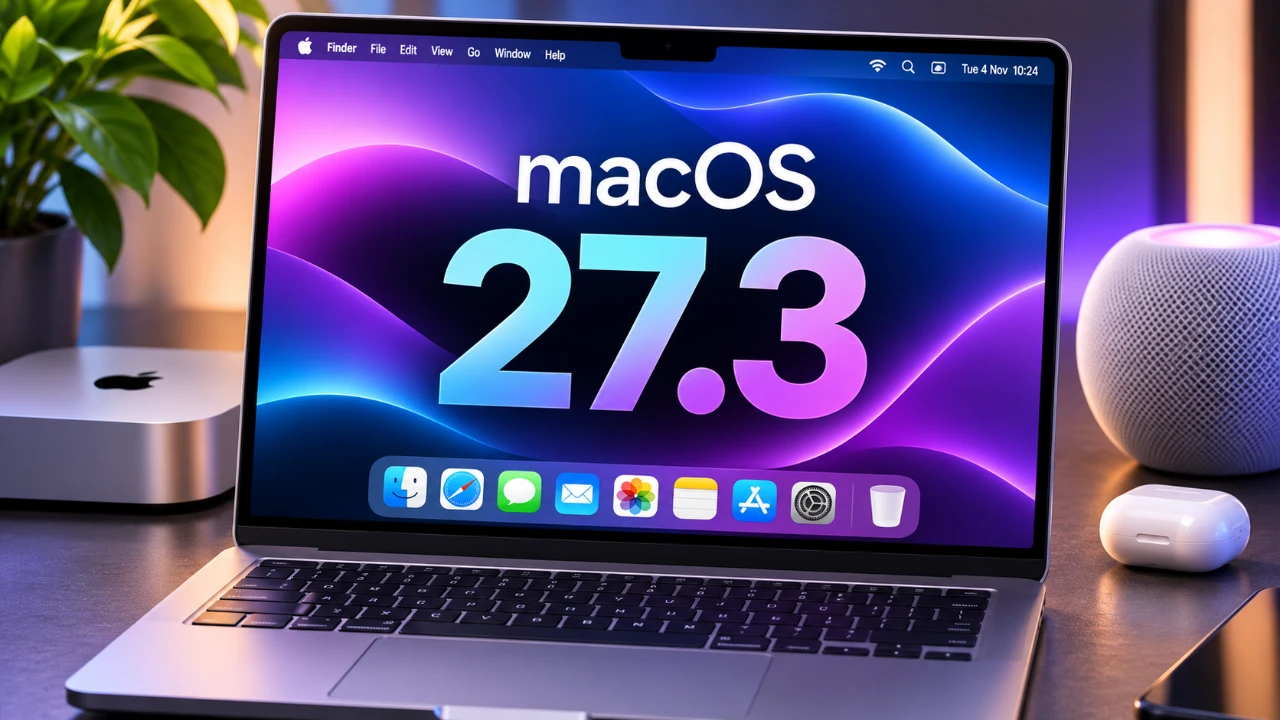
Apple’s macOS 27.3 beta 1 introduces a comprehensive set of updates designed to enhance usability, strengthen privacy, and prepare for potential hardware advancements. From real-time updates with live activities to expanded Siri functionality, this release offers a forward-looking glimpse into the evolution of macOS. Below is an in-depth exploration of the most notable features and their practical implications. The video below from HalfManHalfTech gives us more details about the new macOS 27.3 beta 1.

Live Activities: Real-Time Updates at Your Fingertips
A standout addition in macOS 27.3 beta 1 is the integration of live activities. This feature enables you to track real-time updates directly from the menu bar, eliminating the need to switch between applications. Whether you’re monitoring a sports score, tracking a delivery, or managing a timer, Live Activities provide instant updates in a streamlined and accessible format.
The “Live Activities” section in system settings allows you to customize which apps can display updates. Supported applications, such as Apple Music, Threads, and Facebook, now offer dynamic notifications, enhancing multitasking efficiency. By prioritizing instant access to information, this feature underscores Apple’s commitment to creating a more responsive and user-focused macOS experience.
Safari: Enhanced Privacy and Usability
Safari receives several notable updates in this beta, focusing on improving privacy, accessibility, and overall user convenience. These changes aim to make browsing more secure and adaptable to individual needs.
- Global Privacy Control: Safari now includes an option to request that websites not sell or share your data, giving you greater control over your online privacy and aligning with evolving data protection standards.
- Adaptive Dark Mode: For websites lacking native dark mode, Safari can automatically generate dark themes, reducing eye strain and making sure a consistent browsing experience in low-light environments.
- Vertical Tabs: A new vertical tab layout organizes your tabs in a list format, simplifying the management of multiple tabs. This feature is particularly beneficial for users handling numerous tasks simultaneously.
These updates reflect Apple’s dedication to balancing user privacy with functionality, making sure Safari remains a leading browser for both casual users and professionals.
Quick Look Markdown Support: Streamlined File Previews
For users who frequently work with Markdown files, macOS 27.3 beta 1 introduces Quick Look Markdown Support. This feature allows you to preview Markdown files directly in Finder, displaying formatted text, headings, and bold elements without requiring a separate application. By simplifying workflows, this update is particularly advantageous for developers, writers, and professionals who rely on Markdown for documentation or content creation.
Siri: Expanded Actions for Greater Versatility
Siri’s capabilities have been significantly enhanced in this update, allowing it to perform a broader range of tasks across macOS applications. You can now use Siri to archive files in Finder, organize tabs in Safari, or clear browsing history for specific timeframes. These improvements make Siri a more versatile assistant, seamlessly integrating with apps like Mail, Photos, and Safari to handle complex tasks through simple voice commands.
By deepening Siri’s integration across macOS, Apple continues to position it as an essential tool for boosting productivity and simplifying everyday workflows.
Touchscreen MacBook Hints
While not explicitly confirmed, several features in macOS 27.3 beta 1 suggest preparation for future touchscreen MacBooks. Features like live activities and vertical tabs appear optimized for touch-based interactions, hinting at a more tactile macOS interface. These updates could indicate Apple’s efforts to bridge the gap between macOS and iPadOS, paving the way for a unified, touch-friendly ecosystem. Such developments align with broader trends in computing, where touch interfaces are becoming increasingly integral to user experiences.
Update Details
The macOS 27.3 beta 1 update is substantial, with a download size of 16.56 GB and build number 26C5035R. The public release is anticipated in mid-December 2026, providing developers and beta testers ample time to explore and refine the new features. This timeline ensures that the final release will be polished and optimized for a wide range of users.
macOS 27.3 Beta 1: A Step Forward
The macOS 27.3 beta 1 update represents a significant step forward in Apple’s operating system, offering features that enhance usability, privacy and functionality. With live activities, Safari improvements, Quick Look Markdown support, and expanded Siri actions, this release caters to a diverse audience, from developers to everyday users. Additionally, subtle hints at touchscreen optimization suggest exciting possibilities for future hardware. Whether you’re focused on productivity, privacy, or seamless multitasking, macOS 27.3 beta 1 delivers tools and enhancements that make the platform more intuitive and versatile than ever.
Take a look at other insightful guides from our broad collection that might capture your interest in macOS 27.
- macOS 27 is Here: Apple Silicon Just Got Its Biggest Upgrade Yet
- Apple Releases macOS 27 RC: Everything New in the Update
- Apple Releases macOS 27.0.1 with New Changes Available Now
- The macOS 27 Beta 5 Release is Out: All the New Features
- New Apple Notes Features in macOS 27, iOS27 and iPadOS Guide 2026
- macOS 27 Beta 6 is Now Available: All the Latest Features
Source & Image Credit: HalfManHalfTech
Disclosure: Some of our articles include affiliate links. If you buy something through one of these links, Geeky Gadgets may earn an affiliate commission. Learn about our Disclosure Policy.
