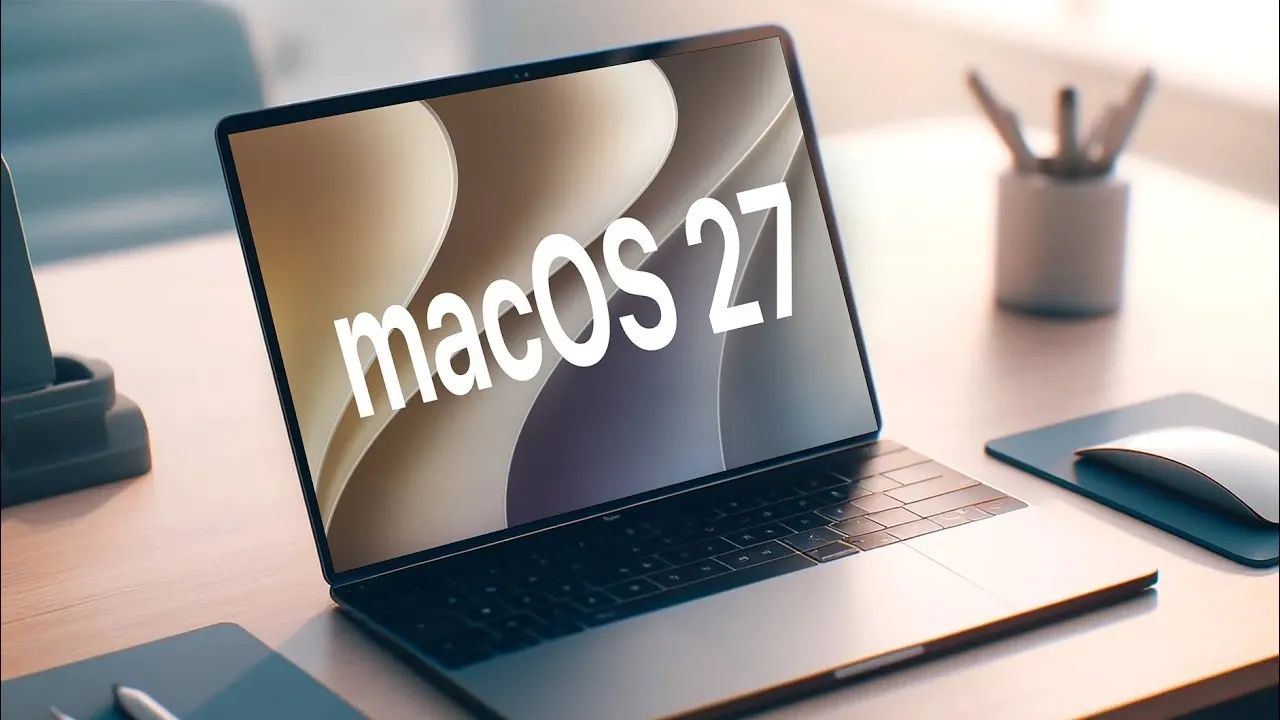
Apple has officially unveiled the release candidate (RC) version of macOS 27, codenamed “Golden Gate,” offering users a near-final glimpse into the features and refinements set to launch publicly on September 14, 2026. This update emphasizes performance improvements, design refinements, and smarter functionality, marking a significant evolution for macOS. Below is a detailed exploration of what this release brings to the table. The video below from HalfManHalfTech gives us more details about the new macOS 27.

Key Release Details
The macOS 27 RC, identified by build number 26 alpha 428, is part of a synchronized software rollout that includes updates for iPadOS 27, watchOS 27, VisionOS 27, tvOS 27 and iOS 27. If you’re upgrading from macOS 27 beta 7, the download size is approximately 5.14 GB. As a release candidate, this version is nearly identical to the final public release, offering a polished preview of the features and performance improvements users can expect.
This synchronized release underscores Apple’s commitment to creating a seamless ecosystem, making sure that all devices work harmoniously with the latest software updates.
Major Siri Enhancements
One of the standout updates in macOS 27 is the transformation of Siri into a standalone app, introducing a more intuitive and conversational experience. The redesigned Siri now features a chat-like interface, making interactions feel more natural and user-friendly. Key improvements include:
- Customizable Permissions: Users can now control how Siri accesses their data, offering greater privacy and flexibility.
- Improved Responsiveness: Faster response times and smoother animations enhance the overall user experience.
- New Activation Features: A fresh activation chime and a guided setup process allow users to tailor Siri to their specific needs.
These updates aim to align Siri with modern expectations for virtual assistants, making it a more practical and efficient tool for daily use.
Liquid Glass Interface: A Visual Upgrade
The Liquid Glass interface in macOS 27 has been further refined to deliver a visually engaging and cohesive user experience. This design enhancement focuses on creating a smoother and more immersive interface. Key updates include:
- Enhanced Animations: Improved transitions and animations contribute to a more fluid and polished experience.
- Optimized Readability: Adjustments to contrast, shadows and transparency improve text and interface clarity.
- Easter Egg Feature: A hidden feature accessible via the Liquid Glass slider adds a playful element of discovery for users.
These refinements not only elevate the aesthetic appeal of macOS but also enhance usability, making sure that the interface feels both modern and functional.
Photos App: Smarter Editing Tools
For photography enthusiasts, the Photos app in macOS 27 introduces advanced editing tools powered by intelligent algorithms. These tools simplify complex editing tasks, allowing users to achieve professional-quality results with ease. New features include:
- Clean Up: Effortlessly remove unwanted objects from images for a cleaner composition.
- Extend: Expand photo edges naturally to improve framing and balance.
- Reframe: Adjust the composition of photos with precision and minimal effort.
These additions make the Photos app a more powerful tool for both casual users and professionals, offering capabilities that were previously reserved for specialized software.
Performance Boosts
macOS 27 places a strong emphasis on performance enhancements, making sure a faster and more reliable experience across the board. Key improvements include:
- Optimized Updates: System updates now install more quickly, reducing downtime during upgrades.
- Enhanced App Indexing: Improved indexing speeds up searches and contributes to overall system stability.
These performance boosts are designed to streamline everyday tasks, reinforcing macOS’s reputation for reliability and efficiency.
Subtle Visual Tweaks
Apple has introduced subtle yet impactful visual changes in macOS 27, further refining the operating system’s design language. One notable update is the redesigned “traffic light” window controls, which now feature a glass aqua style that complements the Liquid Glass interface. These small but meaningful adjustments contribute to a more unified and modern aesthetic, enhancing the overall user experience.
What to Expect
The macOS 27 RC showcases Apple’s dedication to refining the user experience through thoughtful design, smarter tools and improved performance. With features like the standalone Siri app, intelligent photo editing capabilities and the enhanced Liquid Glass interface, this update is poised to deliver a blend of innovation and usability. As the public release approaches, macOS 27 promises to integrate seamlessly into Apple’s broader ecosystem, offering users a more cohesive and efficient digital experience.
Browse through more resources below from our in-depth content covering more areas on macOS 27.
- New iOS 27 Beta 5 Release Arrives with a Big Shift Coming
- The macOS 27 Beta 5 Release is Out: All the New Features
- Apple Releases MacOS 27 Beta 3 with New Mac Features
- macOS 27 Beta 6 is Now Available: All the Latest Features
- Why macOS 27 is Officially Apple’s Biggest Mac Update Yet
- What is New in the Just-Released macOS 27 Beta 7 Update
Source & Image Credit: HalfManHalfTech
Disclosure: Some of our articles include affiliate links. If you buy something through one of these links, Geeky Gadgets may earn an affiliate commission. Learn about our Disclosure Policy.
