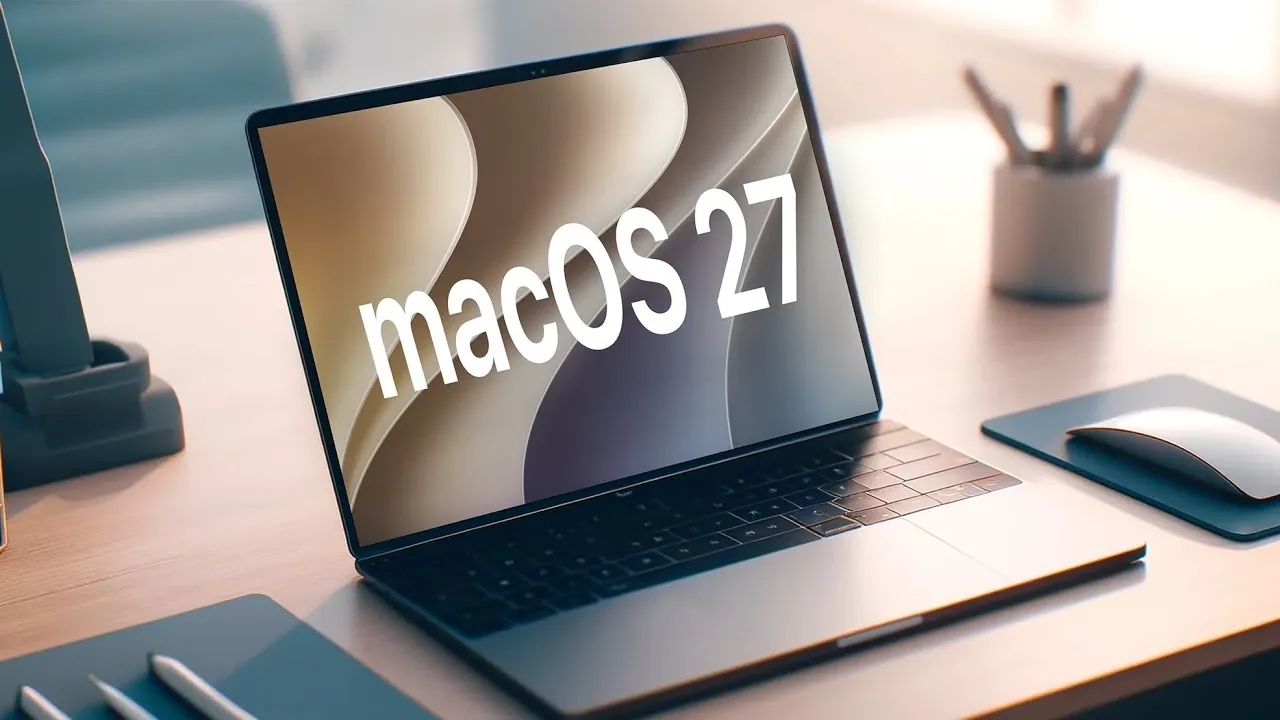
Apple has officially released macOS 27 Developer Beta 7 and Public Beta 5, bringing a series of updates that focus on enhancing functionality, refining design elements and addressing previously reported issues. These updates highlight Apple’s commitment to delivering a seamless and efficient user experience while maintaining its reputation for innovation. With improvements spanning visual design, AI capabilities, Siri enhancements and system stability, macOS 27 Beta 7 offers a comprehensive look at the future of Apple’s desktop operating system. The video below from Half Man Half Tech gives us a look at the new beta.

Refined Visual Design
One of the standout updates in macOS 27 Beta 7 is the refreshed visual design. App window controls now feature a more rounded appearance, complemented by subtle drop shadows that create a sense of depth and modernity. These changes align with Apple’s design philosophy, which emphasizes clarity, simplicity and usability. The updated design not only enhances the aesthetic appeal but also improves the overall user interface by making controls more visually distinct.
Despite these updates, Apple has retained existing appearance settings such as the “liquid glass” and “frosted” effects. This ensures continuity for users who prefer the familiar visual styles introduced in earlier versions. By balancing innovation with consistency, Apple caters to both new adopters and long-time users of macOS.
AI Advancements: On-Device Processing Takes Center Stage
A significant shift in this beta is the transition to on-device AI processing as the default setting. Previously, users could toggle between on-device AI models and private cloud compute (PCC). However, with macOS 27 Beta 7, Apple has removed this option, opting instead for a fully on-device approach. This change is designed to enhance both performance and privacy, two pillars of Apple’s software ecosystem.
For instance, Siri’s responsiveness is expected to improve significantly, with reduced latency and faster interactions. By processing AI tasks locally, Apple minimizes the need for data to leave the device, thereby safeguarding user privacy while maintaining high performance standards. This move also reflects a broader industry trend toward decentralizing AI processing to empower devices with greater autonomy and efficiency.
Enhanced Siri Features and Third-Party Integration
Siri receives a host of upgrades in macOS 27 Beta 7, further solidifying its role as a versatile digital assistant. Upon first use after installation, users are greeted with a new splash screen that highlights Siri’s expanded capabilities. These enhancements include deeper integration with third-party tools such as ChatGPT and Gemini, allowing more advanced conversational AI and functionality.
To give users greater control over these integrations, Apple has introduced app limits for third-party extensions. This feature allows you to manage the usage of external tools in alignment with your privacy preferences and productivity goals. Whether you’re using Siri for professional tasks or personal assistance, these updates ensure a more tailored and secure experience.
Bug Fixes and Stability Improvements
macOS 27 Beta 7 addresses several bugs reported in earlier versions, resulting in a more stable and reliable operating system. Key fixes include:
- Resolved audio glitches in Final Cut Pro during project exports, making sure smoother workflows for video editors and content creators.
- Fixed issues with app window dragging and placement crashes, improving usability and reducing interruptions during multitasking.
These updates demonstrate Apple’s responsiveness to user feedback and its commitment to delivering a polished and dependable platform. By addressing these issues, Apple ensures that macOS 27 Beta 7 meets the high expectations of its user base.
Updates Across the Apple Ecosystem
In addition to macOS 27 Beta 7, Apple has rolled out updates for its broader ecosystem, including visionOS 27, tvOS 27, iPadOS 27, and iOS 27. These updates are designed to maintain consistency across Apple’s suite of devices, making sure a seamless experience for users who rely on multiple products. For example, features like on-device AI processing and Siri enhancements are being implemented across platforms, reflecting Apple’s integrated approach to software development.
This ecosystem-wide update strategy not only strengthens the interoperability of Apple devices but also underscores the company’s dedication to creating a unified and cohesive user experience. Whether you’re working on a MacBook, streaming on an Apple TV, or using an iPad, these updates ensure that your devices work together effortlessly.
macOS 27 Beta 7: A Step Forward
macOS 27 Beta 7 introduces a thoughtful blend of visual enhancements, AI advancements, and bug fixes, all aimed at refining the user experience. From the rounded app window controls that modernize the interface to the shift toward on-device AI processing that prioritizes privacy and performance, this update reflects Apple’s ongoing commitment to innovation and user satisfaction. Siri’s expanded capabilities and third-party integrations further enhance its versatility, while the resolution of long-standing bugs ensures greater stability and reliability.
For developers and public beta testers alike, macOS 27 Beta 7 offers a glimpse into the future of Apple’s desktop operating system. By balancing innovative features with practical improvements, Apple continues to set the standard for what users can expect from their technology.
Browse through more resources below from our in-depth content covering more areas on macOS 27.
- New iOS 27 Beta 5 Release Arrives with a Big Shift Coming
- The macOS 27 Beta 5 Release is Out: All the New Features
- Apple Releases MacOS 27 Beta 3 with New Mac Features
- macOS 27 Beta 6 is Now Available: All the Latest Features
- Why macOS 27 is Officially Apple’s Biggest Mac Update Yet
- iOS 27 Beta 5 Is Late: What’s Holding Up Apple’s Next Release?
Source & Image Credit: HalfManHalfTech
Disclosure: Some of our articles include affiliate links. If you buy something through one of these links, Geeky Gadgets may earn an affiliate commission. Learn about our Disclosure Policy.
