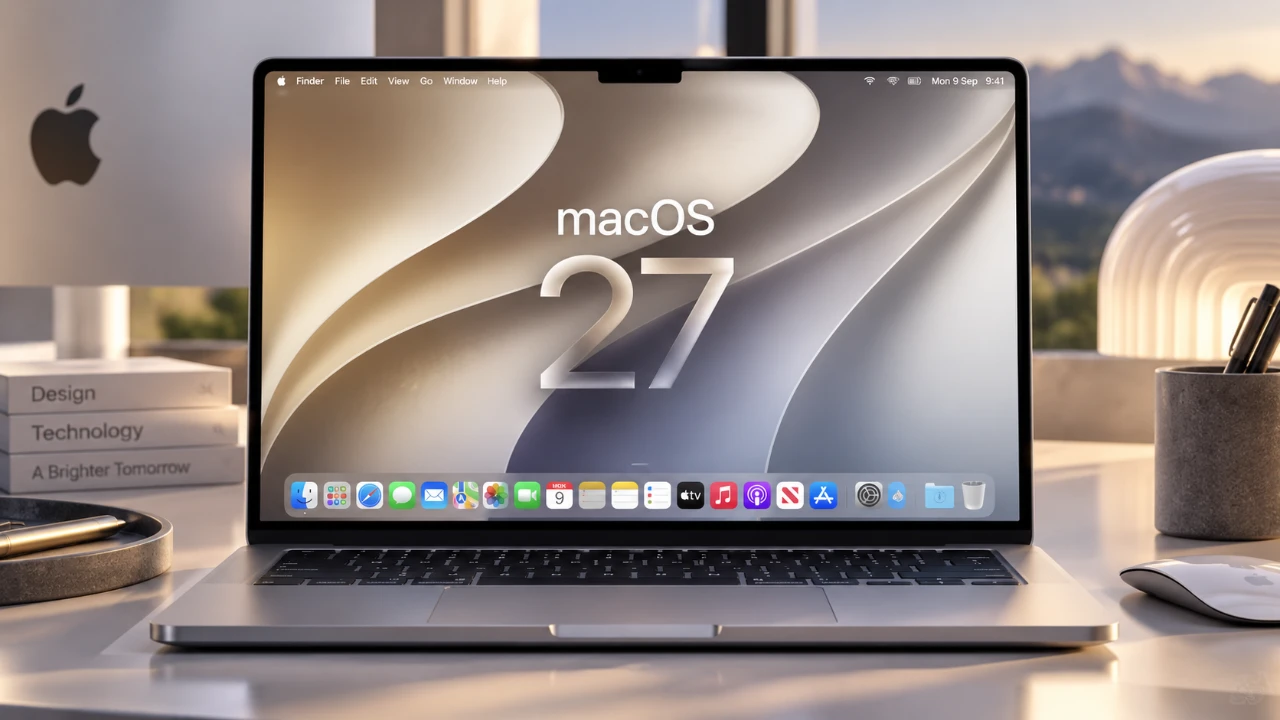
Apple has officially launched macOS 27, codenamed “Golden Gate,” a significant update that focuses on enhancing productivity, usability, and system intelligence. This release introduces a suite of automation tools, AI-driven features, and refined design elements, all aimed at transforming how users interact with their Mac devices. Below is a comprehensive overview of the most noteworthy updates in this release in a great new video from MacVince.

Automation and AI: Smarter Tools for Everyday Tasks
macOS 27 integrates advanced automation and artificial intelligence to streamline workflows and simplify daily tasks. Several key updates stand out:
- Finder: Now equipped with AI capabilities, it automatically suggests file names based on the content of documents, making file organization faster and more intuitive.
- Calendar: Enhanced with natural language input, allowing users to create events effortlessly by typing phrases like “Team meeting next Friday at 3 PM.”
- Messages: Features quick action buttons that enable users to set reminders or add events directly from conversations, improving task management.
Safari also benefits from AI-driven enhancements, including:
- Automatic tab organization by topic, making sure a more efficient browsing experience.
- Website monitoring that alerts users about changes on specific pages, such as price drops or updates.
- Support for creating web extensions using plain text prompts, making customization more accessible to non-developers.
Additionally, the built-in password manager has been upgraded to identify weak passwords and suggest secure alternatives, significantly improving online security.
Refined Design and Enhanced Usability
Apple has introduced several design refinements in macOS 27 to enhance both aesthetics and functionality. These updates include:
- Expandable menus: Allow users to manage menu bar items more effectively, reducing clutter and improving navigation.
- Screen recordings: Now include system audio, addressing a long-standing user request and making the feature more versatile.
- AirPods EQ customization: Enables personalized audio settings that sync seamlessly across all Apple devices.
The liquid glass design now offers adjustable transparency settings, giving users greater control over the appearance of sidebars and toolbars. For those who enjoy widgets, macOS 27 introduces extra-large desktop widgets and compact battery icons, creating a cleaner and more organized desktop environment.
Upgrades to Notes and Freeform
The Notes app has received several functional upgrades aimed at improving organization and collaboration:
- Markdown support, making it easier to format notes with headings, lists and other elements.
- Divider lines and internal linking, which enhance note organization and navigation.
- Activity history and live editing indicators for shared notes, allowing better collaboration in real time.
Freeform, Apple’s brainstorming and planning tool, has also been enhanced with:
- Folder organization, allowing users to manage boards more effectively.
- Dark mode, providing a more comfortable experience during late-night sessions or in low-light environments.
AI-Powered Siri and Visual Intelligence
Siri has become more versatile in macOS 27, offering new capabilities that improve its functionality and user experience:
- Integration with Spotlight, allowing seamless search and task execution from a single interface.
- Support for typed queries, catering to users who prefer typing over voice commands.
- Cross-device conversation syncing, making sure a consistent Siri experience across all Apple devices.
Visual intelligence features have also been expanded, allowing users to interact with screen selections in new ways. For example, users can schedule events or perform reverse image searches directly from their screen. In the Photos app, AI tools now enable users to clean up images, extend backgrounds and reframe photos, making it easier for creators to enhance their work.
Photos and Sharing: Simplified Collaboration
macOS 27 introduces new features to improve photo management and sharing:
- Automatic organization of identity documents and user-captured images into dedicated collections, simplifying photo libraries.
- Shared albums accessible via web links, making it easier to share memories with friends and family.
It is important to note that shared albums will consume iCloud storage, so users should monitor their available space carefully to avoid running out of storage.
Accessibility and Touchscreen-Like Features
Accessibility remains a core focus in macOS 27, with new features designed to make the operating system more inclusive:
- Live captions: Available for system-wide videos, even when audio is muted, making sure that users with hearing impairments can follow along.
- Touchscreen-like gestures: Features such as swipe-to-refresh hint at potential future hardware updates, offering a more intuitive user experience.
These updates demonstrate Apple’s commitment to making sure that macOS remains accessible to all users, regardless of their abilities.
Performance and Productivity Boosts
macOS 27 includes several updates aimed at improving system performance and boosting productivity:
- AirDrop: Optimized for faster and more reliable file transfers, making it easier to share files between devices.
- Shortcuts app: New automation triggers allow users to create more complex workflows, saving time and effort.
- AI integration: Both Safari and Shortcuts use AI to simplify tasks, allowing users to focus on what matters most.
These enhancements ensure that macOS 27 delivers a smoother and more efficient user experience, catering to both casual users and professionals.
macOS 27: A Comprehensive Upgrade
macOS 27 “Golden Gate” represents a thoughtful balance between addressing user feedback and introducing innovative features. From intelligent automation and AI-powered tools to refined design and enhanced accessibility, this update offers something for everyone. Whether you’re a casual Mac user or a power user, macOS 27 provides the tools and improvements needed to elevate your experience and maximize productivity.
Explore further guides and articles from our vast library that you may find relevant to your interests in macOS 27.
- New iOS 27 Beta 5 Release Arrives with a Big Shift Coming
- Apple Releases macOS 27 RC: Everything New in the Update
- The macOS 27 Beta 5 Release is Out: All the New Features
- Apple Releases MacOS 27 Beta 3 with New Mac Features
- macOS 27 Beta 6 is Now Available: All the Latest Features
- What is New in the Just-Released macOS 27 Beta 7 Update
Source: MacVince
Disclosure: Some of our articles include affiliate links. If you buy something through one of these links, Geeky Gadgets may earn an affiliate commission. Learn about our Disclosure Policy.
