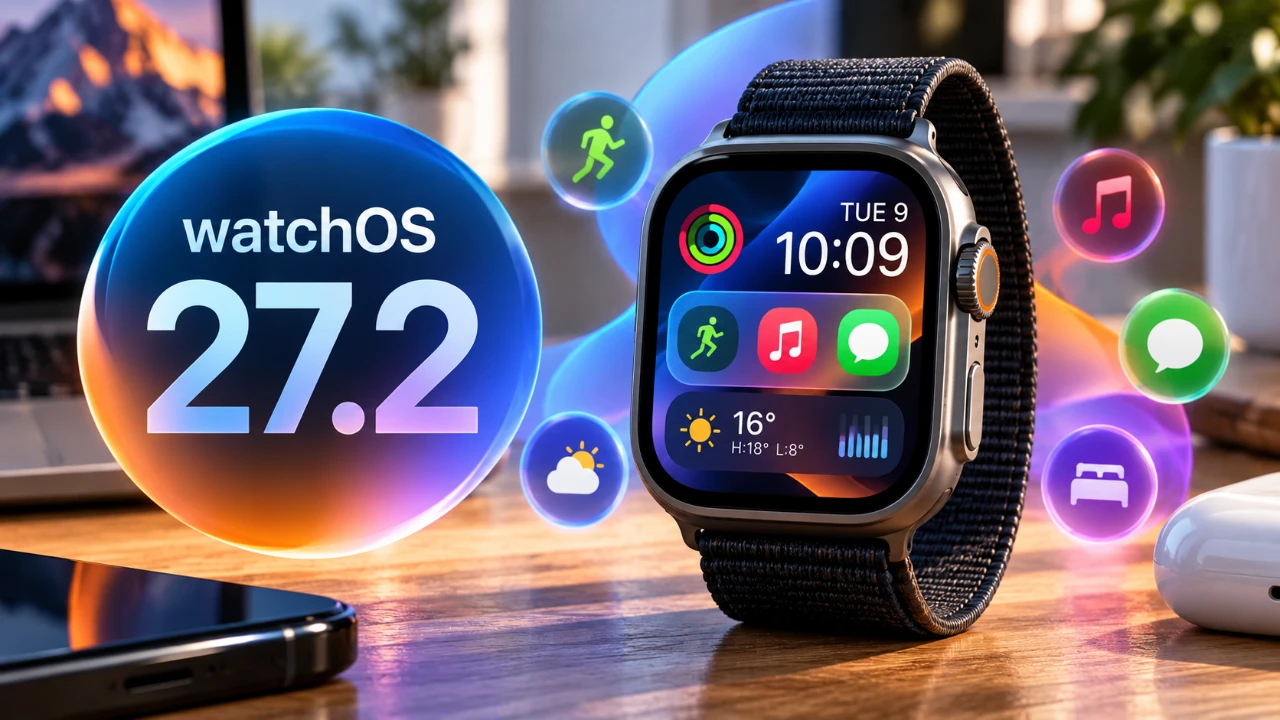
Apple’s watchOS 27.2 brings a series of updates aimed at refining the Apple Watch’s functionality and addressing user feedback. With the return of the app switcher, smarter Siri capabilities, and expanded customization options, this update focuses on improving usability and personalization. While some highly anticipated features remain absent, the enhancements cater to a wide range of users, from casual wearers to tech enthusiasts, offering a more seamless and reliable experience.

App Switcher: A Long-Awaited Comeback
The reintroduction of the app switcher in watchOS 27.2 marks a significant improvement in multitasking and navigation. By long-pressing the center button, you can now quickly scroll through open apps, close them, or relaunch them effortlessly. This intuitive feature simplifies app management, especially for users juggling multiple tasks.
Additionally, a new functionality allows you to force-close unresponsive apps by holding both the power button and the digital crown simultaneously. This added control ensures that troubleshooting becomes a straightforward process, minimizing disruptions during daily use. Whether you’re switching between fitness tracking, messaging, or productivity apps, the app switcher enhances convenience and efficiency.
Siri Gets Smarter and More Accessible
Siri sees notable upgrades in watchOS 27.2, making it a more powerful and inclusive assistant. Expanded language support now includes Japanese, Korean, French, Portuguese and Spanish, broadening its accessibility for a global audience. These additions ensure that Siri can cater to a diverse range of users, enhancing its usability across different regions.
The assistant’s improved contextual awareness allows it to handle tasks with greater precision. Whether you’re setting reminders, scheduling calendar events, or logging flights, Siri now delivers more accurate and relevant responses. Furthermore, you can customize Siri’s access to apps and data through your paired iPhone’s settings, offering a balance between functionality and privacy.
Aesthetic updates also enhance the experience, with a subtle glow animation for Siri activation, exclusive to the Siri Modular watch face. These refinements make Siri not only a practical tool but also a visually appealing part of the Apple Watch interface.
Customization: Tailoring Your Watch to You
watchOS 27.2 introduces meaningful updates to customization, allowing you to better personalize your Apple Watch. While the overall user interface remains consistent, enhancements like the updated Siri Modular watch face make it easier to access key information at a glance. This watch face now integrates more dynamic complications, allowing you to prioritize the data most relevant to your daily routine.
These changes reflect Apple’s commitment to balancing functionality with personalization, empowering users to adapt their devices to their unique preferences. The customization options are thoughtfully designed to enhance usability without overwhelming the interface, making sure that the Apple Watch remains intuitive and user-friendly.
Performance and Stability: A Reliable Foundation
Performance and reliability are central to the watchOS 27.2 update. Users overview a smoother experience, with noticeable improvements in system stability and battery performance. These optimizations ensure that the Apple Watch operates consistently, even during demanding tasks such as fitness tracking or app multitasking.
While the update does not introduce new features, its focus on stability reinforces the Apple Watch’s reputation as a dependable device. By addressing minor bugs and enhancing overall performance, watchOS 27.2 provides a solid foundation for everyday use, whether for productivity, fitness, or convenience.
What’s Missing and What’s Next
Despite its improvements, watchOS 27.2 leaves some user expectations unmet. For example, the Health app interface remains unchanged, retaining its design and functionality from iOS 26. This omission may disappoint users hoping for a more streamlined or feature-rich health tracking experience.
However, Apple has hinted at further updates on the horizon. With iOS 27.3 expected in December and developer betas rolling out in November, future releases may address these gaps and introduce additional features. These updates are likely to continue the evolution of the Apple Watch ecosystem, making sure that user needs are met over time.
A Step Forward for the Apple Watch
watchOS 27.2 delivers a thoughtful combination of new features and refinements, prioritizing usability, reliability, and personalization. The return of the app switcher, smarter Siri capabilities and enhanced customization options collectively improve the Apple Watch experience. While certain areas remain untouched, this update lays a strong foundation for future advancements. Whether you rely on your Apple Watch for productivity, fitness, or everyday convenience, watchOS 27.2 ensures a smoother, more efficient experience tailored to your needs.
Explore further guides and articles from our vast library that you may find relevant to your interests in watchOS 27.2.
- Apple Watch Users Should Update Now: What’s Inside watchOS 27.2
- iOS 27.2 Update Checklist: Do These Things After Updating
- iOS 27.2 RC Is Available: Did Apple Finally Fix What Was Broken
- Apple Releases macOS 27.2 Beta 4: Here’s Every New Feature and Change
- What’s Coming Next? Inside the New Tweaks Hitting iOS 27.2 Beta 3
- Inside iOS 27.2 Beta 4: The Bold New Look Coming to Your iPhone
Source & Image Credit: HotshotTek
Disclosure: Some of our articles include affiliate links. If you buy something through one of these links, Geeky Gadgets may earn an affiliate commission. Learn about our Disclosure Policy.
