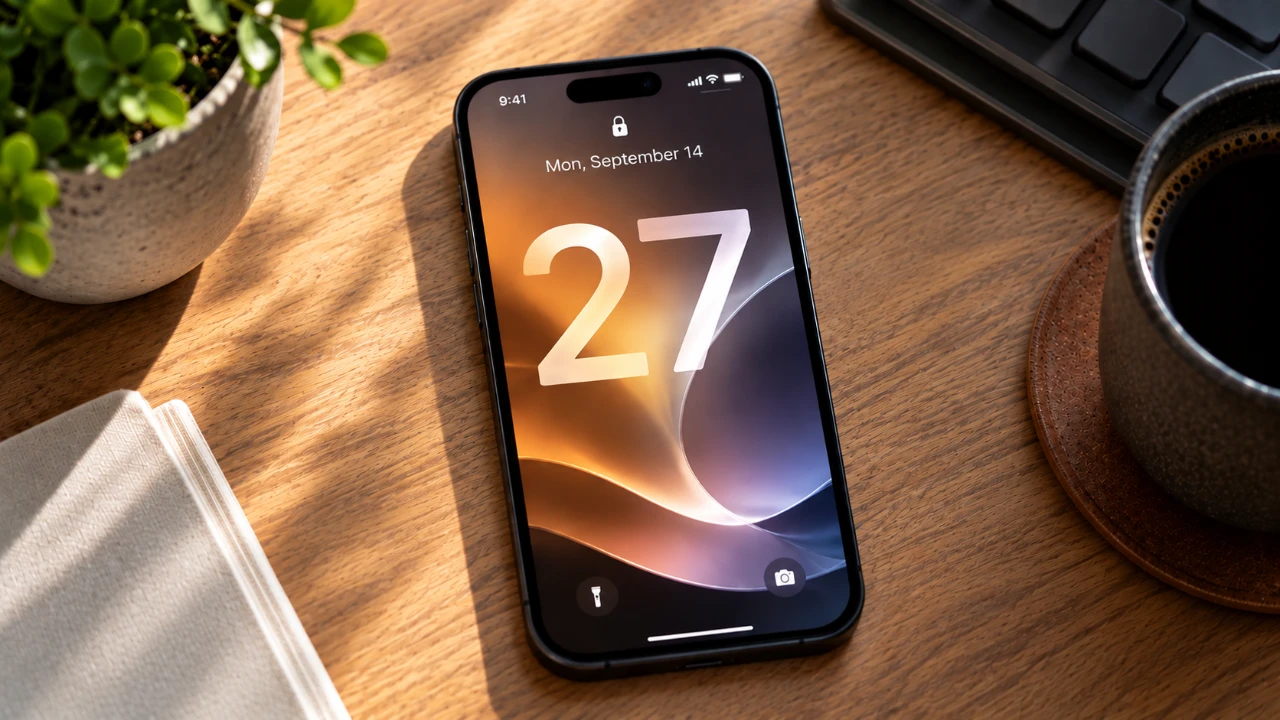
iOS 27 delivers a thoughtful blend of enhancements designed to refine daily interactions, improve system reliability, and introduce smarter, more intuitive features. With a strong focus on personal AI, photo editing, and automation, this update addresses prior limitations while introducing meaningful tools to simplify and enrich your experience. Whether you’re managing tasks, editing photos, or streamlining workflows, iOS 27 offers practical solutions tailored to modern needs. Below is a detailed video from Stephen Robles that shows us the new features, changes, improved Siri, and much more coming to the iPhone in iOS 27. Apple will release the update tomorrow, September 14th.

Siri AI: Smarter and More Contextual
Siri in iOS 27 undergoes a significant evolution, transforming into a more versatile and capable assistant. The introduction of a dedicated Siri app enhances its usability, allowing you to manage tasks and conversations with greater ease. Key improvements include:
- Enhanced contextual understanding, allowing Siri to process complex queries like scheduling overlapping events or extracting details from images.
- Improved task management, such as updating calendars, setting reminders and searching historical data.
- Advanced media recognition, including identifying songs, videos, or events captured in photos.
These upgrades make Siri a more practical tool for productivity and real-world problem-solving. However, due to regulatory restrictions, some advanced features are unavailable in the EU, limiting functionality for certain users.
Photos App: Precision and Flexibility
The Photos app receives substantial upgrades, particularly in its editing and sharing capabilities. New tools provide users with greater control and precision, including:
- Object removal tools that allow you to erase unwanted elements from photos with improved accuracy.
- Options to reframe or extend images, making it easier to create wallpapers or adjust compositions.
- Enhanced image cleanup features for a polished and professional look.
Additionally, shared album functionality has been expanded to include collaboration with non-iCloud users, making it easier to share and edit photos across platforms. These updates cater to both casual users and photography enthusiasts, offering a more versatile photo management experience.
Safari: A More Dynamic Browser
Safari in iOS 27 introduces several features aimed at enhancing your browsing experience. The new “Notify Me” tool is particularly noteworthy, as it tracks changes on webpages, such as price drops or content updates and alerts you in real time. Other key updates include:
- The ability to create custom Safari extensions directly within the browser, allowing for a more personalized and efficient browsing experience.
- Improved tab management and syncing across devices for seamless transitions between sessions.
These enhancements make Safari a more dynamic and user-friendly browser, catering to both casual users and those who rely heavily on web-based tools.
Messages: Enhanced Communication
The Messages app sees practical updates that improve both group and individual chats. These changes aim to make communication more seamless and collaborative. Key features include:
- Bill-splitting through Apple Cash, simplifying shared expenses among friends or family.
- Typing indicators in group chats, providing real-time feedback on active participants.
- Visibility of draft messages, making sure that partially written texts are not lost.
While these updates enhance functionality, some anticipated features, such as event suggestions and password auto-updates, have been delayed for future releases.
Proofreading and Autocorrect: A Step Forward
iOS 27 introduces advanced grammar and spelling suggestions, making proofreading more interactive and intuitive. Autocorrect has also been refined to better understand context, though its ability to detect grammar errors remains inconsistent. These improvements are particularly beneficial for users who rely on their devices for writing, though there is still room for further development in this area.
Shortcuts: Simplified Automation
Automation becomes more accessible in iOS 27 with the introduction of the “Describe a Shortcut” feature. This tool simplifies the creation of custom workflows by allowing users to describe their desired actions in plain language. Additional updates include:
- New sharing options and content storage actions that expand the functionality of Shortcuts.
- Improved integration with third-party apps, allowing more versatile automation possibilities.
However, limitations in handling complex or unavailable actions may frustrate advanced users seeking more robust automation capabilities.
System Performance: Smoother and Faster
iOS 27 focuses heavily on system refinements to enhance overall reliability and performance. Notable improvements include:
- Faster and more dependable AirDrop functionality, making file sharing quicker and more reliable.
- Optimized usability in the Files app, streamlining file management tasks.
- Integration of Spotlight search with Siri AI, delivering more comprehensive and context-aware results.
Other updates, such as customizable volume sliders, improved widgets and better HomeKit notifications, contribute to a smoother and more cohesive user experience. However, the expanded AI integration in Spotlight search can occasionally slow down basic queries, which may be a drawback for some users.
Drawbacks: Areas for Improvement
Despite its many strengths, iOS 27 is not without its shortcomings. Some users may find the new notification gestures unintuitive, requiring time to adapt. Persistent issues include:
- Inconsistent autocorrect performance, which can lead to frustration during typing.
- Occasional delays in HomeKit notifications, impacting smart home responsiveness.
- Slower Spotlight search for basic tasks, particularly when AI integration is active.
These minor drawbacks highlight areas where future updates could bring further refinement and improvement.
Looking Ahead: User Requests
As iOS continues to evolve, users have expressed interest in several potential enhancements. Key requests include:
- Syncing focus filters across devices for a more unified experience.
- Expanding smart home automation options to accommodate more complex setups.
- Improving Shortcuts to better support advanced use cases and workflows.
Addressing these requests could further solidify iOS as a comprehensive and user-friendly platform, meeting the diverse needs of its growing user base.
A Worthy Upgrade
iOS 27 strikes a careful balance between innovation and practicality, offering meaningful improvements in personal AI, photo editing and system reliability. While minor drawbacks persist, the update represents a significant step forward for most users. If you’re seeking a more polished and feature-rich iOS experience, iOS 27 is a compelling choice that caters to both casual users and tech enthusiasts alike.
Source: Stephen Robles
Disclosure: Some of our articles include affiliate links. If you buy something through one of these links, Geeky Gadgets may earn an affiliate commission. Learn about our Disclosure Policy.
