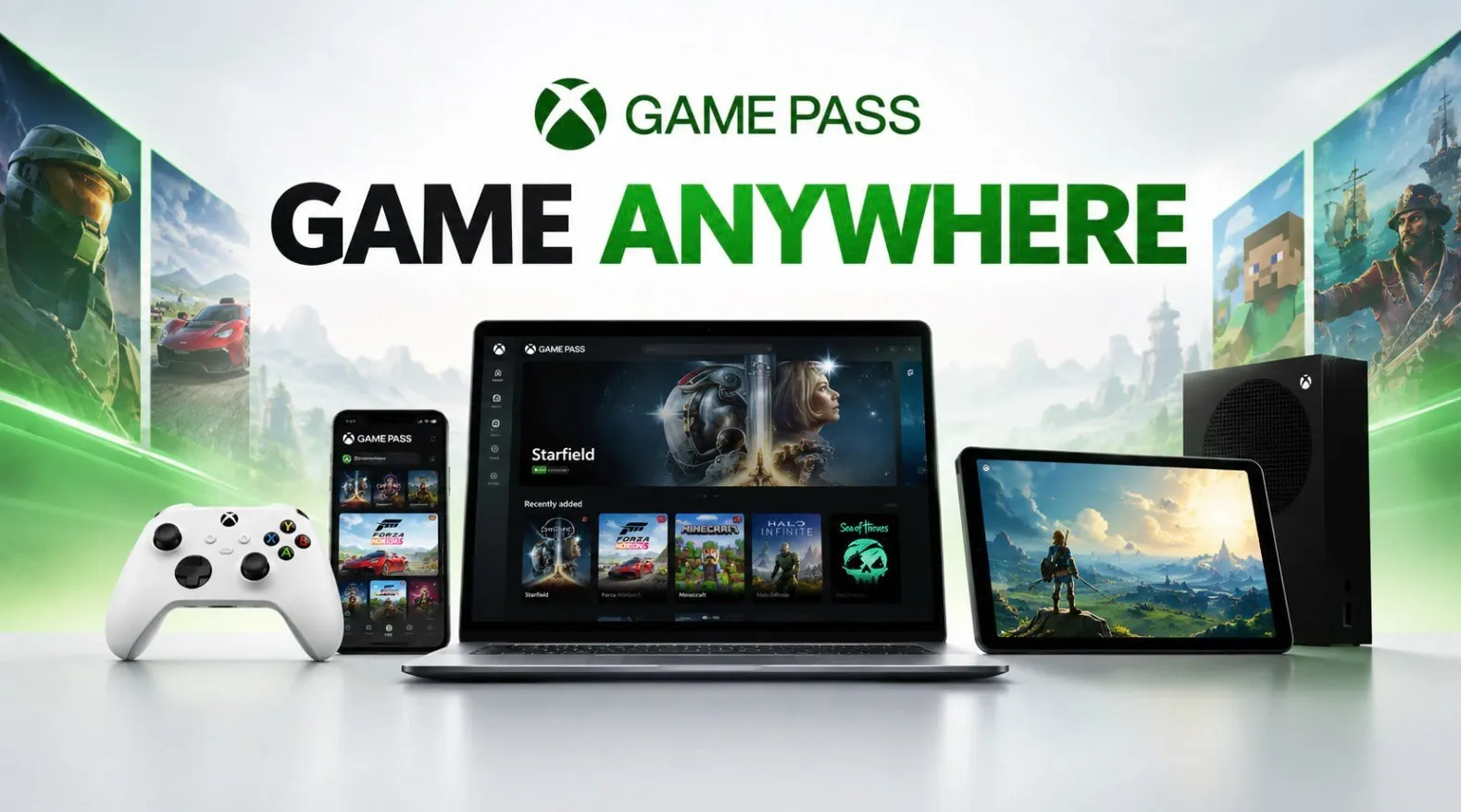
Microsoft’s Xbox Game Pass has expanded far beyond its original focus on Windows PCs and Xbox consoles, now offering access on Linux-based systems, Android devices and Steam OS platforms like the Steam Deck. Retro Game Corps explores how third-party solutions such as Xodus Nexus and Droid Deck enable this broader compatibility, allowing users to enjoy Game Pass titles on devices that were not natively supported. However, this flexibility comes with trade-offs, including the need for manual setup and potential performance variability, especially for graphically demanding games or multiplayer features.
Discover how to navigate these challenges and make the most of Xbox Game Pass on alternative platforms. You’ll gain insight into the setup process for Xodus Nexus, learn how to optimize performance for specific games and understand key limitations like compatibility gaps and anti-cheat restrictions. Whether you’re a Linux enthusiast or a Steam Deck owner, this explainer provides practical guidance to help you expand your gaming options.
What is Xbox Game Pass?
TL;DR Key Takeaways :
- Xbox Game Pass has expanded beyond Windows PCs and Xbox consoles to Linux-based systems, Android devices and Steam OS platforms, thanks to third-party tools like Xodus Nexus and Droid Deck.
- Xodus Nexus and Droid Deck enable access to Game Pass on non-Windows platforms but require manual setup and may face compatibility and performance challenges.
- Cross-platform save functionality allows seamless progress across devices, though some multiplayer features may be limited due to anti-cheat software restrictions.
- Performance varies depending on the game and hardware, with less demanding titles running smoothly but graphically intensive games potentially facing issues on non-Windows systems.
- While third-party tools increase accessibility, they come with limitations such as manual updates, incomplete feature integration and potential performance inconsistencies.
Xbox Game Pass is a subscription-based service that offers access to a diverse and ever-changing library of games, including both new releases and well-loved classics. One of its standout features is its cross-platform save functionality, which allows you to seamlessly switch between Xbox consoles, PCs and, in some cases, Steam. This makes it an excellent option for trying out games before committing to a purchase. However, the service was originally designed with Windows and Xbox platforms in mind, which limits its native compatibility with other operating systems. This limitation has spurred the development of third-party solutions to bridge the gap and make the service accessible to a wider audience.
Expanding Access Through Third-Party Tools
For gamers using non-Windows platforms, third-party tools like Xodus Nexus and Droid Deck provide a pathway to access Xbox Game Pass. These tools enable you to play Game Pass titles on Linux-based systems, Android devices and Steam OS platforms. Here’s a closer look at how these tools function:
- Xodus Nexus: This tool is designed for Linux-based systems, including the Steam Deck. It offers an Xbox-like interface and supports a wide range of Game Pass titles. However, it requires manual setup, such as installing runtime environments and not all games are compatible. Users may need to consult a compatibility list to determine which titles will work.
- Droid Deck: Specifically tailored for Android devices, this app enhances Steam OS functionality and enables access to Game Pass games on mobile platforms. It provides a streamlined way to enjoy Game Pass titles on the go.
These tools represent a significant step forward in making Xbox Game Pass more accessible, but they also come with their own set of challenges, including technical setup requirements and occasional performance issues.

Here are additional guides from our expansive article library that you may find useful on Xbox.
- Leaked Xbox Project Helix May Hit a $1,200 Price in Spring 2027
- Xbox Project Helix Confirmed for a November 2027 Launch
- PlayStation 6 and Xbox Project Helix Arrive in 2027 From $800
- Xbox Project Helix Consoles Scheduled to Launch in Nov 2027
- Rumoured Massive 26-Teraflop Xbox Project Helix Pits It Against PlayStation 6
- Heroic Game Launcher Enables Xbox Game Pass Titles on SteamOS
- Xbox Project Helix Could Become a Major Threat to Sony
- Project Helix: How the Next Xbox Plays Both PC and Console Games
- Microsoft Reportedly Drops Steam from Xbox Project Helix
- Preorder the $1,299 ROG Xbox Ally X20 Before October 15th 2026
How to Set Up Xodus Nexus
If you’re interested in using Xodus Nexus to access Xbox Game Pass on a Linux-based system or Steam Deck, the setup process involves several steps. While straightforward for experienced users, it may require some troubleshooting for those unfamiliar with Linux systems. Follow these steps to get started:
- Download the Xodus Nexus application from GitHub and install it on your Linux-based system or Steam Deck.
- Adjust system permissions and install the required runtime environment to ensure compatibility.
- Log in with your Microsoft account to access your Xbox Game Pass library.
- Add Game Pass titles to your Steam library for easier access in gaming mode.
While the process is manageable, users should be prepared for a potential learning curve, especially if they are new to Linux-based platforms. Additionally, updates to the tool may require manual reinstallation, which can be time-consuming.
Performance and Compatibility: What to Expect
Performance and compatibility are critical factors when using third-party tools to access Xbox Game Pass. These aspects can vary widely depending on the game, platform and hardware. Here are some key observations:
- Less demanding games: Titles like Minecraft Dungeons 2 generally run smoothly on devices like the Steam Deck, even at lower settings.
- Graphically intensive games: Games such as Avowed may experience frame rate drops or other performance issues, particularly on non-Windows systems.
- Cross-save functionality: Supported games like Halo Infinite allow you to continue your progress seamlessly across devices, enhancing the overall experience.
- Multiplayer limitations: Some multiplayer features may be restricted due to anti-cheat software, which is not fully supported on third-party platforms.
These performance considerations highlight the importance of understanding the limitations of your hardware and the specific requirements of the games you wish to play.
Challenges and Limitations
While third-party tools like Xodus Nexus and Droid Deck expand the reach of Xbox Game Pass, they also come with certain drawbacks that users should be aware of:
- Updates to these tools often require manual reinstallation, which can be inconvenient and time-consuming.
- Some features of Xbox Game Pass, such as a dedicated library button or seamless integration, are not fully replicated in third-party solutions.
- Performance inconsistencies can detract from the gaming experience, especially for graphically intensive titles or on lower-end hardware.
These challenges underscore the need for ongoing development and refinement of third-party tools to improve their usability and reliability.
Why This Matters
The ability to access Xbox Game Pass on non-Windows platforms offers several notable benefits, despite the challenges involved:
- It allows gamers to enjoy Game Pass titles without the need for a Windows PC or Xbox console, increasing accessibility and flexibility.
- It demonstrates the growing adaptability of gaming platforms and the potential for subscription-based services to reach a broader audience.
- It opens up new possibilities for gamers who prefer Linux-based systems, Android devices, or Steam OS platforms, fostering a more inclusive gaming ecosystem.
As third-party tools continue to evolve, they have the potential to further enhance the gaming experience, making Xbox Game Pass an even more versatile and appealing option for players worldwide.
Media Credit: Retro Game Corps
Disclosure: Some of our articles include affiliate links. If you buy something through one of these links, Geeky Gadgets may earn an affiliate commission. Learn about our Disclosure Policy.
