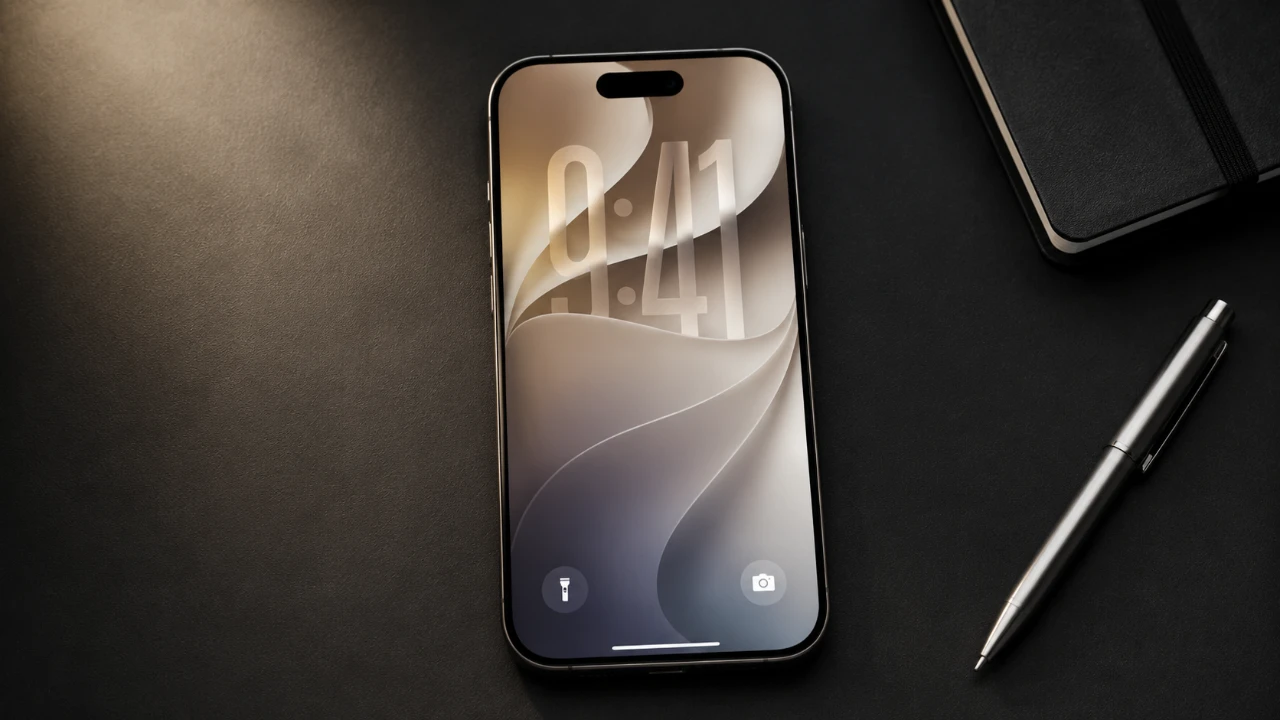
Apple has officially launched iOS 27, unveiling over 250 updates that significantly enhance how you interact with your iPhone. This latest release emphasizes artificial intelligence, customization, and performance, delivering tools that boost productivity, strengthen security, and improve media management. Compatible with iPhone 11 and newer models, iOS 27 also introduces exclusive features for iPhone 15 Pro and later devices. Below is a detailed look at the most impactful features that make this update a must-have in a great new video from MacRumors.

Transformed Siri: Smarter and More Intuitive
Siri in iOS 27 has undergone a significant transformation, using advanced Apple Foundation models to provide a more natural and intuitive user experience. You can now issue multi-step commands such as “Schedule a meeting and send a reminder email” in a single interaction, streamlining your daily tasks.
The updated Siri interface integrates seamlessly with Spotlight, displaying responses directly on the Dynamic Island for a more immersive experience. A dedicated Siri app allows you to manage conversations across devices, while iPhone 17 Pro users gain access to customizable voice options. Enhanced web search capabilities and on-screen awareness further expand Siri’s versatility, offering smarter, more tailored assistance.
Enhanced Visuals and Customization Options
iOS 27 introduces Liquid Glass customization, a feature that blends translucency with improved readability, giving your iPhone a sleek, modern aesthetic. App icons now feature layered glass effects, adding depth and sophistication to your home screen.
For users who prefer quick access to information, extra-large widgets can now be added to the home screen. These widgets provide essential data at a glance, reducing the need to open apps and improving overall efficiency.
Smarter Camera Features for Everyday Use
The Camera app in iOS 27 has been upgraded with AI-powered tools that make it more intelligent and versatile. A Siri-powered mode can now identify objects, recognize plants and even analyze nutritional information. Whether you’re scanning a menu or identifying a flower, the Camera app delivers instant, actionable insights.
Additional features include the ability to scan and import calendar events, business cards and barcodes directly into apps. You can also split restaurant bills or create digital wallet passes simply by pointing your camera at a receipt or card, making everyday tasks more convenient.
Streamlined Automation and Browsing
Creating shortcuts has never been easier. With iOS 27, you can describe your desired automation in plain language, and the system will generate the shortcut for you. This feature simplifies the process of setting up routines, saving you time and effort.
Safari has also received significant upgrades, including automatic tab organization by topic, which makes managing your browsing sessions more intuitive. The new “Notify Me” feature alerts you when a webpage is updated, making sure you stay informed about important changes without constantly refreshing the page.
Advanced Photo Editing and Media Tools
The Photos app now offers powerful editing capabilities, including object removal and photo enhancement tools. A new spatial reframing feature allows you to adjust the composition and angles of your photos, giving you greater creative control.
These tools cater to both professional photographers and casual users, making it easier than ever to achieve the perfect shot. Whether you’re fine-tuning a portrait or enhancing a landscape, iOS 27’s photo editing features provide the flexibility and precision you need.
Productivity and Security Enhancements
iOS 27 introduces systemwide productivity tools designed to streamline your workflow. The new “Write with Siri” feature assists with drafting emails or editing documents, offering real-time suggestions and corrections as you type.
On the security front, the Passwords app now automatically upgrades weak passwords to stronger alternatives, enhancing your online safety. Additionally, the Wallet app allows you to create digital passes from physical cards, simplifying payment and identification processes while reducing the need to carry physical items.
Improved Messaging Experience
The Messages app has been refined to offer smoother and more efficient communication. Media can now be sent continuously without interrupting text delivery and Tapback notifications are consolidated for better organization. Failed messages are automatically retried, making sure reliable communication, while the option to remove the audio button from the text field provides a cleaner, more streamlined interface.
Everyday Features That Make a Difference
iOS 27 includes a variety of smaller updates that collectively enhance your daily experience. These features may seem minor, but they have a significant impact on convenience and usability:
- Independent alarm volume control, allowing you to adjust alarms separately from other sounds.
- Custom EQ settings for AirPods, giving you greater control over your audio preferences.
- GymKit integration for syncing workout data with compatible gym equipment.
- Faster app performance and improved AirDrop speeds for quicker file sharing.
Why You Should Upgrade to iOS 27
iOS 27 represents a comprehensive upgrade that enhances your iPhone’s capabilities across the board. From the AI-powered Siri improvements to advanced photo editing tools and enhanced security features, this update is designed to make your device smarter, faster and more intuitive. Whether you’re exploring new customization options, using smarter tools like the Camera app, or enjoying the convenience of streamlined automation, iOS 27 offers something for everyone. If you haven’t updated yet, now is the perfect time to unlock the full potential of your iPhone with iOS 27.
Here are more detailed guides and articles that you may find helpful on iOS 27.
- Apple Delaying iOS 27 Beta 5? Here’s When to Expect the Next Update
- New iOS 27 Beta 5 Release Arrives with a Big Shift Coming
- iOS 27 Beta 5 Is Late: What’s Holding Up Apple’s Next Release?
- The iOS 27 Beta 5 Release Imminent with More New Features
- Apple’s iOS 27 Beta 3 Is Just Days Away: Here’s When It Drops
- Apple iOS 27 Beta 5 Preview: a Look at the Next Release
Source & Image Credit: MacRumors
Disclosure: Some of our articles include affiliate links. If you buy something through one of these links, Geeky Gadgets may earn an affiliate commission. Learn about our Disclosure Policy.
