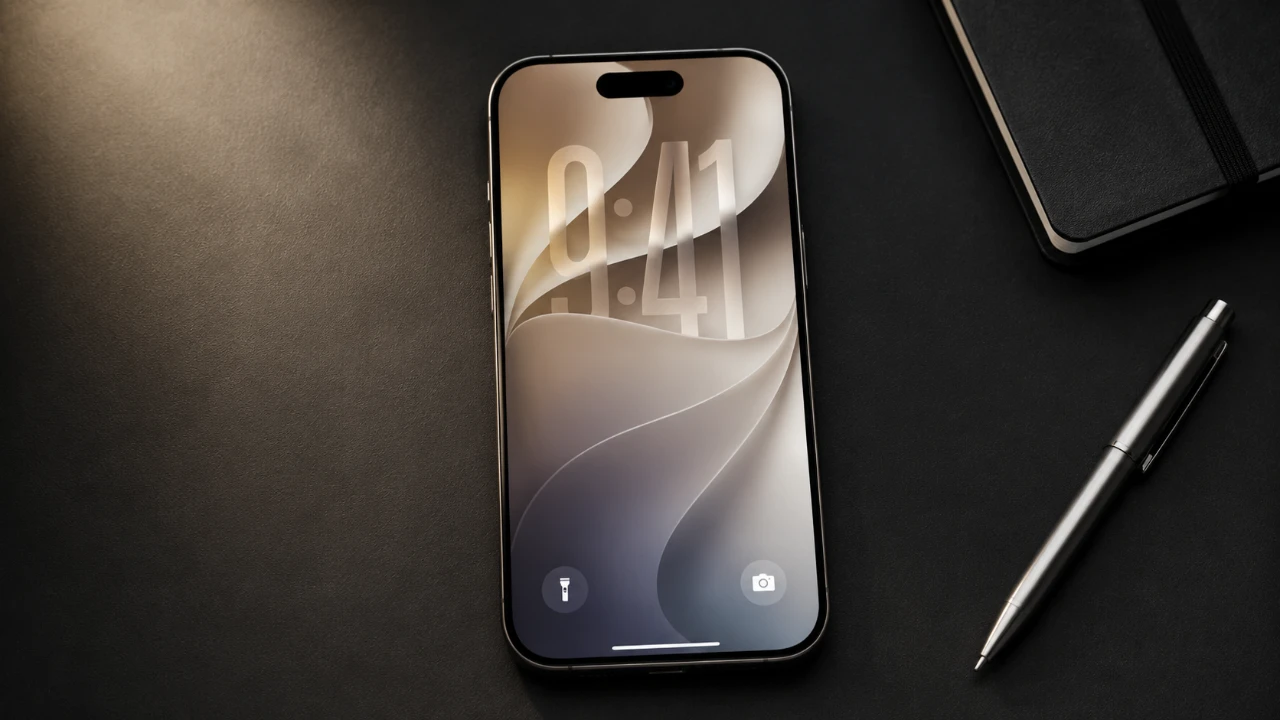
Apple’s iOS 27 introduces a host of new features, performance enhancements, and usability improvements. However, the update’s impact varies depending on your iPhone model and location. Before proceeding, it’s essential to evaluate your device’s compatibility, explore the standout features, and consider potential limitations that could influence your experience. The video below from Trevor Nace gives us more details.

Compatibility: Is Your Device Ready?
iOS 27 supports iPhone 11, SE, and newer models, including the latest iPhone 17. However, the most advanced features, such as the upgraded Siri AI, are exclusive to high-end devices like the iPhone 15 Pro, Pro Max, iPhone 16, and iPhone 17. These features depend on advanced hardware, including next-generation processors, which older models lack.
Regional restrictions also play a role in feature availability. For instance, the enhanced Siri AI may not function in regions like the European Union or China due to regulatory limitations. If you’re considering the update, verify that your device and location support the features you’re most interested in. This step ensures you can fully benefit from the update without encountering unexpected limitations.
Performance Upgrades: What’s Improved?
iOS 27 delivers noticeable performance enhancements, particularly on newer iPhones. Applications launch faster, and system navigation feels smoother compared to iOS 26. Additionally, improved power management contributes to slightly better battery life, which is a welcome improvement for users who rely on their devices throughout the day.
However, the extent of these benefits depends on your iPhone model. Newer devices, equipped with advanced processors, experience the most significant performance gains. In contrast, older models may see only marginal improvements, as they lack the hardware optimizations required to fully use the update’s capabilities. If you’re using an older iPhone, it’s worth tempering expectations regarding performance boosts.
Key Features: What’s New in iOS 27?
iOS 27 introduces several new features designed to enhance usability and streamline everyday tasks. These additions aim to make your iPhone experience more intuitive and efficient:
- Siri AI: The updated Siri offers improved conversational abilities, advanced screen recognition, and functions as a standalone app. However, these enhancements are limited to newer devices and select regions.
- Liquid Glass Toggle: This feature allows users to adjust or disable transparency effects, reducing eye strain and improving screen readability, particularly in low-light conditions.
- Alarm Volume Control: Separate volume settings for alarms and ringtones provide greater customization, making sure you can tailor your device’s sound settings to your preferences.
- Messages Integration: Automatically detects event details in messages and integrates them into your calendar, simplifying scheduling and organization.
- Safari Notifications: Tracks price changes or updates on websites directly through Safari notifications, making it easier to monitor deals or important updates.
- Wallet App Update: Supports custom pass creation, allowing users to add items like library cards, store memberships, or other personalized passes.
While these features are designed to enhance functionality, their performance may be limited on older devices due to hardware constraints. Users with newer iPhones will experience the full potential of these updates, while those with older models may encounter reduced functionality.
Factors to Consider Before Updating
Although iOS 27 offers meaningful enhancements, it’s important to weigh the potential challenges before updating. Owners of older iPhones may find that certain features, such as the advanced Siri AI, are unavailable or perform suboptimally. Additionally, some updates may feel incremental rather than fantastic, particularly for users of older models.
For those eager to explore iOS 27 early, Apple’s beta testing program provides a preview of the update. However, beta versions often contain bugs and stability issues, making them unsuitable for primary devices. If your iPhone is critical for daily tasks, it’s advisable to wait for the official release to ensure a smoother experience.
Regional restrictions and hardware requirements are also key considerations. If you’re in a location where certain features are unavailable or if your device lacks the necessary hardware, the update may not deliver its full potential. Carefully evaluate these factors to avoid disappointment.
Deciding Whether to Update
iOS 27 introduces significant improvements in performance, usability, and functionality, particularly for users with newer iPhones. However, the benefits may be less pronounced for those with older devices or in regions with restricted feature availability. By assessing your device’s compatibility, understanding the new features and considering potential drawbacks, you can make an informed decision about whether updating to iOS 27 aligns with your needs and expectations.
Find more information on iOS 27 by browsing our extensive range of articles, guides and tutorials.
- Apple Delaying iOS 27 Beta 5? Here’s When to Expect the Next Update
- New iOS 27 Beta 5 Release Arrives with a Big Shift Coming
- iOS 27 Beta 5 Is Late: What’s Holding Up Apple’s Next Release?
- The iOS 27 Beta 5 Release Imminent with More New Features
- Apple’s iOS 27 Beta 3 Is Just Days Away: Here’s When It Drops
- Apple iOS 27 Beta 5 Preview: a Look at the Next Release
Source & Image Credit: Trevor Nace
Disclosure: Some of our articles include affiliate links. If you buy something through one of these links, Geeky Gadgets may earn an affiliate commission. Learn about our Disclosure Policy.
