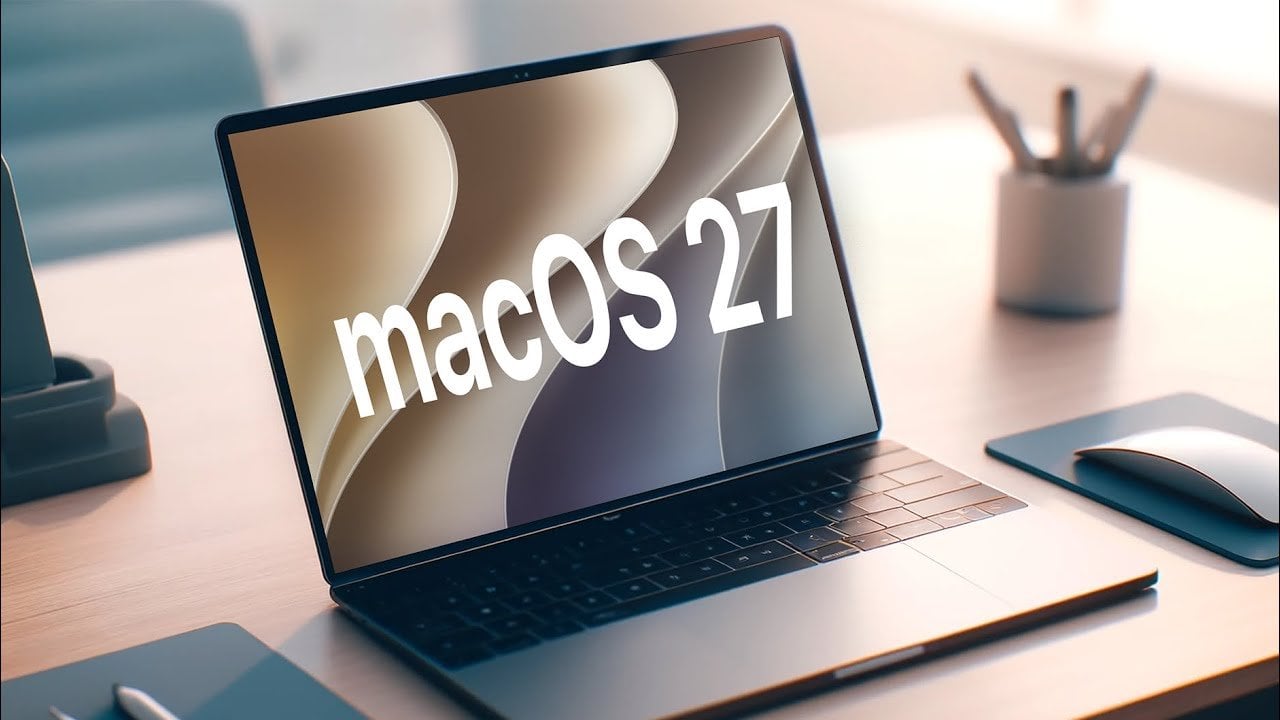
Apple’s macOS 27 “Golden Gate” introduces a broad spectrum of updates that extend far beyond Siri AI integration. This latest iteration emphasizes design refinement, enhanced functionality, and superior performance, aiming to deliver a seamless and efficient user experience. Whether you’re captivated by the visual upgrades or intrigued by the technical advancements, macOS 27 offers something for every user. The video below from 9 to 5 Mac gives us a look at some of the new features in macOS 27.

Dynamic Wallpapers: A Desktop That Evolves with You
One of the most visually striking features of macOS 27 is the introduction of dynamic wallpapers. These Golden Gate-themed animated backgrounds transition fluidly between light and dark modes, adapting to the time of day. This feature not only enhances the aesthetic appeal of your desktop but also creates an immersive and personalized workspace. Whether you’re working during daylight hours or unwinding in the evening, the wallpapers adjust to complement your environment, offering a visually harmonious experience.
Redesigned App Icons: A Modern Visual Identity
macOS 27 reimagines its system app icons with a sleek liquid glass aesthetic, giving the operating system a fresh and modern look. Core apps like Finder, Photos and Preview now feature polished designs that align with the overall visual consistency of the OS. This cohesive design approach not only enhances the user interface’s intuitiveness but also makes navigation more engaging and visually appealing.
HDR and EDR Enhancements: Elevating Visual Precision
For users with HDR-capable displays, macOS 27 introduces significant visual improvements. Enhanced HDR support ensures brighter highlights and deeper shadows, while extended dynamic range (EDR) delivers superior contrast and color accuracy. These updates are particularly beneficial for creative professionals working with high-resolution content, offering a more precise and vibrant visual experience that meets the demands of modern digital workflows.
UI and Design Updates: A Streamlined and Cohesive Interface
The user interface in macOS 27 has undergone thoughtful refinements to create a cleaner and more cohesive look. Key updates include edge-to-edge sidebars, redesigned toolbars, and a liquid glass slider that allows users to customize transparency levels. Simplified menu glyphs and updated traffic light window controls hint at the possibility of future touchscreen support, showcasing Apple’s forward-thinking design philosophy. Additionally, consistent window corner radii across the system contribute to a polished and harmonious aesthetic, making sure a visually unified experience.
Spotlight and Siri Integration: Smarter, Contextual Assistance
Spotlight and Siri AI now work in tandem to deliver smarter and more contextual search results. Users can ask follow-up questions or use the “Ask Siri” feature via right-click for deeper insights. This enhanced integration allows for more natural and efficient interaction with your Mac, making it easier to find information, execute tasks, and streamline workflows.
Finder Improvements: Enhanced File Management
Finder in macOS 27 introduces several updates designed to improve productivity and simplify file management. Features such as suggested file and folder names based on content make organization more intuitive. Additionally, the ability to paste text clippings directly onto the desktop streamlines workflows, particularly for users managing large volumes of data. These enhancements make Finder a more powerful and user-friendly tool for everyday tasks.
Menu Bar and Control Center: Subtle Refinements for Usability
The menu bar and Control Center in macOS 27 have been subtly refined to enhance usability. A new Ethernet status icon provides quick connection details, while MacBook Pro users with a notch can now expand menu bar items for improved accessibility. Furthermore, the Control Center can be customized by hiding suggestions, creating a cleaner and more focused interface. These changes, while subtle, contribute to a more streamlined and user-centric experience.
Performance Upgrades: Faster and More Efficient Operations
macOS 27 introduces a range of performance optimizations that enhance the overall system experience. AirDrop initialization and transfer speeds have been improved, while AirPlay latency has been reduced for smoother streaming. Display arrangement in settings is now more responsive and Activity Monitor offers a more precise view of network speeds by displaying data in bits instead of bytes. These updates ensure that macOS 27 operates with greater speed and efficiency, catering to both casual users and professionals.
iPhone Mirroring Upgrades: Strengthened Cross-Platform Integration
The integration between macOS and iOS sees notable improvements with enhanced iPhone mirroring capabilities. Users can now access the iPhone Control Center directly from their Mac, simplifying the management of settings. Resizable mirroring sessions provide greater flexibility, while support for DRM-protected content ensures compatibility with a wider range of media. These updates reinforce the seamless connection between macOS and iOS, offering a unified cross-platform experience.
Subtle Refinements: Small Changes with Significant Impact
macOS 27 also introduces several smaller updates that collectively enhance usability and reliability. These include:
- The menu bar dims when windows are maximized, reducing distractions and improving focus.
- Background process management in system settings improves resource allocation and control.
- Faster Ethernet-to-Wi-Fi failover ensures uninterrupted connectivity during network transitions.
While these changes may seem minor, they contribute to a smoother and more dependable user experience, making sure that macOS 27 feels polished and refined in every aspect.
Advancing Desktop Computing
macOS 27 “Golden Gate” represents a significant step forward for Apple’s desktop operating system. By combining visual enhancements, smarter functionality and performance optimizations, it delivers a more engaging and efficient user experience. Whether you’re drawn to the dynamic wallpapers, redesigned app icons, or improved system performance, macOS 27 ensures that Apple continues to lead in the evolution of desktop computing.
Expand your understanding of Siri AI with additional resources from our extensive library of articles.
- Just Got Siri AI? the Most Useful Things You Can Ask It Today
- iOS 27: Apple’s Massive Siri AI Upgrade Finally Delivers
- Everything Siri AI Can Do in iOS 27 (and How to Get It Working Right Now)
- Siri AI Offers Advanced Capabilities Beyond Basic Usage
- Apple’s New Advanced Siri AI: Is Your iPhone on the Compatible List?
Source: 9to5Mac
Disclosure: Some of our articles include affiliate links. If you buy something through one of these links, Geeky Gadgets may earn an affiliate commission. Learn about our Disclosure Policy.
