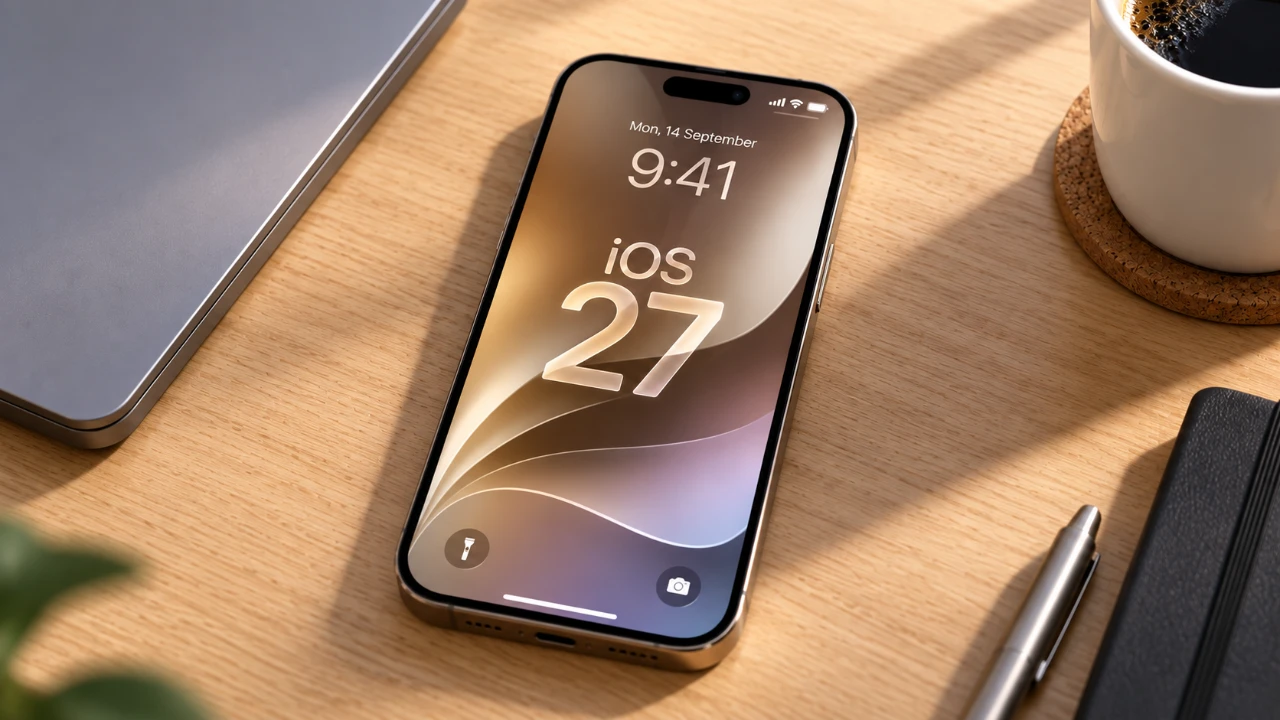
Siri AI has become a robust and versatile personal assistant, offering a wide range of features that enhance productivity, entertainment and daily convenience. With its advanced contextual awareness, visual intelligence, and seamless integration across Apple devices, Siri AI enables you to manage your digital and physical life with ease. Below, we explore its key functionalities and how they can enhance your everyday interactions. The video below from Stephen Robles gives us more details on the new Siri AI in iOS 27.

Device Compatibility and Setup
To fully use Siri AI, it’s essential to ensure your device is compatible and properly set up. Siri AI is supported on:
- iPhone 15 Pro or newer models
- iPads equipped with A17 Pro or later processors
- Macs featuring Apple Silicon
Your device must run iOS 27 or the latest macOS version to access its most advanced features. During setup, Siri indexes your data to deliver personalized responses tailored to your preferences. Currently, Siri supports English, with additional languages such as French, Japanese, Korean, Portuguese and Spanish expected to roll out soon, expanding its global accessibility.
Streamlined Communication: Messages and Emails
Siri AI revolutionizes how you handle digital communication, making it faster and more efficient. With its advanced capabilities, you can:
- Search for specific conversations or emails using contextual keywords, such as a restaurant name or a shared photo
- Retrieve old messages, links, or media without manually scrolling through threads
- Send or reply to messages hands-free, allowing you to multitask effortlessly
These features ensure you stay organized and responsive, saving valuable time in managing your messages and emails.
Seamless Music and Media Integration
Siri AI enhances your entertainment experience by seamlessly connecting you to your favorite media. You can:
- Search for songs, podcasts, or movies mentioned in conversations or visible on your screen
- Add tracks to playlists or play media directly through Apple Music or Apple TV
- Identify movies, shows, or memes from screenshots or social media clips
This integration allows you to enjoy your preferred content instantly, making your entertainment more accessible and enjoyable.
Visual Intelligence: Bridging the Physical and Digital
Siri AI’s visual intelligence transforms how you interact with the world around you by using your device’s camera and screenshots. With this feature, Siri can:
- Identify objects, books, or landmarks in real-time
- Perform reverse image searches to locate products on platforms like Amazon or eBay
- Save useful content, such as recipes or reviews, directly to Notes for future reference
This capability bridges the gap between the physical and digital worlds, making everyday tasks more intuitive and efficient.
Effortless Calendar and Reminder Management
Managing your schedule has never been easier. Siri AI offers tools to help you stay on top of your commitments. You can:
- Add, edit, or delete events in your calendar with simple voice commands
- Create reminders with contextual details, such as specific times or locations
- Extract event details from screenshots or PDFs and integrate them into your calendar
These features ensure you never miss an appointment or deadline, keeping your day organized and stress-free.
Navigation and Travel Planning Made Easy
Siri AI simplifies travel planning and navigation, offering tools that make your journeys smoother. It can:
- Provide turn-by-turn directions to specific locations, including multi-stop trips
- Search for nearby restaurants, cafes, or landmarks based on your preferences, such as dietary requirements
- Generate packing lists, suggest activities and create travel timelines
These capabilities make planning and navigating trips more efficient, allowing you to focus on enjoying your travels.
Intuitive Photo and Content Management
Siri AI makes organizing and managing your photos and digital content more intuitive. With its advanced tools, you can:
- Search for images based on location, events, or the people in them
- Create albums and edit photos by applying filters or extending backgrounds
- Save contextual information from photos, such as addresses or event details, to Notes or Reminders
This functionality ensures your digital memories are well-organized and easily accessible whenever you need them.
Reliable General Knowledge and Assistance
Siri AI serves as a dependable source of information for a variety of topics. It can:
- Answer questions about historical events, current news, or general trivia
- Provide nutritional information for food items
- Identify animals, objects, or even AI-generated images
- Perform quick calculations or split bills
This versatility makes Siri an invaluable assistant for everyday inquiries and problem-solving.
Privacy and Customization at the Core
Siri AI is designed with privacy and personalization in mind, making sure your data remains secure while tailoring its responses to your preferences. Key features include:
- Device-specific indexing to keep your information private and secure
- Customizable voice options, including accents and expressiveness
- Adaptable communication styles, offering spoken or silent responses based on your needs
These privacy-focused features provide peace of mind while delivering a personalized user experience.
Seamless Integration with the Apple Ecosystem
Siri AI works seamlessly within the Apple ecosystem, enhancing your interaction with apps and devices. You can:
- Manage Apple Wallet passes, such as boarding passes or event tickets
- Create shortcuts to automate repetitive tasks
- Perform actions across multiple Apple devices, making sure a cohesive experience
This integration ensures that your Apple devices work together harmoniously, streamlining your digital life.
Empowering Your Daily Life
Siri AI’s advanced capabilities make it an essential tool for managing your daily life. From contextual awareness and visual intelligence to privacy-focused features and seamless integration with the Apple ecosystem, Siri AI is designed to simplify tasks, boost productivity and provide personalized assistance. Whether you’re organizing your schedule, exploring media, or planning your next trip, Siri AI enables you to accomplish more with ease and efficiency.
Learn more about iOS 27 with other articles and guides we have written below.
- Apple Delaying iOS 27 Beta 5? Here’s When to Expect the Next Update
- New iOS 27 Beta 5 Release Arrives with a Big Shift Coming
- iOS 27 Beta 5 Is Late: What’s Holding Up Apple’s Next Release?
- The iOS 27 Beta 5 Release Imminent with More New Features
- Apple’s iOS 27 Beta 3 Is Just Days Away: Here’s When It Drops
- Apple iOS 27 Beta 5 Preview: a Look at the Next Release
Source: Stephen Robles
Disclosure: Some of our articles include affiliate links. If you buy something through one of these links, Geeky Gadgets may earn an affiliate commission. Learn about our Disclosure Policy.
