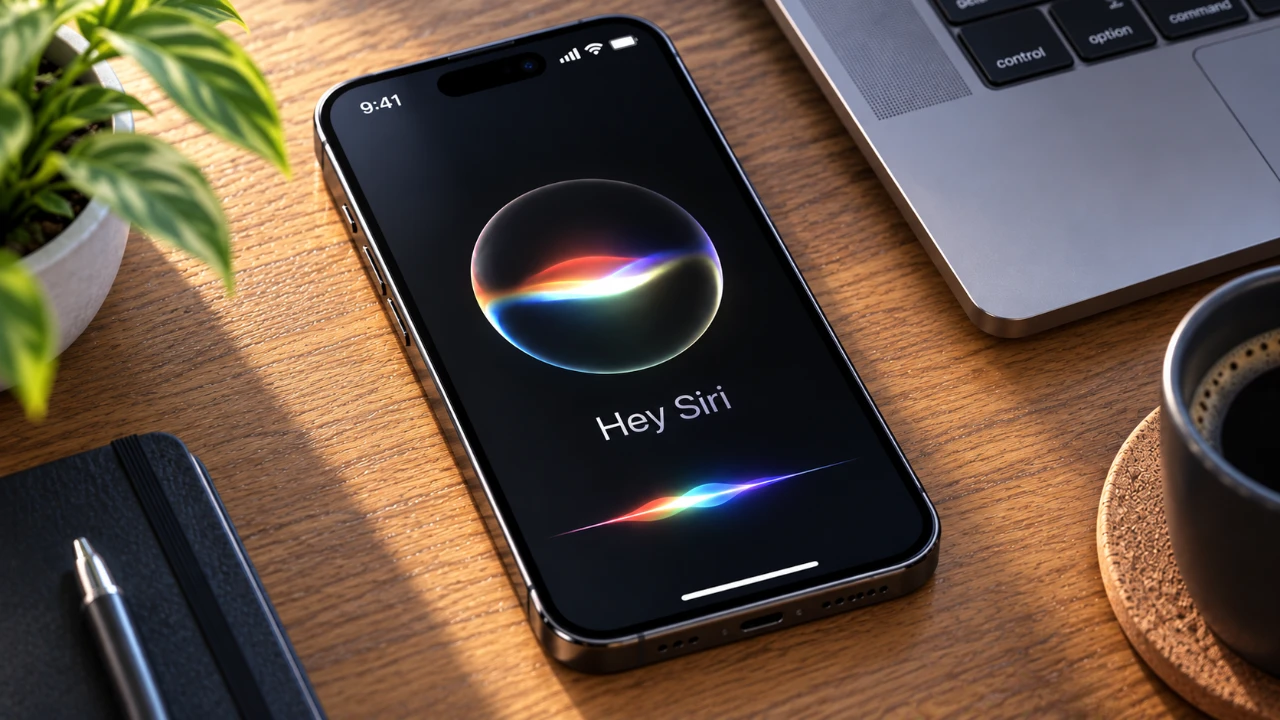
Siri AI, introduced with iOS 27, iPadOS 27, macOS 27, watchOS 27, and visionOS 27, marks a significant step forward in Apple’s virtual assistant technology. With enhanced conversational abilities, improved contextual understanding, and a strong emphasis on privacy, Siri AI is designed to transform how you interact with your Apple devices. Whether you’re looking to boost productivity, streamline daily tasks, or simply explore its advanced features, Siri AI offers a seamless and personalized experience. Here’s a detailed guide on how to set it up, customize its features, and maximize its potential. The video below from Apple shows us how to set up the new Siri AI on our devices.

How to Set Up Siri AI
Setting up Siri AI is a simple process that ensures you can start using its advanced capabilities right away:
1. Open your device’s Settings and navigate to the Siri option.
2. Follow the on-screen instructions to activate Siri AI. This includes reviewing privacy settings and configuring data-sharing preferences to align with your comfort level.
3. Customize Siri’s voice, tone, and expressiveness to suit your preferences. Apple offers a variety of voice options, allowing you to select one that feels most natural to you.
In some cases, Apple may implement a waitlist system during the initial rollout phase. Once your access is approved, Siri AI integrates seamlessly with your device, ready to assist with tasks, answer questions, and provide contextual support.
Privacy and Data Security
Apple has built Siri AI with a strong focus on privacy and data security, making sure that your personal information remains protected. Unlike many other virtual assistants, Siri AI processes data locally on your device. This means that sensitive information, such as your queries and interactions, is not sent to Apple’s servers or shared with third parties.
For users with multiple Apple devices, iCloud securely syncs your conversational history across platforms. This synchronization allows for a consistent and personalized experience, whether you’re using Siri AI on your iPhone, iPad, Mac, Apple Watch, or Vision Pro. By combining local processing with secure syncing, Apple reinforces its commitment to safeguarding your data while delivering a highly personalized virtual assistant experience.
Key Features and Functionality
Siri AI is designed to adapt to your needs, offering a highly intuitive and personalized experience. Its advanced features include:
- Analyzing on-screen content to provide context-aware assistance tailored to your current activity.
- Seamlessly integrating with apps to enable multitasking and streamline workflows.
- Answering complex queries with detailed and contextually relevant responses that go beyond basic information.
You can interact with Siri AI in multiple ways, making it versatile and accessible:
- Using voice commands to initiate tasks or ask questions.
- Pressing the side button on your device for quick access.
- Using Dynamic Island gestures on supported devices for an innovative interaction experience.
These interaction methods ensure that Siri AI is always within reach, whether you’re managing your schedule, controlling smart home devices, or seeking quick answers to your questions.
Enhanced Siri App Features
The dedicated Siri app extends the functionality of Siri AI, offering tools to enhance your interactions and improve organization. Key features of the Siri app include:
- Searching and revisiting past interactions to track conversations or retrieve important information.
- Deleting multiple conversations at once for better organization and privacy management.
- Switching between grid and list views to customize how you manage and view your conversations.
- Attaching photos or files to queries, allowing Siri AI to provide more detailed and context-aware responses.
These features make the Siri app a powerful tool for both casual users and professionals, offering flexibility and control over your interactions. Whether you’re using Siri AI to manage projects, plan events, or simply stay organized, the app enhances your overall experience.
Rollout and Availability
Siri AI is currently available in English, with additional languages expected to be introduced in future updates. During the initial rollout phase, you may encounter temporary usage limits or a brief optimization period as your device indexes data locally. This indexing process is essential for making sure that Siri AI delivers accurate, efficient and personalized assistance based on your preferences and usage patterns.
As Apple continues to refine and expand Siri AI, users can expect ongoing updates that enhance its capabilities and broaden its language support, making it accessible to a wider audience.
Unlocking the Potential of Siri AI
Siri AI represents a significant evolution in virtual assistant technology, combining advanced natural language processing, contextual understanding, and a privacy-first approach. By setting up and personalizing Siri AI, you can unlock its full potential to streamline tasks, access information and boost productivity. Its robust features, seamless integration across Apple devices, and secure data handling make Siri AI an indispensable part of the Apple ecosystem. Whether you’re a casual user or a professional, Siri AI is designed to adapt to your needs and enhance your digital experience.
Here are more detailed guides and articles that you may find helpful on iOS 27.
- Apple Delaying iOS 27 Beta 5? Here’s When to Expect the Next Update
- New iOS 27 Beta 5 Release Arrives with a Big Shift Coming
- iOS 27 Beta 5 Is Late: What’s Holding Up Apple’s Next Release?
- The iOS 27 Beta 5 Release Imminent with More New Features
- Apple’s iOS 27 Beta 3 Is Just Days Away: Here’s When It Drops
- Apple iOS 27 Beta 5 Preview: a Look at the Next Release
Source: Apple Support
Disclosure: Some of our articles include affiliate links. If you buy something through one of these links, Geeky Gadgets may earn an affiliate commission. Learn about our Disclosure Policy.
