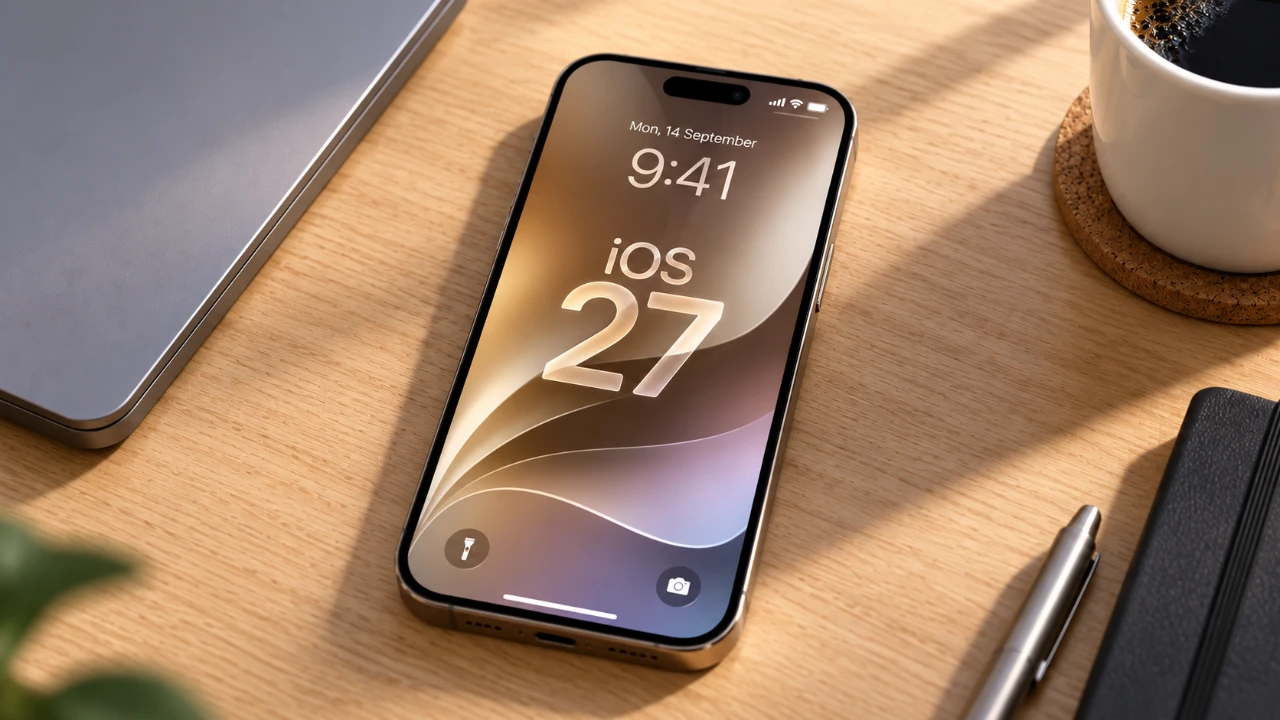
The upcoming release of iOS 27 introduces a range of updates designed to enhance performance, battery efficiency, and the overall user experience for iPhone 11, 12, and 13 models. While these updates are promising, deciding whether to upgrade immediately requires careful consideration. The video below from Daniel About Tech explores the key improvements, potential drawbacks, and practical steps to help you make an informed decision about updating your device.

Key Performance Enhancements
iOS 27 brings significant performance optimizations, particularly for older devices like the iPhone 11, 12 and 13. Apple has refined the operating system to ensure faster app launches, smoother multitasking, and reduced lag. Unlike some previous updates that occasionally slowed down older models, iOS 27 is specifically designed to maintain or even boost performance.
Users have reported noticeable improvements in app switching and stability during resource-heavy tasks such as video editing, gaming, or running multiple apps simultaneously. These enhancements make the update especially appealing for users who rely on their devices for demanding activities. However, it’s essential to consider that the extent of these improvements may vary depending on your device’s overall condition and usage patterns.
Battery Life and Device Health
One of the standout features of iOS 27 is its focus on battery efficiency. The update introduces advanced power management algorithms that adapt to your usage habits, potentially extending your device’s daily battery life. This feature is particularly beneficial for users who frequently multitask or rely on their phones throughout the day.
However, the effectiveness of these improvements depends on your battery’s health. If your battery health is below 80%—a metric you can check under Settings > Battery > Battery Health & Charging—you may notice less significant gains. In such cases, replacing your battery before updating can help you fully experience the benefits of iOS 27. Additionally, users with older batteries may find that the update helps reduce unexpected shutdowns by optimizing power distribution.
When to Update
While iOS 27 offers compelling features, updating immediately upon release may not always be the best choice. Early versions, such as iOS 27.0, often come with bugs or compatibility issues that Apple typically resolves in subsequent updates like iOS 27.0.1 or 27.0.2. These minor updates are designed to address initial problems and improve overall stability.
To minimize potential disruptions, consider waiting a few weeks after the initial release. During this time, monitor user feedback from forums, social media and tech reviews to identify any widespread issues. This cautious approach allows you to avoid potential performance hiccups and ensures a smoother transition to the new operating system.
Compatibility and Device Limitations
iOS 27 is fully compatible with iPhone 11, 12, and 13 models, but the update’s effectiveness can vary depending on your device’s condition. Factors such as limited storage, aging hardware, or existing software issues may impact performance after the update.
While iOS 27 is designed to enhance functionality, it cannot completely overcome hardware limitations on older devices. For example, users with heavily used phones or devices showing signs of wear and tear may experience minor performance hiccups. Setting realistic expectations is crucial to avoid disappointment, especially if your device is nearing the end of its lifecycle.
Bug Fixes and Downgrade Options
As with any major update, iOS 27 addresses bugs from previous versions while introducing new features. However, early adopters may encounter new bugs, particularly in the initial release. These issues can range from minor inconveniences, such as app crashes, to more significant problems like connectivity or performance glitches.
If you experience major issues after updating, Apple typically allows a short window during which you can downgrade to iOS 26. This option provides a safety net for users who encounter significant problems, but it is only available for a limited time. If you decide to revert, act quickly to ensure you can restore your device to its previous state.
Steps to Prepare for the Update
To ensure a smooth transition to iOS 27, it’s important to prepare your device in advance. Follow these steps to minimize risks and maximize the benefits of the update:
- Check your device’s battery health and storage capacity to confirm it’s ready for the update.
- Wait for the first or second minor update (e.g., iOS 27.0.1) to ensure stability and address initial bugs.
- Back up your data to iCloud or a computer to prevent data loss during the update process.
- Monitor user feedback and reviews to identify any common issues with the update.
- If your device is significantly degraded, consult Apple Support for advice on hardware upgrades before proceeding.
Taking these steps can help you avoid common pitfalls and ensure a seamless upgrade experience.
Making the Right Decision
iOS 27 offers meaningful improvements in performance, battery efficiency, and overall functionality for iPhone 11, 12, and 13 users. However, the decision to update should be based on your device’s condition, your usage habits, and your willingness to wait for initial bugs to be resolved.
By adopting a cautious approach, such as waiting for minor updates, preparing your device, and monitoring user feedback, you can enjoy the benefits of iOS 27 while minimizing potential risks. Whether you choose to update immediately or delay the process, understanding the update’s features and limitations will help you make the best decision for your device.
Here is a selection of other guides from our extensive library of content you may find of interest on iOS 27.
- Apple Delaying iOS 27 Beta 5? Here’s When to Expect the Next Update
- New iOS 27 Beta 5 Release Arrives with a Big Shift Coming
- iOS 27 Beta 5 Is Late: What’s Holding Up Apple’s Next Release?
- The iOS 27 Beta 5 Release Imminent with More New Features
- Apple’s iOS 27 Beta 3 Is Just Days Away: Here’s When It Drops
Source: Daniel About Tech
Disclosure: Some of our articles include affiliate links. If you buy something through one of these links, Geeky Gadgets may earn an affiliate commission. Learn about our Disclosure Policy.
