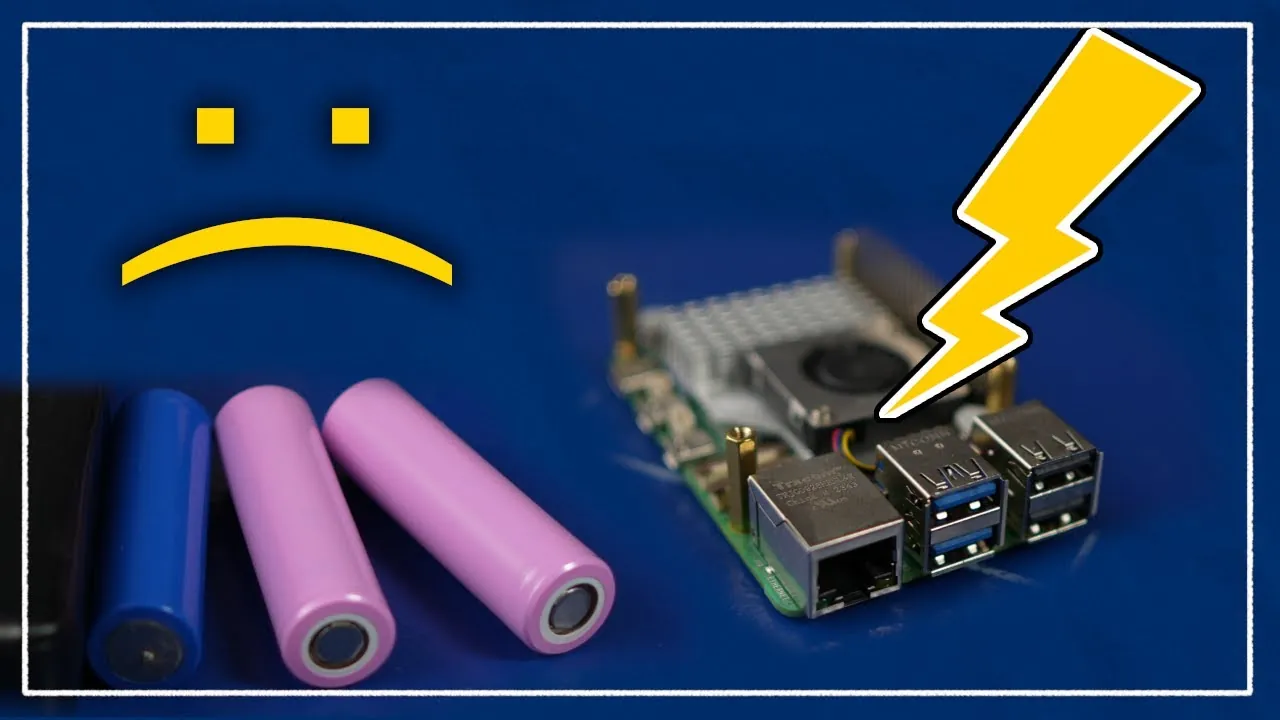
What happens when a device designed to empower creativity and innovation is held back by something as simple as power? The Raspberry Pi 5, with its impressive leap in performance and functionality, promises to be a fantastic option for hobbyists, developers, and tech enthusiasts alike. Yet, this newfound power comes with a catch: higher energy demands that can lead to system instability, sluggish performance, or even outright crashes if not properly addressed. Whether you’re building a robotics project, running a complex IoT system, or simply trying to push the limits of what this tiny computer can do, understanding its power requirements is no longer optional, it’s essential.
Below Articulated Robotics explains the critical role of power solutions in unlocking the Raspberry Pi 5’s full potential. From software tweaks that fine-tune power delivery to robust hardware upgrades like dedicated expansion boards, you’ll discover practical strategies to overcome common pitfalls such as voltage drops and peripheral overloads. Whether you’re troubleshooting power warnings or designing a custom setup for a high-demand application, this guide will equip you with the knowledge to ensure your Raspberry Pi 5 performs reliably, no matter the challenge. Because sometimes, the smallest details, like a stable power supply, make the biggest difference.
Raspberry Pi 5 Power Tips
TL;DR Key Takeaways :
- The Raspberry Pi 5 offers significant performance improvements but requires a stable and sufficient power supply to avoid issues like system instability, power warnings, or sluggish performance, especially in high-demand applications.
- Software tweaks, such as adjusting USB current output and updating EEPROM settings, can help optimize power delivery, but they must be implemented carefully to prevent unintended consequences.
- Hardware solutions, like the 52Pi PD Power Expansion Board, provide stable power delivery with features like consistent voltage output, high current support, and flexible input options, making them ideal for power-intensive projects.
- Voltage regulation and powered USB hubs are essential for maintaining stable operation, particularly in setups with multiple peripherals or high-demand applications, to prevent performance dips or system crashes.
- Custom power configurations, including high-quality power supplies and voltage regulation circuits, are crucial for specialized projects like robotics or battery-powered systems to ensure reliable and consistent performance.
Why Power Supply Matters
A stable and sufficient power supply is critical for the Raspberry Pi 5 to function effectively. The board’s advanced features and increased processing power require more energy than its predecessors, and standard power supplies often fall short of meeting these demands. Common issues caused by inadequate power include:
- Sluggish Performance: Tasks such as launching applications or running scripts may experience delays.
- Power Warnings: Frequent notifications about insufficient power can disrupt workflows.
- System Instability: High-demand operations, such as running multiple peripherals or intensive computations, may cause crashes or unexpected behavior.
While the official Raspberry Pi power adapter is designed to meet basic requirements, it may not suffice for specialized setups. Projects involving robotics, battery-powered systems, or multiple peripherals often demand more robust and flexible power solutions.
Software Tweaks to Optimize Power
Addressing power-related challenges can often begin with software adjustments. These tweaks allow you to fine-tune the Raspberry Pi 5’s power management settings, improving performance and stability. However, they require careful implementation to avoid unintended consequences.
- USB Current Output: By editing the `/boot/firmware/config.txt` file, you can enable higher USB current output (up to 1600mA). This adjustment enhances the performance of connected peripherals, such as external drives or cameras, but should be applied cautiously to prevent system undervolting.
- EEPROM Configuration: Updating the EEPROM settings to specify a custom power supply current, such as 5000mA, can help eliminate power warnings and improve system responsiveness. This ensures the Raspberry Pi 5 can draw sufficient power for demanding tasks without interruptions.
While these software solutions can mitigate some power issues, they may not be sufficient for high-power applications. In such cases, hardware upgrades become necessary to ensure reliable power delivery.
Raspberry Pi 5 Power Guide 2025

Discover other guides from our vast content that could be of interest on Raspberry Pi 5.
- How to Build a Raspberry Pi 5 Docker Swarm Cluster
- Build Your Own 10″ Raspberry Pi 5 Tablet Running KDE Mobile
- How to Build a TrueNAS Server on Raspberry Pi 5 in 2025
- AI Vision Devices Compared: Raspberry Pi 5 vs Jetson Orin Nano
- Raspberry Pi 5 cooling fan vs passive heatsinks compared
- How to Build a Mini-ITX Desktop PC with Raspberry Pi 5
- Raspberry Pi 5 games emulation tested
- How to use the Raspberry Pi 5 Network OS Installer
- Raspberry Pi 5 vs Raspberry Pi 4 mini PCs compared
- Raspberry Pi 5 features improved image processing
Hardware Solutions for Reliable Power Delivery
For projects requiring higher power stability and flexibility, hardware solutions provide a more robust approach. One of the most effective options is the 52Pi PD Power Expansion Board, which is specifically designed to handle the Raspberry Pi 5’s power demands. Key features of this hardware include:
- Stable Output: The board delivers a consistent 5.15V with support for up to 8A total current, making sure adequate power for both the Raspberry Pi and connected peripherals.
- Flexible Input Options: It supports both USB-C and DC barrel jack inputs, making it adaptable to various setups, including robotics and mobile applications.
- Minimized Voltage Drops: The design reduces the risk of system instability caused by voltage fluctuations under heavy loads.
This hardware solution is particularly beneficial for projects involving multiple peripherals, high-current motors, or other power-intensive components. By providing a stable and sufficient power supply, it helps prevent performance bottlenecks and ensures reliable operation.
The Role of Voltage Regulation and USB Power Management
Voltage regulation plays a crucial role in maintaining the Raspberry Pi 5’s performance. Insufficient voltage can throttle system components, leading to reduced performance and potential instability. Additionally, the Raspberry Pi 5’s USB ports have limited current output, which may not be sufficient for power-hungry peripherals. To address these challenges:
- Powered USB Hubs: Use powered USB hubs to offload power demands from the Raspberry Pi’s USB ports, making sure peripherals receive adequate power without overloading the system.
- Voltage-Regulated Power Supplies: Ensure your power supply includes voltage regulation to maintain a consistent output under varying loads, preventing performance dips or system crashes.
These measures are essential for maintaining stable operation, particularly in setups with multiple peripherals or high-demand applications.
Custom Power Configurations for Specialized Applications
Specialized projects, such as robotics or battery-powered systems, often require custom power configurations to meet unique demands. Key considerations for these setups include:
- High-Quality Power Supplies: Use power supplies that meet the Raspberry Pi 5’s voltage (5V) and current (at least 3A) requirements to ensure consistent performance.
- Voltage Regulation Circuits: Incorporate voltage regulation circuits in battery-powered setups to maintain stable power delivery, even as battery levels fluctuate.
- Custom Power Systems: Design power systems tailored to your application’s needs, such as high-current motors in robotics or portable power solutions for mobile projects.
By addressing these considerations, you can ensure your Raspberry Pi 5 operates reliably, even in challenging environments or specialized use cases.
Best Practices for Optimal Performance
To achieve the best performance and stability from your Raspberry Pi 5, it is essential to implement a combination of software and hardware strategies. Follow these best practices to avoid common power-related pitfalls:
- Use a dedicated power expansion board, such as the 52Pi PD Power Expansion Board, for high-power applications.
- Ensure your power supply meets the Raspberry Pi 5’s voltage and current requirements, with sufficient headroom for connected peripherals.
- For power-intensive peripherals, use powered USB hubs to prevent overloading the Raspberry Pi’s USB ports.
- Apply software tweaks cautiously to optimize power delivery without introducing instability.
- In specialized setups, design custom power configurations that address the unique demands of your project.
By combining these strategies, you can unlock the full potential of your Raspberry Pi 5, making sure stable and reliable performance across a wide range of applications. Whether you are working on robotics, IoT systems, or other high-demand projects, these solutions will help you overcome power-related challenges and achieve your goals effectively.
Media Credit: Articulated Robotics
Disclosure: Some of our articles include affiliate links. If you buy something through one of these links, Geeky Gadgets may earn an affiliate commission. Learn about our Disclosure Policy.
