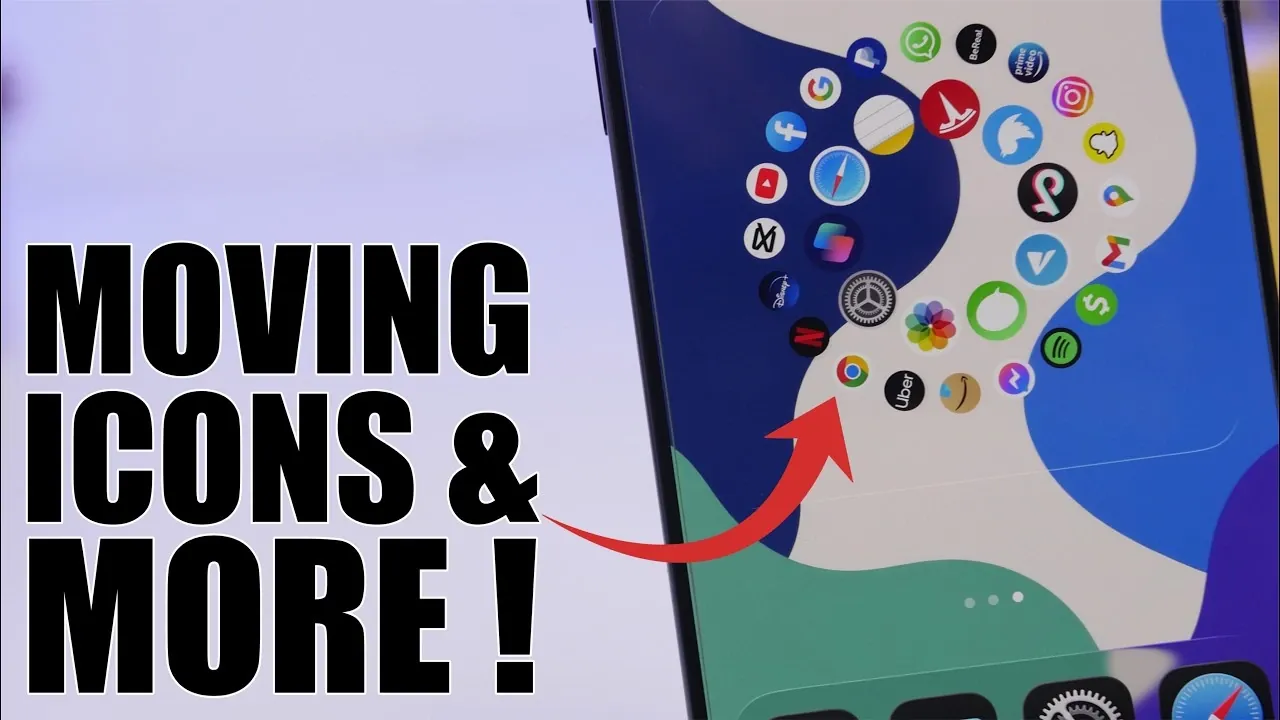
Your iPhone is more than just a communication device; it’s a versatile tool designed to adapt to your lifestyle. By implementing a few practical hacks, you can enhance its functionality, improve accessibility, and streamline your daily tasks. From customizing your Control Center to organizing your contacts, these tips will help you unlock the full potential of your iPhone and make it work smarter for you. The video below from iReviews gives us more details.

1. Customize Your Control Center for Quick Access
The Control Center is a powerful shortcut hub that can be tailored to suit your specific needs. By personalizing it, you can access your most-used features with just a swipe, saving time and effort.
- Add shortcuts for third-party apps, such as a note-taking app or a fitness tracker, to access them instantly.
- Enable toggles like Low Power Mode, screen recording, or flashlight for quick access to essential tools.
Rearranging and adding shortcuts ensures that your iPhone adapts to your workflow, making everyday tasks more efficient and convenient. Whether you’re adjusting brightness or launching a favorite app, a customized Control Center keeps everything you need within reach.
2. Use Safari’s Text-to-Speech for Hands-Free Browsing
Safari’s text-to-speech feature is an invaluable tool for multitaskers and those who prefer hands-free browsing. This feature allows your iPhone to read web pages aloud, making it easier to absorb information while you’re busy with other activities like driving, cooking, or exercising.
- Activate Reader Mode to eliminate distractions such as ads and sidebars, making sure Siri focuses on the main content.
- Use this feature for long articles or research to reduce eye strain and stay productive on the go.
This functionality is particularly beneficial for accessibility, making sure that everyone, regardless of their needs, can engage with online content effortlessly. It’s a simple yet effective way to stay informed without being tied to your screen.
3. Personalize Your Home Screen with Widgets
Gone are the days of a static grid of apps. With widgets, you can transform your home screen into a dynamic and visually engaging interface that reflects your personality and priorities.
- Use built-in widgets for essential features like weather updates, calendar events, or screen time tracking.
- Explore third-party apps to create custom widgets that display live updates, motivational quotes, or unique visuals.
This level of personalization not only enhances the aesthetics of your device but also improves usability by keeping important information front and center. A well-organized home screen can make navigating your iPhone more intuitive and enjoyable.
4. Simplify Password Management
Managing passwords doesn’t have to be a cumbersome process. Your iPhone offers built-in tools to make it easier and more secure. By creating a shortcut to search for saved passwords, you can access your credentials directly from the home screen without navigating through multiple menus.
- Securely store and retrieve passwords using iCloud Keychain, making sure your data is protected.
- Quickly log in to accounts without the need to remember complex credentials.
This feature not only saves time but also enhances security by encouraging the use of strong, unique passwords. With your credentials readily available, you can focus on what matters most without worrying about forgotten logins.
5. Organize Contacts with Bulk Deletion
Keeping your contact list organized is essential, but it doesn’t have to be a tedious task. The multi-contact selection feature allows you to delete outdated or duplicate entries in bulk, streamlining the process.
- Use a two-finger swipe to select multiple contacts at once for deletion, saving time and effort.
- Organize your contacts into lists, such as work colleagues, family members, or friends, for easier management.
This method helps you maintain an up-to-date and clutter-free contact list, making sure that you can quickly find the people you need without unnecessary scrolling or confusion.
Maximize Your iPhone’s Potential
By incorporating these five hacks into your routine, you can significantly enhance your iPhone’s usability and efficiency. Customizing the Control Center, using Safari’s text-to-speech feature, personalizing your home screen with widgets, simplifying password management and organizing your contacts are all practical steps to make your device more intuitive and tailored to your needs. These small adjustments can have a big impact, helping you save time, stay organized and enjoy a more seamless user experience.
Source & Image Credit: iReviews
Disclosure: Some of our articles include affiliate links. If you buy something through one of these links, Geeky Gadgets may earn an affiliate commission. Learn about our Disclosure Policy.
