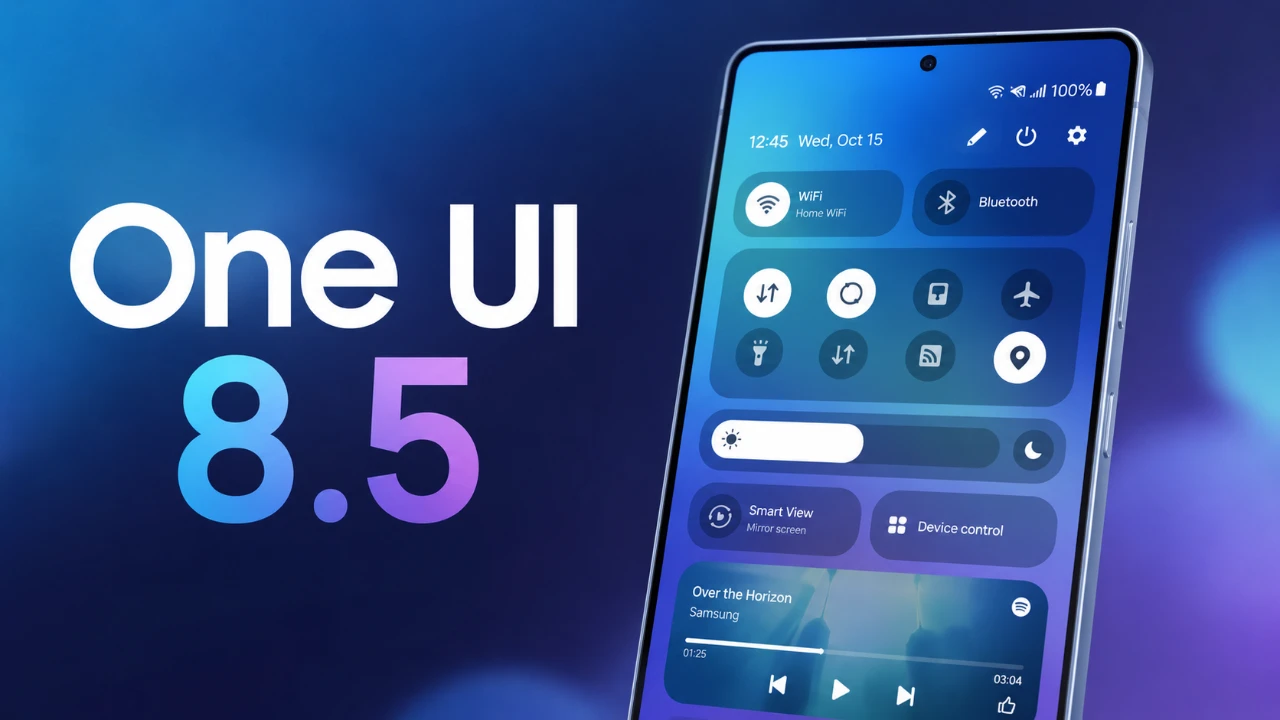
Samsung’s One UI 8.5 update introduces a comprehensive suite of customization features, redefining how you interact with your Galaxy smartphone. This update emphasizes personalization, offering enhanced tools for the quick panel, home screen, gallery and lock screen. It also expands the capabilities of the Good Lock app, providing deeper control over your device’s appearance and functionality. These updates ensure that your Galaxy device is not only practical but also a true reflection of your personal style, the video below from Mr Android FHD gives us more details.
Quick Panel: Designed Around Your Preferences
The quick panel in One UI 8.5 is now more versatile, allowing you to tailor its layout to meet your specific needs. You can resize and reposition toggles, brightness sliders and volume controls, creating a more intuitive and user-friendly interface. For those who want to take customization further, the Good Lock app’s QuickStar module enables you to add custom images as backgrounds for quick panel elements, giving your device a unique visual identity.
Key improvements include:
- Bar-level indicators for precise brightness and volume adjustments, making sure greater control over your device settings.
- Options to choose between minimalist or vibrant designs, allowing you to match the quick panel to your personal aesthetic.
These updates make the quick panel both functional and visually appealing, making sure it adapts seamlessly to your preferences.
Home Screen: A New Level of Organization and Style
One UI 8.5 introduces significant enhancements to the home screen, offering more ways to organize and personalize your device. You can now resize and reshape app folders, including creating larger folders for easier access. Additionally, folder colors and blur intensity can be adjusted to align with your chosen theme, giving your home screen a cohesive and polished look.
Widgets also receive notable upgrades:
- Customizable content sizes, allowing you to adjust widgets for better functionality and improved usability.
- Options to modify app icon labels, allowing a cleaner or more detailed appearance based on your preferences.
The Good Lock app’s Theme Park module further enhances customization by introducing advanced icon effects, such as gradients and 3D designs. These features make it easier to create a home screen that is both practical and visually stunning, making sure your device feels uniquely yours.
Gallery: Advanced Tools for Media Management
The gallery in One UI 8.5 is now equipped with powerful new tools, thanks to the Gallery Assistant module. These tools simplify photo management and editing, offering a range of features that save time and effort. Highlights include:
- Image resizing, watermarking and sticker creation, allowing you to edit photos directly within the gallery.
- Image-to-PDF conversion, eliminating the need for third-party apps and streamlining document creation.
- An image comparison tool for side-by-side photo evaluation, making it easier to select the best shot or compare edits.
These updates transform the gallery into a comprehensive hub for managing your media, making sure that your photos and videos are always organized and easily accessible.
Lock Screen: Unmatched Personalization
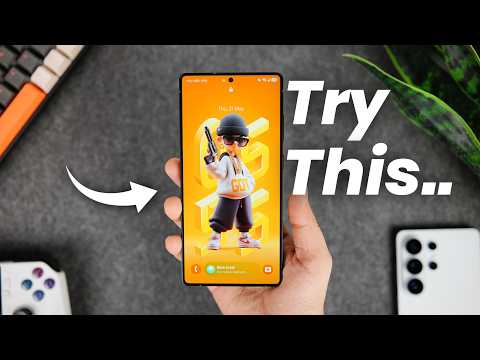
The lock screen in One UI 8.5 offers a new level of customization, allowing you to design an interface that feels uniquely yours. You can now hide the default clock and replace it with a customizable depth-effect clock using third-party apps. This feature provides greater flexibility in tailoring your lock screen to your preferences.
Additional enhancements include:
- Personalized lock screen wallpapers and clock designs, allowing you to create a look that matches your style.
- Options for sleek, modern aesthetics or more artistic styles, making sure your lock screen stands out.
These updates make the lock screen both functional and visually striking, making sure it complements the overall design of your device.
Good Lock App: The Heart of Customization
The Good Lock app continues to be the cornerstone of One UI’s customization capabilities and its new modules in version 8.5 further expand its functionality. These modules integrate seamlessly with your device, offering unparalleled flexibility in personalization. Key modules include:
- Theme Park: Create custom themes with advanced icon effects, color schemes and unique designs.
- QuickStar: Enhance quick panel customization with unique layouts, backgrounds and additional features.
- Gallery Assistant: Add powerful tools for photo management and editing, streamlining your workflow.
These modules work in harmony with third-party apps, giving you the tools to personalize every aspect of your device. Whether you prioritize functionality, aesthetics, or both, the Good Lock app ensures that your Galaxy device meets your exact needs.
Empowering Personalization with One UI 8.5
One UI 8.5 represents a significant evolution in smartphone customization, blending functionality with aesthetics to deliver a truly personalized experience. From the adaptable quick panel to the enhanced lock screen, every feature is designed to give you greater control over your device. The advanced tools in the Good Lock app and its modules further empower you to tailor your Galaxy smartphone to your preferences, making sure it reflects your unique style and needs. With One UI 8.5, Samsung continues to set a new standard for customization, making your Galaxy device an extension of your personality.
Become an expert in One UI 8.5 with the help of our in-depth articles and helpful guides.
- The Hidden One UI 8.5 Features You Need to Turn on Today
- The Samsung Bixby Reboot: Everything New in One UI 8.5
- The Hidden Features Inside Samsung’s New One UI 8.5
- Samsung One UI 8.5 is Finally Here: Check Your Settings for These Innovative Features
- Samsung One UI 8.5 is Here: The One Feature That Changes Everything
Source: Mr Android FHD
Disclosure: Some of our articles include affiliate links. If you buy something through one of these links, Geeky Gadgets may earn an affiliate commission. Learn about our Disclosure Policy.
