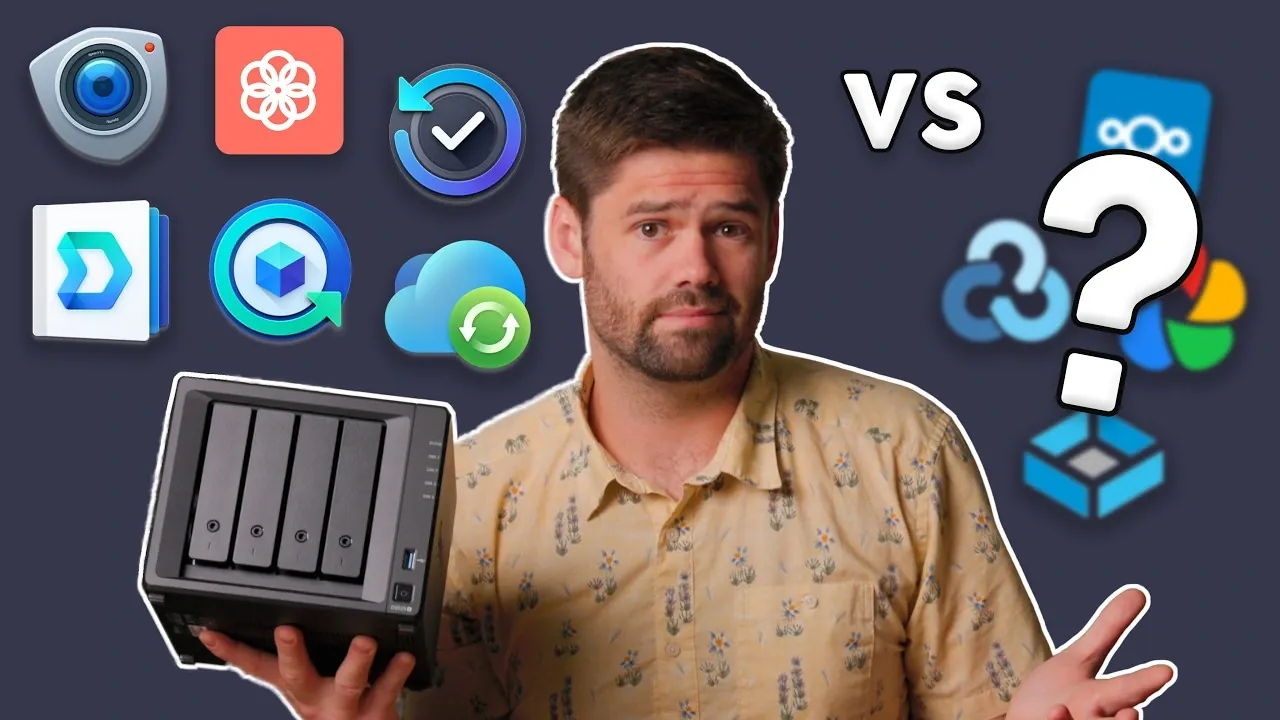
Synology’s NAS software combines file storage, photo management and backups in one system. Open source projects can replace many of those functions on compatible hardware, but setup and integration often require more work. No open source replacement with the same range of capabilities as Active Backup for Business has been identified, according to SpaceRex.
Compare storage management options for selecting an operating system and setting up shares on your own hardware. The feature also examines file syncing and photo libraries, including the account and permission differences that affect how applications work together. Finally, consider application backup consistency and the need to coordinate database dumps with stored files when planning a restore.
TL;DR Key Takeaways :
- TrueNAS SCALE now officially branded as TrueNAS Community Edition is probably DSM’s strongest open source competitor, offering ZFS-based storage and many core NAS functions. DSM was found to be more user-friendly; OpenMediaVault was found to be powerful and simpler to deploy than TrueNAS.
- Nextcloud offers file syncing and collaboration, but felt somewhat slow and buggy, and its users and permissions do not automatically sync with TrueNAS. Immich proved faster than Synology Photos and avoids its HEIC limitations, but lacks integration with Synology Drive.
- Active Backup for Business backs up computers and servers without a license fee, while Synology’s backup offerings also protect Microsoft 365 and Google Workspace. SpaceRex knows of no open source alternative that matches this breadth.
- rclone supports more connections than Synology Drive, but was found less user-friendly than Cloud Sync. motionEye is probably the best-known open source surveillance alternative, though notifications and camera compatibility can need more attention.
- Hyper Backup handles both files and application backup consistency. SpaceRex is unsure whether one alternative can reproduce everything it handles; replacing it requires accounting for each application’s files and databases.
Replacing the NAS Operating System
DSM runs a Synology NAS’s core functions, from storage management to user accounts and networking. Synology is the NAS market leader because of its software and applications, rather than its hardware or prices.
TrueNAS SCALE is probably DSM’s strongest open source competitor. It offers ZFS-based storage and many of the same core functions: you can manage pools, users and networking; create SMB and NFS shares and iSCSI blocks; and set up scrub tasks and email notifications. It is also probably the default choice for advanced users building on their own hardware.
DSM was found to be more user-friendly, particularly when adding users, setting permissions and navigating the system. TrueNAS also permits some damaging mistakes that Synology would prevent. For example, restoring a snapshot to the wrong location can wipe data. Its reporting gives a less convenient view of system metrics than Synology’s resource manager.
On user-selected hardware, TrueNAS cannot identify the exact slot of a failing drive as DSM can on Synology hardware. TrueNAS Enterprise does offer that visibility, though it was found to be expensive. TrueNAS is also moving away from a strictly open source license. The change has caused community controversy but is not expected to affect users greatly.
OpenMediaVault is another option. It was found to be powerful and simpler to deploy than TrueNAS. Open source operating systems can run on a wide choice of hardware, including x86 machines or ARM systems where the software is compatible. XPEnology aims to reproduce Synology functionality using its source code, but it was not found to be a good option because of its issues and the availability of easier alternatives.
File Syncing and Photos
Synology Drive and Synology Office turn NAS storage into a shared document and file platform. They support public sharing, Synology Docs and local syncing on Mac, Windows and Linux. On Mac and Windows, on-demand sync shows files without keeping every file locally; a file downloads when you open it.
Nextcloud is a fully open source competitor with document editing, Markdown files, collaboration, external sharing and on-demand sync on macOS and Windows. Its application ecosystem also includes Nextcloud Talk and a calendar. Those additional applications appeared better developed than Synology’s calendar equivalent, but Nextcloud felt somewhat slow and buggy. Those issues have kept it from becoming the primary office file server in use.
There are integration differences when Nextcloud runs alongside TrueNAS. An SMB edit appears immediately in Synology Drive, while a file changed on a TrueNAS server needs a sync before Nextcloud recognizes it, although there are ways around that. DSM accounts and permissions carry across its applications; TrueNAS users and permissions do not automatically sync to Nextcloud. That gap is not an issue if your deployment lives entirely within Nextcloud’s own applications.
Synology Photos combines mobile backup, sharing and AI features. A shared family library has been used for about five years, including older family photographs that relatives can search by face.
Immich is a close alternative with mobile phone backup. It proved faster than Synology Photos and does not have Synology’s HEIC limitations. It has its own users and photo storage, however, so you lose the integration between Synology Photos and Synology Drive. Nextcloud Photos provides another option if you have less demanding photo needs.

Browse through more resources below from our in-depth content covering more areas on open source NAS alternatives.
- DIY NAS Software Compared: TrueNAS vs OpenMediaVault vs Unraid
- Upgrade Your UGREEN NAS with TrueNAS for Maximum Performance
- TrueNAS CORE vs SCALE a newer Linux-based version of TrueNAS
- Raspberry Pi 5 NAS Server : TrueNAS Affordable NAS Solution Guide 2025
- Synology Apps Ranked : Essential, Situational and Outdated Options
The Business Backup Gap
Active Backup for Business can back up Windows servers and computers, macOS computers and Linux servers to a Synology without a license fee. It offers bare-metal restore, which can rebuild a drive as it was, and global file deduplication. Synology’s backup offerings can also protect MS365 and Google Workspace data with restore options.
If your business uses cloud storage, one Synology box can therefore collect computer, server and cloud backups at a fixed cost. That combination was found to be a major reason to deploy a NAS, and no other open source option has been found that does the same job.
Time Machine can cover this kind of backup in a Mac-only environment, but it cannot back up servers or MS365 and Google Workspace. That leaves a gap if you want the same breadth of protection with an entirely open source replacement.
Cloud Sync and Surveillance
Synology Cloud Sync supports download-only, upload-only and two-way transfers with cloud services. You can manage schedules and priorities in one place and, for example, keep a company’s Dropbox data locally or send local data to the cloud.
rclone is the open source project that Cloud Sync uses in the background. It supports a larger range of connections than Synology Drive, including storage systems Synology has not added. Some integrations no longer work, however, and iCloud Drive works inconsistently. rclone is mainly command-line driven; its new web interface is expected to help, although it was found to be less user-friendly than Cloud Sync.
For cameras, Surveillance Station records to a Synology NAS. UniFi generally came across as the better choice, except for a setup with one camera, but UniFi is not open source in the sense discussed here.
motionEye is probably the best-known open source surveillance alternative. You can use it as a set-and-forget system without pursuing its more complex features, though notifications and camera compatibility can need more attention. For larger camera deployments, dedicated applications or boxes looked preferable: constant recording on a NAS can affect the rest of the storage pool’s performance.
Backing Up the Applications Themselves
Hyper Backup protects folders and Synology packages to destinations including another NAS, a USB drive, cloud services, an S3 bucket or a server using rsync or WebDAV. Its advantage goes beyond copying files: it also handles application backup consistency and matches the file system to the database dump time.
That matters for an application such as Nextcloud, which has a database as well as files. A file-system copy of a database may restore corrupt if changes had not been written to disk during the backup. It is unclear whether any single alternative fully matches Hyper Backup across the applications it protects.
On Btrfs systems, Hyper Backup takes a snapshot at the start and sends files as they were at that point. By contrast, rsync copies files individually, so changes during a backup can leave an inconsistent state. TrueNAS offers snapshot replication, and replication is also an option with ZFS or Btrfs.
Database dump tools for PostgreSQL, MariaDB and MySQL can create consistent database files, but you must account for them alongside application files. Hourly PostgreSQL and MariaDB dumps required separate setup, and a restore would require matching them to the file-system backup time.
SpaceRex thinks home users who are comfortable tinkering and do not have a massive number of users can replace much of their Synology setup with open source software. For those relying on Active Backup for Business, he knows of no open source alternative. He is also unsure whether one tool can reproduce everything Hyper Backup handles; replacing it means accounting for each application’s files and databases.
Media Credit: SpaceRex
Disclosure: Some of our articles include affiliate links. If you buy something through one of these links, Geeky Gadgets may earn an affiliate commission. Learn about our Disclosure Policy.
