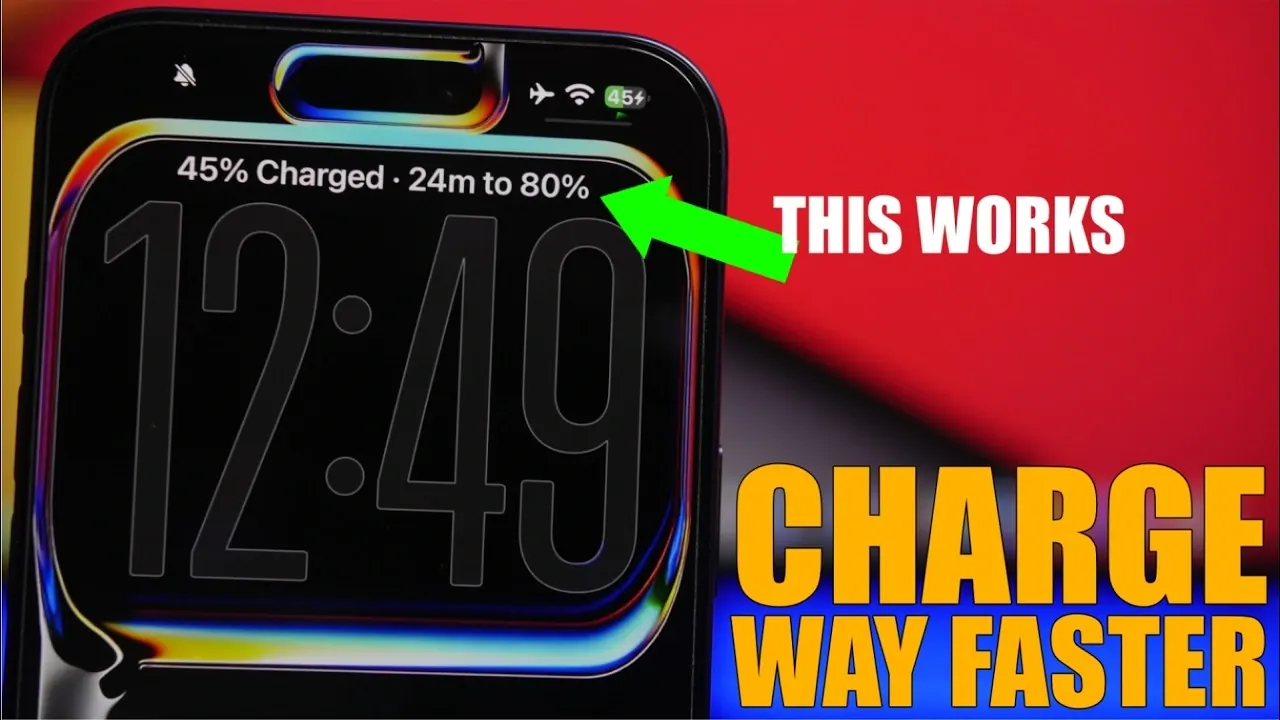
If you want to reduce your iPhone’s charging time without compromising its battery health, there are several practical strategies you can adopt. By using the right accessories, adjusting settings, and minimizing energy consumption, you can optimize your charging process. The video below from iReviews outlines effective methods to help you charge your iPhone faster and more efficiently.
TL;DR Key Takeaways :
- High-Wattage Adapters: Pair your device with a certified 20W+ power brick and MFi-certified USB-C cabling to unlock maximum current delivery safely.
- Environmental Throttling: Disable features like Clean Energy Charging when you need an immediate top-up under strict time constraints.
- Thermal Management: Keep your iPhone out of direct sunlight and remove thick protective cases during fast charging to prevent heat throttling.
- Isolate Power Draw: Enable Airplane Mode or shut down background apps to ensure all incoming electrical current flows straight into the battery cell.
1. Use High-Quality Chargers and Certified Cables
The foundation of faster charging lies in using reliable and compatible equipment. Invest in a high-quality wall adapter rated at 20 watts or higher, as this supports fast charging for most modern iPhone models. Pair it with an Apple-certified USB-C to Lightning cable or an MFi (Made for iPhone) certified alternative. These accessories ensure safe and efficient power delivery.
Avoid counterfeit chargers and cables, as they can lead to slower charging speeds, overheating, or even permanent damage to your device. High-quality accessories not only improve charging performance but also safeguard your iPhone’s battery health over time.
2. Adjust iPhone Settings for Charging Efficiency
Your iPhone’s settings play a crucial role in determining how quickly it charges. Making a few adjustments can significantly enhance charging efficiency:
- Disable “Clean Energy Charging”: This feature, designed to reduce environmental impact, may slow charging during specific hours. Turning it off ensures uninterrupted charging speed.
- Enable “Low Power Mode”: This reduces background activity, such as app refreshes and system processes, allowing your device to focus on charging.
- Limit charging to 90% overnight: If you charge your iPhone while sleeping, enable the setting that pauses charging at 90% to preserve long-term battery health.
These small tweaks can make a noticeable difference in how quickly your iPhone charges, especially when time is of the essence.
3. Reduce Energy Usage While Charging
Minimizing your iPhone’s energy consumption during charging can help direct more power to the battery. Here are some effective ways to reduce energy usage:
- Turn off power-draining features: Disable AirDrop, Personal Hotspot and other background services that consume energy.
- Avoid resource-intensive activities: Refrain from gaming, video streaming, or other demanding tasks while charging, as these generate heat and slow the process.
- Let your device remain idle: Keeping your iPhone unused while charging ensures maximum energy is directed toward the battery.
By reducing energy usage, you not only speed up charging but also prevent unnecessary strain on your device.
4. Close Background Apps
Apps running in the background can drain power even when your iPhone is plugged in. To optimize charging speed:
- Close unnecessary apps: Shut down resource-heavy apps like social media platforms, navigation tools, or streaming services.
- Ensure no apps are active: Double-check that no apps are running in the background to minimize battery strain.
This simple step ensures that your iPhone dedicates all incoming power to charging rather than supporting unnecessary processes.
5. Turn Off Your iPhone or Use Airplane Mode
For the fastest charging results, consider these options:
- Turn off your iPhone: Powering off your device eliminates all energy consumption, allowing the battery to charge at its maximum speed.
- Enable Airplane Mode: If turning off your iPhone isn’t practical, activating Airplane Mode disconnects it from cellular networks, Wi-Fi and Bluetooth, which are significant energy drains.
Both methods are highly effective for reducing charging time, especially when you’re in a hurry.
6. Use a Wall Outlet Instead of USB Ports
Charging your iPhone through a wall outlet is significantly faster than using a USB port on a computer or other devices. Wall outlets provide a consistent and higher power output, which is essential for fast charging. USB ports, especially older ones, often deliver lower wattage, resulting in slower charging speeds.
Whenever possible, prioritize using a wall adapter and outlet to ensure your iPhone charges efficiently.
7. Avoid Charging in Extreme Temperatures
Temperature can have a direct impact on your iPhone’s charging performance. Charging in extremely hot or cold environments can slow down the process and potentially harm the battery. For optimal results:
- Charge in a moderate temperature range: Aim for an environment between 32°F (0°C) and 95°F (35°C).
- Avoid direct sunlight: Keep your iPhone away from heat sources while charging to prevent overheating.
Maintaining a stable temperature ensures faster charging and protects your battery from unnecessary wear.
8. Use a Battery Health Monitoring App
Monitoring your iPhone’s battery health can help you identify potential issues that may affect charging speed. Apps designed for battery diagnostics provide insights into your device’s performance, including charging efficiency and battery capacity. By staying informed, you can take proactive steps to maintain optimal charging conditions.
9. Keep Your Charging Port Clean
Dust and debris in your iPhone’s charging port can interfere with the connection between the cable and the device, slowing down charging. Regularly inspect and clean the port using a soft, dry brush or compressed air. Making sure a secure connection improves charging efficiency and prevents potential damage.
10. Update Your iPhone’s Software
Apple frequently releases software updates that include performance improvements and bug fixes. Keeping your iPhone’s software up to date ensures it operates efficiently, including during charging. Check for updates regularly and install them to benefit from the latest optimizations.

By implementing these strategies, you can significantly reduce your iPhone’s charging time while maintaining its battery health. From using high-quality chargers and certified cables to adjusting settings and minimizing energy usage, each step contributes to a faster and more efficient charging process. Whether you’re in a rush or simply looking to improve your device’s performance, these practical tips ensure a reliable and effective charging experience.
Take a look at other insightful guides from our broad collection that might capture your interest in iPhone battery life.
- iPhone 17 Battery Life Test: The Results Will Shock You
- How to ACTUALLY Optimize Your iPhone Battery (The RIGHT Way)
- Quick Guide: Why is my iPhone battery icon yellow
- Which 2026 Flagship Has the Best Battery? iPhone 18 Pro Max vs. S26 Ultra vs. Pixel 11 Pro XL
- Battery Life Test: iPhone 12 vs. Google Pixel 5 (Video)
- Pixel 11 Pro vs iPhone 18 Pro: The Ultimate Flagship Clash
Source & Image Credit: iReviews
Disclosure: Some of our articles include affiliate links. If you buy something through one of these links, Geeky Gadgets may earn an affiliate commission. Learn about our Disclosure Policy.
