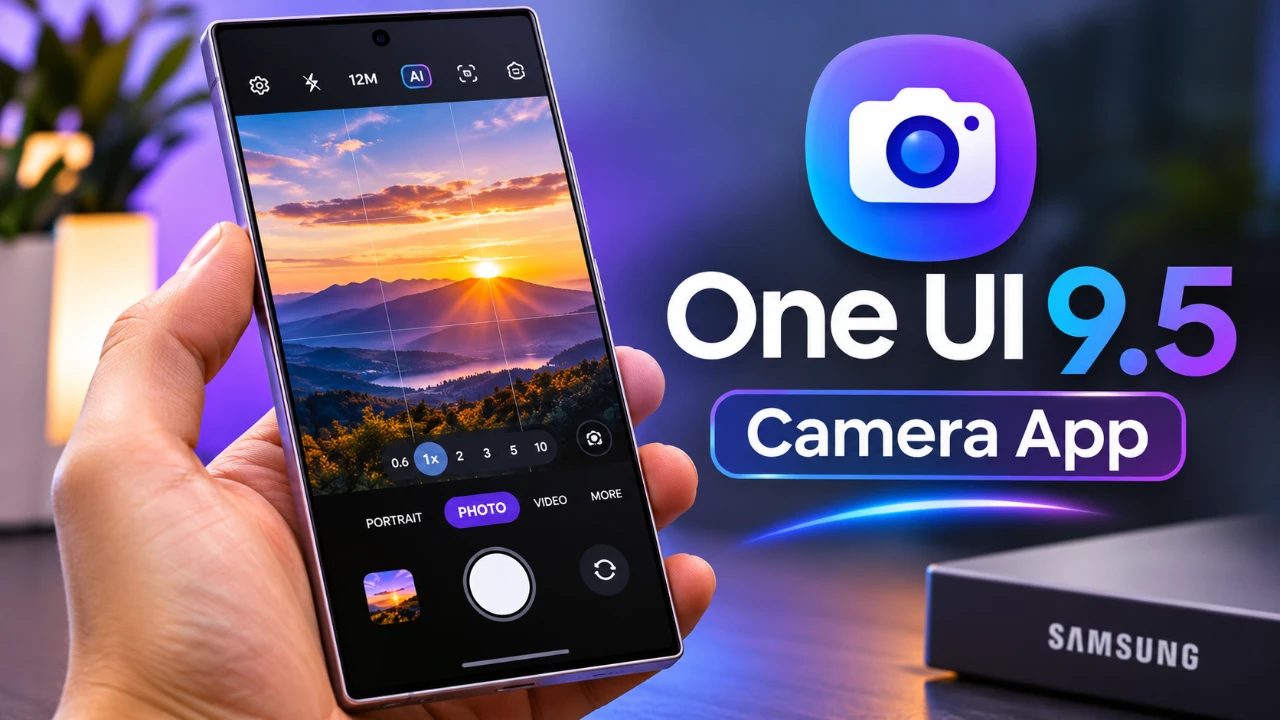
Following the launch of the One UI 9.5 beta on November 18, 2026, Samsung has rolled out a noticeable set of interface and workflow upgrades across its stock Camera app. Rather than forcing photographers into separate add-ons or repetitive manual dial-ins, the updated camera experience puts 24 MP photo capture directly in the main resolution selector, introduces named presets in Pro photo and Pro video modes, and groups essential controls into a cleaner multi-row layout. Meanwhile, separate reports point to 30-shot burst support in leaked Expert RAW builds and early hints of open-gate video in development. The video below from AppX breaks down what is new in the camera app.
TL;DR Key Takeaways :
- Native 24 MP Resolution: 24 MP now sits right alongside 12 MP, 50 MP, and 200 MP in the camera resolution menu without needing the separate Camera Assistant app.
- Named Pro & Pro Video Presets: Save complete combinations of ISO, shutter speed, exposure, focus, and white balance under custom names for fast recall.
- Two-Row Quick Controls & Shutter Shortcuts: Replaces the single scrolling strip with a two-row quick-settings grid and adds two customizable shortcut buttons beside the shutter in Pro modes.
- Expert RAW & Open Gate Watch Items: Leaked Expert RAW builds point to up to 30-frame DNG bursts and virtual aperture tuning (f/1.4–f/22), while open-gate video (24–60 fps) remains unconfirmed in development.
Opened for the Galaxy S26 series through Samsung Members in markets including Germany, India, South Korea, Poland, the UK, and the US, the One UI 9.5 beta refines both casual point-and-shoot controls and manual shooting tools. Because One UI 9.5 is still in beta testing ahead of its wider stable rollout, menus, icons, and availability remain subject to change.
Find 24 MP and Two-Row Quick Settings
For everyday shooters, one of the cleanest quality-of-life improvements in One UI 9.5 is bringing 24 MP into the standard resolution menu alongside 12 MP, 50 MP, and 200 MP—eliminating the need to dig into Camera Assistant to toggle it on. A 24 MP capture offers a practical middle ground between standard 12 MP photos and full-resolution 50 MP or 200 MP files, preserving finer detail while keeping file sizes manageable.
Samsung also replaces the narrow single-row scrolling bar with a broader two-row quick-settings panel of larger round buttons. Flash, timer, aspect ratio, resolution, exposure compensation, and white balance are easier to reach at a glance, while tapping controls like timer or aspect ratio opens compact floating pop-up panels suited to one-handed operation.

Set Shutter Shortcuts and Save Pro Mode Presets
Manual shooters gain faster control inside Pro and Pro Video modes with two key workflow additions:
- Two Customizable Shutter Shortcuts: Two shortcut buttons flank the shutter control—press and hold either one to assign quick-access tools such as autofocus area, metering, exposure lock (AEL), histogram, focus peaking, or timer (with Smooth zoom also available in Pro Video).
- Named Custom Presets: Instead of dialing in manual values from scratch each time, you can save a full combination of ISO, shutter speed, exposure, focus, and white balance as a named preset and recall it whenever lighting conditions repeat.
Pro mode also supports displaying focal-length equivalents (such as 23 mm, 69 mm, and 115 mm) alongside zoom levels, while expanded histogram, manual slider, and audio-level monitoring help keep exposure and sound accurate during shoots.
| Camera Area | What Changed in One UI 9.5 | Status & Practical Benefit |
|---|---|---|
| 24 MP Resolution | Added directly to the standard resolution menu alongside 12/50/200 MP | Active in One UI 9.5 beta; no separate Camera Assistant toggle needed |
| Quick Controls & Shutter | Two-row quick settings + two customizable buttons by the shutter | Active in One UI 9.5 beta; fewer swipes and faster manual adjustments |
| Named Pro Presets | Save & recall named ISO, shutter, focus & white-balance setups | Active in One UI 9.5 beta on supported Pro / Pro Video models |
| Expert RAW Bursts | Up to 30-shot DNG burst mode & virtual aperture controls (f/1.4–f/22) | Reported from leaked Expert RAW build; unconfirmed for general release |
| Open Gate Video | Full-sensor video framing with reported 24–60 fps support | In development / unconfirmed; may depend on hardware or future builds |
Expert RAW Bursts and Open Gate Recording Rumors
Alongside stock camera upgrades, reporting from Android Authority highlights features spotted in leaked Expert RAW builds—including burst shooting of up to 30 DNG raw frames for fast action, virtual aperture simulation spanning roughly f/1.4 to f/22, a larger histogram display, tint controls, and screen-lock protection against accidental taps.
Reports also point to early traces of open gate recording inside One UI 9.5 camera code, which would capture a taller full-sensor frame (with reported 24 to 60 fps support) for flexible horizontal or vertical cropping later. However, open gate remains in development and unconfirmed by Samsung, and advanced Pro and Pro Video capabilities depend on device support rather than models limited to Pro Lite or Pro Video Lite.
What This Means for Galaxy Photographers
Putting native 24 MP resolution, a cleaner two-row quick-settings grid, and named Pro presets directly into the camera app makes One UI 9.5 feel noticeably more practical for everyday and manual shooting alike. While Samsung has not yet announced a final public release date or full non-beta device rollout schedule, Galaxy S26 testers can already try the updated layout and see how it fits their shooting routine.
Gain further expertise in Samsung One UI 9.5 features by checking out these recommendations.
- The Biggest Samsung Update in Years: Everything Coming in One UI 9.5
- All the Top New Features Included in One UI 9.5 Beta
- The Best New Features Added to Samsung One UI 9.5 Beta
- One UI 9.5 Beta Arrives with Huge Upgrades and New Features
- Why Samsung’s New One UI 9.5 Beta Is Packing Way More Than Expected
Sourc: AppX
Disclosure: Some of our articles include affiliate links. If you buy something through one of these links, Geeky Gadgets may earn an affiliate commission. Learn about our Disclosure Policy.
