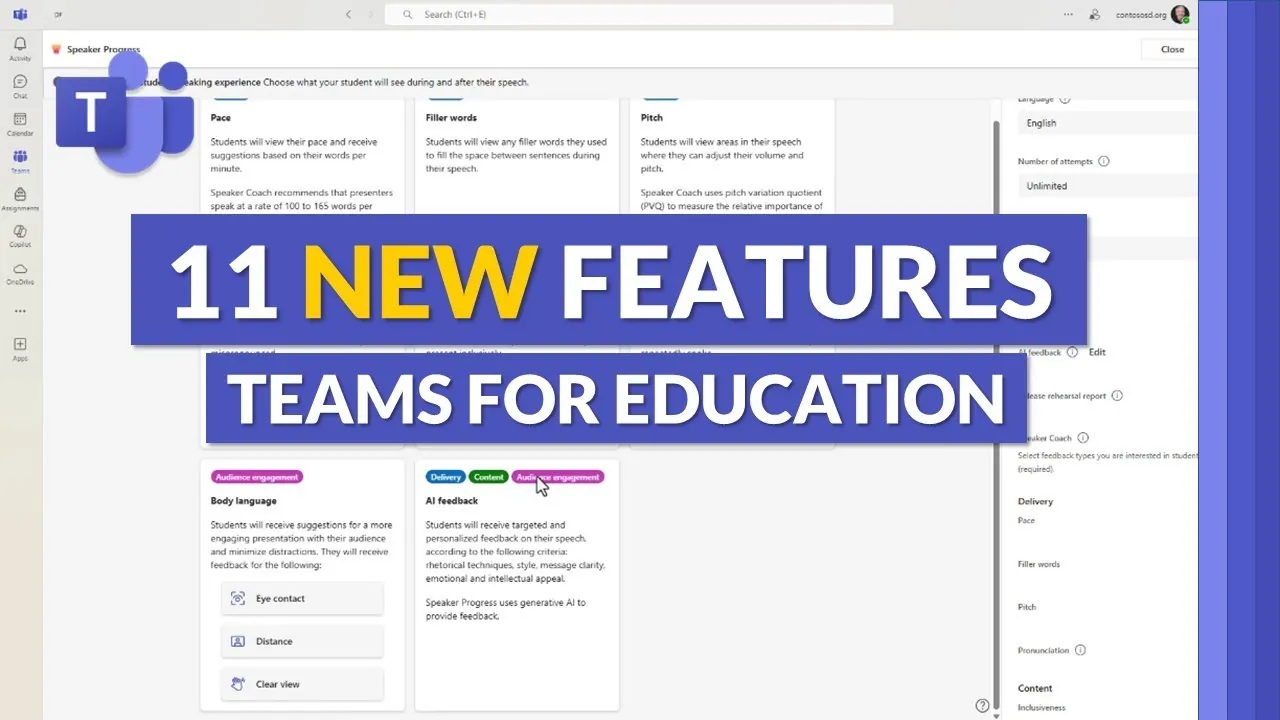
What if the tools you use every day could not only make your work easier but also completely transform the way you teach, learn, and connect? With its latest updates, Microsoft Teams is doing just that, introducing 11 new features designed to transform education. From AI-powered assistants that provide instant, personalized feedback to tools that make classrooms more inclusive and interactive, these updates are more than just incremental improvements. They represent a bold shift toward a smarter, more connected learning environment where technology doesn’t just support education, it redefines it.
In the overview below, Mike Tholfsen explains how these innovative features are reshaping the educational landscape. You’ll discover tools like Copilot Chat, which uses artificial intelligence to simplify collaboration, and enhanced customization options that let you tailor your workspace to your unique needs. Whether you’re an educator looking to streamline feedback or a student aiming to track progress more effectively, these updates promise to make your experience more dynamic and engaging. As we unpack these changes, consider how they might not only improve productivity but also inspire creativity and connection in ways you hadn’t imagined before.
Microsoft Teams Education Updates
TL;DR Key Takeaways :
- Microsoft Teams for Education introduces 11 new features, including AI-powered tools like Copilot Chat and personalized feedback, enhancing collaboration and learning outcomes.
- Enhanced customization options, such as adjustable navigation and theming, allow for a more tailored and engaging user experience.
- Rich text formatting tools improve feedback delivery, allowing educators to provide clear, actionable, and well-structured guidance to students.
- Learning accelerators, including updates to Reading Progress and Math Progress tools, streamline progress tracking and improve comprehension with visual aids.
- Interactive features like PowerPoint practice uploads, multilingual support, and improved navigation tools foster inclusivity and efficiency in education.
AI-Powered Tools: Copilot Chat and Personalized Feedback
A key highlight of the updates is the integration of Copilot Chat, an AI-powered assistant embedded within Microsoft Teams. This feature allows you to interact with AI agents capable of generating insights, answering questions, and providing tailored responses based on web-based data. With enterprise-grade security, Copilot Chat ensures safe and reliable collaboration, making it a valuable tool for both educators and students.
Another significant enhancement is AI-generated feedback, which delivers personalized insights to improve performance. For students, this means receiving actionable suggestions to refine assignments and projects. Educators, on the other hand, can use this tool to provide more targeted and meaningful guidance, ultimately improving learning outcomes.
Enhanced Customization for a Tailored Experience
Microsoft Teams now offers expanded customization options, allowing you to create a workspace that aligns with your specific needs. These updates include:
- Adjustable left rail sizing for easier navigation and quicker access to frequently used tools.
- Theming and avatar customization, particularly within tools like Reading Coach, to make learning environments more engaging and personalized.
These features empower you to design a user-friendly and productive workspace, enhancing both engagement and efficiency.
Microsoft Teams Updates : August 2025

Enhance your knowledge on Microsoft Teams Updates by exploring a selection of articles and guides on the subject.
- Microsoft Teams Summer 2025 Updates: 8 New Features
- Latest Microsoft 365 Updates 2025 : Teams, Outlook and More
- Microsoft 365 July Updates: AI Tools and Security Features
- New Microsoft 365 2025 Updates for Teams, Outlook and OneDrive
- Microsoft 365 Latest 2025 Update : Top Features for Teams, Outlook
- Microsoft Teams Confluence and Zendesk integrations
- Microsoft Teams : Pros and Cons of the Automatic Hiding Feature
- 10 New Microsoft Teams Features for 2025 to Boost Productivity
- Microsoft Teams update increases file upload limit
- Microsoft 365 April Updates: Smarter Tools for Smarter Work
Rich Text Feedback for Better Communication
Providing feedback has been significantly improved with the introduction of rich text formatting tools. Educators can now use bold text, italics, bullet points, and other formatting options to deliver structured and detailed feedback. This expanded feedback space ensures that students receive clear, actionable, and well-organized comments, helping them better understand how to improve their work.
Learning Accelerators: Tips Pane and Progress Tracking
The new tips pane serves as a practical guide for navigating tools like learning accelerators and AI features. This addition simplifies the use of advanced tools, making them more accessible. Key updates include:
- The Reading Progress tool, which now offers a side-by-side view of reading passages and comprehension questions, streamlining progress tracking.
- Math Progress enhancements, allowing you to incorporate graphs and images into math questions, improving visualization and comprehension.
These updates make it easier to monitor student progress and provide timely support, fostering a more effective and engaging learning process.
Interactive Features for Inclusive Learning
Microsoft Teams has introduced interactive features designed to make education more inclusive and engaging. Notable updates include:
- PowerPoint practice uploads, allowing you to rehearse presentations and receive AI-generated feedback to improve delivery and confidence.
- Multilingual support, which reduces language barriers and provides speaker progress updates in additional languages, making sure inclusivity for diverse learners.
These tools cater to a wide range of learning needs, making sure that education remains adaptable and accessible to all.
Streamlined Navigation and Visualization Enhancements
Managing workloads and accessing resources has become more efficient with improved navigation and visualization tools. Educators and students can benefit from:
- An enhanced grid view for quick access to announcements, assignments, and class materials, reducing time spent searching for resources.
- Visualization tools, such as the ability to add graphs and images to math questions, making complex concepts easier to understand and apply.
These updates simplify classroom management while enriching the overall learning experience, making sure that both educators and students can focus on achieving their goals.
A New Era of Education with Microsoft Teams
The 11 new features introduced in Microsoft Teams for Education represent a significant step forward in creating a more interactive, personalized, and efficient learning environment. From AI-powered tools and enhanced customization to rich text feedback and progress tracking, these updates address the evolving needs of modern education. By adopting these tools, you can foster a more engaging and effective educational experience, equipping both educators and students with the resources they need to succeed in the classroom and beyond.
Media Credit: Mike Tholfsen
Disclosure: Some of our articles include affiliate links. If you buy something through one of these links, Geeky Gadgets may earn an affiliate commission. Learn about our Disclosure Policy.
