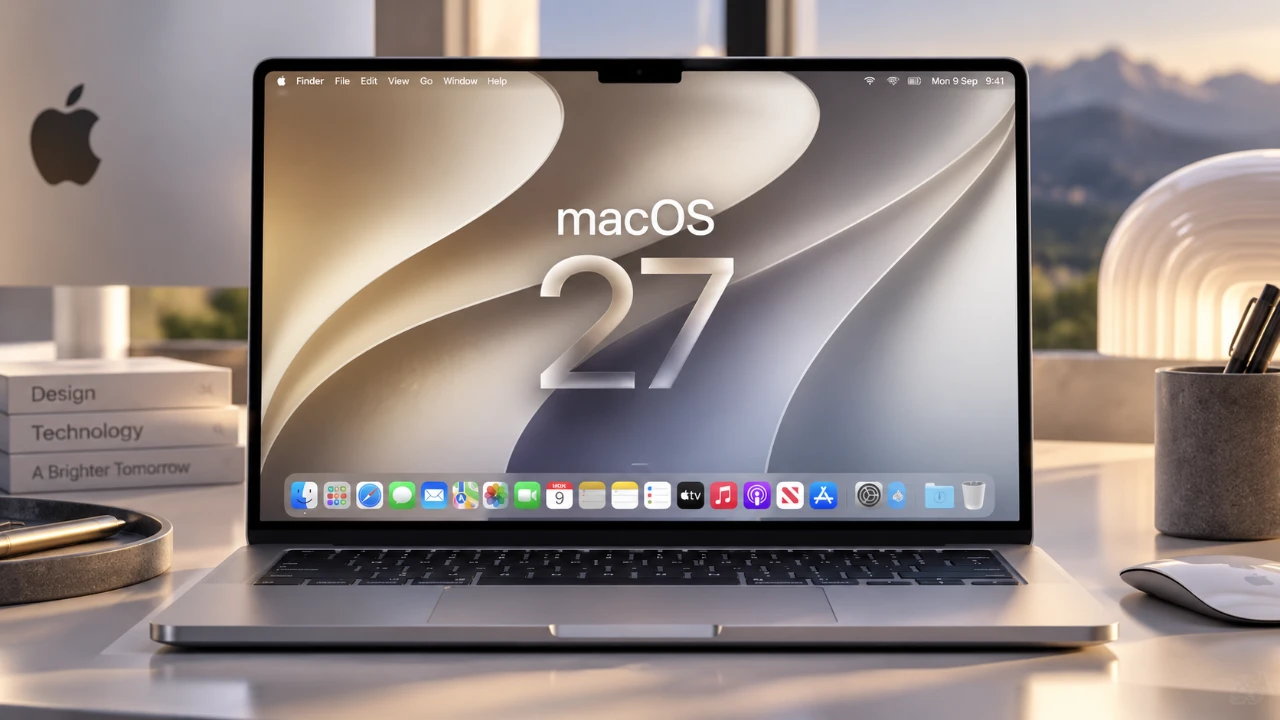
The macOS 27.2 Beta 2 update delivers a mix of interface refinements, feature enhancements, and bug fixes. However, it also carries over some unresolved issues from the previous beta, which could affect your experience. If you’re considering installing this update, here’s an in-depth look at the changes, improvements, and challenges it brings in a great new video from HalfManHalfTech.

User Interface Updates: Enhancing Clarity and Functionality
This update introduces subtle yet impactful adjustments to the macOS interface, focusing on improving usability and visual consistency:
- Volume and Brightness Animations: Enlarged and smoother animations make it easier to see and control adjustments, offering a more intuitive user experience.
- Battery and Network Icons: Restored to their original dimensions from macOS 27.0, addressing user concerns about the smaller icons introduced in earlier updates.
- Wi-Fi Toggle Animations: Improved transitions when allowing or disabling Wi-Fi create a more seamless interaction.
- Siri Activation Animation: A redesigned circular interface replaces the previous bar design, modernizing the look. However, a persistent glitch during Spotlight searches may disrupt functionality.
These updates aim to refine the overall user experience, but minor bugs may still interfere with daily workflows.
New Features and Functional Enhancements
macOS 27.2 Beta 2 introduces several new tools and improvements designed to enhance productivity and streamline tasks:
- Screen Capture with Visual Intelligence: Siri now analyzes screenshots for context, offering suggestions such as saving documents as PDFs or sharing them via email, simplifying multitasking.
- Redesigned PKG Icon: The installer package app icon now features a sleek blue cube design, aligning with macOS’s modern visual language.
- Voice Memo Enhancements: A new splash screen highlights features like spatial audio and improved sharing options, making these tools more accessible to users.
While these additions are promising, their full potential may be limited by the presence of unresolved bugs.
Bugs and Known Issues: Challenges to Consider
Despite its improvements, macOS 27.2 Beta 2 is not without flaws. Key issues include:
- Siri Animation Glitch: The Spotlight search bug remains unresolved, potentially interrupting workflows that rely on Siri integration.
- App Store Subscription Syncing: Ongoing syncing issues across devices may cause inconvenience for users managing subscriptions.
- Notification Failures: Apple apps like Calendar and Maps may fail to send notifications on clean installations, impacting productivity.
- Developer Challenges: Xcode crashes during code completion could disrupt development processes for programmers.
- Third-Party App Compatibility: Some third-party apps are experiencing stability issues, which may limit their usability with this beta version.
- Battery Performance: Reduced battery life compared to previous versions could affect daily device usage, particularly for mobile users.
These issues highlight the risks associated with adopting a beta release, especially for users who rely on their devices for critical tasks.
Updates Across the Apple Ecosystem
Alongside macOS 27.2 Beta 2, Apple has released Beta 2 updates for watchOS, VisionOS, tvOS, iOS, and iPadOS 27.2. These updates aim to unify features and functionality across devices, creating a more cohesive ecosystem. However, similar stability concerns have been reported across these platforms, suggesting that users may encounter comparable challenges regardless of the device.
The current build number for macOS 27.2 Beta 2 is 26B5091G. Beta 3 is anticipated to launch on September 28th, potentially addressing some of the issues identified in this version.
Should You Install macOS 27.2 Beta 2?
While macOS 27.2 Beta 2 offers several enhancements, it also comes with notable drawbacks. Stability concerns, reduced battery performance and app compatibility issues suggest that this beta may not be ideal for users who depend on their devices for uninterrupted productivity.
If you’re eager to explore the new features, consider installing the beta on a secondary device to minimize potential disruptions. For those who prioritize stability and reliability, waiting for Beta 3 or the final release may be the better option.
By carefully weighing the benefits and risks, you can make an informed decision about whether to update now or hold off for a more polished experience in the near future.
Expand your understanding of macOS 27 with additional resources from our extensive library of articles.
- New iOS 27 Beta 5 Release Arrives with a Big Shift Coming
- macOS 27 is Here: Apple Silicon Just Got Its Biggest Upgrade Yet
- Apple Releases macOS 27 RC: Everything New in the Update
- The macOS 27 Beta 5 Release is Out: All the New Features
- Apple Releases MacOS 27 Beta 3 with New Mac Features
- macOS 27 Beta 6 is Now Available: All the Latest Features
Source & Image Credit: HalfManHalfTech
Disclosure: Some of our articles include affiliate links. If you buy something through one of these links, Geeky Gadgets may earn an affiliate commission. Learn about our Disclosure Policy.
