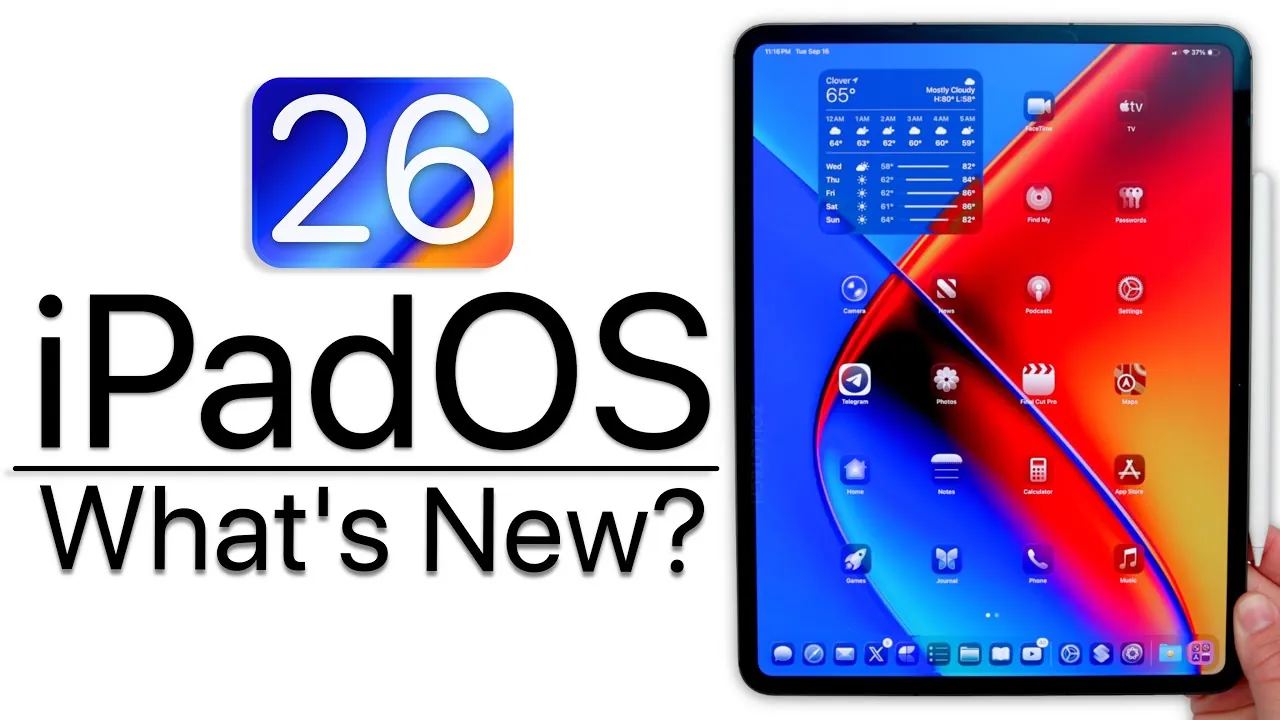
Apple has officially unveiled iPadOS 26, a significant update designed to enhance how you interact with your iPad. This release introduces a host of new features, including advanced multitasking capabilities, a refined visual design, and integrated artificial intelligence tools. These updates aim to make the iPad more powerful, intuitive, and accessible than ever before. However, it is worth noting that the iPad 7th generation is no longer supported, signaling a shift in compatibility for older devices. The video below from Zollotech gives us a detailed look at Apple’s iPadOS 26.

Enhanced Multitasking with Stage Manager
iPadOS 26 brings a completely reimagined multitasking system, allowing you to work more efficiently and effectively. The new windowing system allows apps to be resized and repositioned freely, delivering a desktop-like experience on your iPad. The upgraded Stage Manager organizes open apps into a streamlined and easily navigable view, ensuring smoother transitions and improved performance. With these advancements, traditional multitasking features like split view and slide-over have been retired, making way for a more modern and flexible workspace that adapts to your needs.
Liquid Glass Design: Aesthetic Refinement
The “Liquid Glass” design introduces a sleek and translucent aesthetic across the iPad interface. From the dock to notifications and app icons, this visual transformation creates a cohesive and polished look. Customizable light and dark mode icons allow for greater personalization, while enhanced animations and a refined control center contribute to a seamless and visually appealing user experience. This design not only enhances the iPad’s functionality but also ensures it remains visually stunning.
AI Tools for Productivity and Creativity
Artificial intelligence plays a central role in iPadOS 26, offering tools that simplify tasks and inspire creativity. The integration of ChatGPT allows you to generate images, summarize text, or even draft content directly within apps, streamlining workflows. The Shortcuts app has also been enhanced with AI-driven actions and intelligent suggestions, making automation more intuitive and accessible. Whether you’re managing complex tasks or exploring creative projects, these AI-powered features are designed to save time and boost productivity.
Accessibility Features for Everyone
Apple continues to prioritize inclusivity with a range of accessibility improvements in iPadOS 26. The enhanced accessibility reader provides customizable options for text size, contrast, and layout, ensuring a comfortable reading experience for all users. Expanded Braille support and new motion cues make navigation more intuitive, while detailed accessibility labels in the App Store help users identify compatible apps with ease. These updates reflect Apple’s ongoing commitment to creating technology that is usable by everyone.
Upgraded Apps and New Features
iPadOS 26 introduces updates to several core apps, enhancing their functionality and usability:
- Safari: Features a redesigned sidebar, a translucent address bar, and advanced privacy tools for a more secure and streamlined browsing experience.
- Notes: Adds a calligraphy pen tool and a “liquid glass loop” for precise text selection, making note-taking more versatile.
- Files App: Offers folder customization, an improved list view, and a new “Preview” feature for easier file management.
- Journal App: Now available on iPad, with seamless syncing across devices for a unified journaling experience.
- Phone App: Introduces full phone functionality, including call screening and AirPods microphone integration, transforming the iPad into a communication hub.
- Games App: Replaces Game Center, offering tools to track challenges and achievements more effectively.
Performance and Security Enhancements
iPadOS 26 delivers noticeable performance improvements, including faster app launches and smoother multitasking. While battery life may temporarily fluctuate as the system adjusts, long-term efficiency gains are expected. On the security front, Apple has addressed vulnerabilities in Bluetooth, Notes, and the Neural Engine, making sure that your data remains protected. These updates reinforce Apple’s commitment to providing a secure and reliable user experience.
Parental Controls and Real-Time Translation
Managing child accounts is now more intuitive with streamlined parental controls, allowing you to set restrictions and monitor activity with ease. Additionally, live translation has been integrated into Messages, Phone, and FaceTime, allowing real-time communication across different languages. This feature breaks down language barriers, making global communication more accessible and seamless.
What iPadOS 26 Means for You
iPadOS 26 represents a significant step forward, transforming the iPad into a more versatile and capable device for work, creativity, and leisure. With its innovative multitasking system, striking Liquid Glass design, and AI-powered tools, this update bridges the gap between the iPad and a desktop experience while maintaining its unique identity. Whether you’re exploring enhanced accessibility features, customizing your interface, or using upgraded apps, iPadOS 26 ensures your device adapts effortlessly to your needs.
Discover other guides from our vast content that could be of interest on iPadOS 26 features.
- iPadOS 26 Features: Compatibility and Limitations Explained
- Discover the New Features in iPadOS 26 Beta 4
- iPadOS 26 Features: Multitasking, AI, and Design Upgrades
- iPadOS & iOS 26: Top Shortcuts to Boost Productivity
- iPadOS 26 Public Beta: Key Features and Updates
Source & Image Credit: zollotech
Disclosure: Some of our articles include affiliate links. If you buy something through one of these links, Geeky Gadgets may earn an affiliate commission. Learn about our Disclosure Policy.
