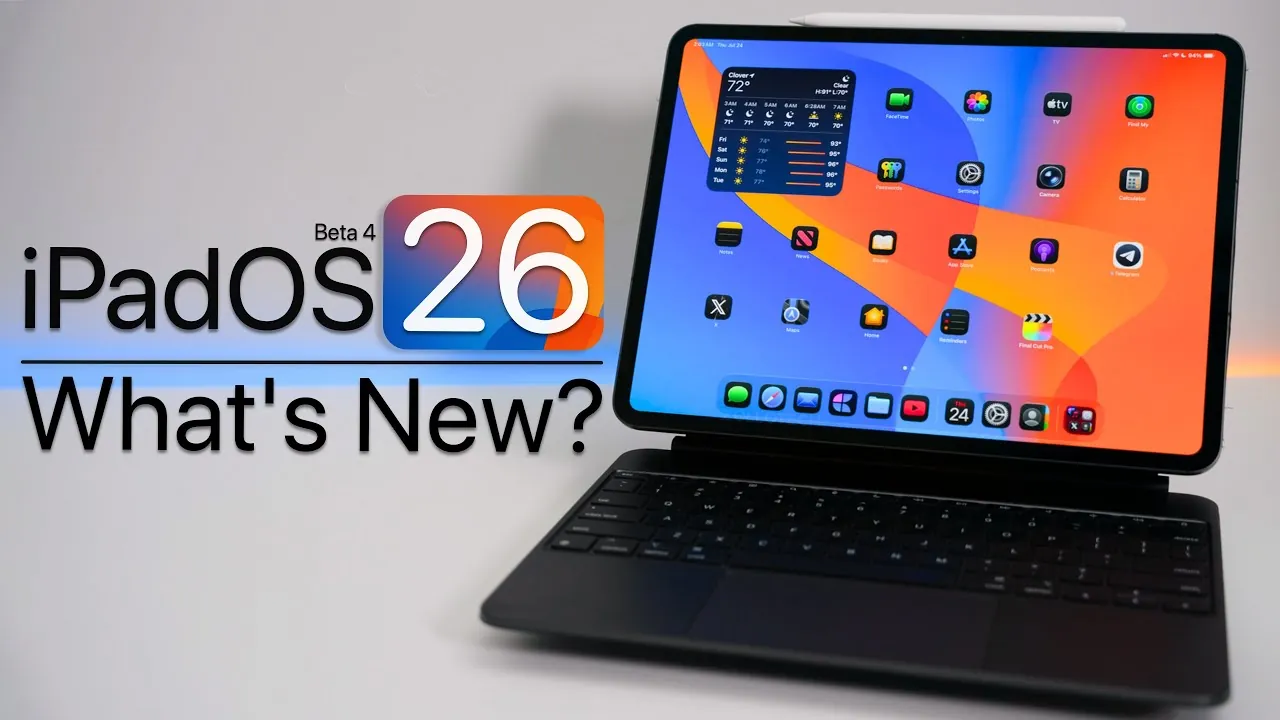
Apple has officially rolled out iPadOS 26 Beta 4, offering a blend of new features, interface refinements, and bug fixes. This latest beta release is designed to enhance the overall user experience while addressing areas that require further development. In the video Below is a detailed overview from Zollotechof the updates and improvements you can expect in this version.

Refined Interface Design
The interface in iPadOS 26 Beta 4 has received several subtle yet impactful updates aimed at improving usability and aesthetics. The “liquid glass” effect, which provides a polished and translucent appearance across various apps, has been further refined for a more cohesive and modern look. Notifications now dim the background when they appear, making alerts easier to read and less intrusive.
Additionally, app icons such as Camera and Maps have undergone minor design tweaks to align with the updated visual language. The Weather app now features a redesigned sidebar, offering a more intuitive navigation experience. These changes collectively contribute to a cleaner and more user-friendly interface.
Dynamic Wallpapers for a Personalized Experience
Dynamic wallpapers are one of the standout features in this beta release. These wallpapers adapt seamlessly to the time of day or system settings, transitioning between light and dark modes to create a visually engaging experience. This feature not only enhances the aesthetic appeal of your device but also reflects Apple’s commitment to adaptive and user-centric design principles.
By integrating dynamic wallpapers, Apple provides users with a simple yet effective way to personalize their devices while maintaining a consistent and polished look.
Enhanced Notification Management
Notifications have been significantly improved with the introduction of the “Summarize Notifications” feature. This new functionality allows you to group alerts by priority or time, helping to reduce clutter and streamline your notification center. Customization options enable you to tailor these summaries to your specific preferences, making sure that you only see the most relevant information at a glance.
Apple has also included a cautionary note about the potential for misinterpreting summarized headlines, demonstrating its effort to balance functionality with user awareness. This thoughtful approach highlights the company’s focus on delivering practical solutions while addressing potential user concerns.
App-Specific Improvements
Several core apps have received targeted updates in iPadOS 26 Beta 4, enhancing their functionality and usability:
- Safari: Navigation has been improved with edge swiping, reducing the likelihood of accidental gestures and making browsing more intuitive.
- Files: The new “Quicklook” feature allows you to preview files without needing to open them in other apps, saving time and improving workflow efficiency.
- Podcasts: Users can now customize settings for individual shows, offering greater control over playback preferences and notification management.
These updates are designed to provide users with more control and a smoother experience when interacting with their favorite apps.
Improved Caller Handling
Managing incoming calls from unknown numbers has become more intuitive with a new feature that requests a reason for the call before your device rings. This addition allows you to make informed decisions about whether to answer, enhancing privacy and reducing interruptions from unsolicited calls. This feature is particularly useful for users who frequently receive calls from unknown numbers and want to minimize disruptions.
Gestures and Multitasking Updates
Multitasking gestures have been refined in this beta, addressing user feedback and improving overall functionality. The ability to swipe between apps in windowed mode has been restored, making multitasking more seamless and efficient. However, the absence of the Slide-over multitasking feature remains a notable gap for users who rely on this functionality.
These updates reflect Apple’s ongoing efforts to enhance multitasking capabilities while responding to user needs. While progress has been made, there is still room for further improvement in future releases.
Bug Fixes and Remaining Issues
Apple has resolved several bugs in iPadOS 26 Beta 4, contributing to a more stable and reliable user experience. Key fixes include:
- Addressing widget icon inconsistencies that affected the visual coherence of the home screen.
- Improving contact search functionality, making it easier to locate specific entries in your address book.
Despite these improvements, some issues persist. Users may still encounter graphical glitches and performance inconsistencies, particularly with ProMotion’s 120Hz refresh rate. While these bugs do not significantly hinder usability, they serve as a reminder that this is a beta release and not yet a finalized product.
Battery Life: Incremental Gains
Battery optimization has seen slight improvements in Beta 4 compared to its predecessor. Users may notice marginally longer usage times, particularly during light to moderate use. However, further refinements are necessary to achieve optimal battery performance in the final release. These incremental gains suggest that Apple is making progress in this area, albeit at a measured pace.
What’s Next?
As the public beta release approaches, Apple is expected to focus on resolving the remaining bugs and fine-tuning the features introduced in Beta 4. While this beta version offers a glimpse into the future of iPadOS, it is important to remember that beta software is inherently a work in progress. If you are eager to explore the new features, it is advisable to install the beta on a secondary device to avoid potential disruptions on your primary one.
Here are more detailed guides and articles that you may find helpful on iPadOS 26 Beta 4.
- iOS 26 Beta 4 vs Public Beta: Which is Better for You?
- iOS 26 Beta 4 Features: AI, AirPods Updates, and More
- Apple iPadOS 26 Beta 4: Performance Boosts and More
- iPadOS 26 Beta 1 Features, Updates, and Installation Tips
- iOS 26 Beta 4 and Public Beta 1 Release Dates and Features
Source & Image Credit: zollotech
Disclosure: Some of our articles include affiliate links. If you buy something through one of these links, Geeky Gadgets may earn an affiliate commission. Learn about our Disclosure Policy.
