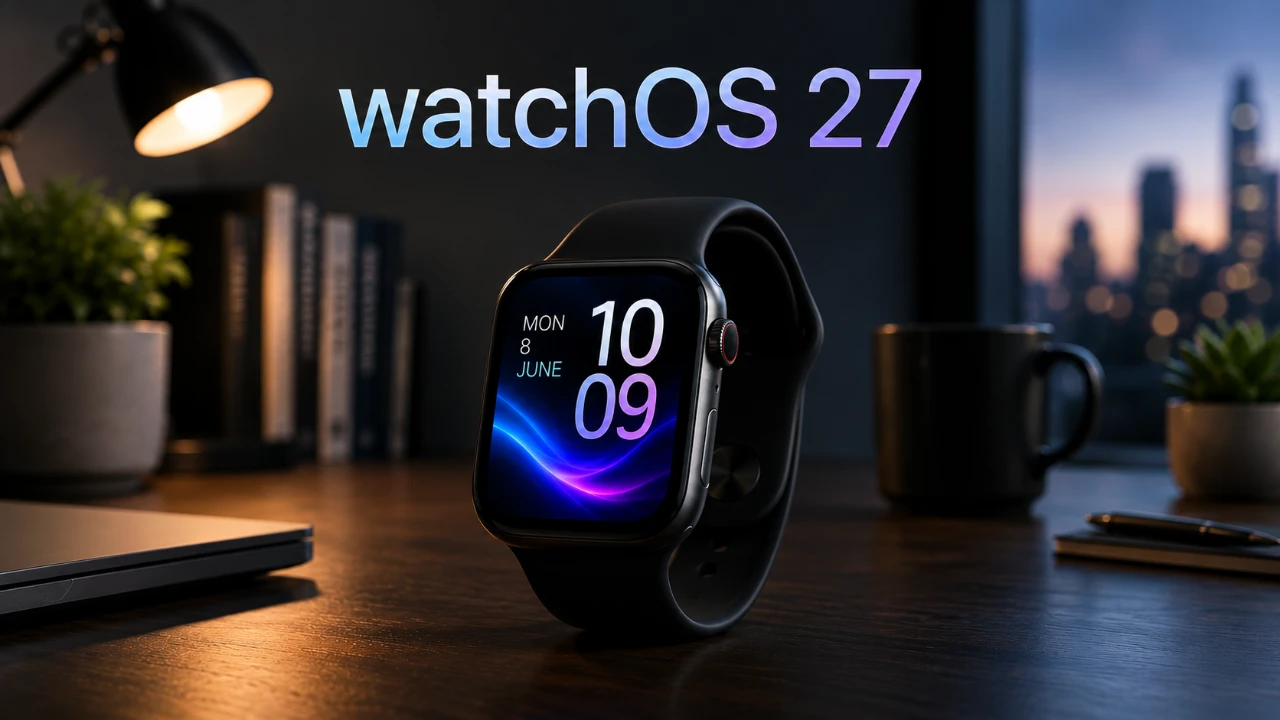
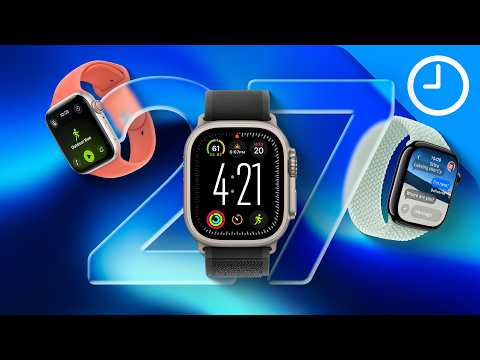
Apple is poised to release WatchOS 27 next week, bringing a suite of updates that promise to redefine the Apple Watch experience. These enhancements focus on three critical areas: advanced health monitoring, a redesigned user interface, and a smarter Siri. With these updates, the Apple Watch continues to solidify its position as a versatile tool for health, productivity, and everyday convenience. The video below from 9 to 5 Mac gives us more details on what Apple has planned for watchOS 27.
Advanced Health Monitoring Features
Health tracking in WatchOS 27 takes a significant step forward with the introduction of new features aimed at providing deeper insights into your overall well-being. One of the most notable additions is the blood pressure alert system, which uses trend analysis to identify potential hypertension risks. By detecting early warning signs, this feature encourages proactive health management, potentially prompting users to seek medical advice before issues escalate. While awaiting FDA approval, this innovation highlights Apple’s commitment to integrating innovative health technology into its devices.
Heart rate tracking has also been enhanced for improved accuracy during workouts, recovery periods and sleep. These refinements aim to provide a more detailed understanding of your cardiovascular health over time. Additionally, sleep and recovery tracking now deliver actionable insights, helping users optimize rest and improve overall performance. These updates make the Apple Watch an even more valuable tool for those prioritizing health and wellness.
Redesigned Modular Watch Face
The user interface receives a significant update with the introduction of a new modular watch face. This design prioritizes functionality and personalization, featuring a prominent clock display alongside three customizable complications. These complications allow users to highlight the information most relevant to their daily routines, such as health metrics, calendar events, or frequently used apps.
Beyond its aesthetic appeal, the modular watch face integrates seamlessly with the broader Apple ecosystem. For example, complications can sync with your iPhone or other Apple devices, making sure a unified and personalized experience across platforms. This update not only enhances usability but also reinforces the Apple Watch’s role as a central hub for managing your digital life.
Smarter Siri with Enhanced Contextual Intelligence
Siri undergoes a fantastic upgrade in WatchOS 27 with the introduction of Siri 2.0, designed to deliver a more intuitive and conversational experience. Users can now issue follow-up commands without needing to repeat themselves, streamlining interactions and improving efficiency. This enhancement makes Siri a more reliable assistant for managing tasks, controlling smart home devices, or tracking fitness goals.
The improved contextual intelligence of Siri 2.0 also strengthens its integration within the Apple ecosystem. For instance, users can start a task on their iPhone and seamlessly continue it on their Apple Watch. This level of adaptability ensures that Siri meets your needs, whether you’re multitasking at home or managing your day on the go. These updates make Siri not just a voice assistant but a more integral part of the Apple Watch experience.
Shaping the Future of Wearable Technology
The updates in WatchOS 27 not only enhance the current Apple Watch experience but also provide a glimpse into the future of wearable technology. The introduction of features like the blood pressure alert system suggests the potential for even more advanced health sensors in upcoming Apple Watch models. These could include innovations such as non-invasive glucose monitoring or hydration tracking, further cementing the device’s role as a comprehensive health companion.
Battery life optimization remains a priority, with Apple continuing to refine its hardware and software to extend usage times. Additionally, the potential for new coaching features could transform the Apple Watch into a proactive wellness tool, offering personalized recommendations based on activity and recovery data. These advancements underscore Apple’s vision of making the Apple Watch an indispensable part of daily life, blending health, productivity and convenience into a single device.
Rumored watchOS 27 Specifications
| Rumored Feature | Target Hardware | Expected Capability & Details |
| Contextual Siri & AI Integration | Series 10/11 & Ultra 2/3 (Requires paired iPhone 15 Pro or newer) | Screen & App Awareness: Siri scans on-screen text, emails, and texts to answer highly specific queries (e.g., tracking flights or calendar context). |
| High Blood Pressure Notifications | Supported hardware (Pending FDA review) | A new notification system designed to alert users when a trend toward hypertension is flagged by background software algorithms. |
| Improved Heart Rate Tracking | All watchOS 27 compatible models | Performance-optimized background reading algorithms that increase tracking accuracy and anomaly detection without draining battery life. |
| “Modular Ultra” Face Expansion | Standard Apple Watch Series models | Brings a simplified version of the Ultra-exclusive face to standard displays, swapping the bezel compass metrics for a dense grid layout. |
| Apple Maps via Satellite | Apple Watch Ultra 3 | Off-grid mapping support that allows users to download and view basic topographic maps directly over a satellite link. |
| Photo Support via Satellite | Apple Watch Ultra 3 | Enables compression and delivery of images through satellite messaging during Emergency SOS or off-grid check-ins. |
Browse through more resources below from our in-depth content covering more areas on Apple Watch.
- Finally Thinner: Apple Watch Ultra 4 Leaks Reveal a Major Design Shakeup
- Apple Watch Ultra 4: Why 2026 Is Finally the Year for a Redesign
- The Apple Watch Ultra 4 Redesign is Real: Shifting to a Thinner, More Wearable Chassis
- Apple Watch Ultra 4: Every Major Upgrade Revealed for the 2026 Redesign
- The Apple Watch Ultra 4 Leaks Are Here: See the Massive Redesign
Source & Image Credit: 9to5Mac
Disclosure: Some of our articles include affiliate links. If you buy something through one of these links, Geeky Gadgets may earn an affiliate commission. Learn about our Disclosure Policy.
