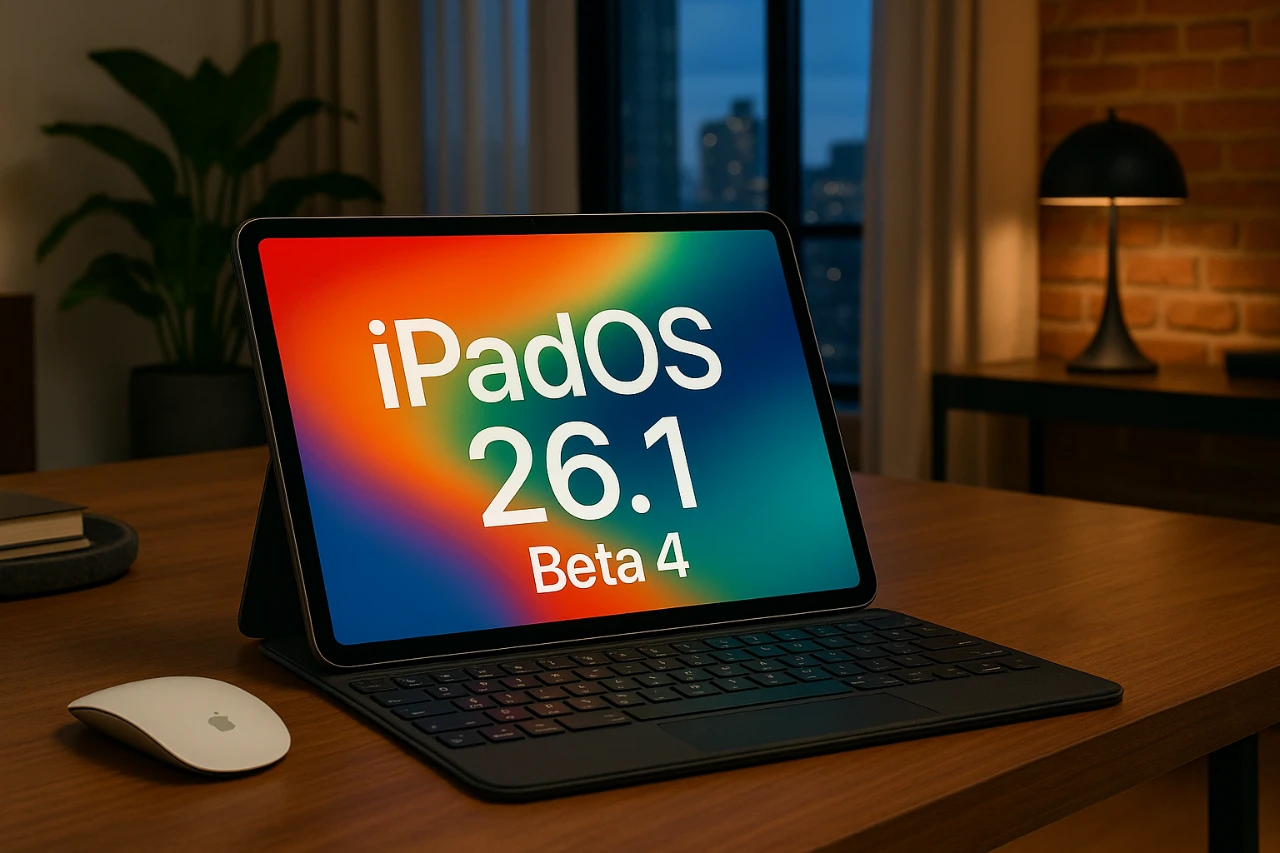
Apple’s iPadOS 26.1 Beta 4 brings a range of updates designed to enhance the user experience through improved customization, usability, and performance. As a precursor to the release candidate and eventual public rollout, this beta reflects Apple’s commitment to refining the iPad ecosystem. The update introduces features like the new liquid glass effect, streamlined settings menus, and insights into battery performance. These changes aim to provide a more intuitive, visually appealing, and consistent experience for users. The video below from 9to5Mac gives us a look at the new features and changes in iPadOS 26.1 beta 4.
Liquid Glass Effect: Enhanced Visual Customization
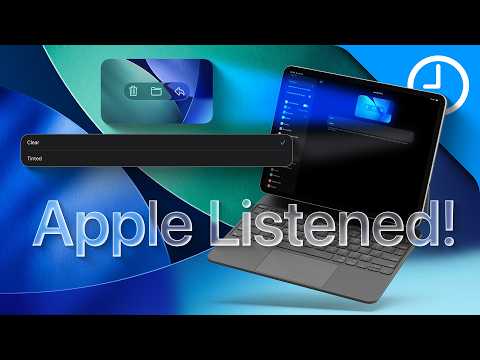
One of the most notable additions in iPadOS 26.1 Beta 4 is the liquid glass effect, a feature that enhances the visual customization of the user interface. Found in the “Display & Brightness” settings, this feature offers two distinct modes:
- Clear: This mode increases transparency, creating a lighter and more open aesthetic for the interface.
- Tinted: This mode adds opacity and contrast, offering a bolder and more defined look.
These modes allow you to tailor the appearance of UI elements to suit your preferences or adapt to varying lighting conditions. While the current implementation is limited to these two presets, user feedback has already highlighted a demand for more granular control, such as a slider to fine-tune transparency levels. This feature not only enhances the aesthetic flexibility of the iPad but also lays the groundwork for more advanced personalization options in future updates.
Streamlined Settings Menus
The settings menu in iPadOS 26.1 Beta 4 has undergone significant refinements, making it easier to navigate and understand the iPad’s features. Enhanced descriptions now accompany key sections, such as Accessibility, Apple Pencil, and Control Center, providing clearer guidance for users. These updates are particularly beneficial for those exploring advanced features for the first time.
For example:
- Accessibility: Features like VoiceOver and Magnifier now include detailed explanations, making it easier to understand their functionality at a glance.
- Apple Pencil: The setup process has been simplified, with clearer customization options for tasks such as gesture controls and pressure sensitivity adjustments.
These changes reflect Apple’s focus on creating a more intuitive and user-friendly experience, making sure that users can unlock the full potential of their devices without unnecessary confusion.
Battery Performance: Consistency Over Breakthroughs
Battery performance remains a critical consideration for mobile devices, and iPadOS 26.1 Beta 4 delivers stable and predictable results. While the update does not introduce new improvements in battery efficiency, it maintains a reliable balance between performance and power consumption. Based on usage patterns, the following observations have been made:
- Heavy workloads: Tasks such as multitasking with resource-intensive apps provide approximately 6-7 hours of screen time.
- Lighter usage: Activities like web browsing or media streaming extend battery life to around 8-10 hours.
This consistency is particularly relevant as Apple prepares for the release of the M5 iPad Pro, which is expected to feature hardware optimizations that could further enhance battery longevity. For now, iPadOS 26.1 Beta 4 ensures that users can rely on their devices for both productivity and entertainment without significant concerns about battery life.
Storage Requirements and Installation Tips
Installing iPadOS 26.1 Beta 4 requires approximately 13 GB of free storage space, reflecting the update’s scope and complexity. The build number for this beta is 26.123B5073a, and it serves as a stepping stone toward the release candidate, which is anticipated in the coming week. The final public release is expected to follow shortly after, likely within two weeks.
To ensure a smooth installation process, consider the following steps:
- Verify that your device has sufficient storage space available before initiating the update.
- Back up your data to iCloud or an external device to minimize the risk of data loss during installation.
Taking these precautions will help you avoid potential issues and ensure a trouble-free update experience.
Looking Ahead: The M5 iPad Pro
As Apple continues to refine iPadOS, attention is also turning to the highly anticipated M5 iPad Pro. This next-generation device is expected to feature advanced hardware capabilities, including the new M5 chip, which promises to deliver improved performance and efficiency. When paired with iPadOS 26.1, the M5 iPad Pro could unlock new possibilities for multitasking, creative workflows, and overall device functionality.
While specific details about the M5 iPad Pro remain speculative, the combination of innovative hardware and the latest software advancements underscores Apple’s commitment to delivering a seamless and powerful user experience. For users considering an upgrade, the synergy between iPadOS 26.1 and the M5 iPad Pro represents an exciting opportunity to explore the future of tablet computing.
Here are more detailed guides and articles that you may find helpful on Liquid glass customization.
- iOS 26 Customization: How to Personalize Your iPhone
- iOS 26 Features: Everything You Need to Know
- What’s New in iOS 26? Liquid Glass Design & More
- How to Turn Off Liquid Glass in iOS 26
- How iOS 26 Enhances Your iPhone with AI and Customization
Source: 9to5Mac
Disclosure: Some of our articles include affiliate links. If you buy something through one of these links, Geeky Gadgets may earn an affiliate commission. Learn about our Disclosure Policy.
