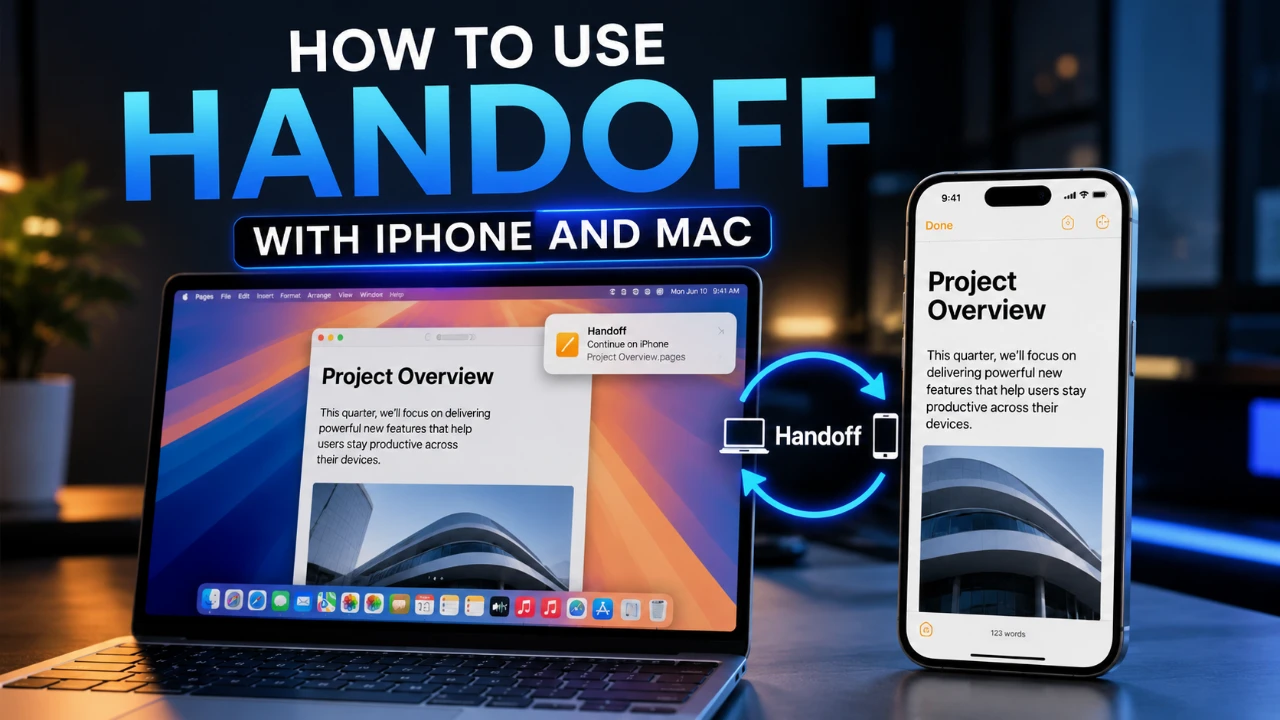
Handoff is a standout feature within the Apple ecosystem, designed to let you transition smoothly between your iPhone and Mac while working on tasks. Whether you’re drafting an email, browsing a website, or editing a document, Handoff ensures you can continue your work seamlessly on another Apple device. By using Bluetooth, Wi-Fi, and Apple ID synchronization, this feature enhances multitasking and boosts productivity across devices. It’s a practical tool for anyone who values efficiency and a connected workflow. The video below from Apple gives us more details.

What is Handoff and How Does It Work?
Handoff is a feature that enables a seamless workflow between Apple devices, allowing you to pick up tasks exactly where you left off. For instance, you can begin writing an email on your iPhone and finish it on your Mac without interruption. This functionality extends to several Apple apps, such as Mail, Safari and Notes, as well as third-party apps that support Handoff.
The feature operates by using Bluetooth and Wi-Fi to establish a connection between your devices. Once enabled, your iPhone and Mac detect each other automatically, transferring ongoing tasks with minimal input required from you. This seamless integration is a hallmark of Apple’s ecosystem, designed to make multitasking intuitive and efficient.
What You Need to Use Handoff
To use Handoff effectively, your devices must meet specific requirements. Making sure these conditions are met guarantees a secure and reliable connection for uninterrupted task continuity:
- Both devices must be signed in to the same Apple ID account.
- Bluetooth and Wi-Fi must be enabled on both devices.
- The devices should be in close proximity to each other.
These prerequisites ensure that your iPhone and Mac can communicate seamlessly, allowing you to take full advantage of Handoff’s capabilities.
How to Enable Handoff
Setting up Handoff is straightforward and requires just a few steps on both your iPhone and Mac. Follow these instructions to enable the feature:
On Your iPhone:
- Open the Settings app.
- Navigate to General > AirPlay and Continuity.
- Toggle on the Handoff option.
On Your Mac:
- Open System Settings from the Apple menu.
- Go to General > AirDrop and Continuity.
- Enable the option labeled Allow Handoff between this Mac and your iCloud devices.
Once these settings are activated, your devices will be ready to use Handoff, allowing you to transition tasks effortlessly between them.
How to Use Handoff: A Practical Example
Handoff is designed to integrate seamlessly into your daily workflow. Here’s a practical example of how it works:
- Start composing an email on your iPhone using the Mail app.
- As you approach your Mac, a Handoff icon will appear in the Dock, typically on the left-hand side.
- Click the icon to open the email draft on your Mac and continue editing without interruption.
This functionality extends beyond emails. For example, you can use it to continue browsing a website in Safari, jot down ideas in Notes, or even edit a document in Pages. Handoff’s versatility makes it an invaluable tool for multitasking across devices.
Which Apps Work with Handoff?
Handoff is compatible with a wide range of Apple’s built-in apps, making sure you can maintain a seamless workflow across various tasks. These apps include:
- Safari
- Notes
- Calendar
- Reminders
Additionally, many third-party apps support Handoff if they are designed to integrate with Apple’s Continuity framework. This broad compatibility ensures that you can use Handoff for a variety of tasks, from professional work to personal organization.
Why Handoff Enhances Productivity
Handoff is more than a convenience; it’s a tool designed to enhance productivity. By allowing you to transition tasks effortlessly between your iPhone and Mac, it eliminates the need for manual file transfers or restarting activities. Whether you’re managing emails, working on documents, or browsing the web, Handoff ensures your workflow remains uninterrupted.
This feature is particularly beneficial for professionals who juggle multiple tasks or anyone who values efficiency in their daily tech use. By integrating your devices into a cohesive ecosystem, Handoff enables you to work smarter and more effectively.
Seamless Integration for a Connected Workflow
Handoff exemplifies the seamless integration of Apple’s ecosystem, using Bluetooth, Wi-Fi and Apple ID synchronization to create a unified user experience. With an easy setup process and compatibility across a wide range of apps, it transforms the way you use your iPhone and Mac. Whether you’re a power user or someone seeking added convenience, Handoff is a feature that enhances your productivity and simplifies your workflow. By bridging the gap between devices, it ensures that your tasks are always within reach, no matter where you choose to work.
Source & Image Credit: Apple Support
Disclosure: Some of our articles include affiliate links. If you buy something through one of these links, Geeky Gadgets may earn an affiliate commission. Learn about our Disclosure Policy.
