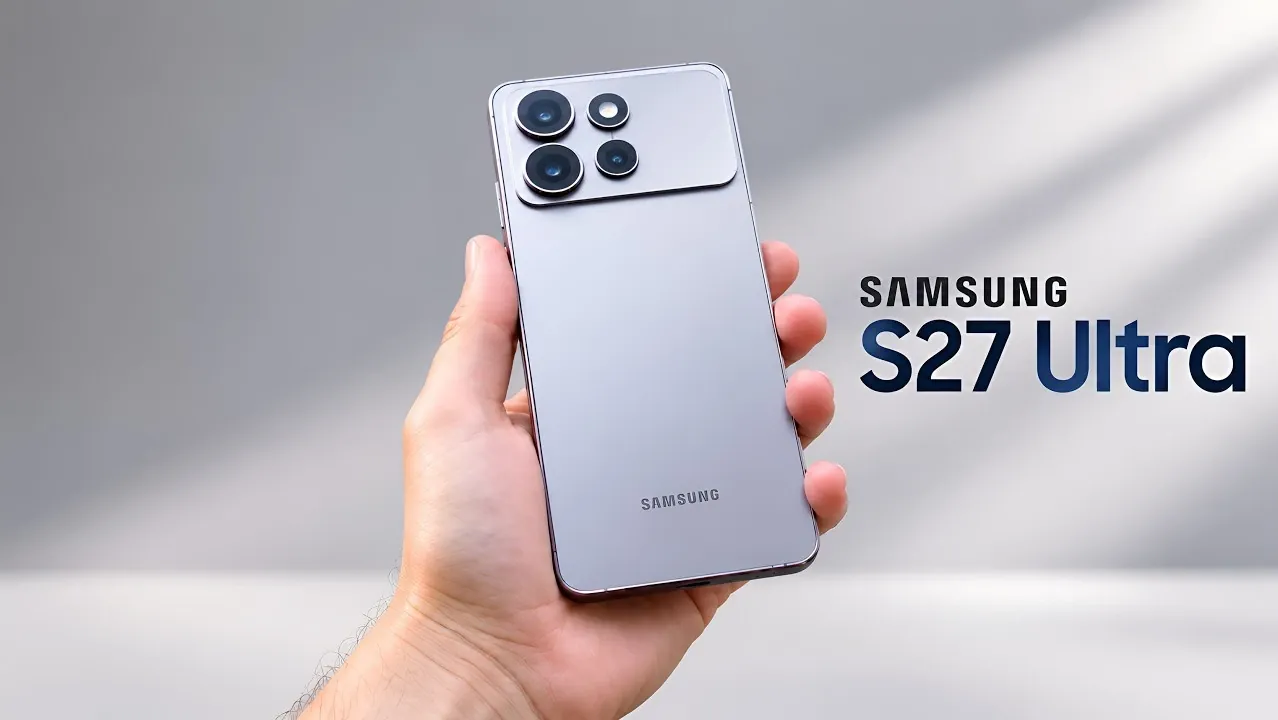
Turning existing photos and clips into shareable highlight reels without opening a dedicated video editor is one of the headline ideas tied to the rumoured Samsung Galaxy S27 Ultra and upcoming One UI 9.5 software, as explored in a video breakdown below. Reports point to a Galaxy AI Shorts tool that can gather matching pictures from a text prompt and assemble short edits automatically—though it could sit behind a subscription tier—alongside live notifications centered around the front camera. Because Samsung has not yet announced or confirmed the Galaxy S27 Ultra and One UI 9.5 remains in pre-release testing, all reported features, subscription terms, pricing, and release timelines remain subject to change.
TL;DR Key Takeaways :
- Beta vs. future debut: One UI 9.5 is in beta testing on the Galaxy S26 lineup, while several leaked additions may debut with the Galaxy S27 series.
- Galaxy AI Shorts: A leaked Gallery feature could turn photos and videos into short clips from text prompts, potentially tied to a paid subscription.
- Camera-centered live pill: According to SamMobile, an early One UI 9.5 build moves live notifications around the selfie camera with horizontal swipes and Moment effects.
- Laptop app mirroring: Samsung is reportedly testing native app mirroring to view and use phone apps on a laptop.
- Tap-to-share transfers: One UI 9.5 beta references point to tapping two compatible phones together to share files quickly.
Samsung has not officially unveiled the Galaxy S27 Ultra, yet software discoveries suggest several upcoming One UI 9.5 features could debut alongside the Galaxy S27 family rather than appearing immediately in public Galaxy S26 beta builds. While Samsung has rolled out a One UI 9.5 beta program for the Galaxy S26 series, additional tools are still taking shape in development builds.
Galaxy AI Shorts Could Turn Photos Into Clips
Leaked assets and interface strings point to a feature dubbed Galaxy AI Shorts—separate from YouTube Shorts—designed to compile existing photos and video clips into quick, shareable highlight videos inside the Gallery workflow. Demon’s Tech flags a key catch: gating AI video creation behind a paid subscription could frustrate Galaxy owners who expect core gallery tools to stay free.
Screenshots and notes shared by tipster Tarun Vats indicate that Shorts could either assemble clips automatically or pull relevant photos based on a written prompt (such as asking for highlights from a recent trip), complete with selectable fonts and background music. Rival Android brands have pushed similar quick-clip tools—such as Honor introducing live-photo motion on the Honor 400 series and reportedly testing short ~3.5-second clips built from up to three photos on its Honor 600 lineup—making automated social-ready video a clear battleground.
| Reported Feature | Where It Appeared | Reported Behaviour | Key Caveat |
|---|---|---|---|
| Galaxy AI Shorts | Hidden One UI 9.5 strings / leaks | Creates short video clips from prompts/photos with music & fonts | Could require a subscription; absent from S26 beta |
| Camera-Centered Live Pill | Early Galaxy S27 One UI 9.5 build | Places live activities around selfie cutout with side swipes | Early build looks unfinished; may shift before launch |
| Moment Effects | One UI 9.5 Now Bar settings leak | Triggers celebratory animations for events like sports wins | Subject to final rollout scope and content packs |
| Native App Mirroring | One UI 9.5 testing reports | Lets you access phone apps directly on a laptop | Cross-device compatibility and details unconfirmed |
| Tap to Share | One UI 9.5 beta references | Transfers files when two phones touch | Hardware/proximity requirements still evolving |
Live Notifications May Move Around the Camera
According to reporting from SamMobile on an early One UI 9.5 build tied to the Galaxy S27, live notifications shift toward the top center of the screen to wrap around the front camera cutout—a layout reminiscent of Apple’s Dynamic Island. Instead of expanding vertically every time you switch tasks, reports indicate you can swipe horizontally across the pill to cycle between active timers, voice recordings, and navigation prompts.

Samsung is also reportedly testing a Moment effects option within Now Bar settings that adds dynamic visual effects for moments such as a followed sports team scoring or winning. Because early test builds can look rough around the edges, exact spacing, animations, and availability could still be refined.
App Mirroring Could Bring Phone Apps to a Laptop
Workflow continuity is another focus area in One UI 9.5 reports, with Samsung testing native app mirroring to surface phone applications directly on a laptop screen. Rather than juggling two screens while replying to messages or checking mobile-only tools at a desk, tighter laptop-side app access could streamline everyday multitasking.
Tap to Share Could Simplify File Transfers
Closer-range sharing is also surfacing in One UI 9.5 beta discoveries through a tap-to-share capability that initiates file transfers when two phones are tapped together. If implemented smoothly, bumping two devices together offers a quick alternative to hunting through share sheets or nearby-device menus when passing photos or documents in person.
Automated clip generation could make it much easier to turn camera-roll memories into quick posts without spending extra time editing. Still, whether Galaxy AI Shorts arrives free or behind a subscription wall—and how smoothly features like camera-centered live notifications and laptop app mirroring perform—will shape their real-world appeal. Remember that the Galaxy S27 Ultra has not been announced and One UI 9.5 remains in pre-release testing, so specifications, pricing, and release schedules remain subject to change.
Here are more detailed guides and articles that you may find helpful on One UI 9.5 features.
- The Biggest Samsung Update in Years: Everything Coming in One UI 9.5
- All the Top New Features Included in One UI 9.5 Beta
- One UI 9.5 Beta Arrives with Huge Upgrades and New Features
- First Look at One UI 9.5: Samsung’s Sleekest Interface Redesign in Years
- Samsung’s One UI 9.5 Is Reportedly Rolling Out Earlier Than Expected
Source & Image Credit: Demon’s Tech
Disclosure: Some of our articles include affiliate links. If you buy something through one of these links, Geeky Gadgets may earn an affiliate commission. Learn about our Disclosure Policy.
