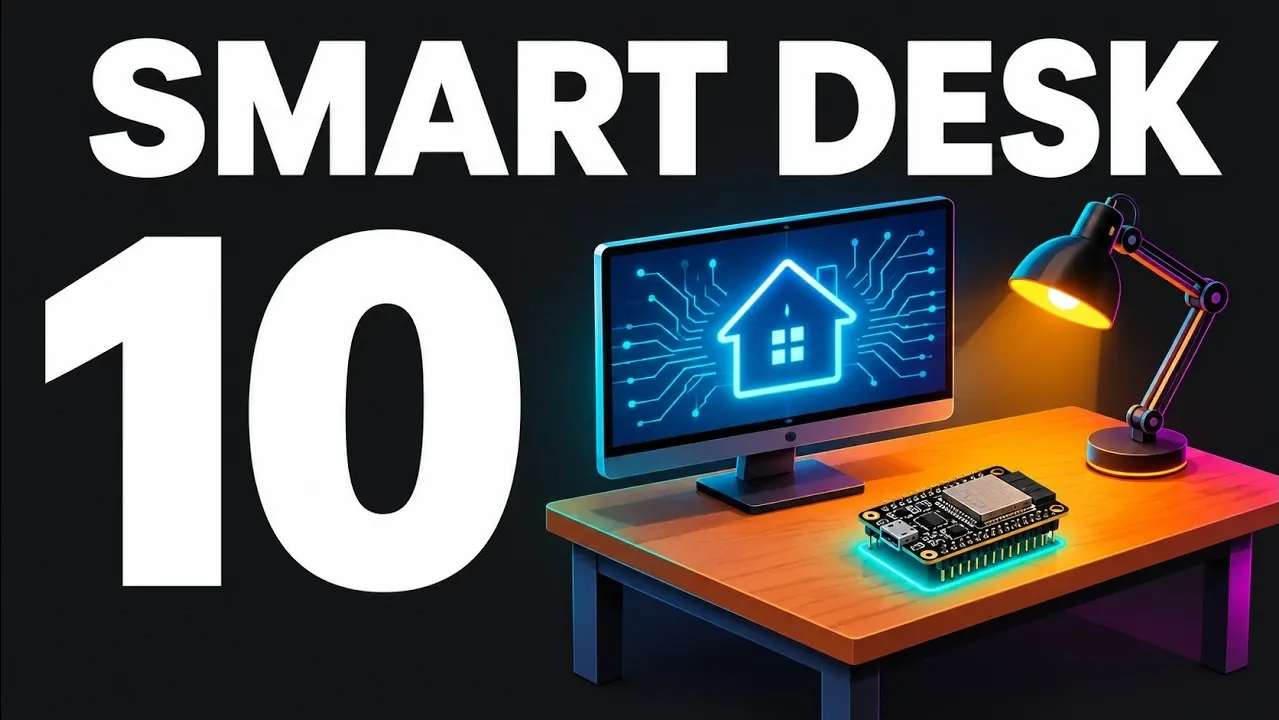
The ESP32 microcontroller opens up a world of possibilities for creating functional and creative desk gadgets. From monitoring internet connections with an LED-based traffic light to automating a desk fan with temperature sensors, these projects showcase the ESP32’s versatility. Many designs, such as the decision dice using an MPU-6050 accelerometer, are beginner-friendly while still offering opportunities to learn about coding and hardware integration. These ideas are explored in detail by IoT Journal.
Discover how to build a Bluetooth volume knob for precise media control, set up immersive bias lighting with WLED firmware, or create a USB power meter for monitoring device performance. You’ll also gain insight into managing power requirements for high-current components, like LED strips and PC fans, and learn practical tips for ensuring logic-level compatibility. These projects provide a hands-on way to enhance your workspace with smart, customizable solutions.
TL;DR Key Takeaways :
- The Internet Traffic Light project uses the ESP32 to monitor multiple web addresses and change an LED’s color based on connection status. Configuring it to check multiple addresses prevents false alarms caused by individual server issues.
- The Decision Dice project employs an MPU-6050 accelerometer to detect motion and generate random numbers. Adjusting the shake threshold and adding a delay improves reliability by reducing multiple rolls from a single shake.
- The Eye Distance Reminder uses an HC-SR04 ultrasonic sensor to measure the user’s distance from the monitor, issuing alerts if they sit too close. This privacy-friendly solution avoids cameras but requires voltage adjustments for compatibility with the ESP32.
- The Adaptive Desk Lamp adjusts brightness based on ambient light levels using a BH1750 sensor and a PWM-controlled LED strip. Proper sensor placement and high PWM frequency are necessary to avoid feedback loops and flickering.
- The Bluetooth Volume Knob functions as a wireless keyboard to control media volume. It requires debouncing logic to handle mechanical bounce in rotary encoders and must use an ESP32 variant with Bluetooth functionality, as the ESP32-S2 lacks this feature.
10 ESP32 Projects to Upgrade Your Desk
The ESP32 microcontroller offers a versatile platform for creating smart desk gadgets, ranging from practical tools to entertaining automations. Operating on safe, low voltage, these projects are beginner-friendly and ideal for experimentation. Below are 10 desk upgrades powered by the ESP32, highlighting their functionality, challenges, and considerations.
1. Internet Traffic Light
Construct an internet traffic light that monitors connection status. The ESP32 checks multiple web addresses, changing an LED’s color to green for a stable connection or red for a dropout. Relying on a single address can cause false alarms if that server has issues, so configure the ESP32 to check at least two or three addresses. Use a resistor for the LEDs or a module with a built-in resistor to prevent damage.
2. Decision Dice
A decision dice that generates random numbers when shaken. It uses the MPU-6050 accelerometer module to detect motion, triggering the ESP32 to compute a random number. The sensor boots in sleep mode by default, requiring manual activation in the code. Adjusting the shake threshold and adding a delay can reduce multiple rolls from a single shake, improving reliability.
3. Eye Distance Reminder
Use an HC-SR04 ultrasonic sensor to measure the distance between the user and the monitor, issuing an alert if the user sits too close. This privacy-friendly solution avoids cameras but requires a voltage divider or level shifter to reduce the sensor’s 5 V output to the ESP32’s 3.3 V logic level. Note that hobby-grade sensors like the HC-SR04 are not certified for medical, diagnostic, or security purposes.

Below are more guides on ESP32 from our extensive range of articles.
- $5 ESP32-S3 Super Mini Packs Wi-Fi and Bluetooth
- The $4 ESP32 S3 Super Mini Packs a 240 MHz Dual-Core Chip
- How an $8 ESP32 S3 Microcontroller Runs a 28.9M Parameter Local LLM
- 5 ESP32 Projects Worth Building in 2026: Such as an Apple HomeKit Controller
- $4 ESP32 Module Brings Wi-Fi and Bluetooth to IoT Projects
- Replacing Security Cameras with Three $10 ESP32S3 Wi-Fi Boards
- ESP32-S3 Super Mini Costs $5 and Packs Wi-Fi and Bluetooth
- Gemini 4 Argon Writes ESP Mosaico Firmware to Control RGB LEDs
- ESP32-S3 Super Mini Brings 240 MHz Dual-Core Power For $4
- ESP32 S31 Devkit Hands-on: 320 MHz RISC-V Chip Adds Wi-Fi 6
4. Adaptive Desk Lamp
Build an adaptive desk lamp that adjusts brightness based on ambient light levels. A BH1750 light sensor measures surrounding light, while the ESP32 controls a low-voltage LED strip via a PWM signal sent through a MOSFET. To avoid flickering, use a high PWM frequency. Place the light sensor carefully, as positioning it toward the lamp can create a feedback loop where the lamp reacts to its own light.
5. Immersive Bias Lighting
WLED firmware on the ESP32 powers addressable LED strips for immersive monitor backlighting. Software like Adafruit or Hyperion synchronizes the strip’s colors with the screen. However, addressable 5-V LED strips draw significant current and require a dedicated power supply, as the ESP32 cannot power them directly. Setting a software brightness limit in WLED is recommended for safety. Use proper power supplies and appropriately sized wires to prevent overheating.
6. Temperature-Controlled Desk Fan
Automate a desk fan using a temperature sensor and a four-pin PC fan. The ESP32 sends a 25-kHz PWM signal to the fan’s control wire, adjusting its speed based on room temperature. The fan requires its own 12-V power supply, as the ESP32 cannot power it directly. Connect the fan’s ground to the ESP32’s ground, and share a ground wire between the ESP32 and external power supplies for accurate logic signal readings.
7. USB Power Meter
A USB power meter that measures voltage, current, and power using an INA219 sensor. Positioned on the positive wire, the sensor offers a resolution of under 1 milliamp and can measure up to 3.2 amps. Its internal shunt resistor causes a slight voltage drop, and it must not be used for high-voltage mains power. This tool is practical for regular testing and monitoring.
8. NFC Tag Launcher
An NFC module, such as the RC522 or PN532, to read NFC tags and trigger automations via ESPHome and Home Assistant. While convenient for launching apps or controlling smart home scenes, NFC tag IDs are easy to clone, making them unsuitable for security applications.
9. Build Status Light
A status light that monitors services like GitHub for workflow updates. Unauthenticated API requests are limited to 60 per hour, but using a read-only token increases this limit to 5,000. Optimizing the polling interval helps avoid exceeding rate limits. API tokens must remain confidential and should not be uploaded to public code repositories.
10. Bluetooth Volume Knob
A Bluetooth volume knob that functions as a wireless keyboard to control media volume. Mechanical bounce in rotary encoders can cause false inputs, requiring debouncing logic in the code. The ESP32-S2 chip lacks Bluetooth functionality, so use the correct variant for this project.
Key Considerations
Proper power management is critical across all these projects. Components like LED strips and PC fans draw significant current and require dedicated power supplies. Always share a ground wire between the ESP32 and external power supplies for accurate logic signal readings. Verify the logic voltage levels of every module to prevent damage.
Beginners should start with simpler projects, such as the internet traffic light or decision dice, to build confidence before attempting more complex builds like the USB meter or Bluetooth volume knob. Incrementally adding features to basic code is also recommended.
Hobby-grade meters and distance sensors are not reliable for certified applications and should only be used for hobbyist purposes. Advanced projects, such as the build status light (complex APIs) and Bluetooth volume knob (debouncing logic), require more experience and debugging skills, making them better suited for seasoned users.
These projects demonstrate the ESP32’s versatility, offering practical and creative desk enhancements. While accessible to beginners, they highlight the importance of careful component selection, power management, and safety precautions. According to IoT Journal, these builds provide an “perfect playground” for beginners, exploring the ESP32’s potential, whether monitoring internet connections, automating lighting, or measuring USB power.
Media Credit: IoT Journal
Disclosure: Some of our articles include affiliate links. If you buy something through one of these links, Geeky Gadgets may earn an affiliate commission. Learn about our Disclosure Policy.
