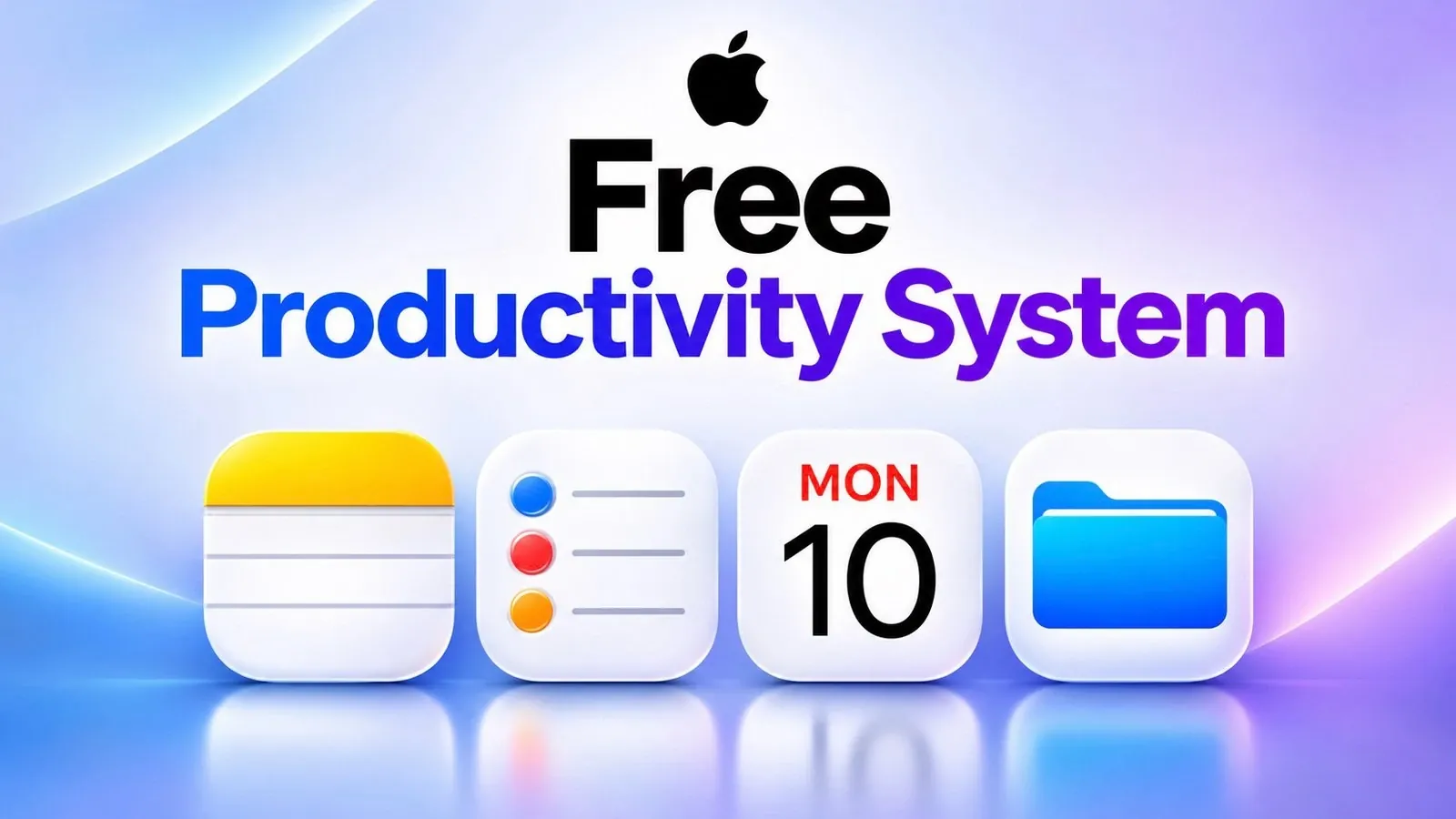
Relying on pre-installed apps, Apple’s ecosystem offers a free, integrated approach to productivity. By combining Apple Calendar, Apple Reminders, and Apple Notes, users can streamline task management without third-party subscriptions. For instance, tasks scheduled in Reminders automatically sync with Calendar, appearing alongside events for a unified view of your day. This system emphasizes realistic planning and efficient organization, as demonstrated by AshLee Digital.
Explore how to break down projects into manageable steps using categorized lists in Reminders, allocate focused time blocks in Calendar, and centralize resources in Notes. You’ll gain insight into linking notes to calendar events, customizing task lists, and syncing schedules seamlessly across devices. Whether managing work deadlines or personal goals, this guide outlines practical strategies to help you maximize productivity using Apple’s built-in apps.
TL;DR Key Takeaways :
- Apple Calendar, Apple Reminders, and Apple Notes form a free, integrated productivity system for task management, scheduling, and note organization, available on iPhone, iPad, and Mac.
- Apple Reminders allows users to create categorized task lists with customizable names, icons, and colors, and scheduled tasks automatically sync with Apple Calendar for cohesive planning.
- Apple Calendar integrates with Reminders to display scheduled tasks alongside events, enabling users to allocate specific time blocks for tasks and avoid over-scheduling.
- Apple Notes serves as a central repository for supporting materials, with the ability to link notes to calendar events for quick access and improved efficiency.
- Testing suggests this system provides a cohesive, cost-free alternative to paid productivity apps, particularly for Apple users managing multi-step projects or seeking a unified workflow.
Apple’s Free Productivity System: Calendar, Reminders, and Notes
Apple Calendar, Apple Reminders, and Apple Notes are pre-installed apps available on iPhone, iPad, and Mac. Together, they create a free, integrated productivity system for managing tasks, schedules, and notes. By combining these tools, users can streamline their planning process without the need for third-party applications.
Breaking Down Tasks with Apple Reminders
Apple Reminders is the foundation of this system, designed to simplify task management. Instead of relying on a single, overwhelming list, users can create separate lists for different categories, such as work, personal tasks, or shopping. This approach improves organization and makes it easier to prioritize responsibilities. Each list can be customized with a unique name, icon, and color for quick identification. Adding tasks is straightforward and can even be done using voice commands through the on-screen assistant.
Tasks can be scheduled with specific dates and times, ensuring they are not just listed but also planned. For instance, a task like “edit my video on Tuesday” can be scheduled directly in Reminders. Once assigned a date, tasks automatically sync with Apple Calendar, appearing alongside events and appointments. This integration ensures that all time-sensitive tasks are visible in both apps, creating a cohesive workflow.

Browse through more resources below from our in-depth content covering more areas on productivity.
- iPhone Duo: Key Details Apple Barely Mentioned on Stage
- Turn Your iPhone into a Productivity Machine : From Distraction to Focus
- The Best iOS 27 Home Screen Layouts to Maximize Productivity
- Hidden iPhone DUO Tricks You Won’t Find in Apple’s Guides
- Spring 2027 Launch Set for the $1,300 Meta VR Glasses
- Unlocking the iPad mini’s TRUE Potential for Productivity
- XREAL 1 Pro+ vs VITURE Beast vs RayNeo GT Max: AR Glasses Gaming Tests
- Apple 2026 Productivity System : Calendar & Reminders Makes Time Blocking Easy, Notes Ties Everything Together
- Combine Apple Notes, Calendar, Reminders & Freeform For The Complete Apple Productivity Suite
- 5 Essential Microsoft Copilot AI Tools to Boost Your Work Efficiency
Time Management with Apple Calendar
Apple Calendar works seamlessly with Apple Reminders. When the “scheduled reminders” setting is enabled, tasks with assigned dates appear directly in the calendar view. This integration allows users to see their appointments, meetings, and tasks for the day in one unified space, making time management more efficient.
However, simply listing tasks isn’t enough. Allocating specific time blocks for each task ensures they fit into the day’s schedule. For example, if editing a video takes 2 hours, users can block that time on their calendar to plan realistically. By scheduling tasks in Reminders and blocking time in Calendar, users can avoid over-scheduling, a common issue when relying solely on to-do lists. This approach promotes realistic planning and ensures tasks are completed on time.
Organizing Information with Apple Notes
Apple Notes acts as a central repository for all supporting materials. Whether it’s research, links, ideas, or checklists, everything can be stored in a single note. For example, a note for a YouTube video project might include the title, an outline or script, links to resources, and a checklist for filming and editing.
Notes can also be linked to calendar events for quick access. Using the “copy link” option under the collaborate feature, users can paste the note link into a calendar event. This eliminates the need to search for notes during a task, saving valuable time. The ability to access linked notes directly from calendar events enhances efficiency and ensures that all necessary information is readily available when needed.
Creating a Unified Workflow
This system leverages the strengths of each app to create a cohesive workflow:
- Apple Reminders tracks tasks and deadlines.
- Apple Calendar allocates time for each task.
- Apple Notes organizes all necessary information.
For example, planning a YouTube video involves breaking the project into smaller tasks, such as writing a script, filming, editing, creating a thumbnail, and uploading. Dividing the project into manageable steps improves task management and reduces overwhelm. Each task is assigned a date in Reminders, appears in Calendar, and is linked to a note containing all relevant details. Blocking time for each step ensures steady progress and keeps the project on track.
Who Can Benefit from This System?
This free productivity system is ideal for Apple device users seeking a simple, integrated solution. Designed for iPhone, iPad, and Mac, it’s accessible to anyone within the Apple ecosystem. It’s particularly effective for managing projects that can be divided into distinct steps, such as work assignments, school projects, or family planning. The system’s flexibility allows it to adapt to various needs, but its success depends on using all three apps together and scheduling tasks realistically.
Based on testing, Apple Calendar, Apple Reminders, and Apple Notes offer a cohesive and functional alternative to paid productivity apps. For those already immersed in the Apple ecosystem, this system provides a cost-free, efficient way to stay organized and productive.
Media Credit: AshLee Digital
Disclosure: Some of our articles include affiliate links. If you buy something through one of these links, Geeky Gadgets may earn an affiliate commission. Learn about our Disclosure Policy.
