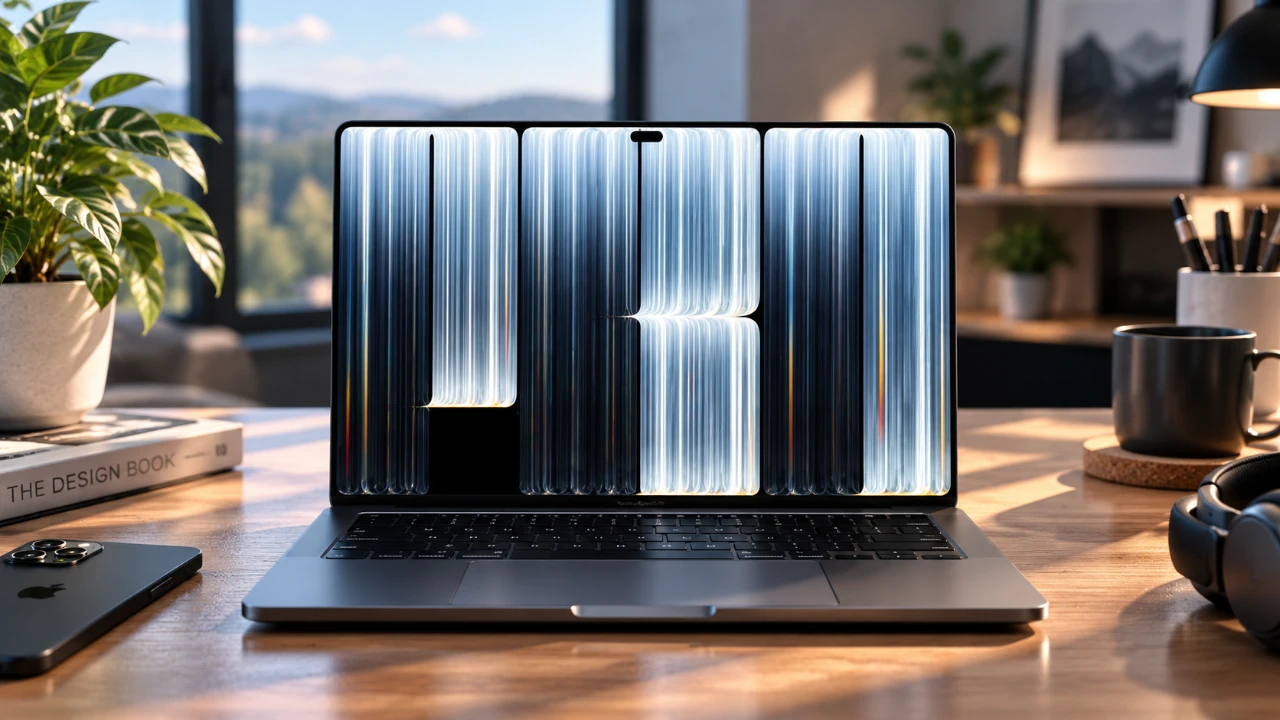
When selecting a MacBook Pro, the display is a pivotal factor that significantly impacts your overall experience. Apple provides three distinct display options: the ProLED XDR touchscreen display on the M5 Max MacBook Pro, the Nano-Texture display on the same model, and the standard display on the M1 Max MacBook Pro. Each display is tailored to different user needs, offering unique advantages in brightness, contrast, color vibrancy, and adaptability to various lighting conditions. This guide explores these options in detail to help you determine which display best aligns with your requirements. The video below from AppleDsign gives us more details on how the displays compare.
TL;DR Key Takeaways :
- ProLED XDR Brilliance: Reaches up to 2000 nits peak brightness with deep contrast and convenient touchscreen capabilities.
- Nano-Texture Glare Control: Utilizes a specialized matte finish to effectively diffuse harsh reflections in brightly lit office or outdoor spaces.
- Standard Display Alternative: Serves as a traditional, cost-effective panel choice for controlled indoor working environments.
- Workflow Match: Tailor your choice based on your primary lighting conditions, color-accuracy needs, and fingerprint resistance preferences.

ProLED XDR Display: Brightness and Contrast Redefined
The ProLED XDR display represents a significant advancement in display technology, offering unparalleled brightness and contrast. With a peak brightness of up to 2000 nits, it ensures exceptional clarity even in brightly lit environments. Its high contrast ratio enhances the depth of blacks and the vibrancy of colors, making it an excellent choice for viewing HDR content or working on tasks that demand precise color accuracy.
Key features of the ProLED XDR display include:
- Exceptional brightness for clear visibility in any lighting condition.
- High contrast ratio for lifelike visuals and vivid HDR performance.
- Touchscreen functionality with a fingerprint-resistant coating to minimize smudges.
This display is particularly suited for professionals such as photographers, video editors, and graphic designers who require accurate color representation and fine detail. Whether you’re working in bright daylight or a dimly lit room, the ProLED XDR display adapts seamlessly, maintaining sharp contrasts and vibrant colors. While the touchscreen feature introduces some susceptibility to fingerprints, its resistance coating ensures a clean and professional appearance with minimal effort.
Nano-Texture Display: Glare Reduction for Bright Settings
The Nano-Texture display is designed to address the challenges posed by glare in brightly lit environments. Its matte-like finish diffuses reflections, making it an ideal choice for users who work in spaces with strong light sources, such as offices with overhead lighting or outdoor settings. Although its brightness and contrast levels are slightly lower than the ProLED XDR display, it still delivers a high-quality visual experience.
Advantages of the Nano-Texture display include:
- Effective glare reduction for improved visibility in bright environments.
- Reduced eye strain during prolonged use, thanks to its matte surface.
This display is particularly beneficial for users who spend extended hours in front of their screens, as the reduced glare minimizes distractions and enhances comfort. However, in darker environments, the Nano-Texture display’s softer brightness may not provide the same level of vibrancy as the ProLED XDR display. As a result, it is best suited for users who primarily work in well-lit spaces and prioritize glare reduction over maximum brightness.
Standard Display: A Basic Yet Functional Option
The standard display on legacy MacBook Pro models offers a practical and functional experience but lacks the advanced features of the ProLED XDR and Nano-Texture displays. Its reflective surface makes it more prone to glare, especially under direct light, which can be distracting during use. Additionally, its lower brightness and contrast levels result in visuals that are less vibrant compared to the other options.
Who might consider the standard display?
- Users who primarily work indoors with controlled lighting conditions.
- Those seeking a cost-effective option without advanced display requirements.
While the standard display is sufficient for basic tasks such as web browsing, document editing and media consumption, it may not meet the expectations of users who demand superior brightness, contrast, or color accuracy. For those who prioritize affordability over innovative display technology, this option provides a reliable solution.
Performance Across Lighting Conditions
Each display option offers varying levels of performance depending on the lighting environment:
- ProLED XDR Display: Excels in both daylight and nighttime settings, delivering consistent brightness, vibrant colors and sharp contrasts. Its adaptability makes it a versatile choice for users who frequently switch between different lighting conditions.
- Nano-Texture Display: Effectively reduces glare in bright environments but softens brightness in darker settings, which may not appeal to all users.
- Standard Display: Struggles with glare in bright settings and lacks the vibrancy needed for optimal performance in low-light conditions.
The ProLED XDR display stands out as the most versatile option, offering superior performance across a wide range of lighting conditions. In contrast, the Nano-Texture display is optimized for bright environments, while the standard display is best suited for controlled indoor lighting.
Fingerprint Resistance and Maintenance
Fingerprint resistance is an important consideration, particularly for touchscreen displays. The ProLED XDR display includes a fingerprint-resistant coating that minimizes visible smudges, ensuring a clean and professional appearance. The Nano-Texture display, with its matte finish, is less prone to noticeable fingerprints, while the standard display may require more frequent cleaning due to its reflective surface.
Regardless of the display type, regular cleaning is recommended to maintain optimal clarity and appearance. Using a microfiber cloth and a screen-safe cleaning solution can help preserve the display’s quality over time.
Choosing the Right Display for Your Needs
Selecting the ideal MacBook Pro display depends on your specific needs, preferences, and work environment:
- ProLED XDR Display: The premium choice for professionals and enthusiasts who demand top-tier brightness, contrast, and color accuracy. Ideal for tasks involving high-resolution visuals and HDR content.
- Nano-Texture Display: A practical option for users who work in brightly lit environments and prioritize glare reduction. Best suited for prolonged screen use in well-lit spaces.
- Standard Display: A cost-effective solution for users with basic display needs who primarily work indoors.
By understanding the strengths and limitations of each display, you can make an informed decision that aligns with your workflow and environment. Whether you value innovative technology, reduced glare, or affordability, Apple’s MacBook Pro lineup offers a display option tailored to your requirements.
Expand your understanding of ProLED XDR Display with additional resources from our extensive library of articles.
Source & Image Credit: AppleDsign
Disclosure: Some of our articles include affiliate links. If you buy something through one of these links, Geeky Gadgets may earn an affiliate commission. Learn about our Disclosure Policy.
