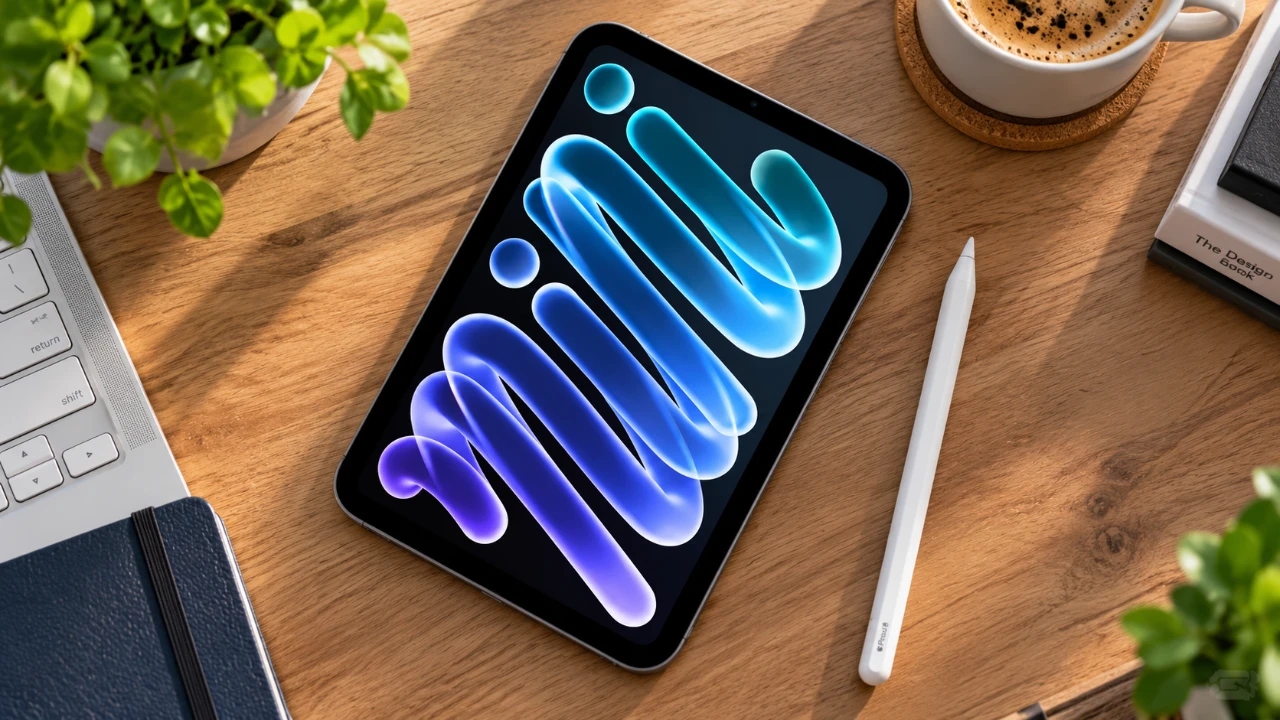
The OLED iPad Mini is an innovative device that combines advanced technology with user-friendly features. Whether you’re a new owner or upgrading from a previous model, understanding its capabilities is essential to fully use its potential. This guide explores key settings and features, offering practical tips to help you maximize your experience with this versatile device.
- Verify Battery Health: Inspect maximum capacity and cycle counts in settings to audit long-term hardware longevity.
- OLED Screen Preservation: Leverage dark mode and low minimum brightness settings to prevent burn-in and enhance visual comfort.
- Advanced Multitasking: Master Stage Manager window layouts, split views, and Slide Over drawers for true desktop productivity.
- Versatile USB-C Workflows: Connect external storage drives, scan documents, or reverse-charge accessories on the go.

Start with Device Verification
Before diving into customization, it’s important to ensure your iPad Mini is authentic and functioning optimally. Taking a few initial steps can help you confirm the device’s reliability and performance:
- Check the battery’s maximum capacity in the settings menu to ensure it is operating efficiently and hasn’t degraded significantly over time.
- Review the battery cycle count to monitor its long-term health and performance, which is particularly useful for maintaining consistent battery life.
These checks provide a solid foundation for a seamless user experience, making sure your device is ready for customization and daily use.
Optimize the OLED Display
The OLED display is a standout feature of the iPad Mini, offering vibrant colors and deep contrasts. To make the most of this advanced screen technology:
- Enable dark mode to reduce power consumption and minimize the risk of screen burn-in, especially during prolonged use.
- Adjust text size and boldness for improved readability, making sure comfort during extended reading or browsing sessions.
- Set automatic transitions between light and dark modes based on time of day or ambient light conditions, creating a seamless and adaptive viewing experience.
These adjustments not only enhance visual comfort but also contribute to extending the device’s battery life, making it more efficient for daily use.
Strengthen Security
Protecting your personal data and making sure device security is crucial. The iPad Mini offers several features to safeguard your information:
- Enable “Find My iPad” to track and locate your device in case it is lost or stolen, providing peace of mind.
- Set up Touch ID for secure and convenient access to apps, files and sensitive information.
- Add multiple fingerprints for shared devices, allowing trusted users to access the iPad without compromising security.
By taking these steps, you can ensure your device remains secure while maintaining ease of access for authorized users.
Master Multitasking and Gestures
The iPad Mini is designed to enhance productivity with its robust multitasking tools and intuitive gesture controls. To streamline your workflow:
- Activate Stage Manager to manage multiple app windows simultaneously, making multitasking more efficient and organized.
- Use gesture controls to switch between apps, take screenshots, or access Quick Notes with simple swipes or taps.
- Customize corner gestures to trigger specific actions, tailoring the device to suit your unique workflow and preferences.
These features make navigation smoother and improve efficiency, whether you’re working on complex tasks or enjoying leisure activities.
Organize Your Home Screen
A well-organized home screen can significantly improve your productivity and keep your device clutter-free. To optimize your iPad Mini’s interface:
- Use folders to group similar apps together, making it easier to locate and access them quickly.
- Rearrange apps in wiggle mode and hide unused pages to create a cleaner and more streamlined interface.
- Add widgets for tools like weather updates, calendar events, or battery monitoring, allowing you to stay informed at a glance.
These simple steps can save you time and make your iPad Mini more intuitive to use.
Enhance Productivity with Apple Pencil
The iPad Mini is compatible with both the Apple Pencil Pro and standard USB-C models, making it an invaluable tool for creativity and productivity. To get the most out of this accessory:
- Take notes directly from the lock screen for quick ideas or reminders, making sure you never miss an important thought.
- Create shortcuts for tasks like screenshots or annotations, streamlining your workflow and saving time.
This feature is particularly beneficial for students, artists and professionals who rely on precision and convenience in their daily tasks.
Use USB-C and File Management
The high-speed USB-C port on the iPad Mini adds a new level of versatility to the device, allowing seamless connectivity and file management. Key uses include:
- Connect external hard drives and access files through the Files app, simplifying the process of transferring and organizing data.
- Scan documents directly into the device for easy digital storage and sharing.
- Use the iPad as an extended or mirrored display for your Mac, enhancing multitasking and productivity during work or presentations.
- Charge other devices using the USB-C port, adding convenience to your setup and reducing the need for additional chargers.
These capabilities make the iPad Mini a versatile tool for both personal and professional use.
Know How to Troubleshoot
Even the most advanced devices can encounter occasional issues. If your iPad Mini becomes unresponsive, performing a hard reset can often resolve software-related problems. To do this:
- Press and quickly release the volume up button, then do the same with the volume down button.
- Press and hold the power button until the Apple logo appears, indicating the device is restarting.
Familiarizing yourself with this process can save time and prevent unnecessary frustration, making sure your device remains functional when you need it most.
Personalize and Enjoy Your iPad Mini
The OLED iPad Mini is a feature-rich device designed to cater to a wide range of users, from casual enthusiasts to professionals. By exploring and customizing its settings, you can tailor the device to your specific needs and preferences. From optimizing the OLED display to mastering multitasking tools, every feature is designed to enhance your experience and streamline your daily activities. Take the time to personalize your iPad Mini and unlock its full potential for work, creativity and entertainment.
Gain further expertise in OLED iPad Mini by checking out these recommendations.
- Apple’s OLED iPad Mini Is Finally Happening: Here Is Everything We Know
- Apple iPad Mini 8 Just Fully Leaked: Here is Everything Changing
- Leaked OLED iPad Mini Details Surface, but Does It Finally Deserve the ‘Pro’ Name?
- iPad Mini 8: Major Changes Coming to Apple’s Next Compact Tablet
- iPad Mini 8 Leaks: Massive Upgrades, But Will You Pay $799 for It?
Source: HotshotTek
Disclosure: Some of our articles include affiliate links. If you buy something through one of these links, Geeky Gadgets may earn an affiliate commission. Learn about our Disclosure Policy.
