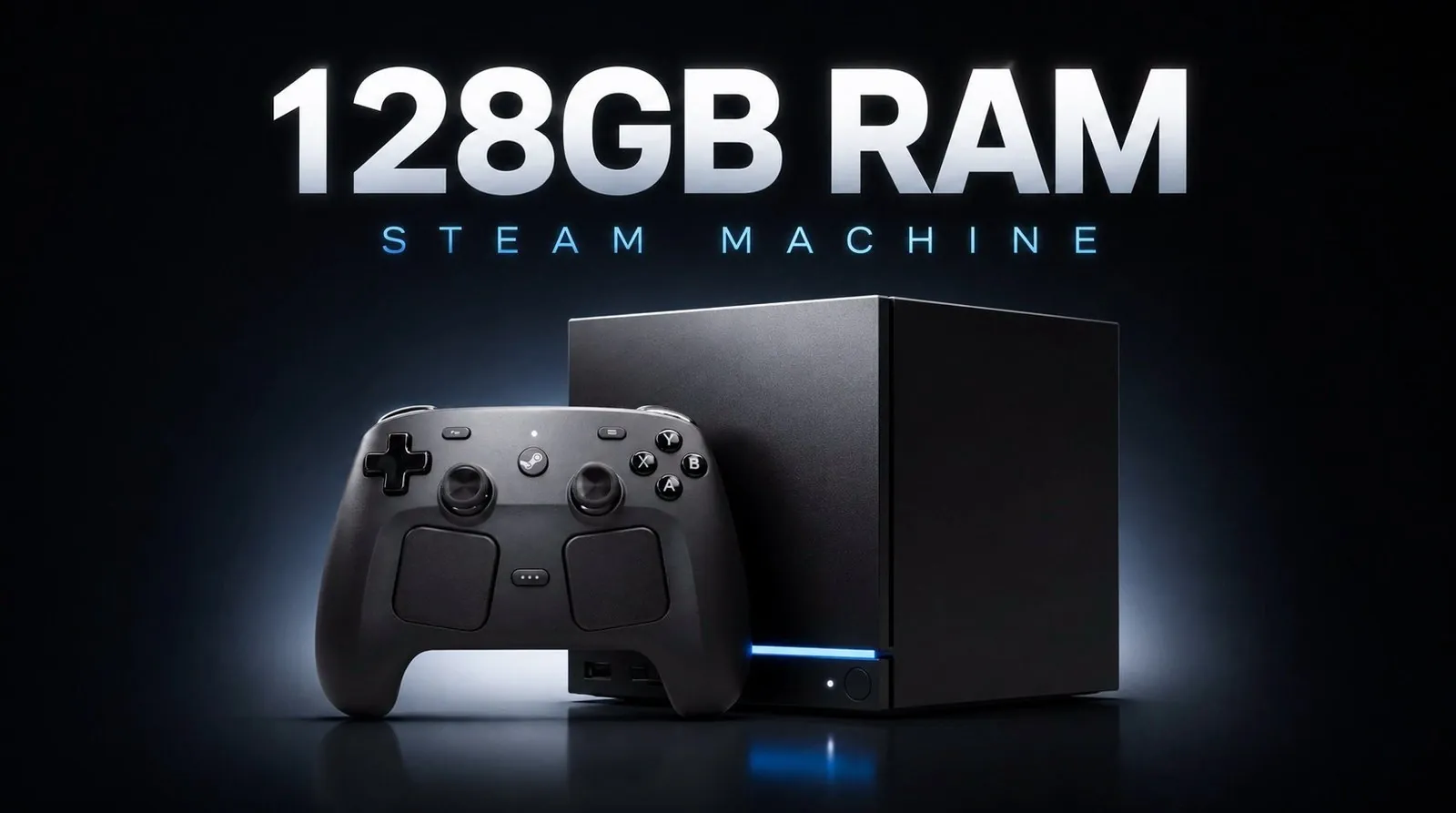
JayzTwoCents dives into the ambitious task of upgrading a Steam Machine to an unprecedented 128GB of RAM, far exceeding its typical configuration. While the Ryzen architecture supports this capacity, the process revealed significant challenges, such as navigating BIOS adjustments, addressing stability issues and dealing with the system’s inherent limitations when handling extreme memory setups. Most Steam Machines come equipped with a single 16GB SO-DIMM stick, making this upgrade a dramatic departure from standard configurations and a valuable case study in pushing hardware boundaries.
Dive into the complexities of installing high-capacity RAM, including the technical hurdles of BIOS configuration and compatibility checks. Gain insight into how this upgrade impacts both gaming performance and professional workloads. Compare the trade-offs of extreme memory setups with more practical dual-channel configurations, such as 16GB or 32GB kits, to better understand the balance between cost, performance and feasibility.
The 128GB Upgrade: Testing the Limits
TL;DR Key Takeaways :
- Upgrading a Steam Machine to 128GB of RAM is technically possible but highly complex, requiring advanced technical knowledge and BIOS adjustments.
- The performance gains from a 128GB RAM upgrade are minimal for gaming and general use, with most modern applications not using such high memory capacities.
- A dual-channel 16GB or 32GB RAM configuration offers a much better cost-to-performance ratio, significantly enhancing gaming and multitasking capabilities.
- The teardown process to access RAM slots is challenging and can risk hardware damage, making professional assistance or thorough research essential for beginners.
- For most users, practical upgrades like dual-channel memory kits and faster SSDs provide noticeable performance improvements without the excessive cost or complexity of a 128GB setup.
Default RAM Setup: A Foundation for Performance
Most Steam Machines are equipped with a single 16GB SO-DIMM stick by default. While this setup is functional for general gaming and multitasking, it does not use the benefits of dual-channel memory, which can significantly enhance performance in certain scenarios. This default configuration leaves room for improvement, especially for users seeking smoother gameplay or better multitasking capabilities. Upgrading to a dual-channel setup, such as 16GB or 32GB, can already provide noticeable performance gains without venturing into extreme configurations.
To explore the upper limits of the Steam Machine’s hardware, a 128GB RAM kit (2x64GB SO-DIMM) was installed. This configuration far exceeds the typical requirements for gaming or general use. While the Ryzen-based architecture officially supports up to 128GB of RAM, this setup is not validated by most manufacturers, raising concerns about compatibility, stability, and long-term reliability.
The Steam Machine successfully recognized and utilized the full 128GB of RAM, but the process was far from straightforward. The upgrade required significant technical expertise and patience, as the system was not inherently optimized for such high-capacity configurations.

Discover other guides from our vast content that could be of interest on Steam Machine.
- Why Valve’s New Steam Machine Could Outperform the PS5 in Your Living Room
- Valve Confirms Summer 2026 Release Window for Steam Machine and Steam Frame
- What Valve’s Leaked June 2026 Steam Machine Details Mean for Your Living Room
- Leaked Geekbench Scores Reveal the True Power of the $750 Steam Machine
- Latest Leaked Clues Pointing to Valve’s Steam Machine Launch Date
- How to Build a Capable DIY Steam Machine for Under $170
- New SteamOS Update Reveals Details About Valve’s Upcoming Steam Machine
- Regulatory Filings Reveal June 2026 Launch for Valve’s Steam Machine
- What Valve’s New FCC Filings Reveal About the 2026 Steam Machine
- Steam Frame vs Quest 3 : Why Valve Completely Outperforms Meta
Challenges in Compatibility and Installation
Installing 128GB of RAM in a Steam Machine presented several hurdles, including:
- Adjusting BIOS settings to ensure the system could recognize the full memory capacity.
- Navigating a BIOS interface that was not designed for such high-capacity configurations, leading to trial-and-error adjustments.
- Addressing stability issues during initial testing, such as occasional crashes or freezes under heavy workloads.
While the upgrade is technically feasible, it demands a high level of technical knowledge and troubleshooting skills. For users unfamiliar with BIOS settings or hardware configurations, this process can be overwhelming and time-consuming.
Performance Gains: Minimal Impact
Despite the massive increase in memory capacity, the performance improvements were underwhelming. In gaming scenarios, frame rates saw only slight increases, particularly in memory-intensive titles. However, the difference was negligible compared to a dual-channel 16GB or 32GB setup. Most modern games and applications simply do not use such high memory capacities, rendering the additional RAM unnecessary for the majority of users.
For professional workloads, such as video editing or 3D rendering, the extra RAM may provide some benefits. However, even in these cases, the performance gains are often limited by other hardware components, such as the CPU or GPU, rather than the memory capacity.
Cost vs Practicality
The cost of a 128GB RAM kit is significantly higher than the price of the Steam Machine itself, making this upgrade an impractical choice for most users. By comparison, a high-quality 16GB or 32GB dual-channel kit offers a much better cost-to-performance ratio. These configurations deliver noticeable improvements in gaming and multitasking without the excessive expense or complexity of a 128GB setup.
For the average user, investing in a balanced upgrade, such as a dual-channel memory kit and a faster SSD, provides far greater value and a more noticeable impact on overall system performance.
The Teardown Process: A Technical Challenge
Accessing the RAM slots in a Steam Machine is not a straightforward task. The process involves:
- Removing the outer casing to expose the internal components.
- Disconnecting various internal parts to gain access to the RAM slots.
- Carefully replacing the SO-DIMM modules and reassembling the system.
This teardown process can be daunting for beginners, as mishandling components during reassembly could lead to hardware damage or reduced system functionality. For users without prior experience in hardware upgrades, seeking professional assistance or thoroughly researching the process is highly recommended.
Practical Alternatives for Most Users
For the vast majority of users, upgrading to a dual-channel 16GB or 32GB configuration is a more practical and cost-effective solution. This setup:
- Maximizes the Steam Machine’s performance without the excessive cost or complexity of a 128GB upgrade.
- Enhances gaming performance and system responsiveness by using dual-channel memory.
Such upgrades strike a balance between performance and practicality, making them ideal for gamers and multitaskers who want to improve their system without unnecessary complications.
Exploring Additional Optimization Options
If you’re looking to further optimize your Steam Machine, there are other advanced techniques to consider:
- BIOS unlocking to access hidden performance settings and fine-tune your system.
- Overclocking the CPU or GPU to boost processing power, provided you have adequate cooling solutions.
- Undervolting to improve energy efficiency and reduce thermal output, which can enhance system stability during extended gaming sessions.
These methods can provide incremental performance improvements but require a solid understanding of hardware and software to avoid unintended consequences.
Key Takeaways
Upgrading a Steam Machine to 128GB of RAM is a technically impressive feat but offers little practical benefit for most users. The cost, complexity, and minimal performance gains make it an impractical choice for gaming or general use. Instead, focus on dual-channel 16GB or 32GB configurations, which provide a better balance of performance, cost, and ease of installation. If you decide to upgrade, approach the teardown process carefully and ensure your chosen configuration aligns with your specific needs, whether for gaming, multitasking, or professional workloads.
Media Credit: JayzTwoCents
Disclosure: Some of our articles include affiliate links. If you buy something through one of these links, Geeky Gadgets may earn an affiliate commission. Learn about our Disclosure Policy.
